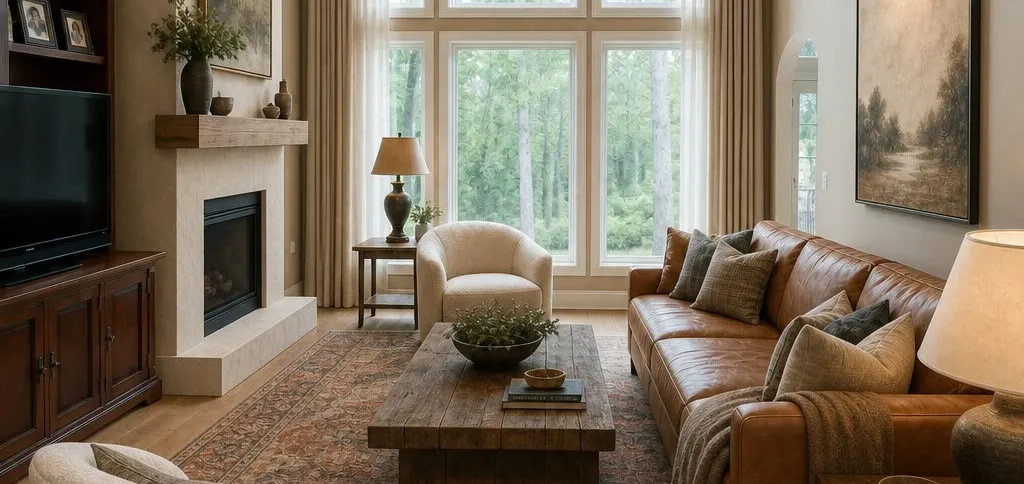
What is AI room redesign?
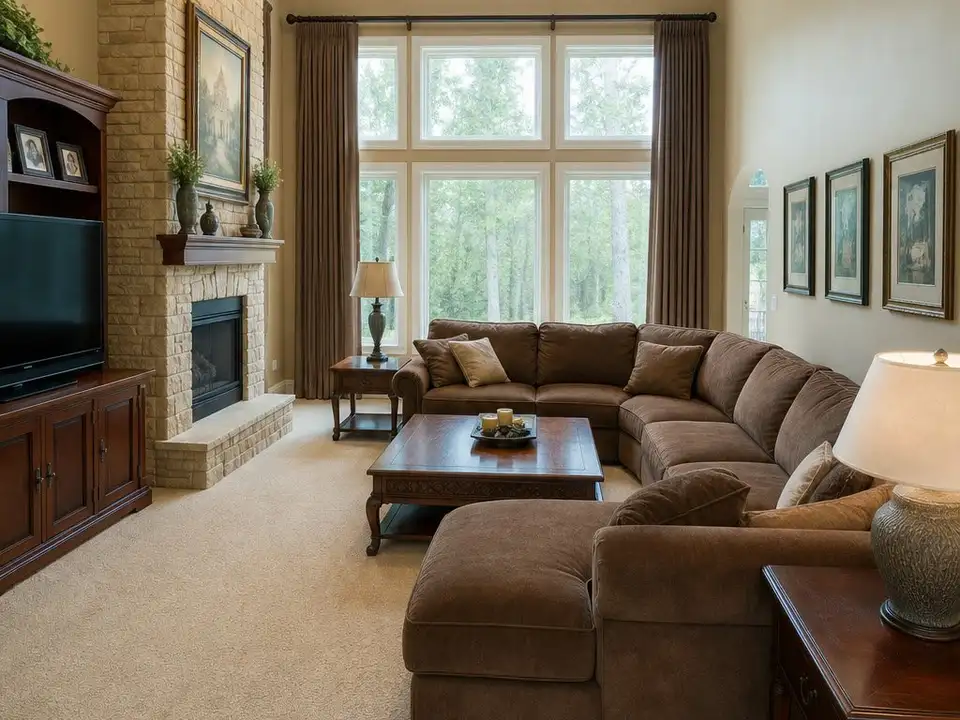
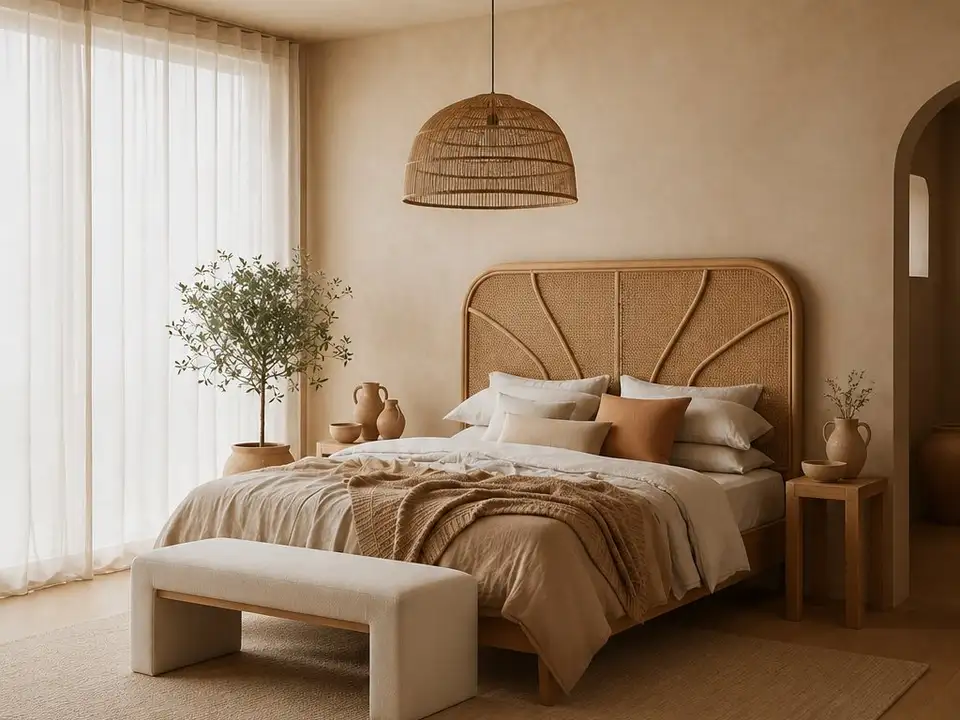
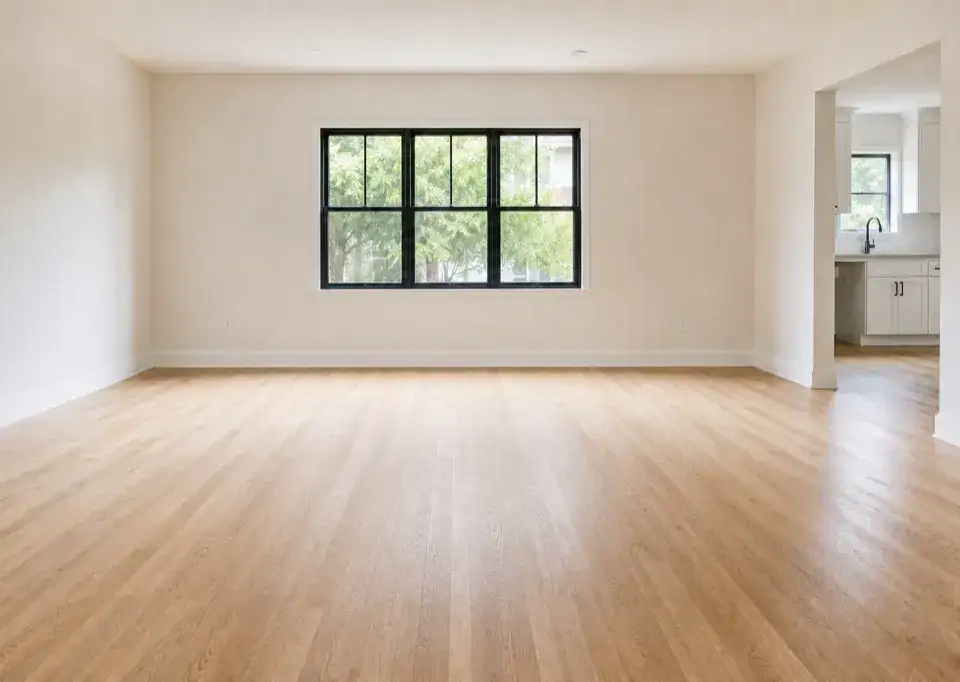
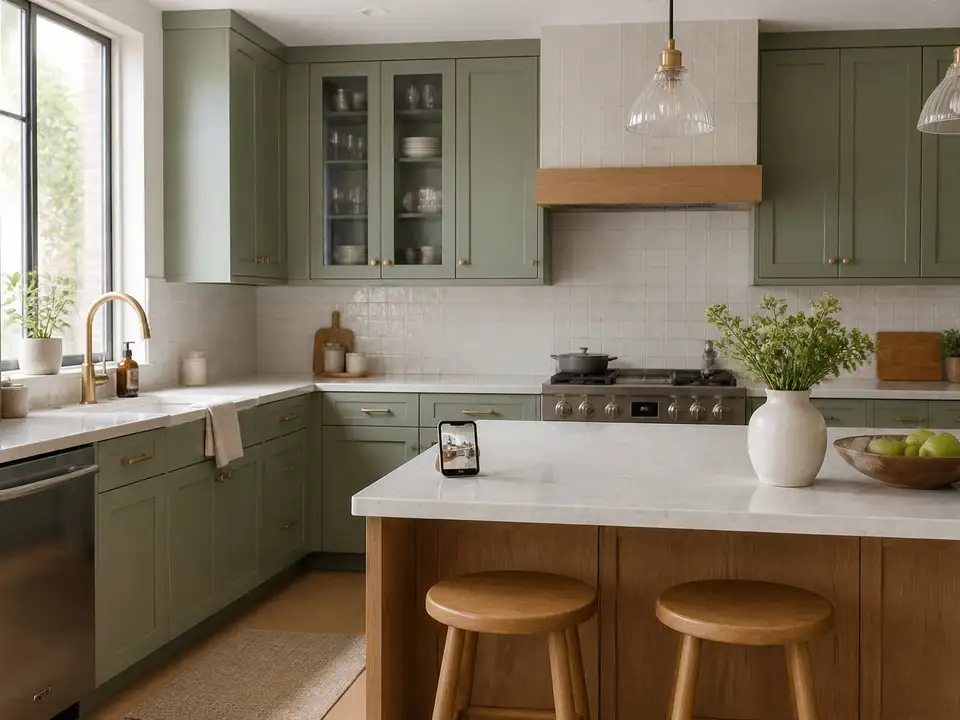
AI room redesign is a way to preview a different look for a real room using a photo of it. You supply the photo and pick a style, and an image model produces a picture of the same room, restyled. The goal is that it still looks like your room, with a different sofa, palette, lighting and finishes.
It sits between two other kinds of tools. A 3D room planner needs you to enter every dimension by hand, which is precise but slow. A text-to-image generator invents a room from a written description, which can look good but is not your space. Redesign from a photo starts with your room and changes the look.
Think of the result as a design sketch of a direction, not a drawing you can build from.
What happens when you upload a photo?
Four things happen, in this order. The app on your phone is the front end, and the image generation itself runs on a server rather than on the phone.
- Photo. You take a photo of the room or choose one from your library. This original stays attached to your project as the "before" reference.
- Style. You pick a look, such as Japandi, Scandinavian, mid-century, industrial, coastal, boho, farmhouse or minimalist. Revamp AI offers more than 80 looks to try on your own photo.
- Generation. Your photo and the chosen style go to an AI image model. The aim is to keep the structure (walls, windows, doors, layout) and change the style, furniture and finishes.
- Compare. You look at the result next to your original. This step matters more than it sounds, because the result can get details wrong and only the comparison will show it.
For tips on getting a good starting image, see our guide to photographing a room for an AI redesign.
What is the AI actually doing to my room?
It is generating a new image, guided by your photo. Image models of this kind learn from very large collections of pictures what rooms, materials and furniture styles look like. When you give one your photo, it uses that photo as the starting point and the style as the direction, then produces a picture where the room's layout is meant to stay and the look changes.
The important word is meant. Keeping the structure is a goal the system works toward, not a guarantee. The model is producing a plausible picture, not measuring your room or editing it layer by layer like a design program.
We keep this description deliberately simple. How a given model works inside differs between products, and the practical lesson is the same for all of them: the output is a convincing image, not a verified plan. For more on why structure matters and how to check it, read how to keep your room's structure in an AI redesign.
What can AI room redesign not do?
It cannot reliably tell you real sises. The model has no tape measure, so scale and dimensions in the result are not trustworthy. A sofa that looks right in the picture may be too large for the wall, and walking space can look better than it is.
It is a visual mood, not a floor plan. It also does not know about load-bearing walls, outlets, door swings, radiators, building codes or whether a product in the picture exists to buy. Treat anything you would spend money on as something to measure yourself.
| Safe to take from the result | Check before acting |
|---|---|
| Colour palette and overall mood | Furniture sise against your real wall |
| Style direction (warm, airy, moody) | Walking space and door clearance |
| Materials and finishes you like | Whether a piece exists or fits your budget |
| Lighting feel | Anything structural, electrical or plumbing |
To decide how much to trust a result and where a designer still earns their fee, see AI interior design vs an interior designer.
Why do AI redesigns sometimes look wrong?
Details can drift, and the usual causes are the photo and the way the image is generated. The model produces a new picture rather than editing yours, so small things can change even when the overall room holds.
- A window, door or vent shifts, appears or disappears. Compare edges and openings against the original.
- Furniture is the wrong sise. Scale is the model's weakest point.
- Straight lines bend, or objects blend together. More likely in cluttered or dark photos.
- Items you did not ask to change are altered. Pictures, shelves and small objects often drift.
- The room looks like a showroom. Judge the palette and mood, then run another style.
Most of these are easier to prevent with a better input. A clear, well-lit photo that shows the whole room, with floors and corners visible, gives the model more to work with. Poor light, heavy clutter and extreme wide-angle distortion make drift more likely.
Which kind of tool should I use for what?
Match the tool to the question you are asking. Four common categories are easy to mix up, and only the first and third describe what Revamp AI does.
| You want to | Kind of tool | What you get |
|---|---|---|
| See your room in another style | Photo restyle (what Revamp AI's looks do) | A new picture of your room with a different style, furniture and finishes |
| Try a different arrangement | Furniture rearranging tools | A picture or plan with pieces moved; check every sise yourself |
| Understand what is wrong with a room | Room reading (Revamp AI's Room Doctor) | Named problems, where they are in the photo, and fixes to try |
| Make an empty room look lived in for listing photos | Virtual staging | Furniture added to an empty room for marketing |
Room Doctor works differently from a restyle. You photograph a room and it reads the actual photo: it names what is holding the room back, shows where in the photo, and suggests fixes to try tonight with what you already own. If you want to understand why a room feels off before you change anything, start with why your room feels off.
Staging is a different job from decorating for yourself, since the audience is a buyer. If that is your goal, see AI virtual staging for real estate.
In the Revamp AI app these tools are not separate screens. You work in one chat: restyle a room, ask for a single change, run the Room Doctor and shop what changed, and every version stays in the thread. To see how the score behind the Room Doctor works, read how the Room Doctor score works, and to turn a result into a list, read how to shop a redesigned room.
Is my photo safe when I use an AI design app?
Here is what Revamp AI's privacy policy says, in plain terms, and nothing beyond it. Your uploaded photos stay attached to their project as the "before" reference. Generated redesigns stay until you delete them or close your account.
Photos are processed by a third-party AI provider, Google Gemini. Your photos are not used to train AI models.
- Before you upload to any app, read its privacy policy for retention, third-party processing and training.
- Keep mail, documents, family photos and visible house numbers out of the frame.
- Delete projects you no longer need, and remember that closing your account removes your redesigns.
Every app is different. Do not assume another tool treats photos the same way; check its own policy.
What is AI room redesign good for?
It is good for quickly seeing options before you spend money. You can try several styles on the same room, notice which palette feels calm or cold, and narrow a direction before you buy paint, rugs or furniture.
It is also useful for starting a conversation. Bringing a few results to a designer, a partner or a landlord conversation shows what you mean faster than words do. If you rent, the same preview helps you decide what to change without committing; see AI interior design for renters.
The method that works is simple: choose a photo with good light, try a few styles, compare each result with the original, keep what you like, and measure before you buy. Revamp AI starts with a free trial, so you can test your own room before you subscribe.