New
Leather sofa
Cognac leather three-seater with rolled arms.
Rough range Higher
AI concept footage. Results vary with your photo.
The sofa that looked right online, until it arrived. 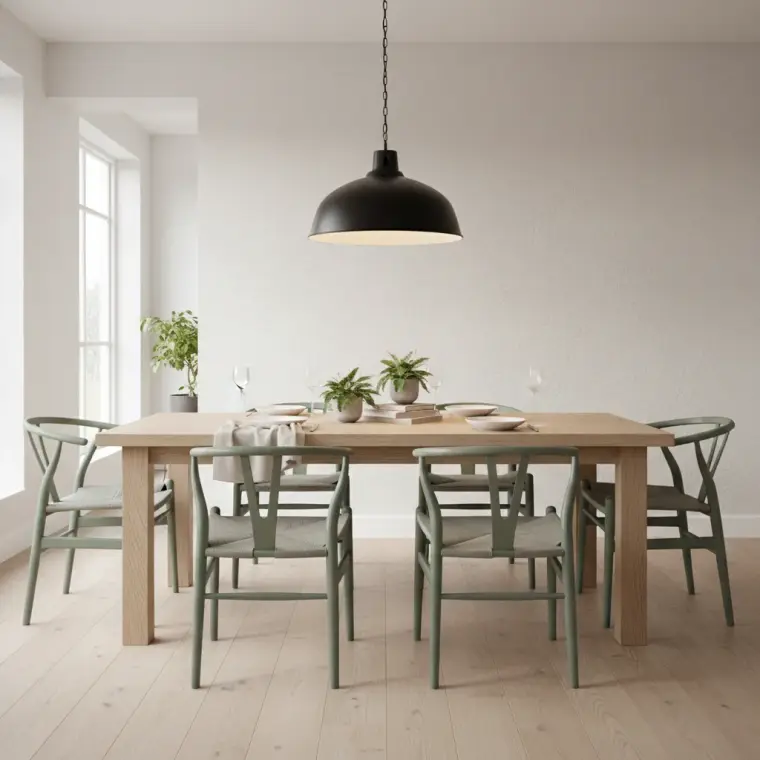 The paint that dried a shade darker than the chip.
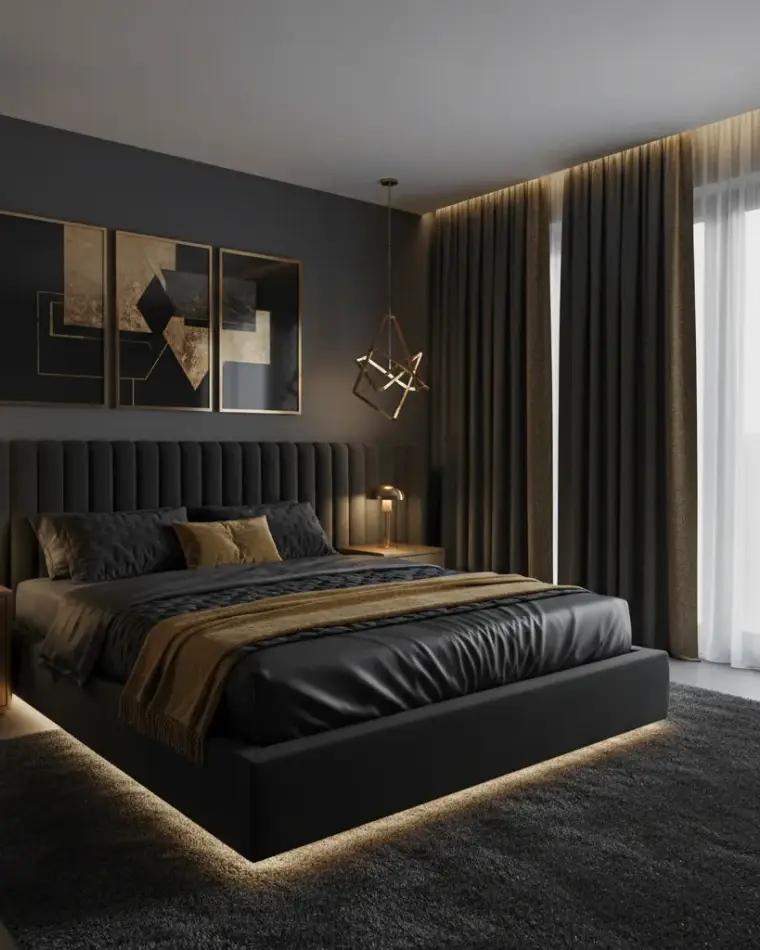 The layout you only questioned after the bed was moved.
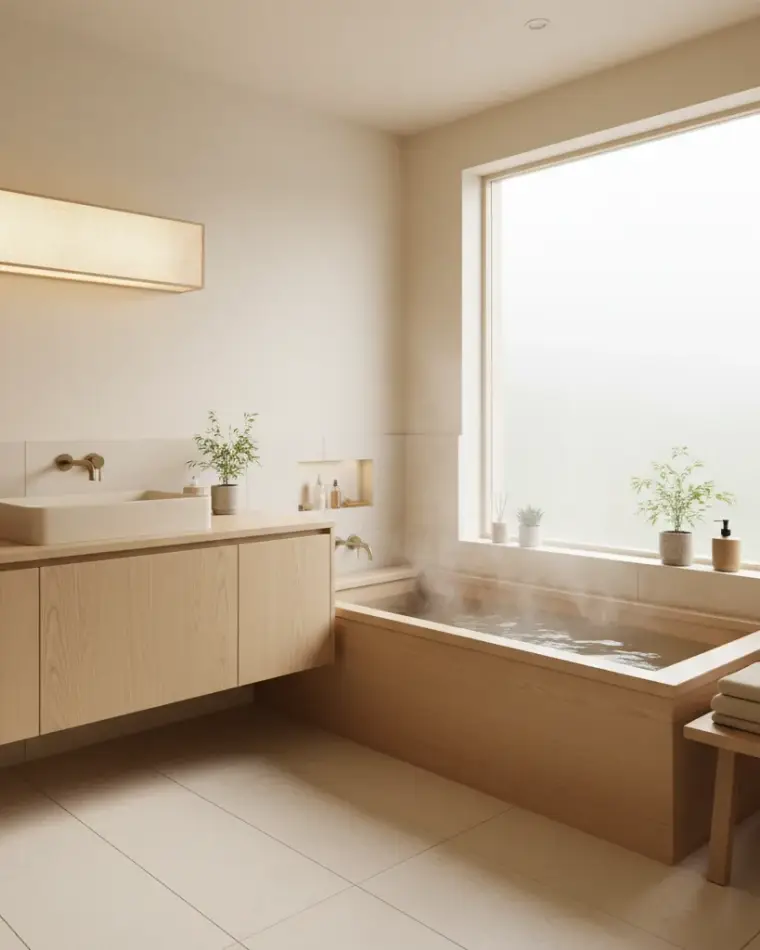
Redecorating asks you to commit before you can see the result. Revamp shows you first.
Revamp is built to keep walls, windows and doors where they are. Only the style changes, so what you see is a room you could actually build.
Hover or drag across the room to peek at the other side.
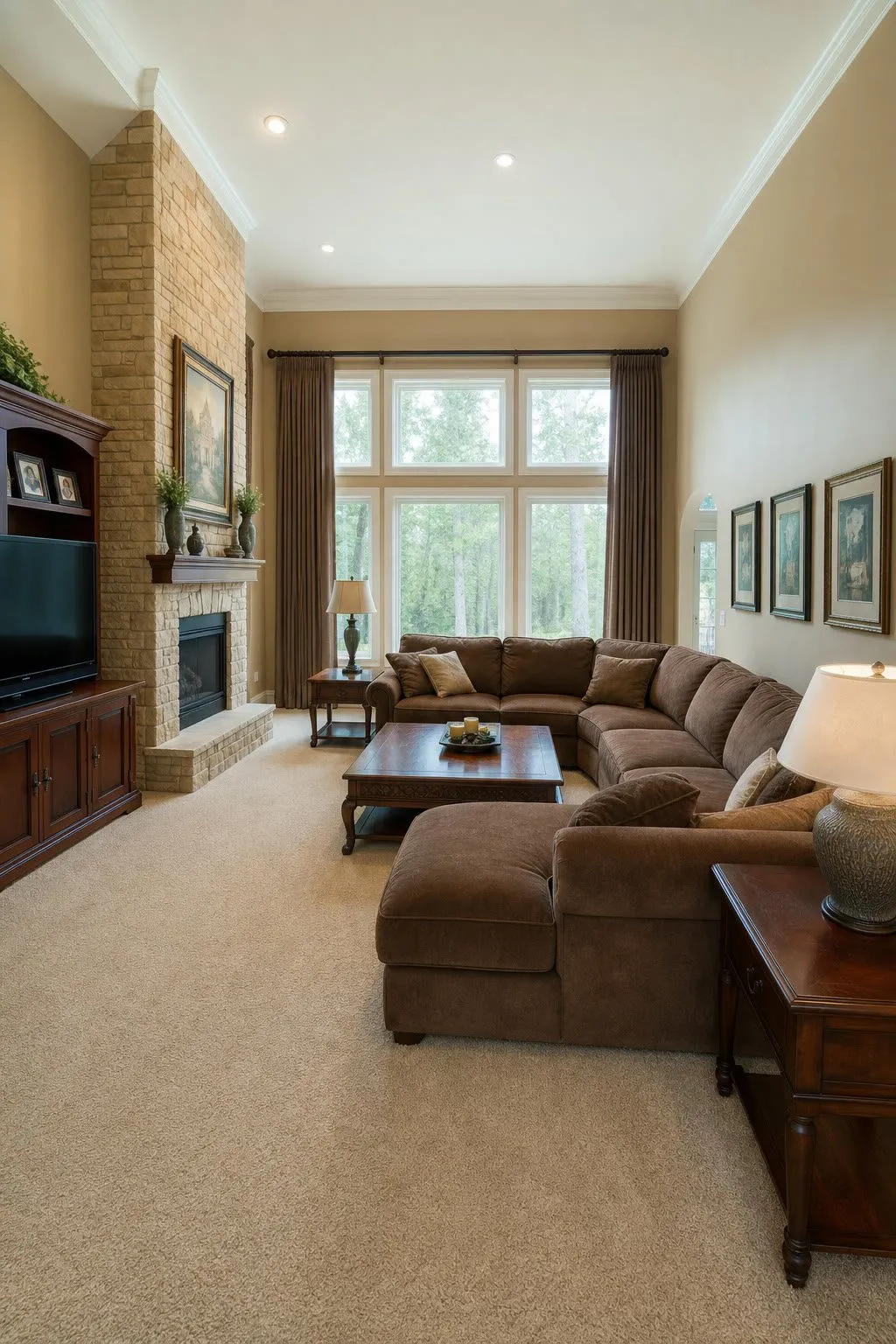
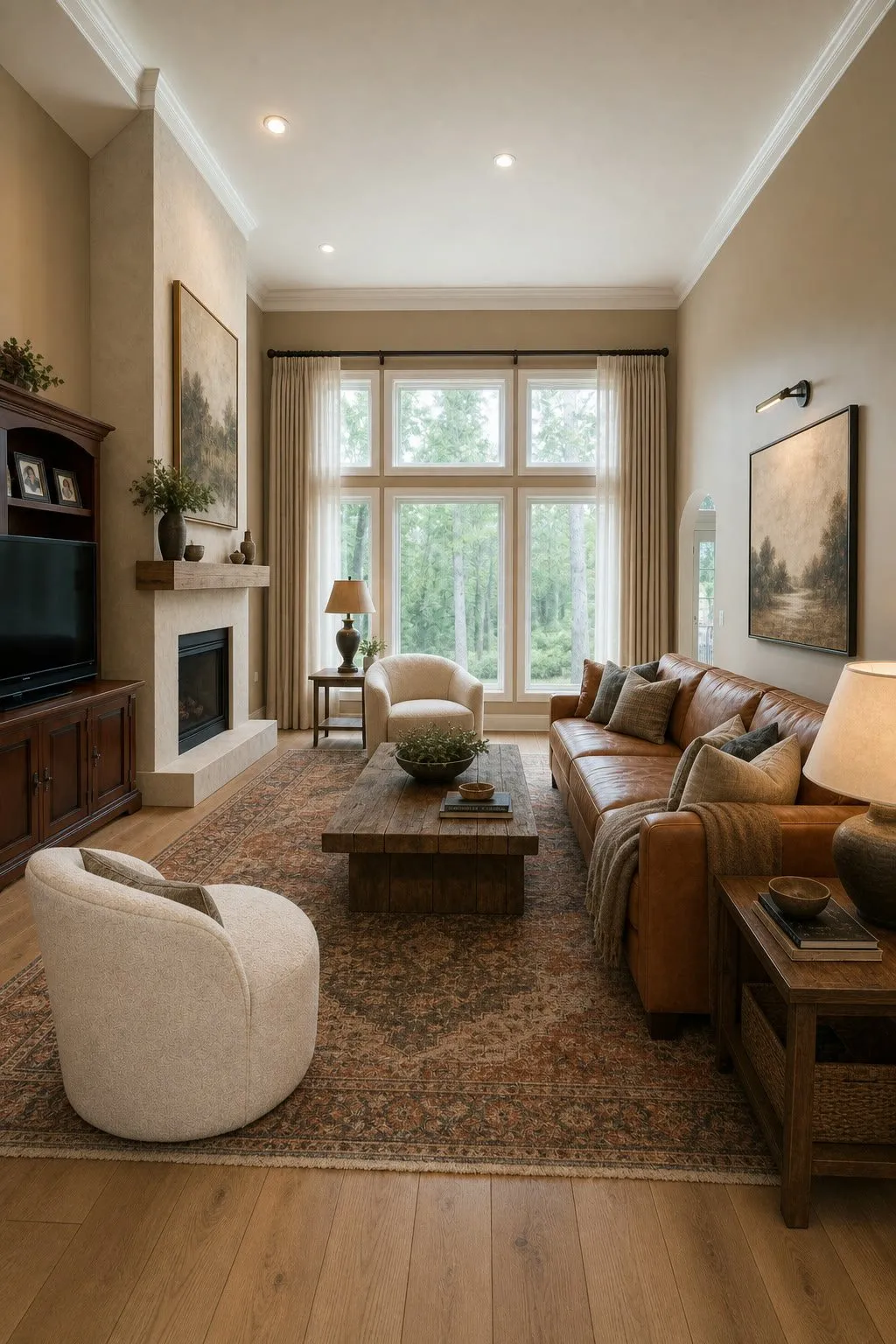 Before After
From Japandi to mid-century, each one on your own photo.
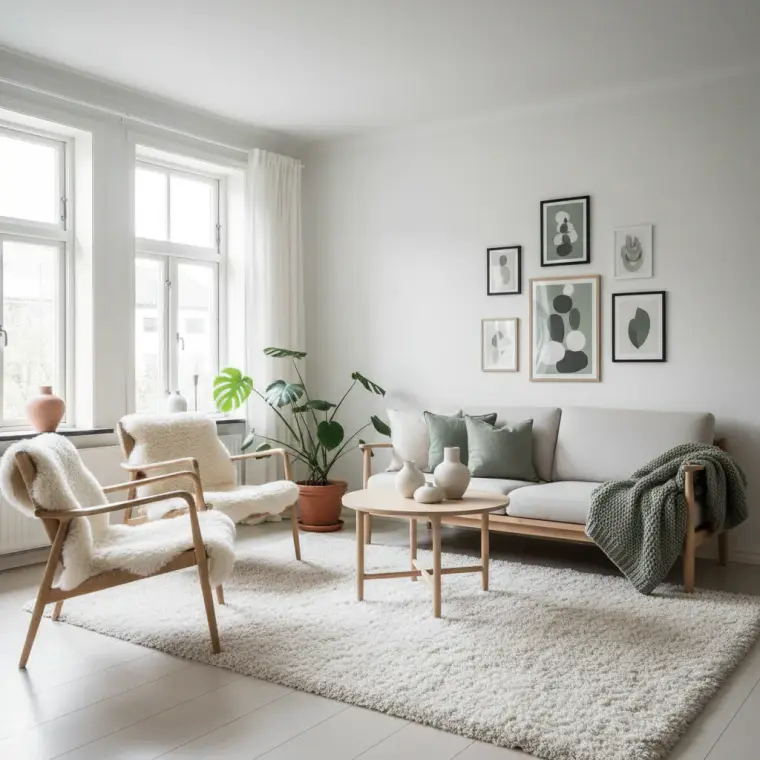
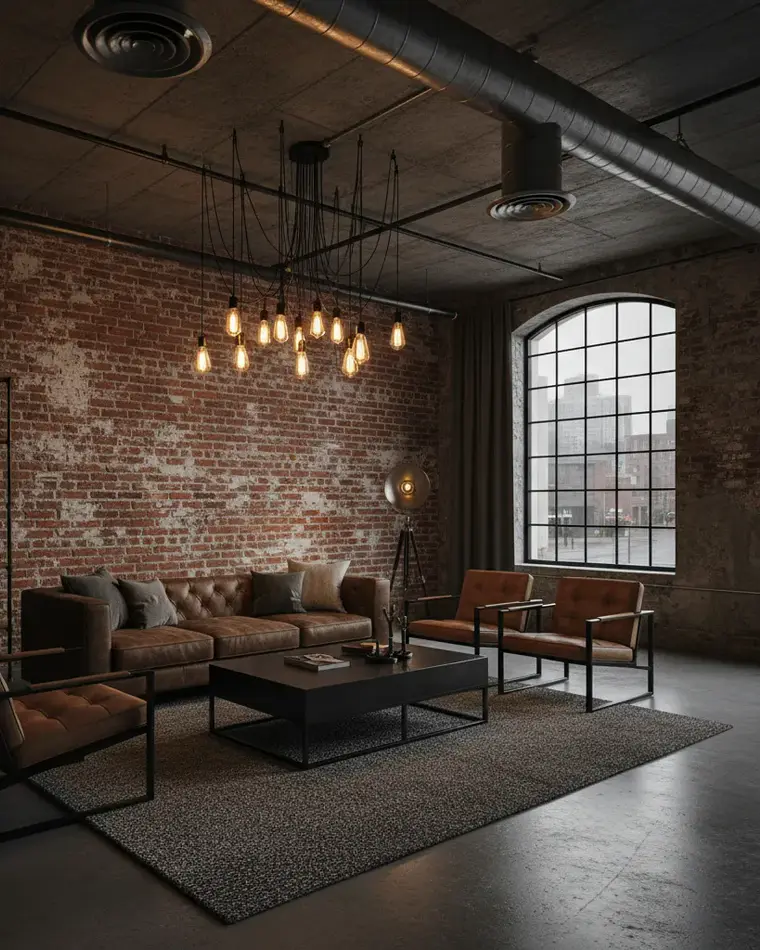
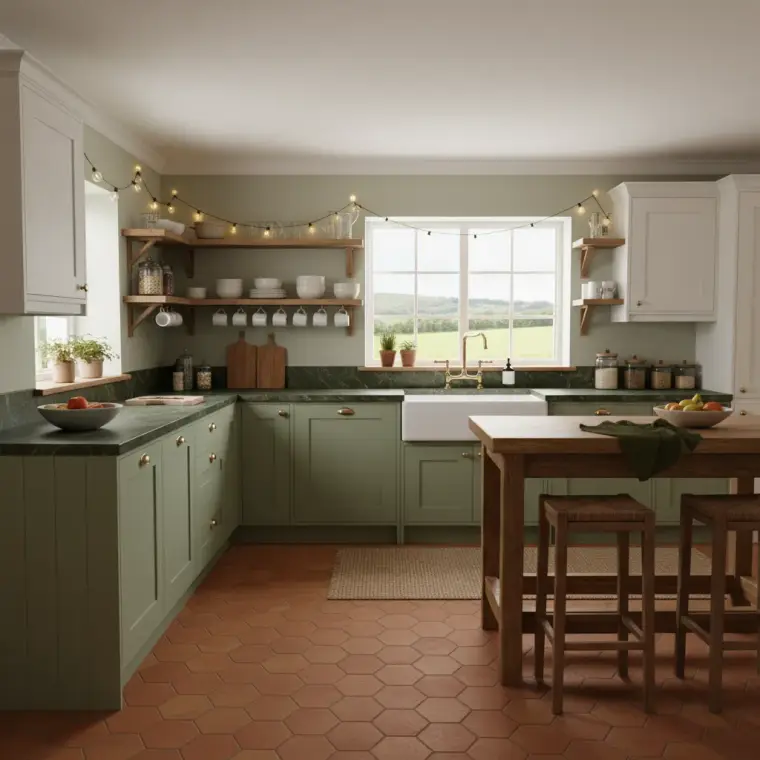

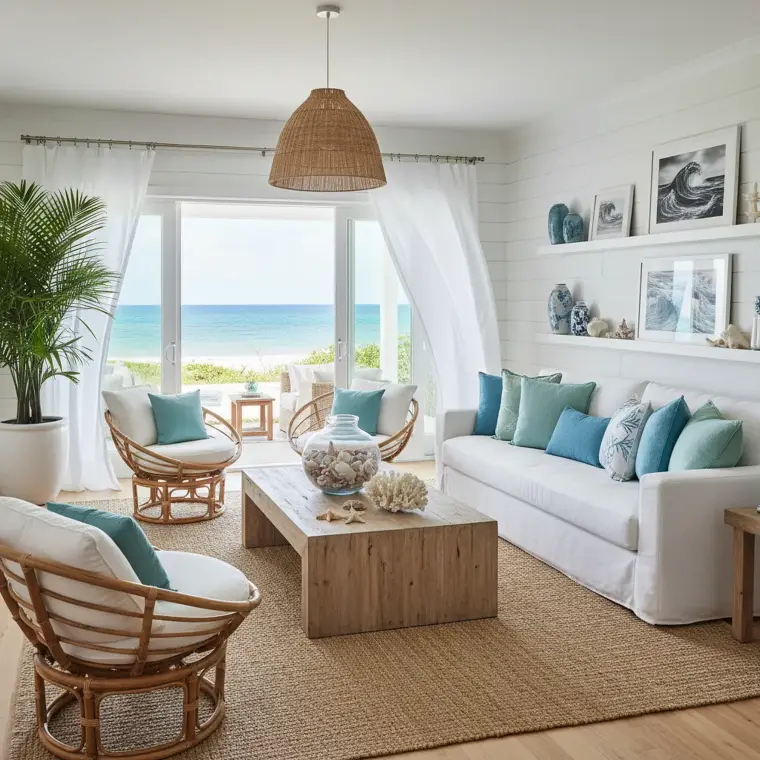
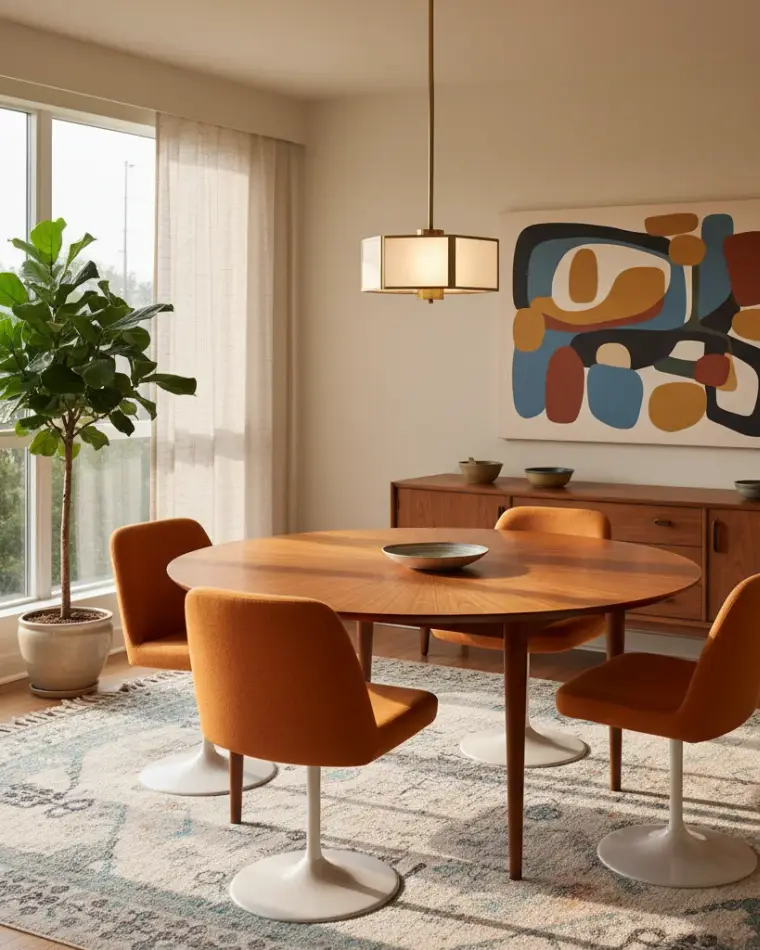

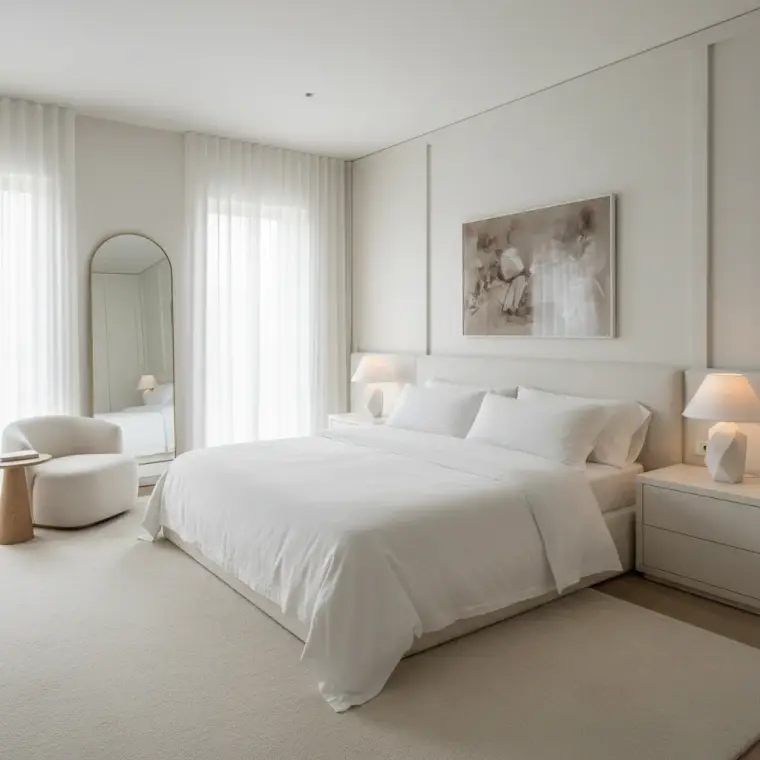
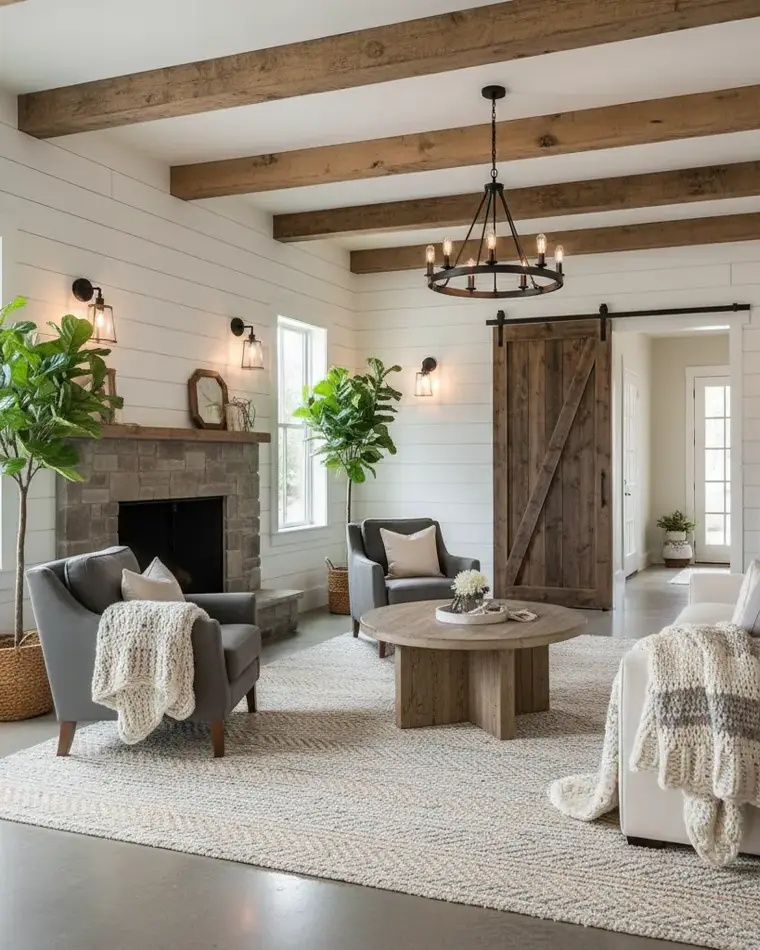
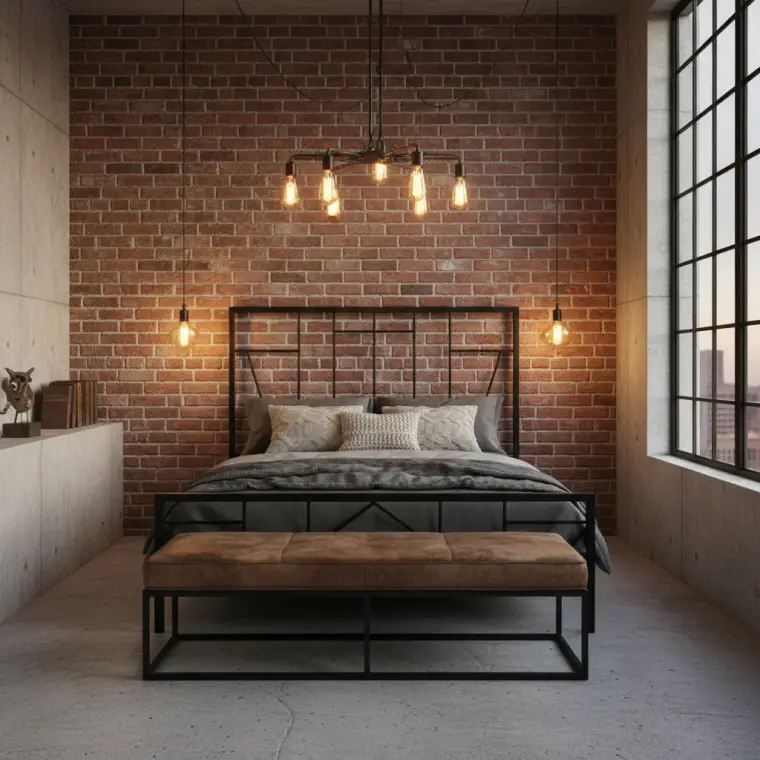
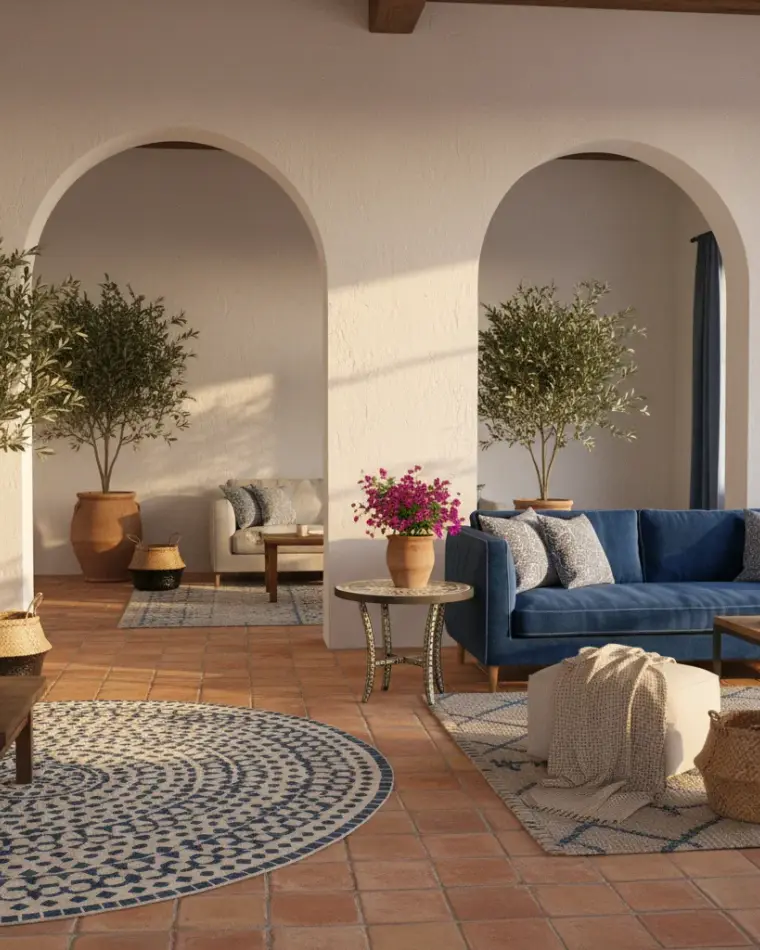
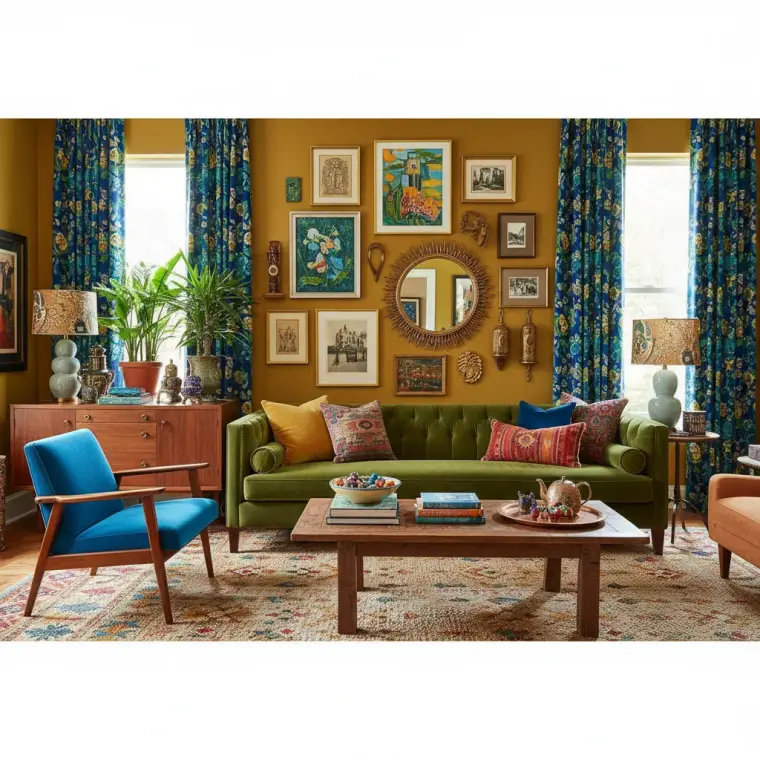
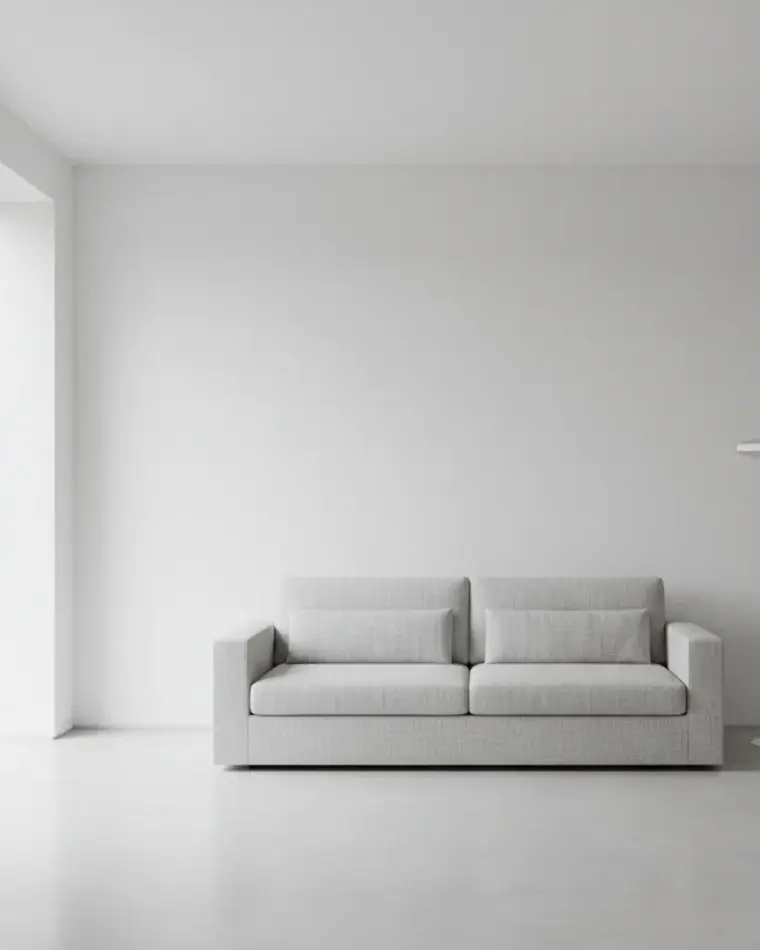
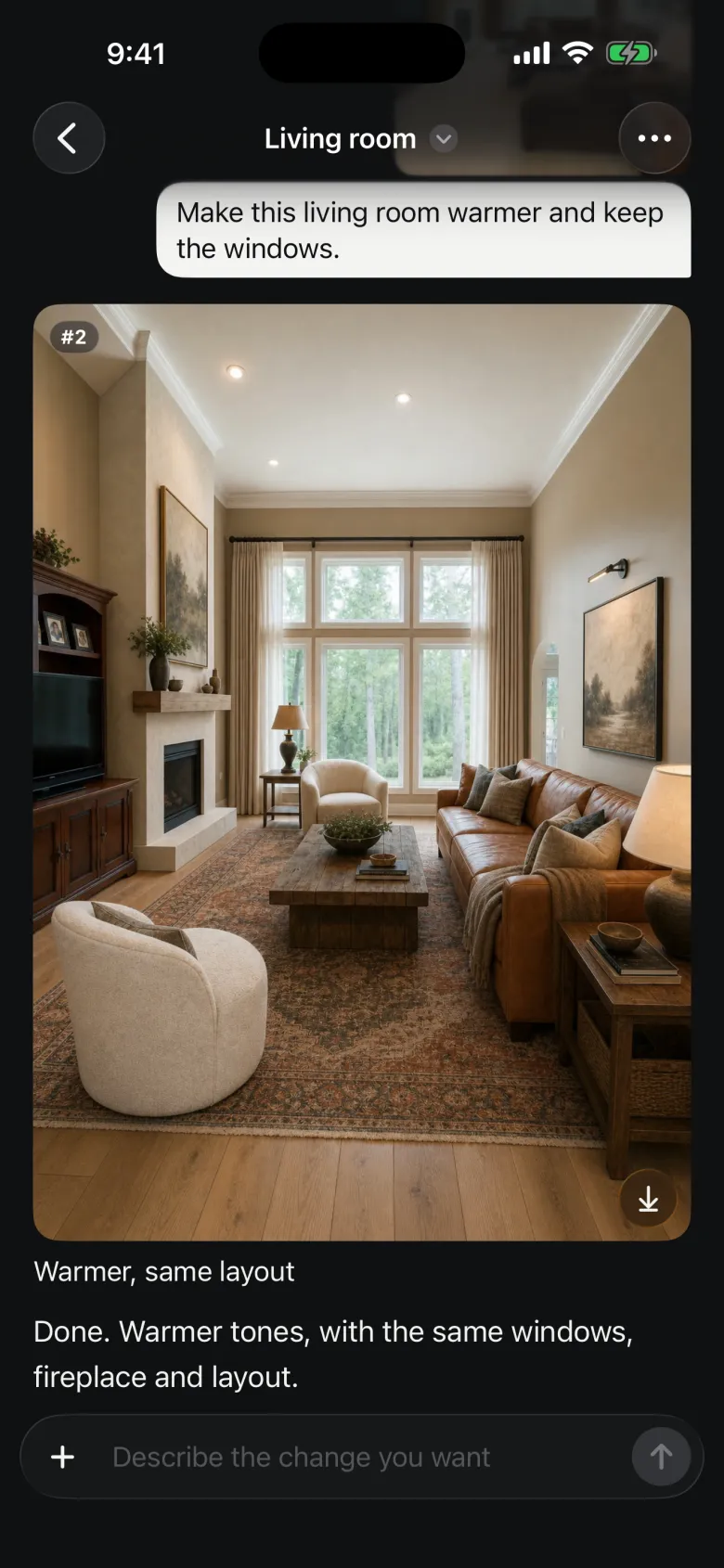
Every edit, question and idea happens in one conversation, like the AI assistants you already use. Revamp keeps your room in the thread, so you never start over.
Describe a change in your own words: make it warmer, swap the sofa, keep the rug.
Each result is saved in the thread. Compare any two, or go back to the one you like.
Touch-ups, paint, Room Doctor and shopping are one tap away without leaving the chat.
 Chat with your designer
Make this living room warmer and keep the windows.
Done. Warmer tones, with the same windows, fireplace and layout.
Now add a bigger rug and softer light.
Version 2 is saved. Compare it with version 1 any time.
Start from a photo and stay in one conversation, whether it is a living room, a front garden or a fiddle-leaf fig.
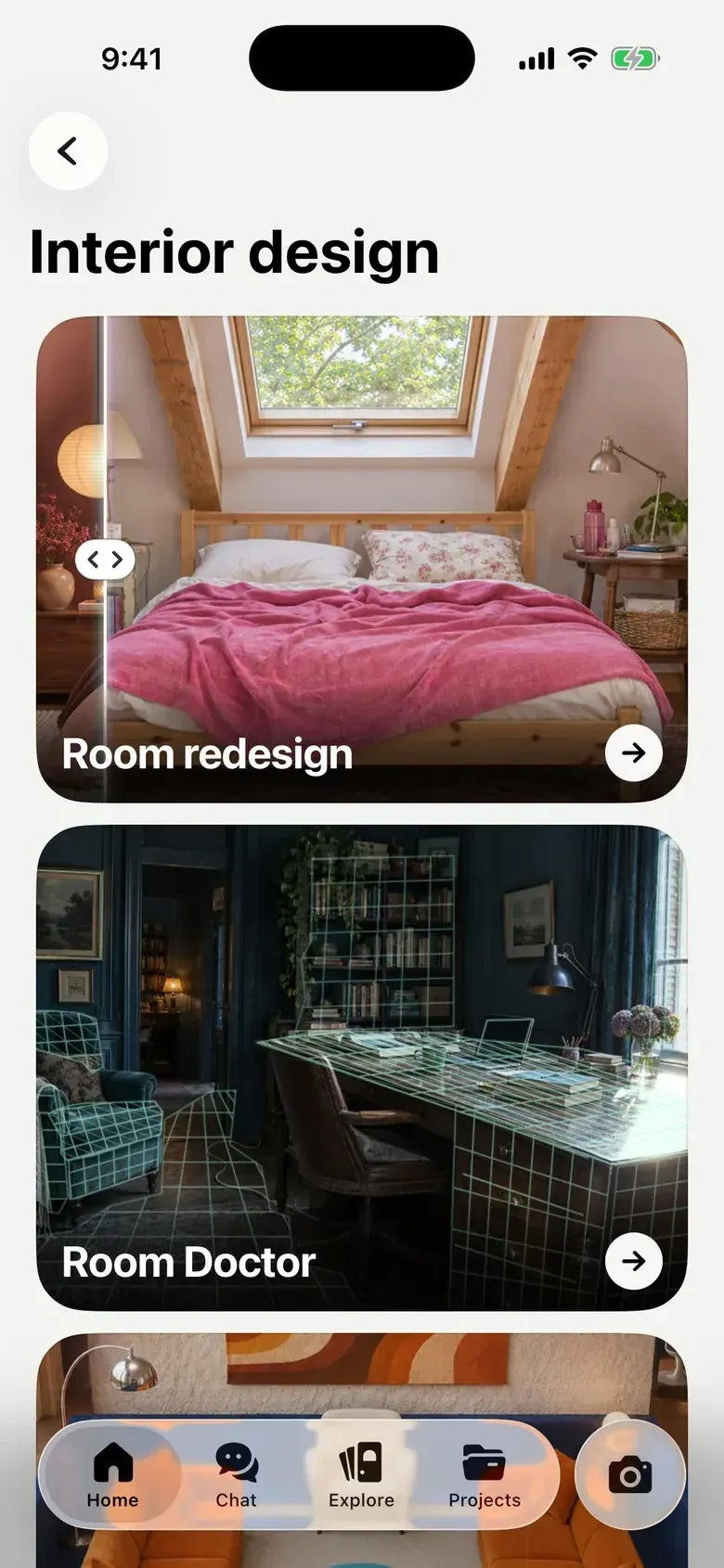
Redesign, plan and fix every room: restyle, Room Doctor, layouts, paint, floors, curtains and cabinets.
Describe a style or a tweak and watch it appear, with your walls, windows and layout built to stay put.
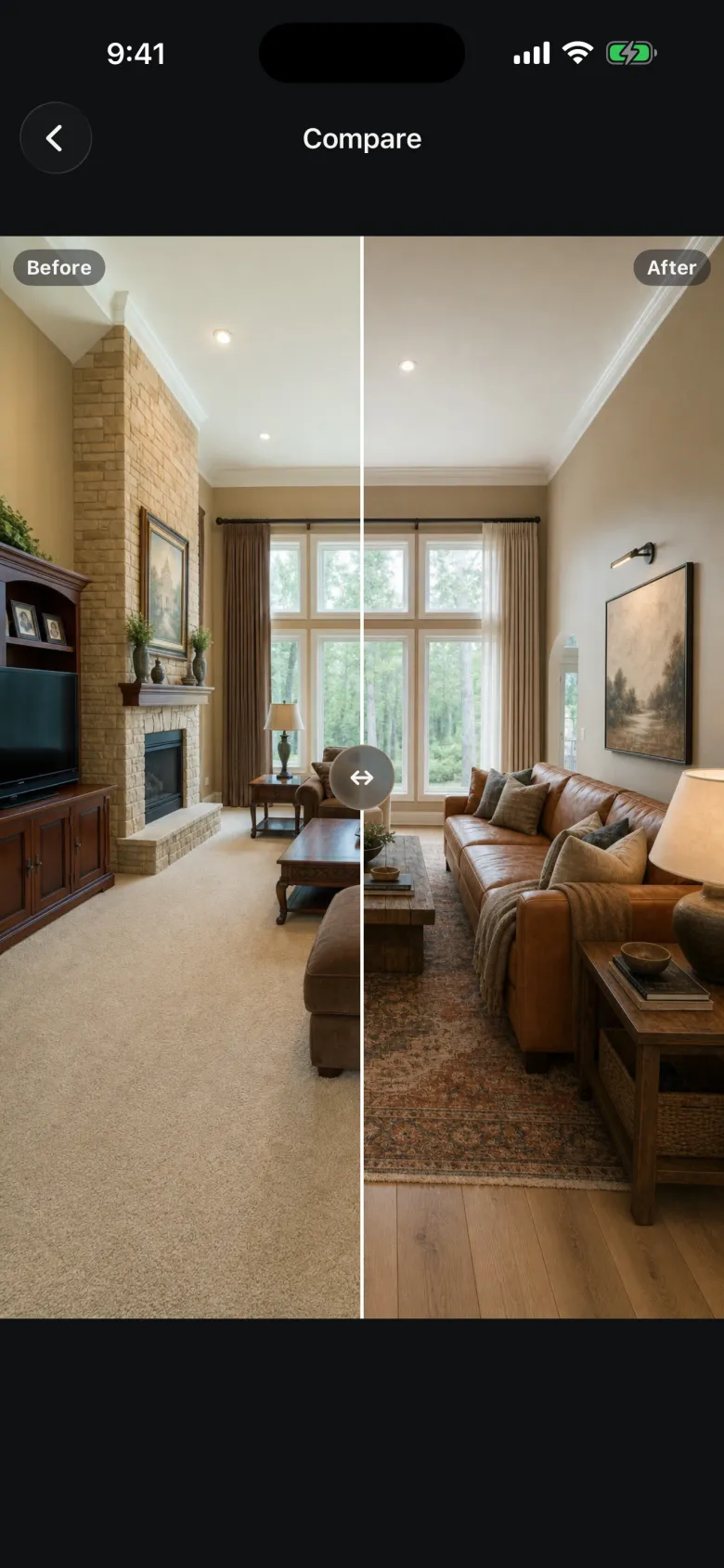
Slide between before and after on the same room.
Only the new pieces, with rough price ranges.
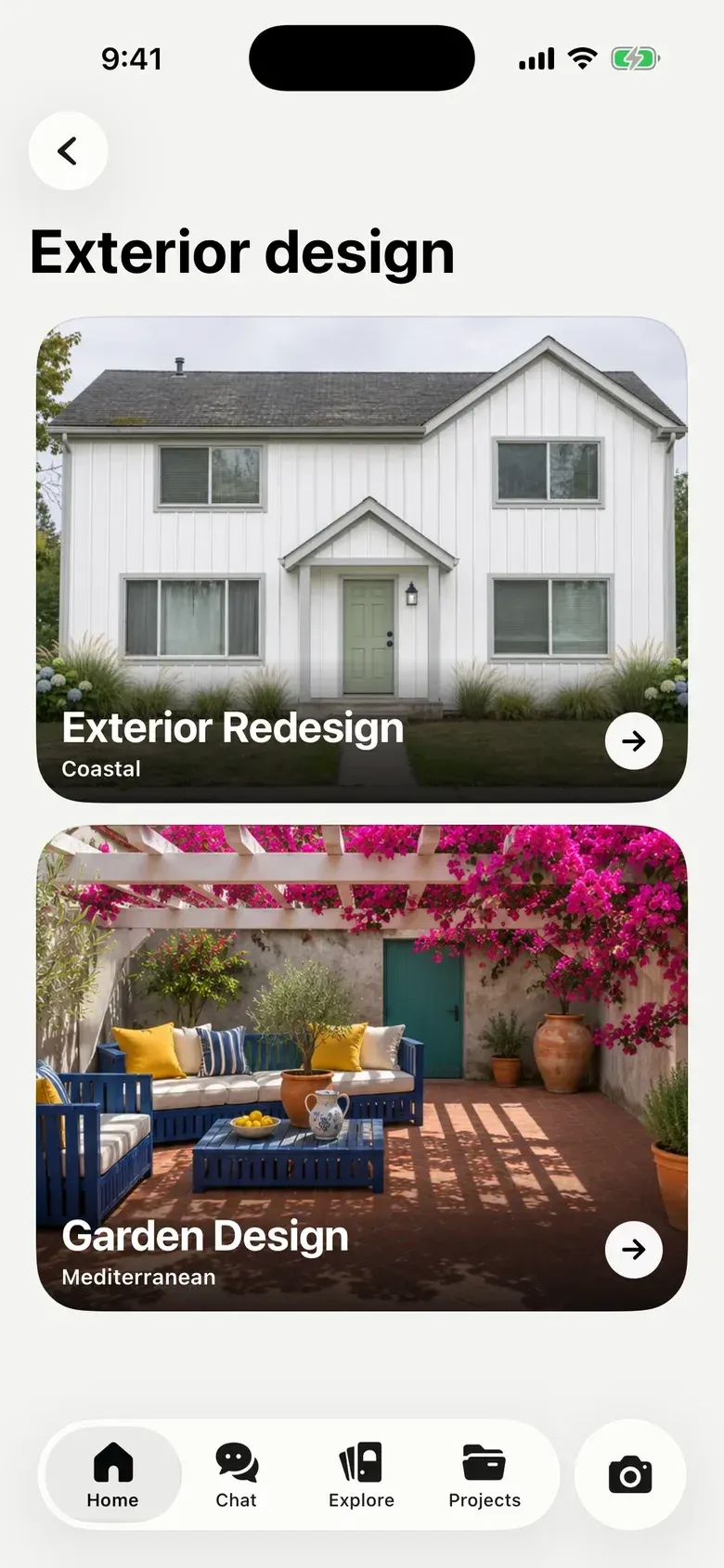
Reimagine your facade, colours, door and trim, or redesign a garden, patio, terrace or balcony.
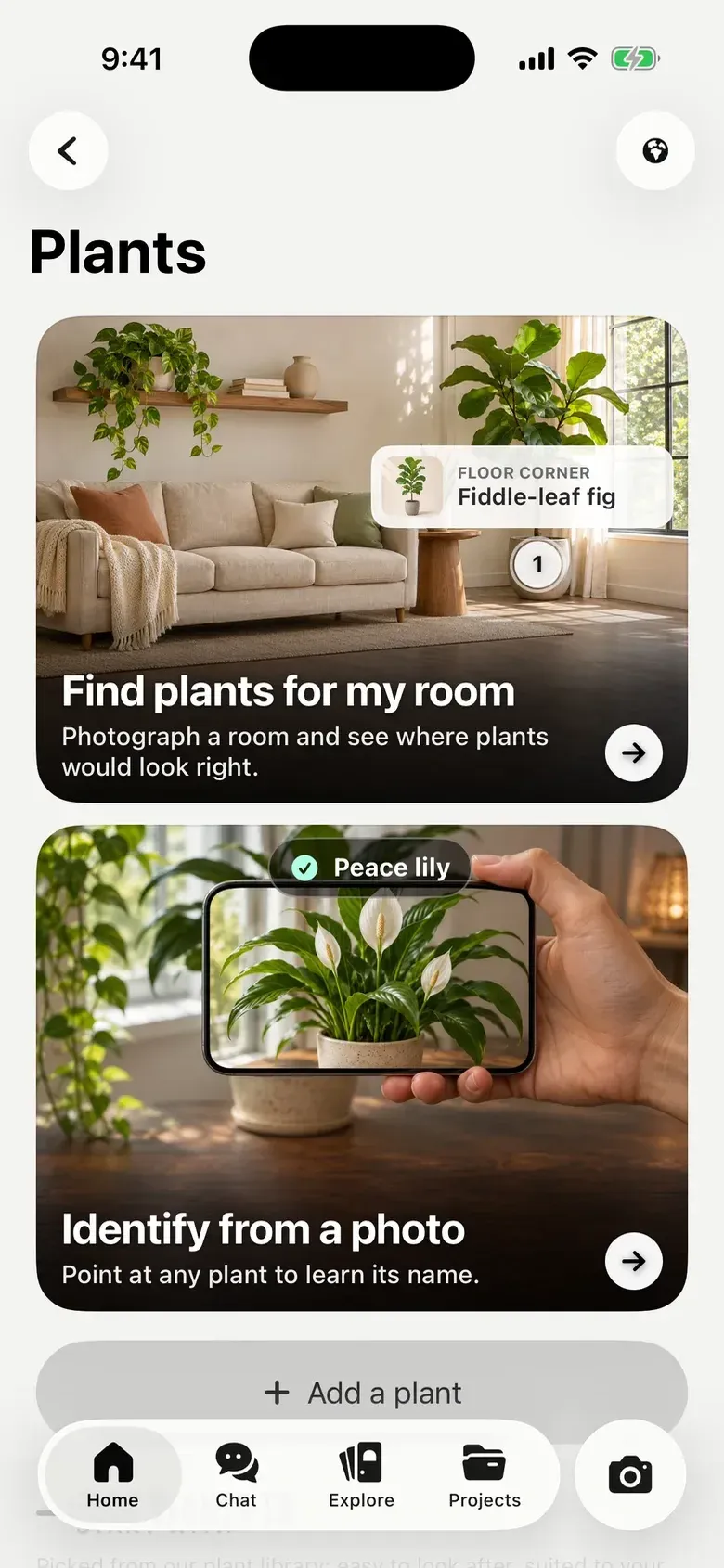
Find plants that suit your room, identify any plant from a photo, diagnose a sick one and read care guides.
Screens are illustrative.
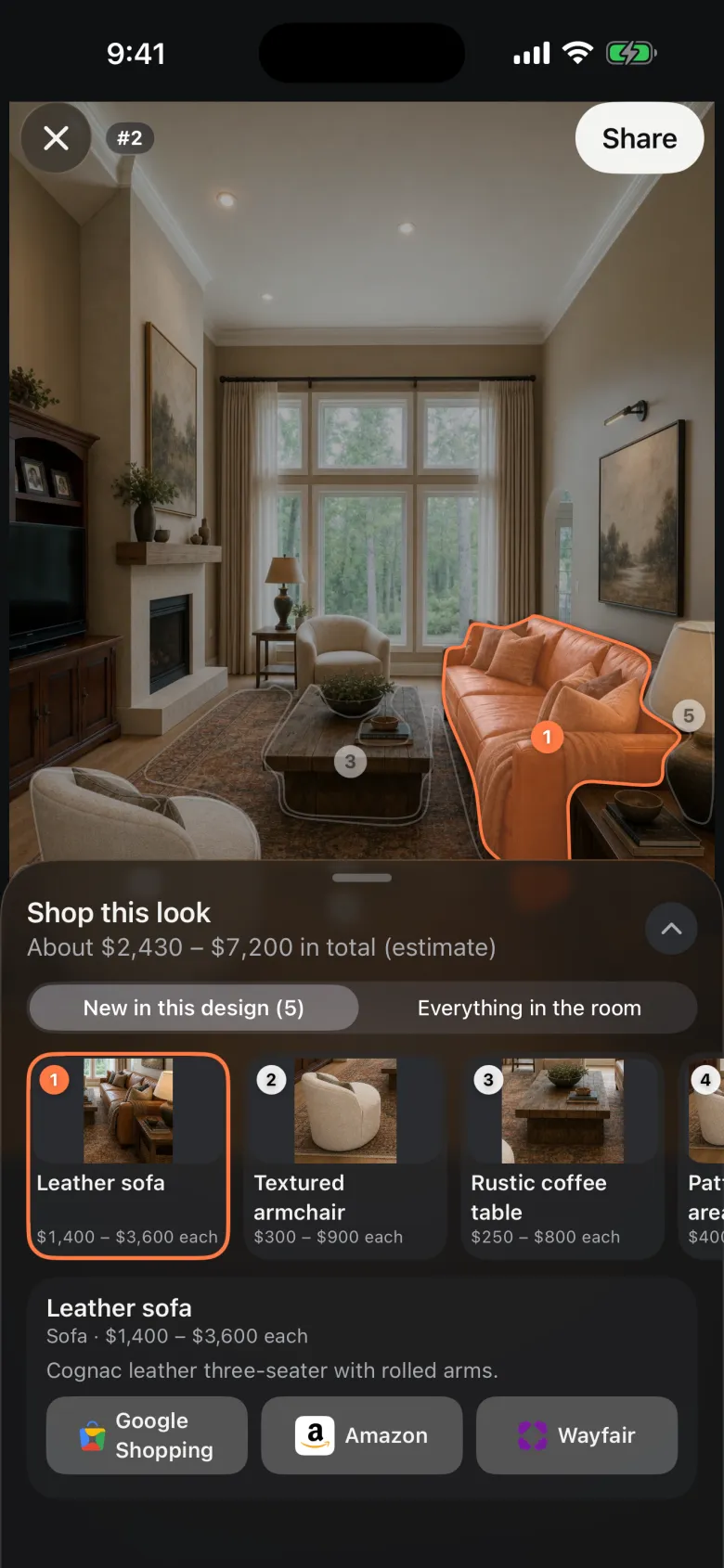
Revamp compares your redesign with your original and finds only what is new. Each piece is outlined, with a rough price range so you know what to expect.
New
Cognac leather three-seater with rolled arms.
Rough range Higher
New
Textured swivel armchair in a soft cream fabric.
Rough range Mid
New
Reclaimed wood coffee table with a sturdy plank base.
Rough range Mid
New
Large wool-blend rug in faded red and navy tones.
Rough range Mid
New
Ceramic base lamp with a warm linen shade.
Rough range Lower
Illustrative example. Prices are rough ranges, not quotes.
12345 What was already in your room stays off the list.
Each item is outlined, so you see exactly which piece the list means.
Photograph a room and scan what is already in it, no redesign needed.
A single image is a start. Revamp keeps going: it talks with you, checks the room and helps you buy.
| A one-shot design tool | Revamp AI | |
|---|---|---|
| How you work | Pick a style from a menu, get a picture. | Talk to an AI designer in one conversation. |
| Fixing a detail | Start over and hope. | Ask for that one change; every version is kept. |
| Knowing what is wrong | You guess. | Room Doctor scores the room from evidence in your photo. |
| Buying it | A picture you cannot shop. | A scan that lists only what is new, with rough ranges. |
Based on how typical one-shot AI room tools work. Features differ between apps.
Revamp AI is a full design studio for the inside of your home, the outside and everything that grows. Start from a photo, pick a tool and keep going in the same chat.
Redesign, plan and fix every room from a single photo.
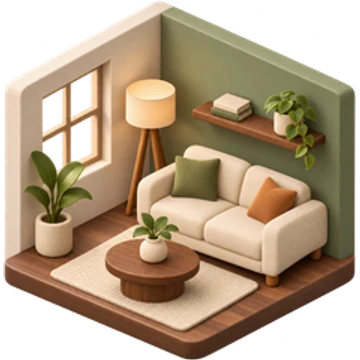
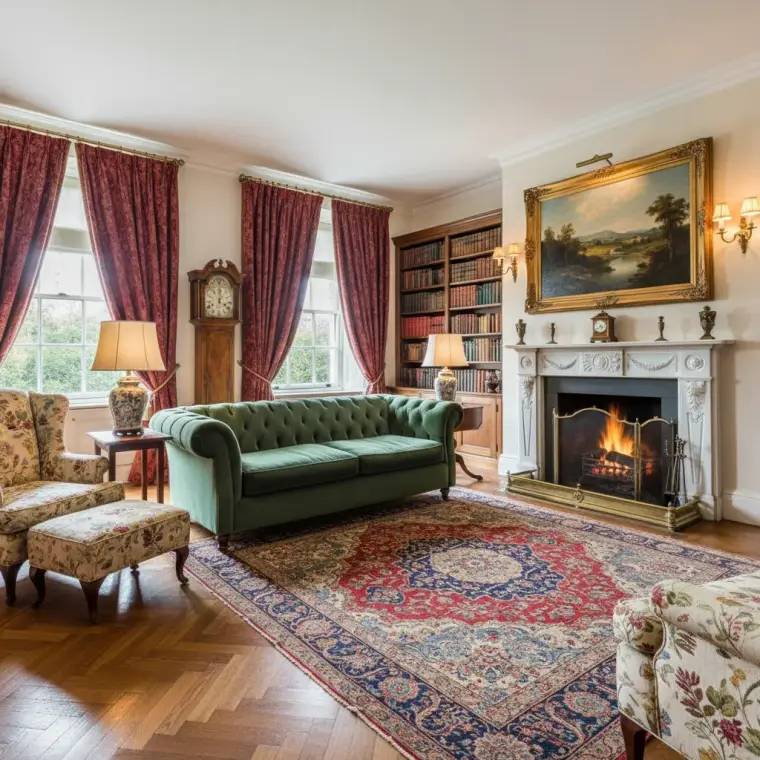
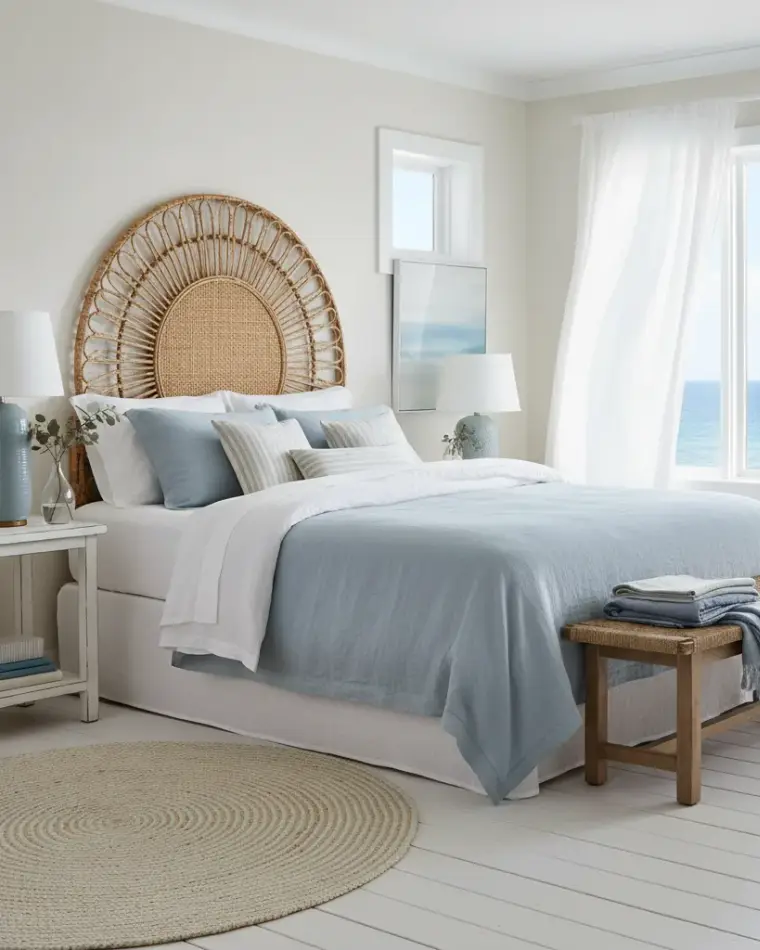
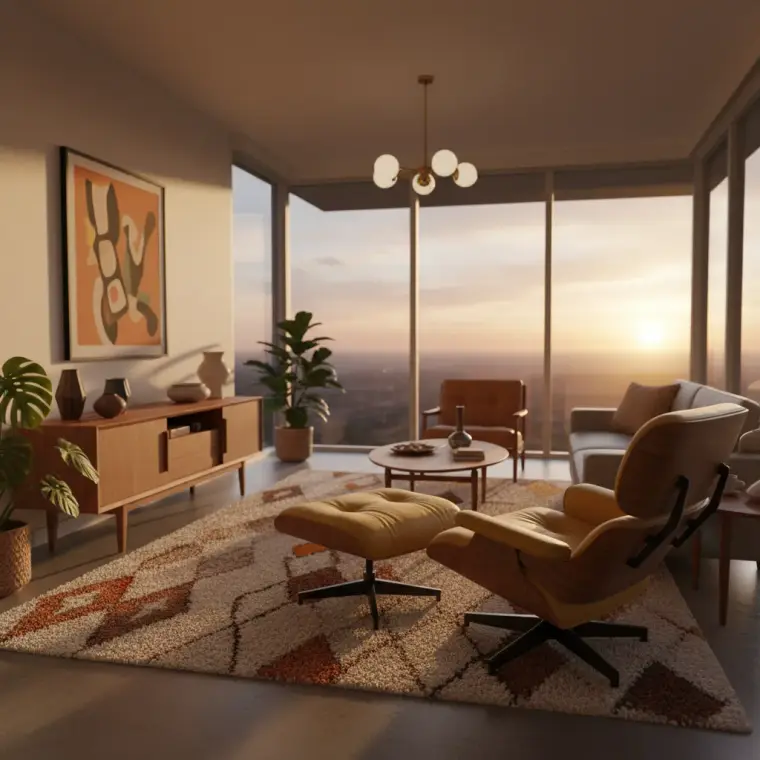
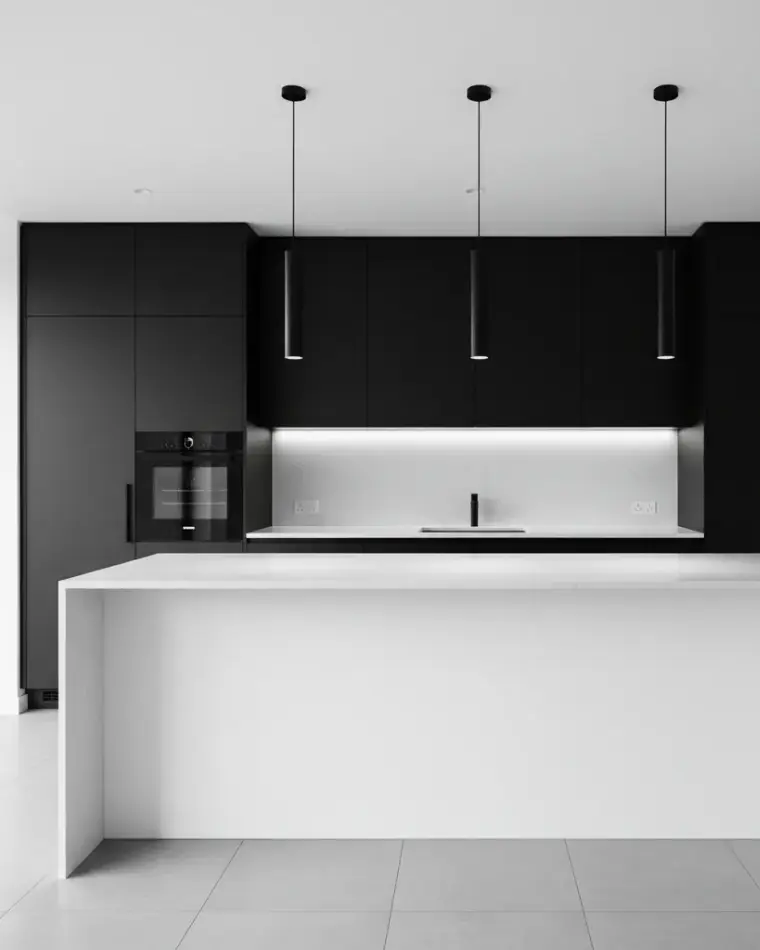
Photograph a room, pick one of more than 80 styles or describe your own, and get a redesign built to keep your walls, windows and layout.

Get an evidence-based diagnosis of what is holding a room back, where it shows, and a prioritised plan of fixes.
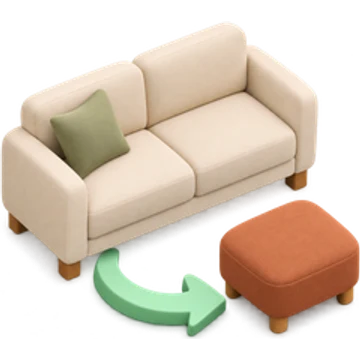
See a new arrangement of your room before you lift a single sofa.
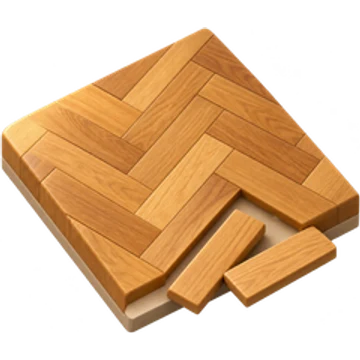
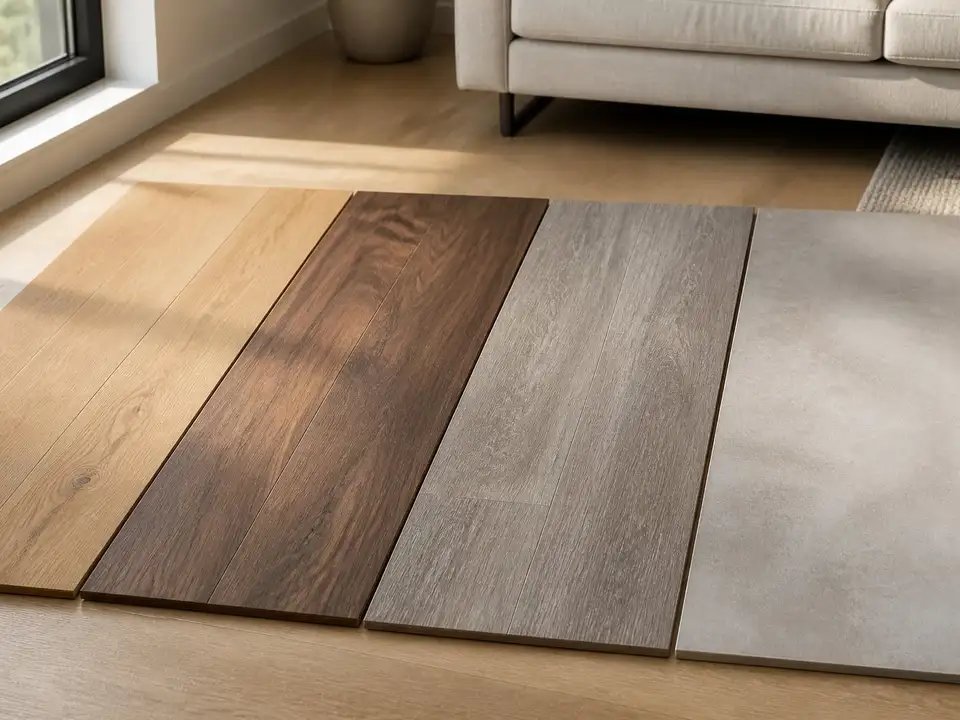
Try hardwood, tile, stone or carpet on your real floor and compare them side by side.

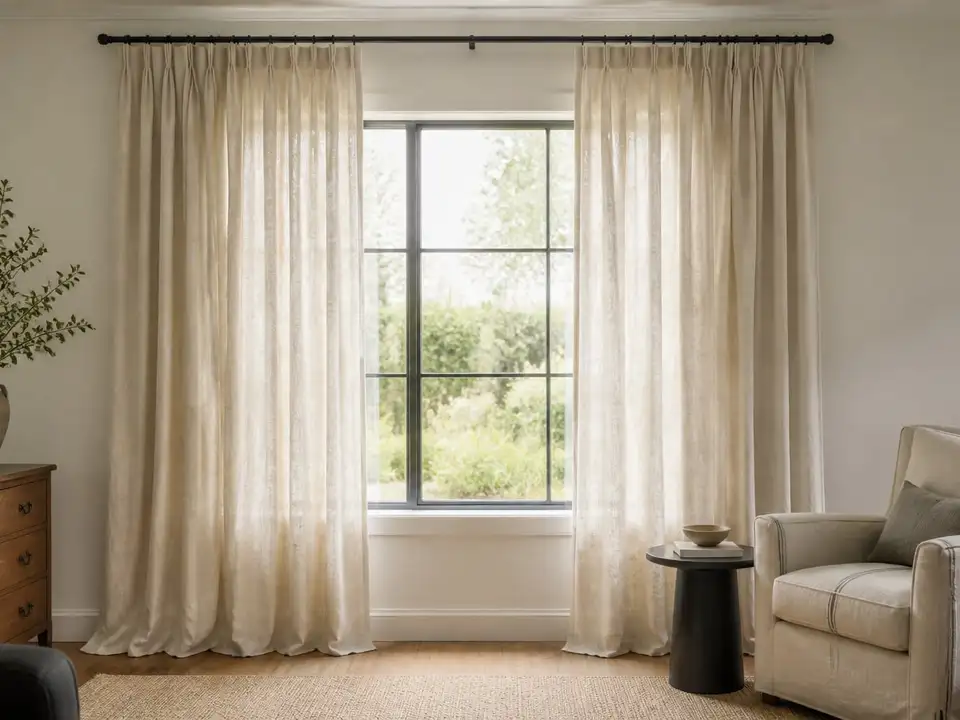
See new curtains, sheers or Roman shades on your own windows.
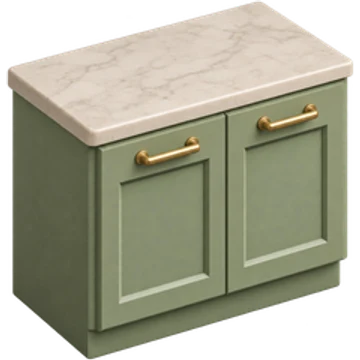
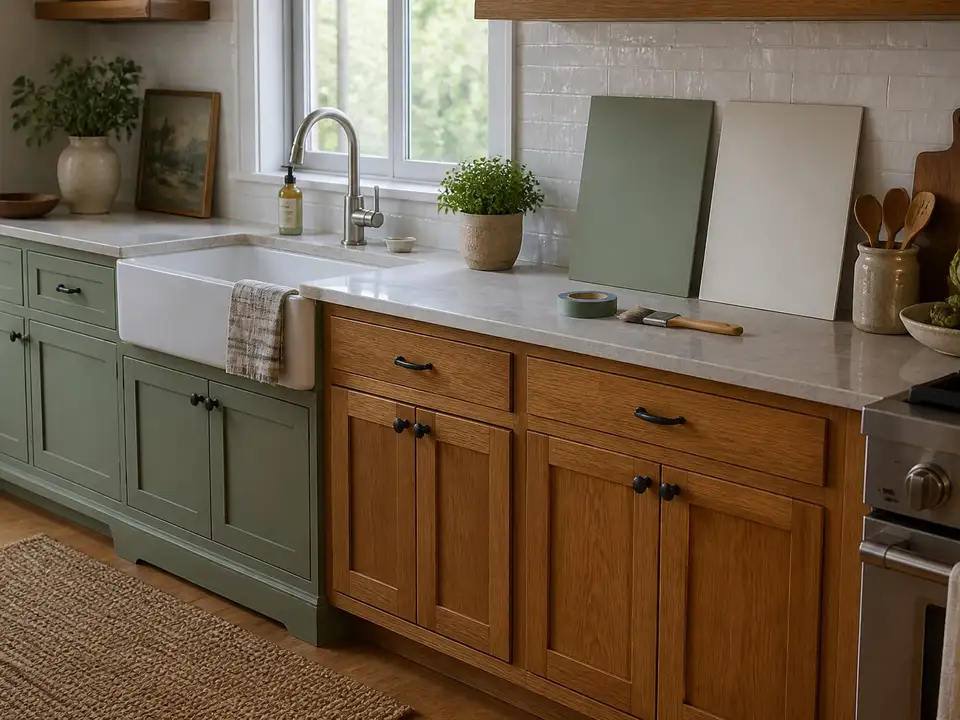
Restyle your kitchen cabinet doors, colour and hardware before you commit to a renovation.
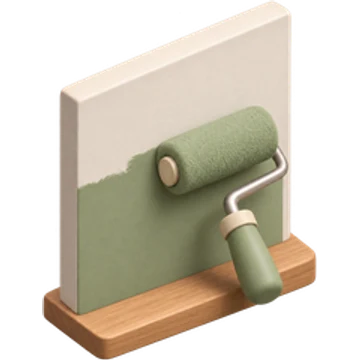
Test wall colours and finishes on your own photo so you can choose a paint with confidence.
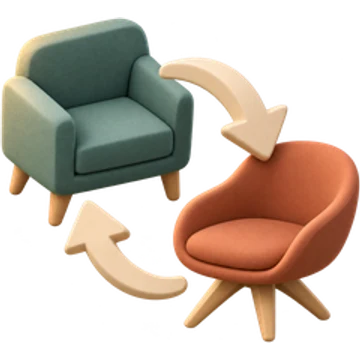
Swap one piece, like a sofa, lamp or table, for another and keep the rest of the room as it is.
Take clutter, cables or a single object out of the photo and see a cleaner room.
See the pieces in a redesign with estimated price ranges and where to shop for them.
Plan every room in one place so the whole house works as a single design.
Reimagine your house from the street and your garden from the back door.
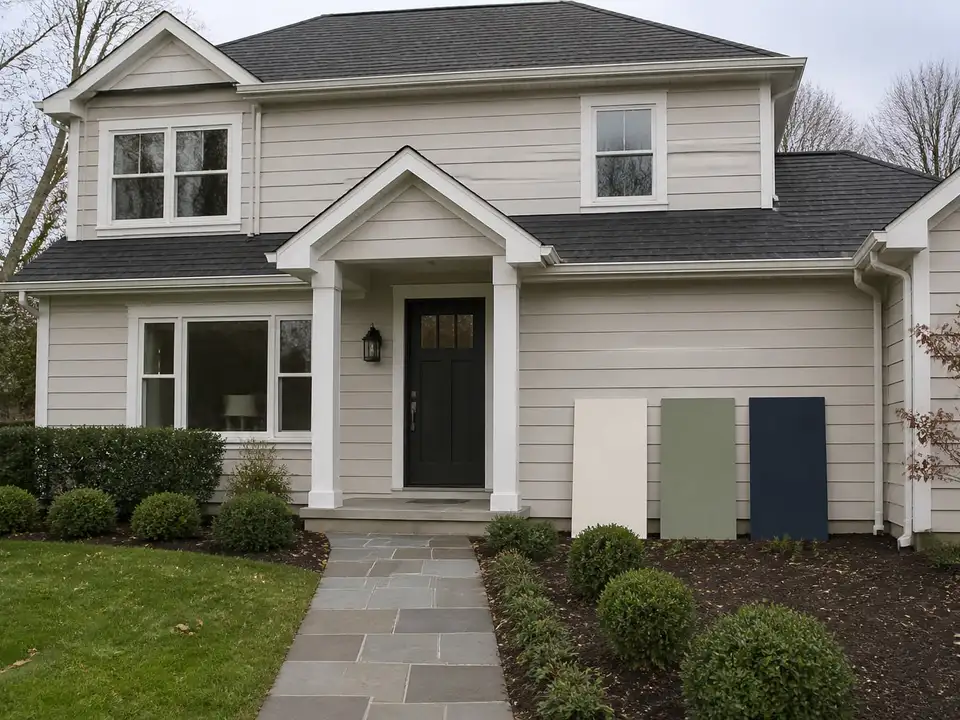
Reimagine your home's facade with new colours, a new front door and fresh trim.

Redesign a garden, patio, terrace or balcony from a photo of the space.
Choose, identify and look after the plants in your home and garden.
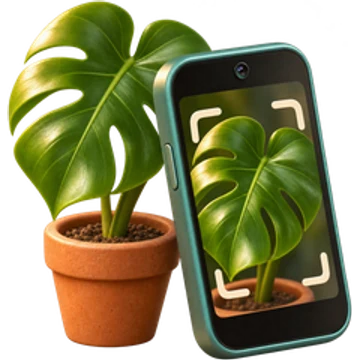
Point your camera at any plant to learn its name.

Find out what is wrong with a struggling plant and what to do about it.
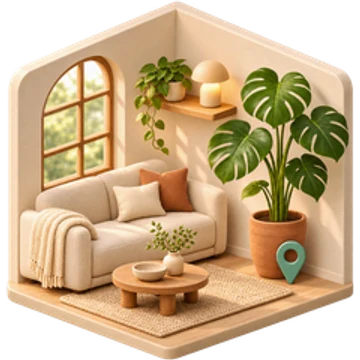
Photograph a room and see which plants suit it, where each would go and how much light it needs.
Look up care guides and a regional directory of plants that grow well where you live.
New tools arrive with every update. See every tool on its own page.
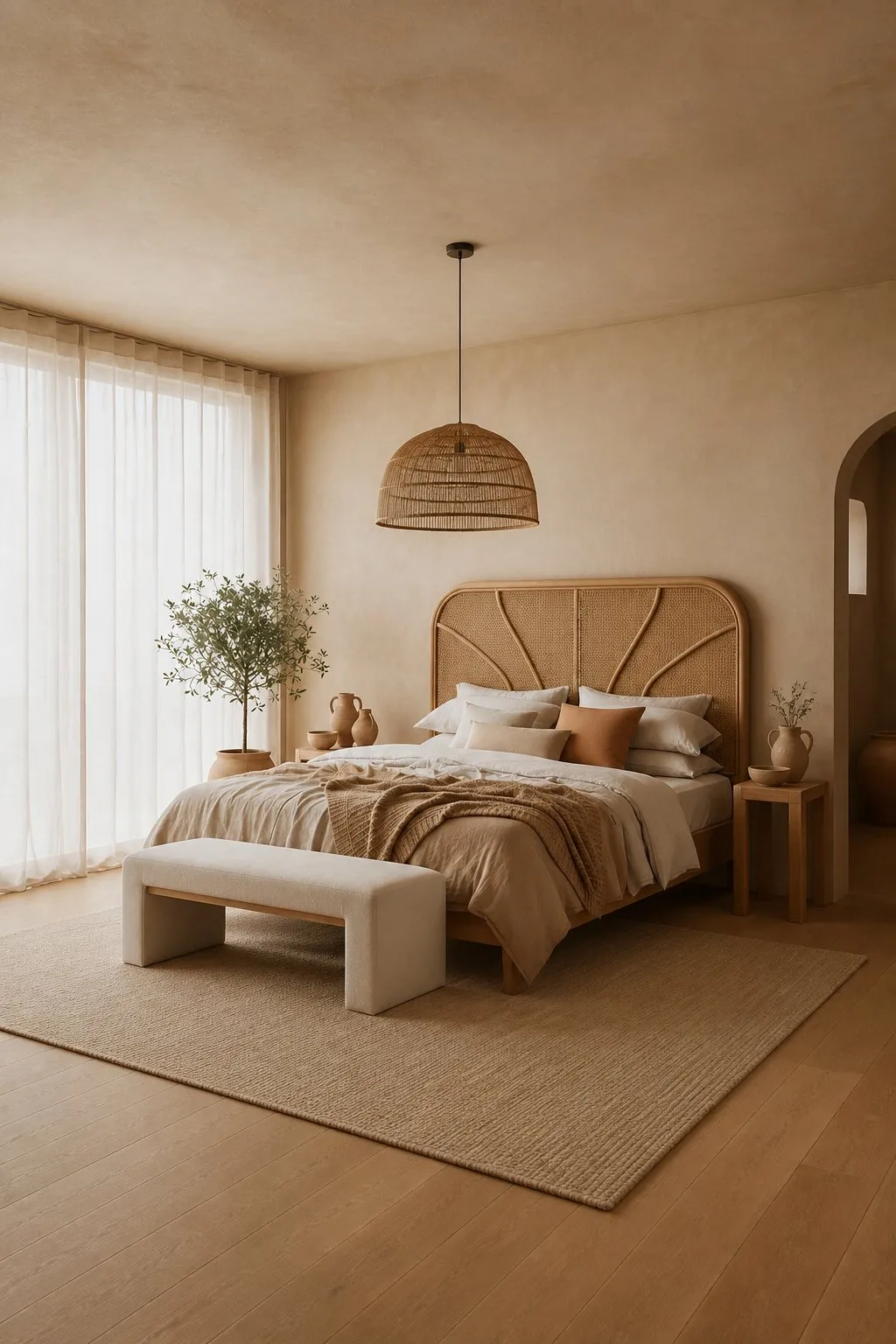
Test bold ideas before you ask a landlord or risk a deposit.
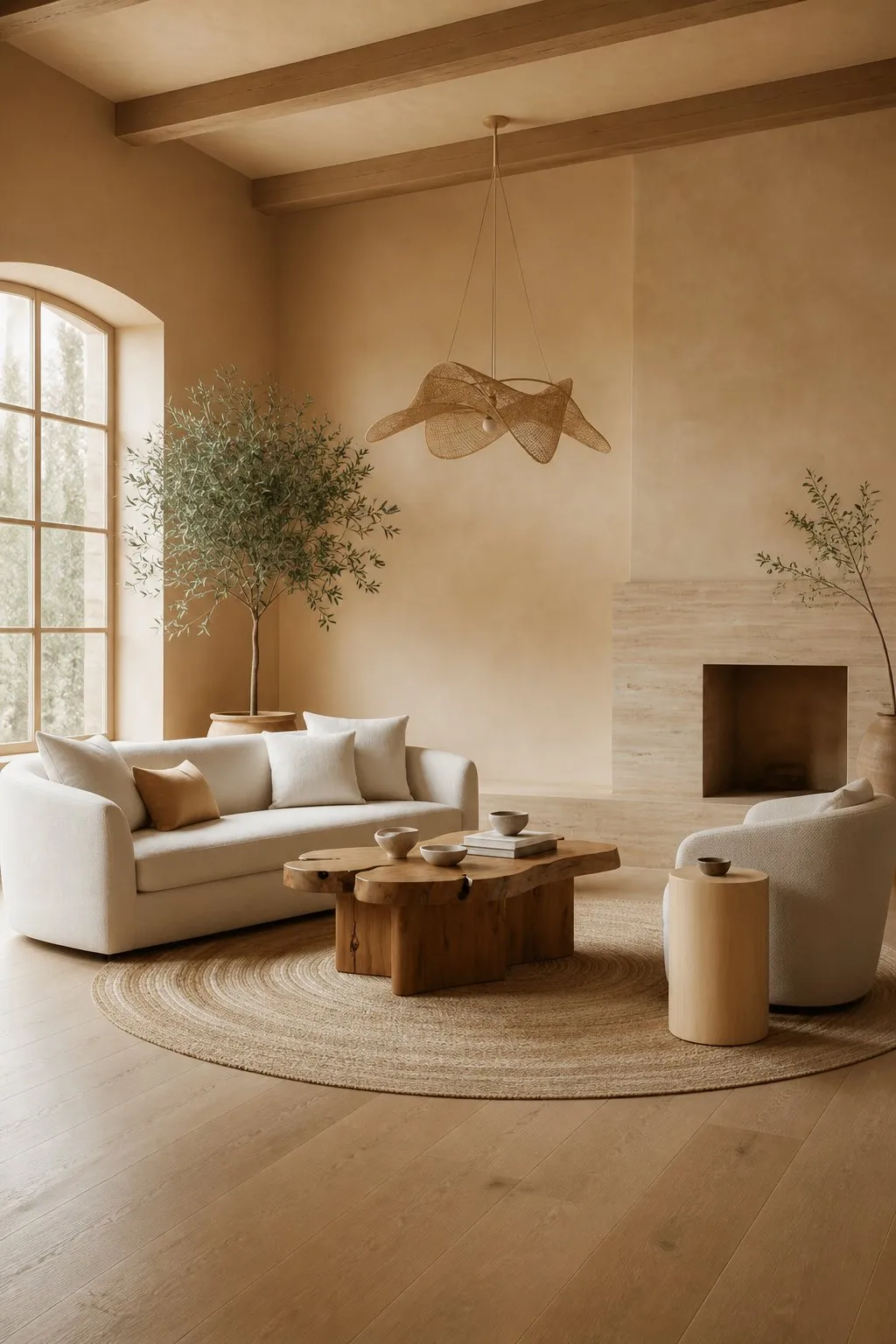
Check that the sofa suits the room before it is delivered.
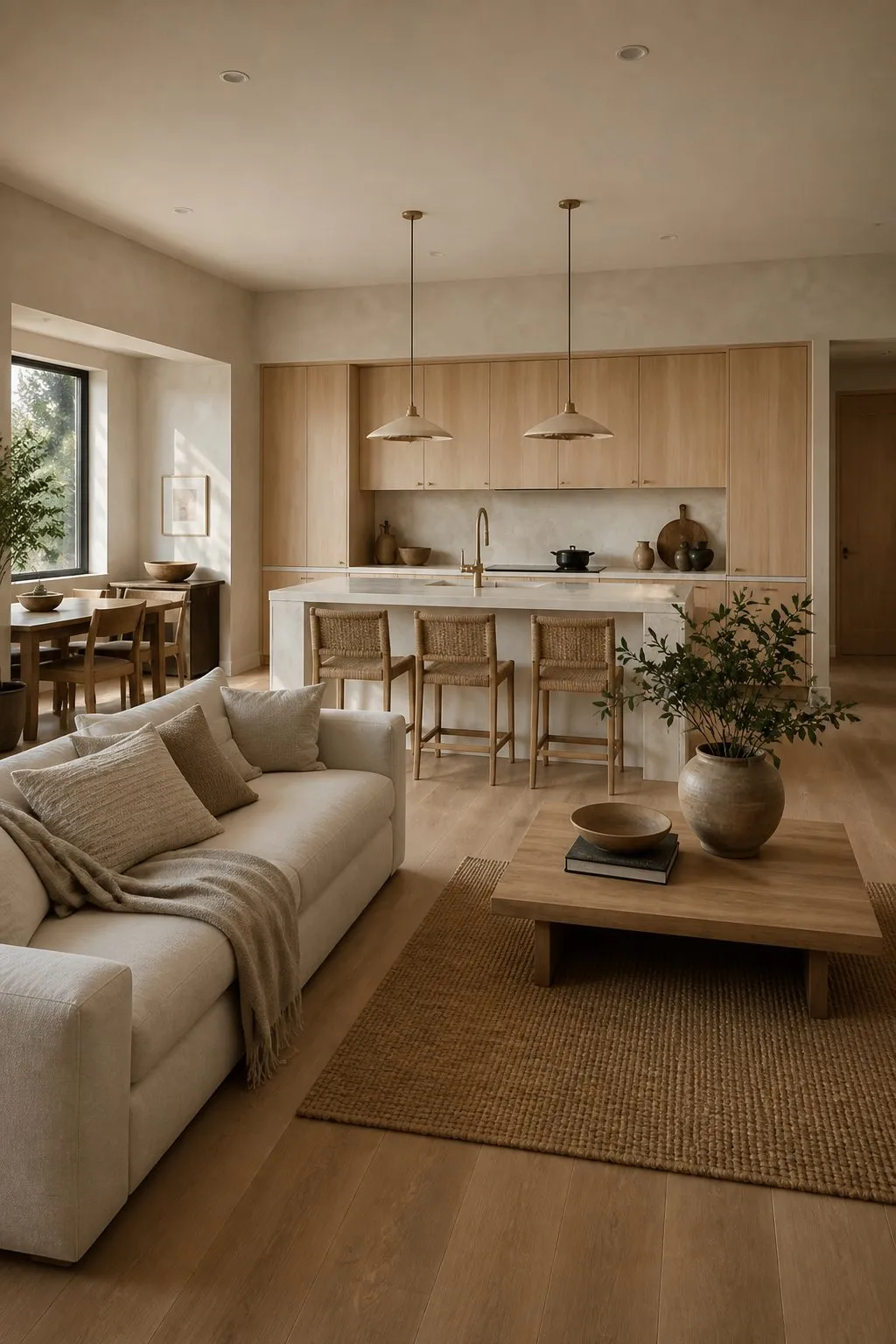
Show a tired or empty room at its best, and disclose AI-edited photos where listing rules require it.
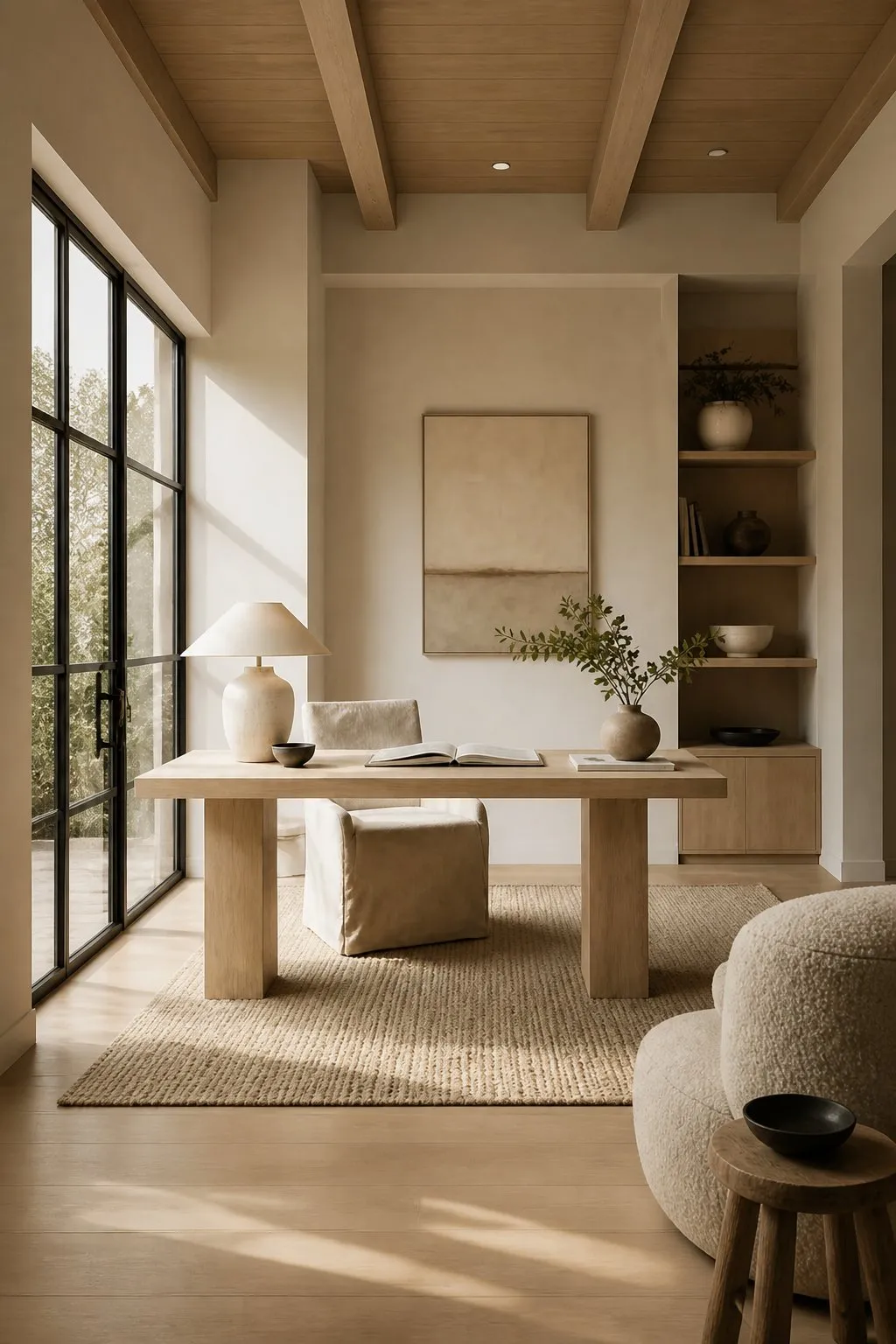
Start with one room and find a direction you will not regret.
Take a photo of any room, or choose one from your library.
Pick a style or describe the change in plain words, then keep asking.
Slide between versions, ask for tweaks in the same chat, then shop what is new.
I’ve tried many other home design apps and this one tops them all. Easy to navigate and the functionality is just amazing. It was a great help to my daughter’s room makeover. On to the next room!
This app helped me a lot with my renovations. My wife and I finally came to an agreement about the interior design we want for our house.
New subscribers may be offered a free trial, depending on store eligibility. After that, one subscription unlocks every design and tool. Cancel any time in your store account.
Photos are processed to create your design. We do not use your photos to train AI models. You can delete your account and data in the app.
Revamp is built to keep your walls, windows, doors and layout in place and change the style. Results vary with photo quality, so compare the before and after side by side.
Read the full guideNew subscribers may be offered a free trial, depending on store eligibility. After that, one subscription keeps every design and tool available, so there is nothing to count or top up.
No. Pick a style from the list or describe what you want in plain words.
Yes. Nothing changes in your real room, so you can test colours and furniture before you commit to anything.
Read the full guideThey are processed to create your design. We do not use your photos to train AI models. You can delete your account and data in the app.
iPhone and Android phones. Download it from the App Store or Google Play.
Many AI room tools stop at one picture. Revamp is a conversation that remembers your room: you ask for changes in plain words, every version is kept, Room Doctor scores the room from evidence in your photo, and the shop scan lists only what is new.
Read the full guideYes. Describe a change in plain words, such as make it warmer, swap the sofa or keep the rug, and the AI designer applies it to your photo. Every version stays in the thread so you can compare or go back.
Read the full guideThe AI notes what it can see in your photo for each criterion, and the app calculates the score from that evidence with a fixed method. What the photo does not show is marked unknown. It is an AI estimate, not a professional assessment.
Read the full guideAfter a redesign, the shop scan compares it with your original and lists only the new pieces, outlined on the image. Tap one to search for it, with a rough price range. You can also scan a plain photo of your room.
Read the full guideYes. Exterior redesign reimagines your facade with new colours, a new front door and fresh trim, and Garden design redesigns a garden, patio, terrace or balcony from a photo of the space.
Yes. Point your camera at a plant to identify it, diagnose a struggling one and read its care guide, or photograph a room to see which plants suit it, where each would go and how much light it needs.
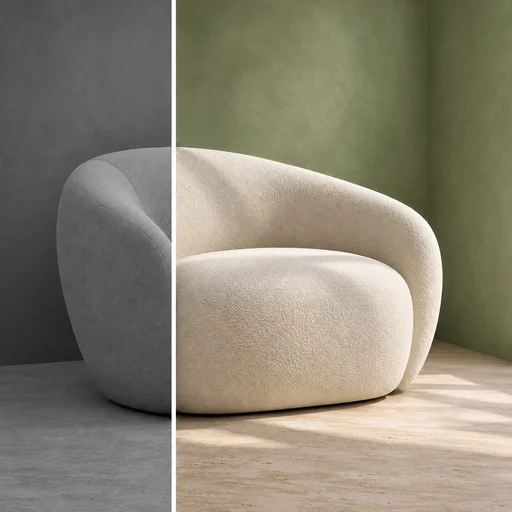
On iPhone and Android, with a free trial for eligible new subscribers.