
What is Whole Home?
Whole Home in Revamp AI lets you plan every room in one place so the whole house works as a single design. Add each room, design it in the same project and see them together, keeping a consistent look from room to room.
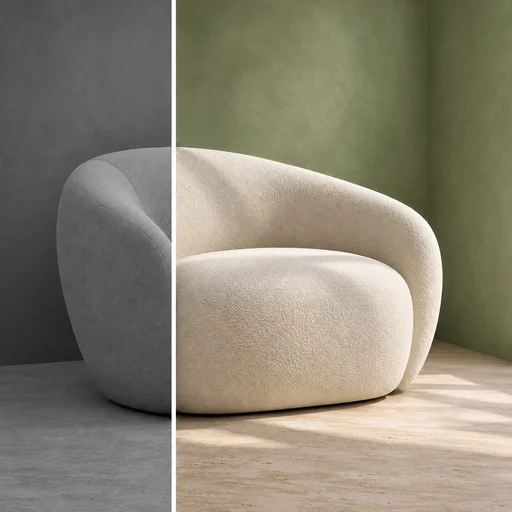
AI concept footage. Results vary with your photo.
Every room in one place 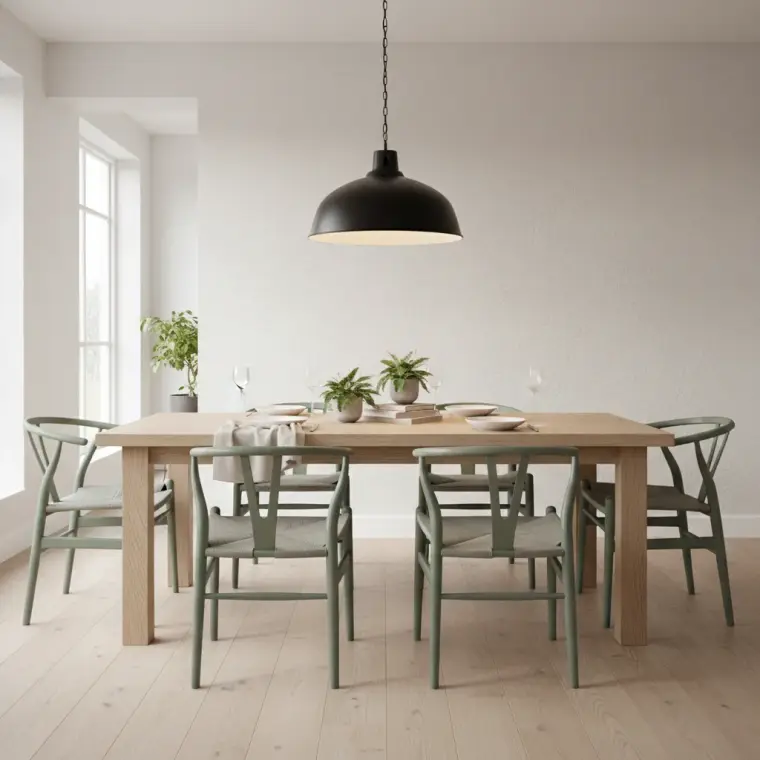 A consistent look from room to room
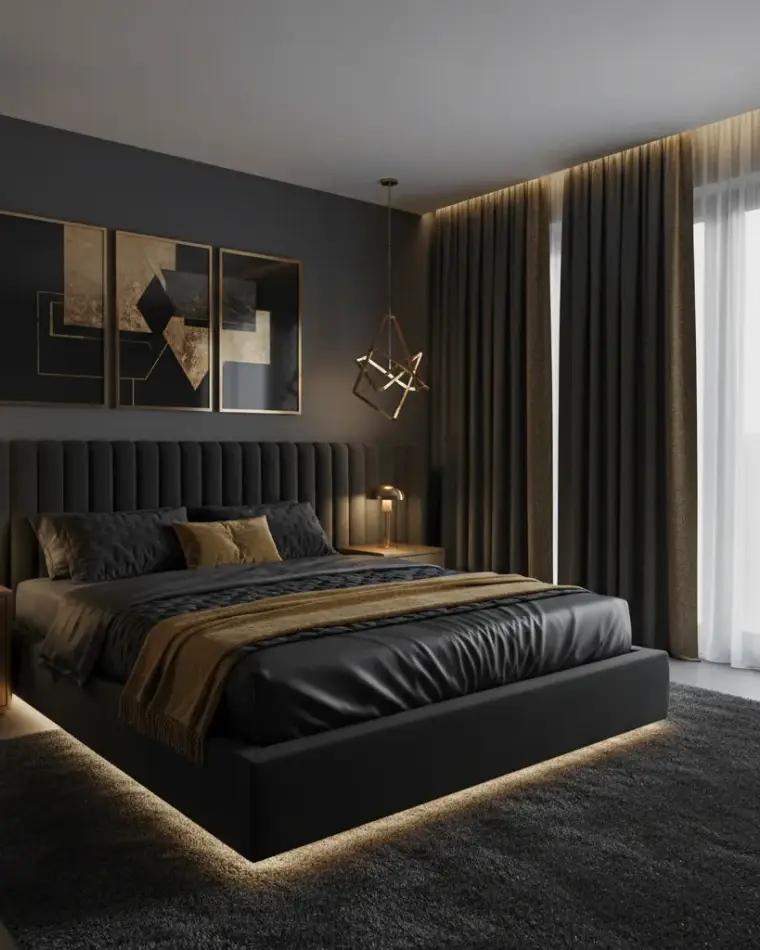 Keep designs organised for the whole household
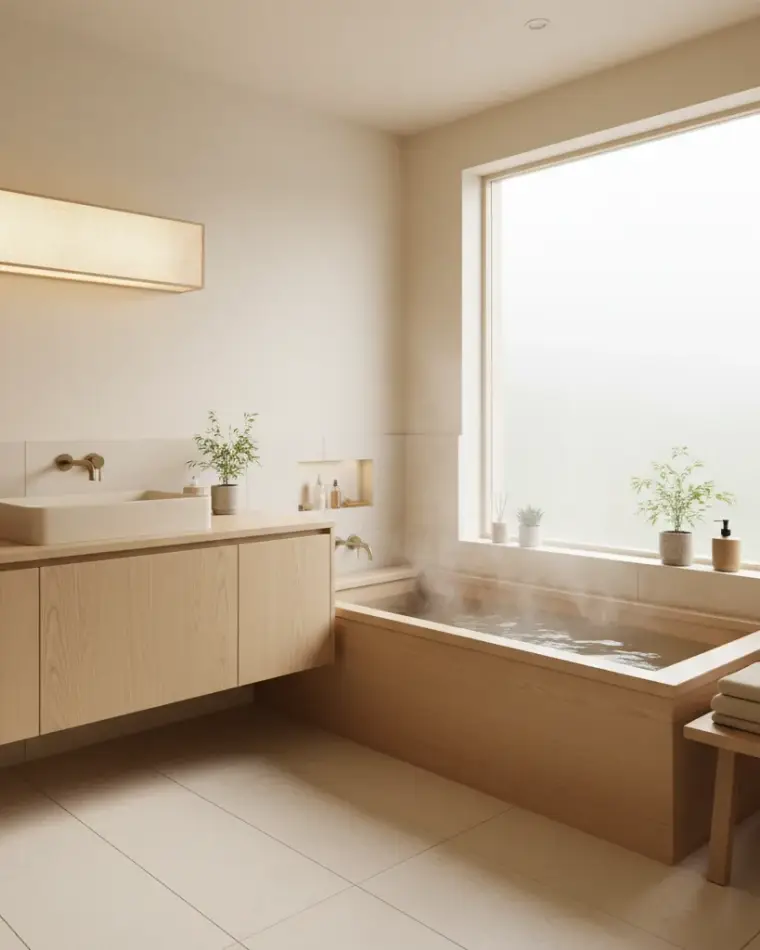
Plan every room in one place so the whole house works as one design.
Three steps, from your own photo to the result.
Add the rooms of your home.
Design each room in the same project.
See the whole house together.
Screens are illustrative.
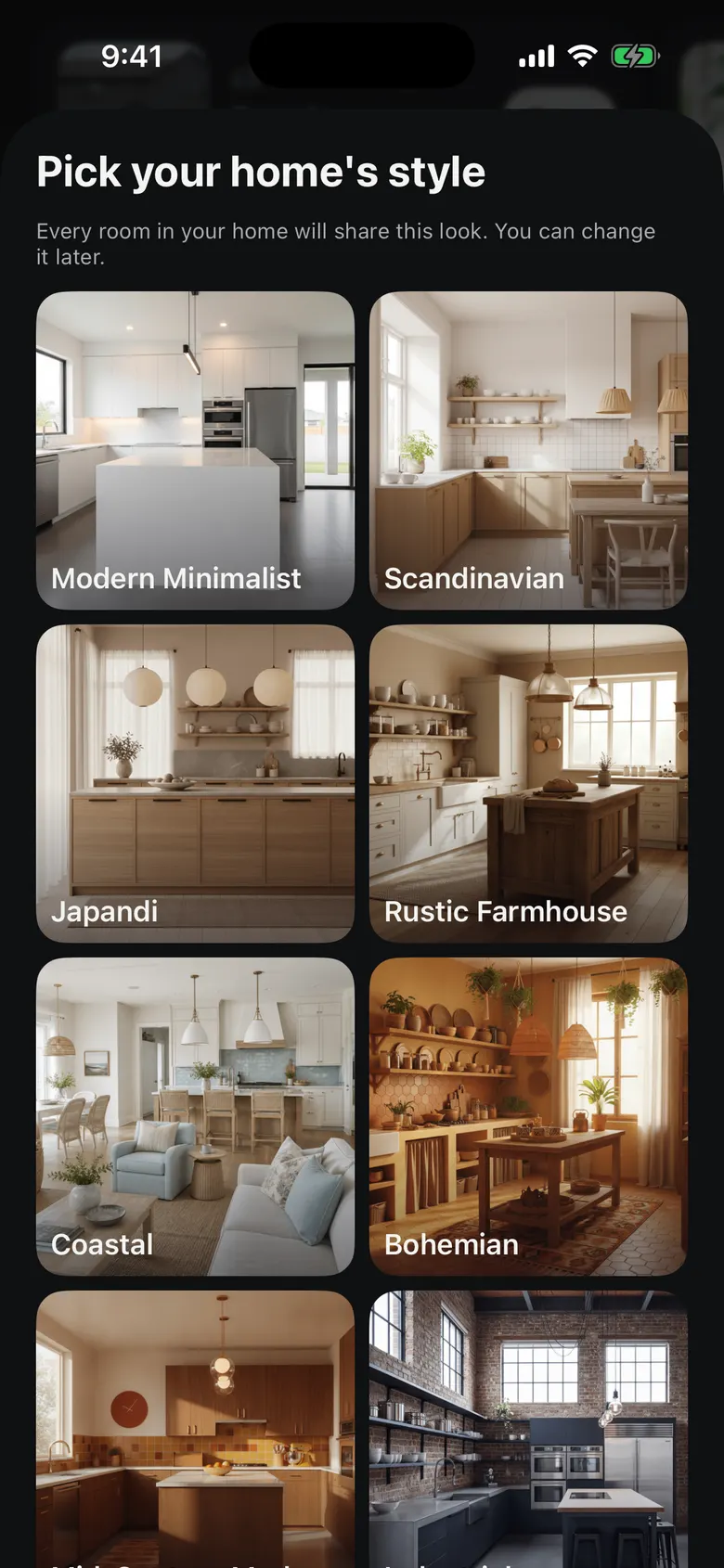
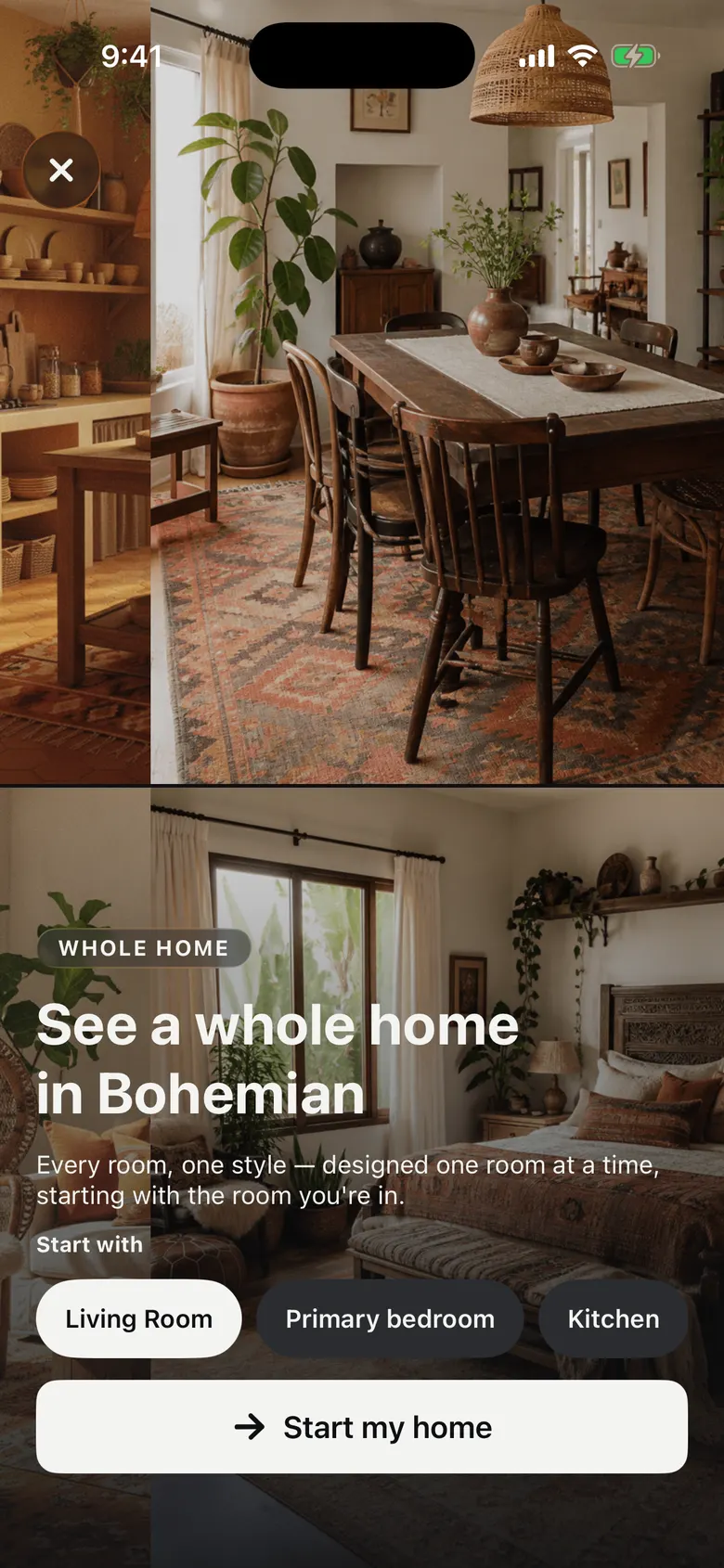
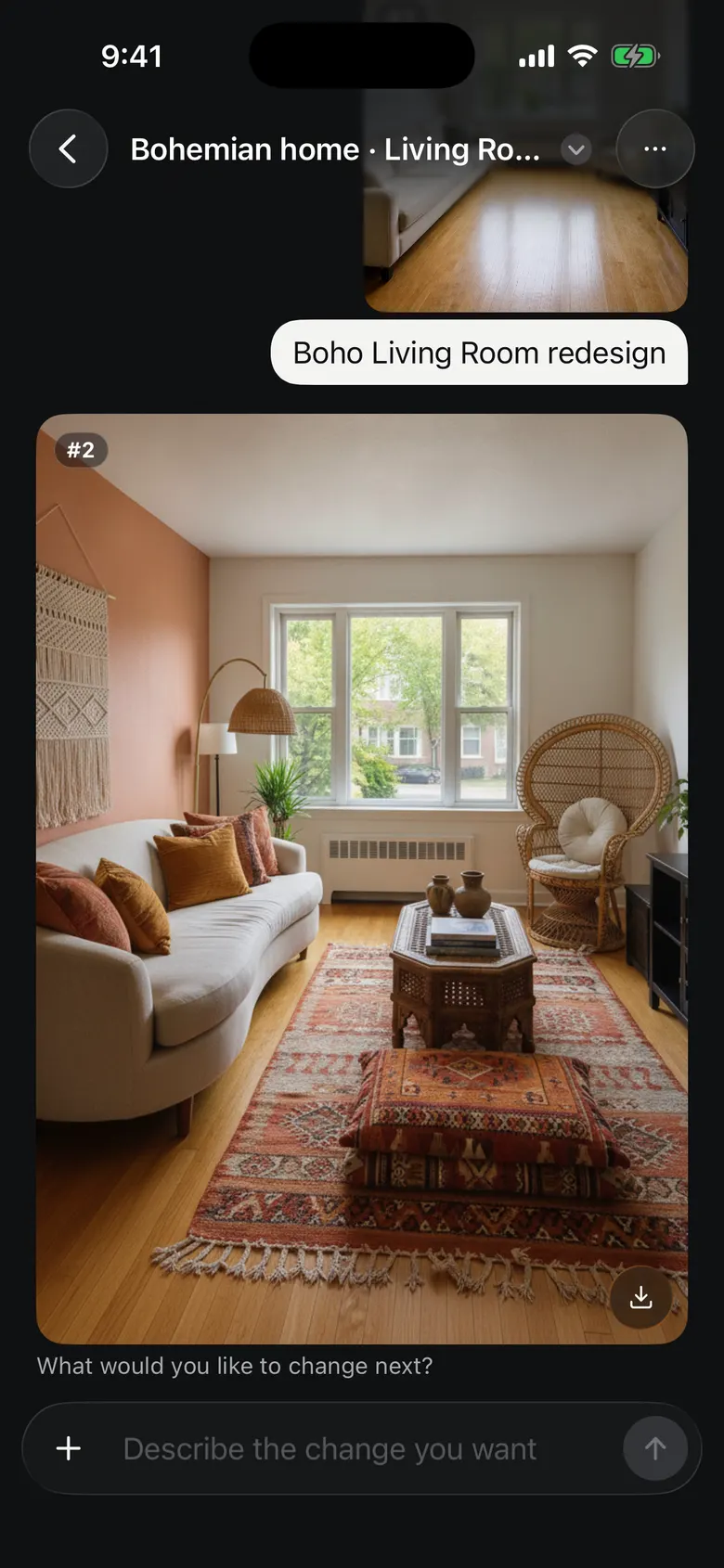
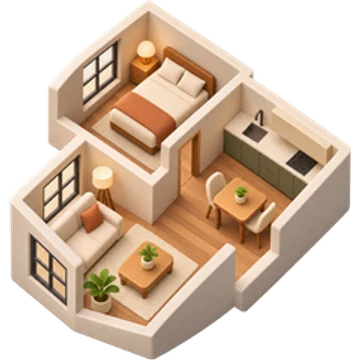
Whole Home in Revamp AI lets you plan every room in one place so the whole house works as a single design. Add each room, design it in the same project and see them together, keeping a consistent look from room to room.
Designing room by room can make a house feel disconnected. This is for people furnishing a new home, renovating several rooms, or keeping the designs of a whole household organised in one place.
Start with the rooms you see most, such as the living room and kitchen, then work outward. Keep the same style across rooms, and adjust each one in its own chat. Results vary with photo quality.
Revamp AI is a full design studio for the inside of your home, the outside and everything that grows. Start from a photo, pick a tool and keep going in the same chat.
Redesign, plan and fix every room from a single photo.
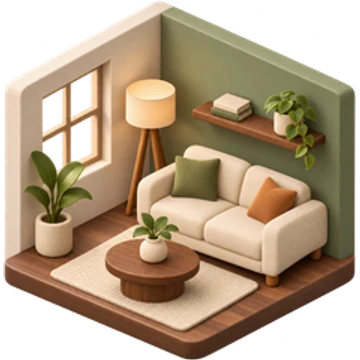
Photograph a room, pick one of more than 80 styles or describe your own, and get a redesign built to keep your walls, windows and layout.

Get an evidence-based diagnosis of what is holding a room back, where it shows, and a prioritised plan of fixes.
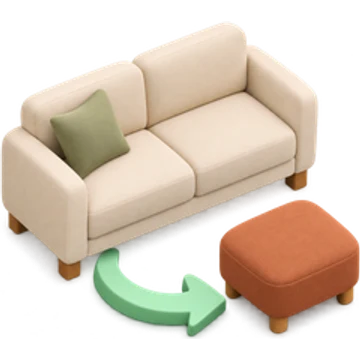
See a new arrangement of your room before you lift a single sofa.
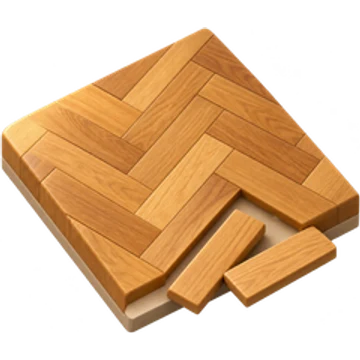
Try hardwood, tile, stone or carpet on your real floor and compare them side by side.

See new curtains, sheers or Roman shades on your own windows.
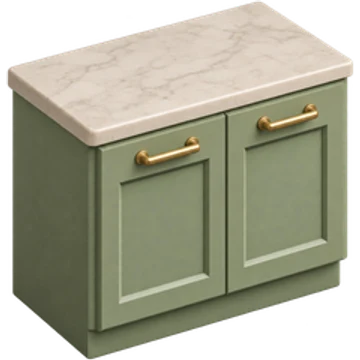
Restyle your kitchen cabinet doors, colour and hardware before you commit to a renovation.
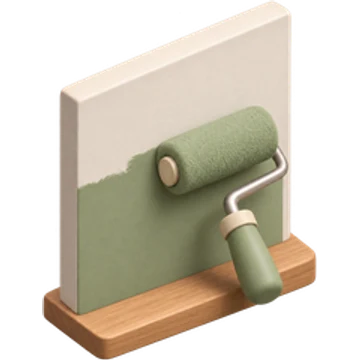
Test wall colours and finishes on your own photo so you can choose a paint with confidence.
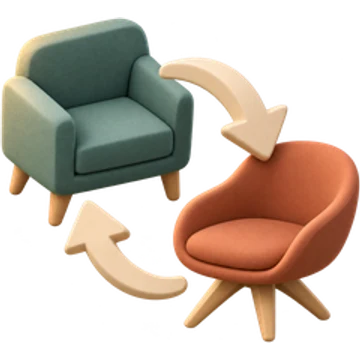
Swap one piece, like a sofa, lamp or table, for another and keep the rest of the room as it is.
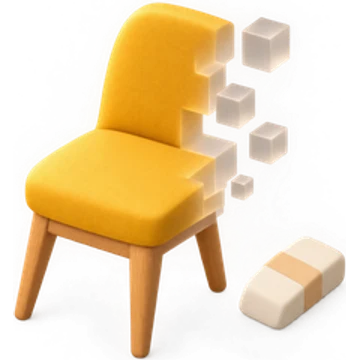
Take clutter, cables or a single object out of the photo and see a cleaner room.
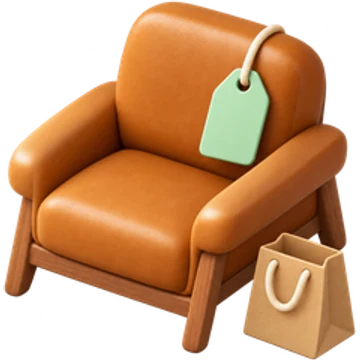
See the pieces in a redesign with estimated price ranges and where to shop for them.
Plan every room in one place so the whole house works as a single design.
Reimagine your house from the street and your garden from the back door.
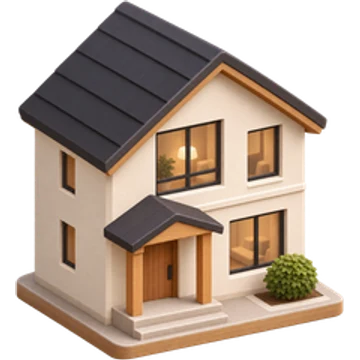
Reimagine your home's facade with new colours, a new front door and fresh trim.

Redesign a garden, patio, terrace or balcony from a photo of the space.
Choose, identify and look after the plants in your home and garden.
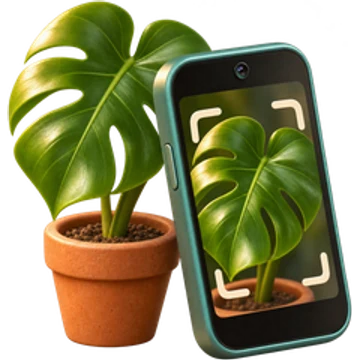
Point your camera at any plant to learn its name.

Find out what is wrong with a struggling plant and what to do about it.
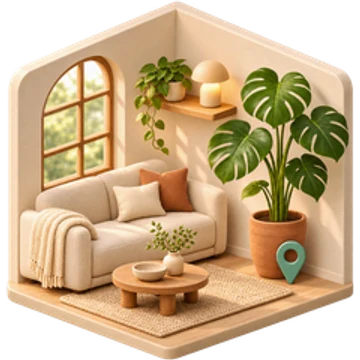
Photograph a room and see which plants suit it, where each would go and how much light it needs.
Look up care guides and a regional directory of plants that grow well where you live.
New tools arrive with every update. See every tool on its own page.
Plan every room in one place so the whole house works as one design. Designing room by room makes a house feel disconnected. Plan every room in one place so the whole home works as a single design.
1. Add the rooms of your home 2. Design each room in the same project 3. See the whole house together
New subscribers may be offered a free trial, depending on store eligibility. After that, one subscription keeps every design and tool available, so there is nothing to count or top up.
They are processed to create your design. We do not use your photos to train AI models. You can delete your account and data in the app.
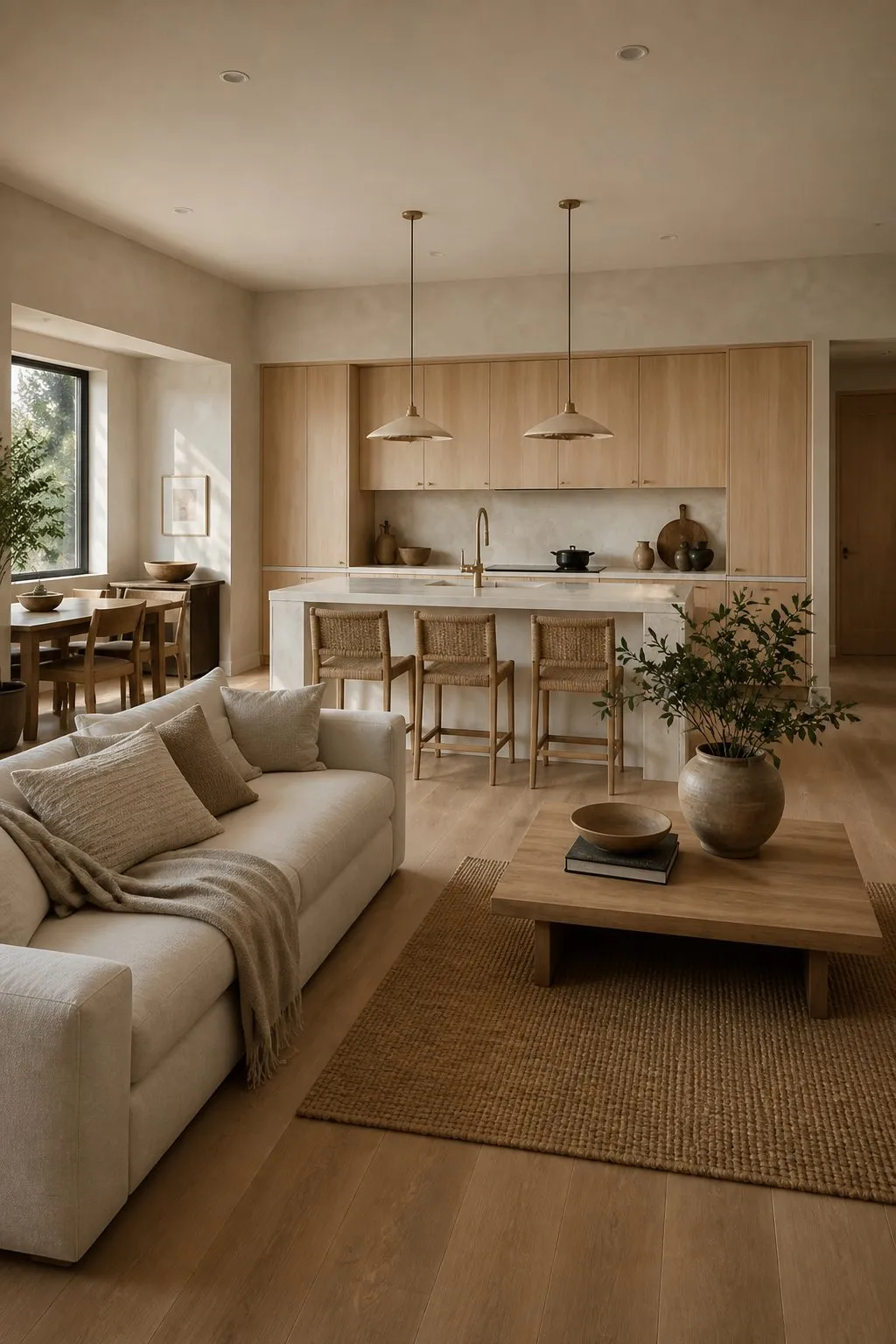
On iPhone and Android, with a free trial for eligible new subscribers.