How AI Room Redesign Actually Works: What It Gets Right, and What It Doesn’t
You spent two weekends taping paint swatches to the wall, and not one of them looked right once the light shifted in the afternoon. Or you got quoted six grand for an interior designer and walked away with nothing you could actually act on. Or you bought the rug, measured carefully, and it still arrived two sizes too small for the room in your head. The hard part of design was never the taste. It was the not being able to *see it* before you committed real money. That gap is exactly what AI room redesign is built to close, and it is also where most of the hype falls apart.
This is the honest version. Not a sales pitch, not a tool roundup. Just how the technology actually works, where it genuinely helps, and where it will quietly lie to you if you let it.
What AI Room Redesign Actually Is (And What It Isn’t)
At its core, an AI room redesign takes a photo of your real room and repaints it. The software keeps your walls, windows, and doors roughly where they are, then swaps out the surfaces, furniture, color palette, and lighting to match a style you pick. The geometry of the room is the anchor. Everything sitting inside that geometry is up for grabs.
This is different from two things people often confuse it with. A 3D room planner makes you input every dimension by hand, which is precise but slow. A prompt-only image generator invents a room from nothing, which looks pretty but is not *your* room. AI room redesign sits in between: it starts from your actual space and reimagines it.
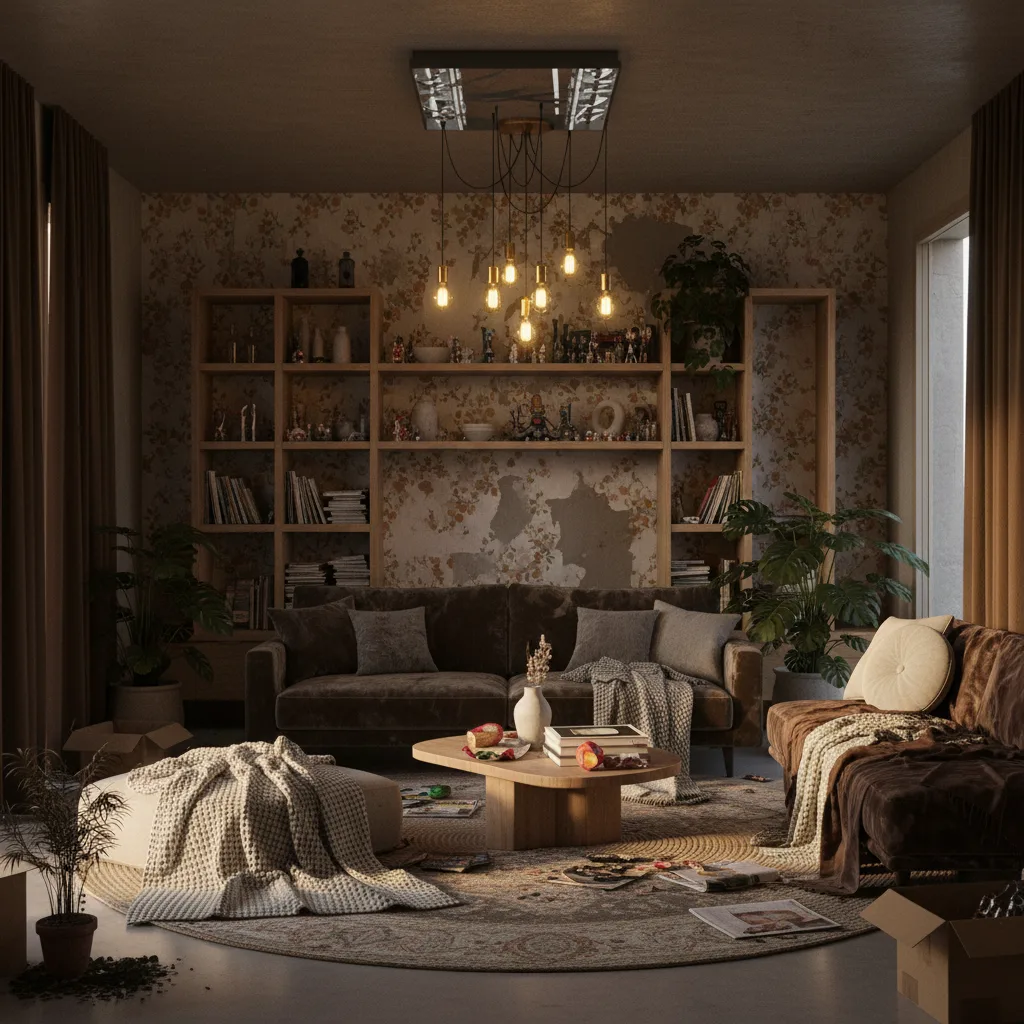
Frame it correctly and you will never be disappointed: this is a visualization and ideation tool, not a blueprint generator. It shows you a direction. It does not hand you a build plan.
The Step-by-Step Process: From Phone Photo to Redesigned Room
The whole flow is shorter than making coffee.
- Take the photo. Shoot at eye level, in natural light, and clear the obvious clutter first. The AI reads edges and depth from what you give it, so a clean, well-lit frame produces a far better result than a dim corner shot with laundry in it.
- Pick a style. Choose Scandinavian, Industrial, Japandi, Coastal, or whatever you are curious about. The model maps your room’s geometry onto what it has learned about that style and generates a coherent version of your space in it.
- Review and iterate. Each generation takes roughly 5 to 30 seconds. Run several. Compare them side by side. The real value is speed: you can kill three bad ideas in two minutes, before a single can of paint is opened.
The Technology Behind It: How Diffusion Models Preserve Your Room’s Structure
Most modern AI room redesign tools run on diffusion models. Here is the plain version. The model learns to take a noisy, scrambled image and progressively clean it up into something coherent. For room redesign, it is conditioned on your photo’s structural skeleton, the lines of the walls, the position of the window, the plane of the floor, so that as it cleans up the image it keeps your geometry intact while changing the surfaces on top of it.
That is also why the results feel more believable than a slap-on filter. The model has absorbed millions of real interiors, so it understands relationships: a sofa sits on the floor, a lamp stands beside a chair, light enters from the window and falls across the room in one consistent direction. A filter cannot reason about any of that.
But the same training is where the limits come from. The model learned from images, not architectural drawings. It has no tape measure. It does not know your ceiling is 8 feet or that there is an outlet behind the couch. So it can misjudge scale, occasionally invent a fixture, or get confused by an unusual room shape. None of that is a bug you can report. It is baked into how the thing works.
How Accurate Is It? An Honest Look at What Works and What Breaks
Let me split this cleanly, because the difference matters.
What it nails: color palette, material and texture, the overall aesthetic mood, the quality of the lighting. These are image-space problems, exactly what the model is trained for. If you want to know whether a walnut-and-cream Japandi palette will feel calming in your bedroom or just cold, the AI will tell you that honestly and fast.
What breaks: real-world scale. The AI will happily place a sectional that leaves you 16 inches of walking clearance where you actually need 30 to 36. It does not know about door swings, radiator placement, or where you set your coffee down every morning. And it can occasionally hallucinate a window or doorway that does not exist, which makes a beautiful image useless as a literal plan.
Rule of thumb: treat AI outputs as directional confidence, not measurements. Use them to eliminate wrong directions fast, then validate anything you are spending money on with an actual tape measure.
If a result looks too sterile, like a showroom nobody lives in, that is the model defaulting to its cleanest training examples. Run it again, try a warmer style, and judge it for the palette and mood rather than treating it as a finished room.
Your Photo and Privacy: What Actually Happens to Your Image
This is the question people are too polite to ask out loud, so let me ask it for you: where does the photo of your home actually go?
The standard pipeline is straightforward. Your photo is uploaded to a cloud server, the model processes it to generate the redesigned image, and the result is sent back to your device. The generation has to happen on a server because the models are too large to run on a phone. That part is normal and unavoidable.
The questions that actually matter are these: Is the photo stored permanently? Can it show up in some public gallery? Is it used to train future models? With Revamp AI, your photos are processed to create your design and are not posted to any public gallery or sold. Whatever app you use, read its privacy policy before you upload, and be wary of any tool that hides its privacy controls behind a paywall.
- Avoid uploading photos that include mail, documents, or family pictures on the walls.
- Skip frames where a street-visible window reveals your house number or location.
- If a policy is vague about retention or training, treat that vagueness as your answer and move on.
Realistic Expectations: What AI Room Redesign Can and Cannot Replace
Here is the part the vendor pages never say plainly.
It can replace the expensive guessing phase. Picking paint colors, testing furniture arrangements, exploring three styles you cannot quite picture, all the decisions that normally cost you a wasted weekend and a returned rug. That is where AI earns its keep.
It cannot replace structural planning, building code, ergonomics, or sourcing. It will not tell you whether that wall is load-bearing, whether the layout suits how your kids actually move through the room, or where to buy the exact sofa it drew at a price you can afford. Some of the furniture it shows you may not exist at retail at all.
A professional designer runs $150 to $500 just for the first consultation, and $2,000 to $15,000 for a full project. AI does not compete with that designer. It comes *before* them. It gives you a visual direction in under a minute so you walk into any decision, or any designer conversation, already knowing roughly what you want.
Revamp AI lets you run that same visualization on a photo of your actual room in under a minute, free to download on iOS and Android.
Try It Free with Revamp AI
Getting the Best Result: Photo and Style Tips That Actually Change the Output
Input quality is the single biggest lever you control. A few habits that genuinely move the result:
- Lighting: shoot in daylight. Harsh overhead bulbs flatten the depth, and the model reads shadow and highlight to understand where surfaces sit in space.
- Angle: stand at eye level, hold the phone in landscape, and capture as much of the room as you can in one frame. A corner shot that shows two walls and the floor beats a flat, straight-on shot of a single wall.
- Style selection: if you cannot name your style, do not take a quiz. Run three or four options and eliminate. Your eye decides faster than any questionnaire.
AI room redesign is not magic, and the people selling it as magic are the reason you were skeptical walking in. Used correctly, with realistic expectations, it is the cheapest, fastest way to stop guessing and start seeing, which, for a decision that usually costs hundreds of dollars to get wrong, is worth a lot more than it sounds.
Ready to apply what you have learned to a specific room? Our AI living room redesign guide covers ten distinct styles on a real space, the AI bedroom design app guide focuses on the color and layout decisions unique to sleep spaces, and the AI kitchen redesign guide shows how to test a $30K renovation before committing.
Further reading: AI Living Room Redesign Guide · AI Bedroom Design App · AI Kitchen Redesign Guide
Common Questions
Frequently Asked Questions
Very accurate for color, texture, lighting mood, and overall style, since those are image problems the model is trained on. It is much weaker on real-world scale, furniture proportions, and structural details like door clearance. Treat the output as a visual direction, then verify anything you are buying with actual measurements.
Your photo is sent to a cloud server, processed into a design, and returned to your device. With Revamp AI it is used to create your result and is not published to a public gallery or sold. Before uploading to any app, read its privacy policy and avoid including mail, documents, or street-visible house numbers in the frame.
No, and it is not meant to. It replaces the expensive guessing phase, picking colors and testing layouts before you commit. It cannot handle structural planning, building code, ergonomics, or sourcing real products at your budget. Use it before a designer, not instead of one.
A single generation usually takes 5 to 30 seconds. The real benefit is running several variants quickly and comparing them side by side, so you can rule out bad directions in a couple of minutes instead of a wasted weekend.
Usually it is the input. Dim lighting, a tight corner shot, or heavy clutter give the model poor edges to work with. It can also default to a sterile showroom look or misjudge furniture scale. Reshoot in daylight at eye level, capture more of the room, and judge the result for palette and mood rather than literal accuracy.
It works, but unusual shapes are where the model is most likely to misread geometry or get scale wrong. For small or irregular rooms, use the result for style and color inspiration and double-check any furniture placement against real measurements before buying.