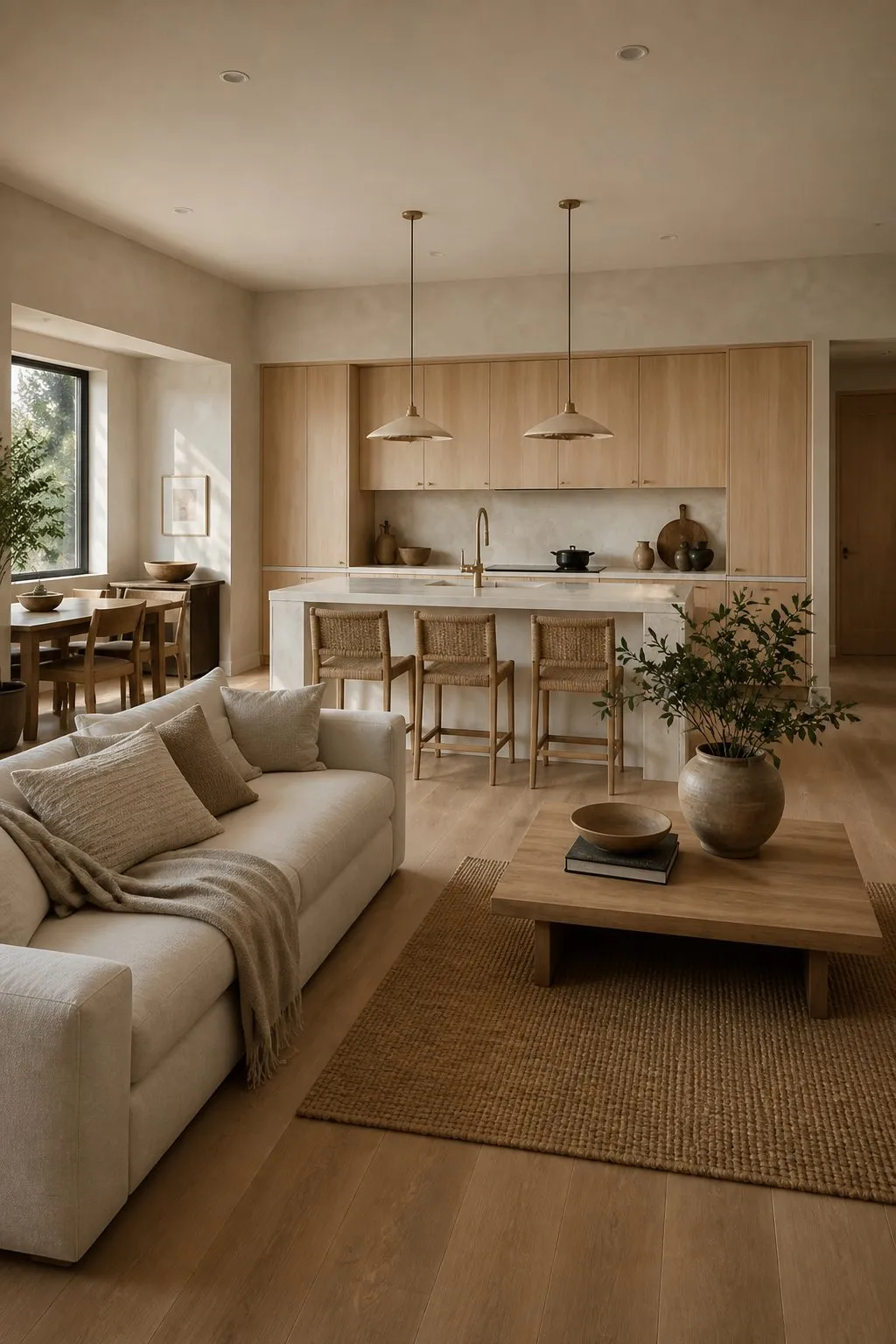
Interior design
Redesign, plan and fix every room from a single photo.
-
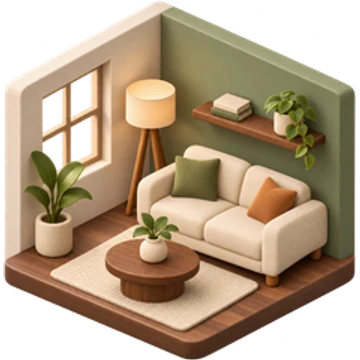
Room redesign
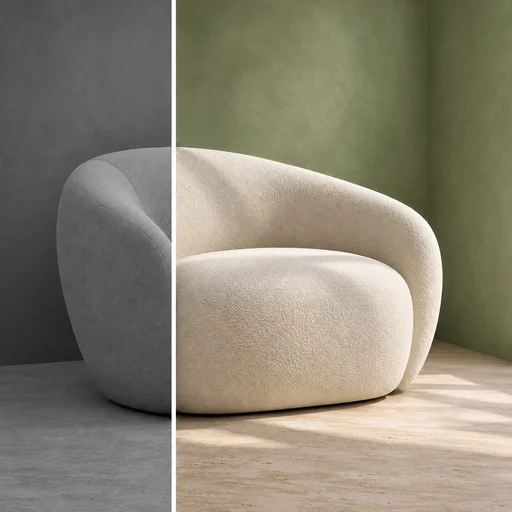
Redesign any room from one photo. Pick a style, compare before and after.
-

Room Doctor
Find out what is holding your room back, with a prioritised plan of fixes.
-
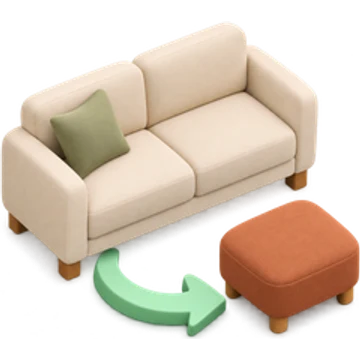
Furniture layout
See a new furniture arrangement for your room before you move a single sofa.
-
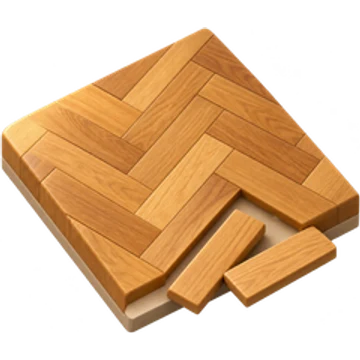
Floor design
Try hardwood, tile, stone or carpet on a photo of your own floor.
-

Curtains and shades
See linen, sheer or velvet curtains on your own windows before you buy.
-
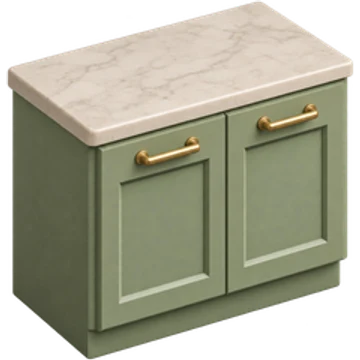
Kitchen cabinet design
Try new kitchen cabinet colours and hardware on a photo of your own kitchen.
-
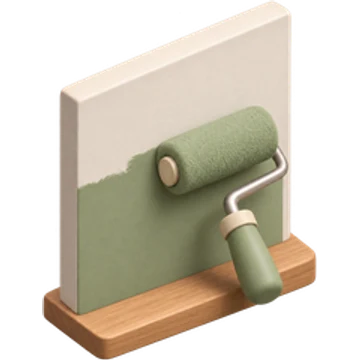
Paint surfaces
Test wall colours and finishes on your own photo before you buy the paint.
-
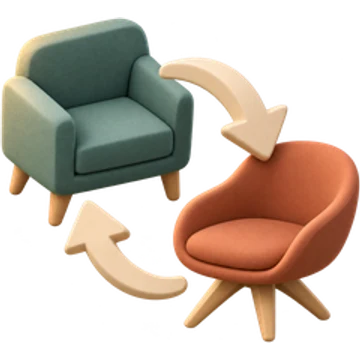
Replace objects
Swap one piece, a sofa, lamp or table, and keep the rest of the room as is.
-
Remove and clean up
Remove clutter, cables or a single object from a room photo.
-
Shopping and prices
See the pieces in your redesign with price ranges and where to shop for them.
-
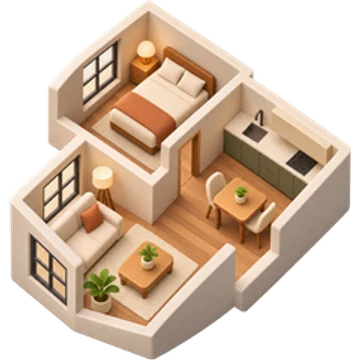
Whole Home
Plan every room in one place so the whole house works as one design.