01
Snap a Photo
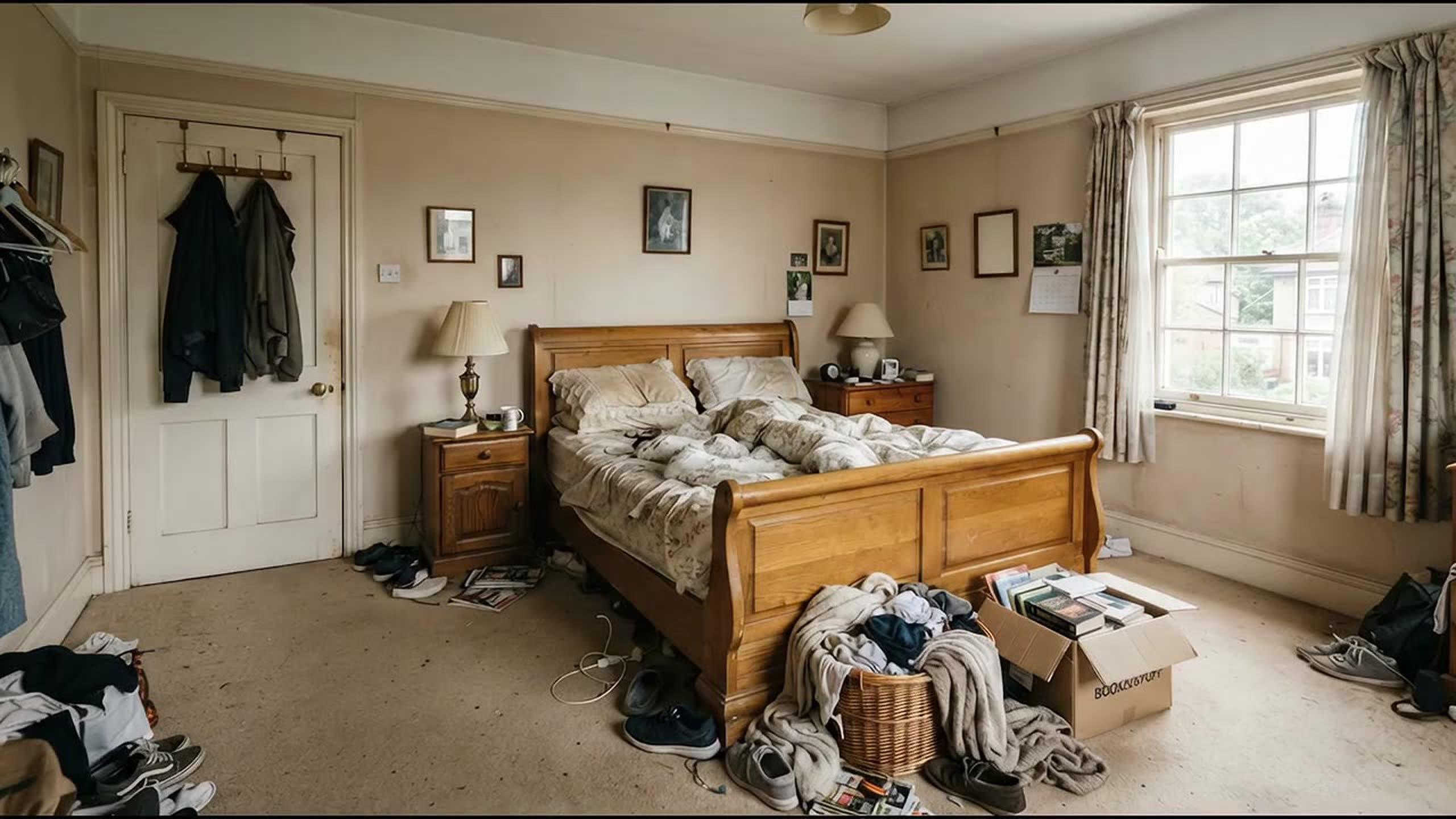
Take a photo of any room you want to redesign: living room, bedroom, kitchen, or more.
AlsoHome officeHome office
02
Pick a Style
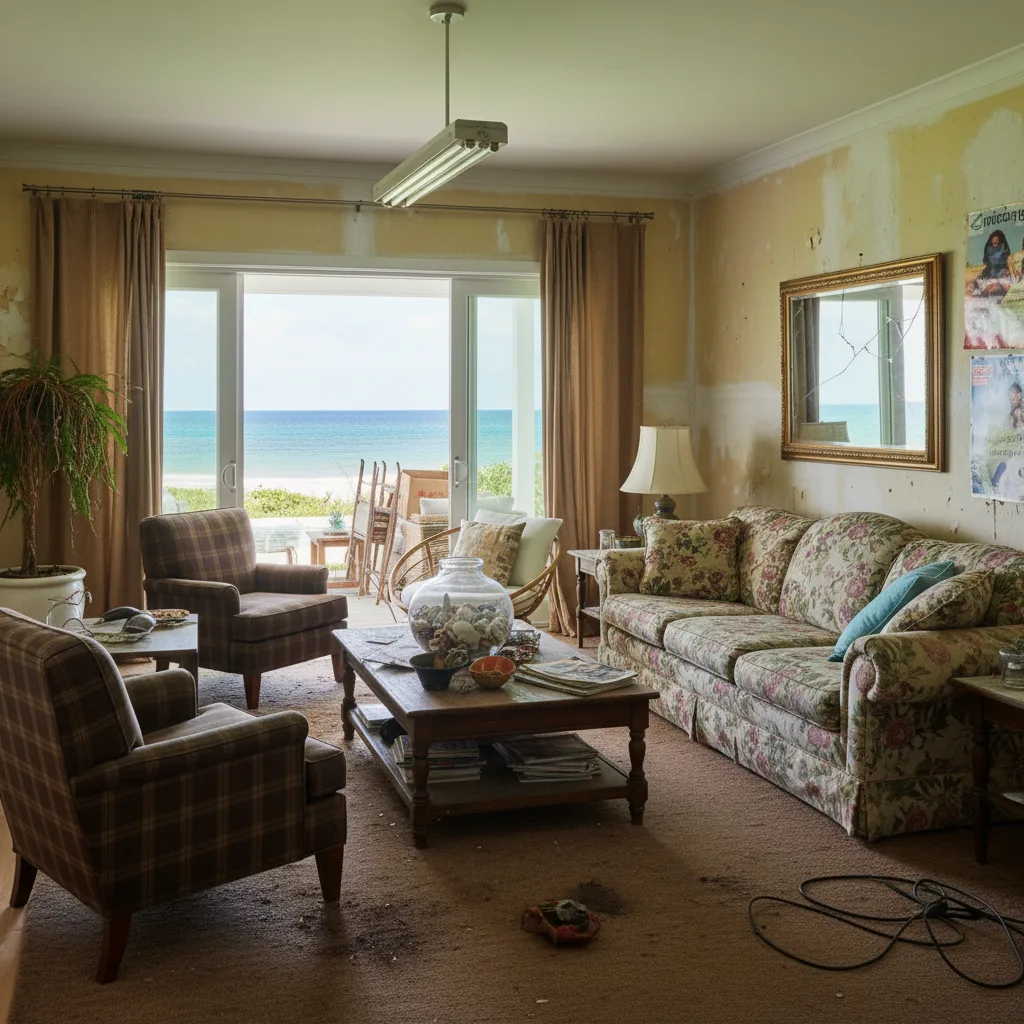
Choose from 10+ curated design styles. Modern, Scandinavian, Industrial, Bohemian, and more.
AlsoCoastalMid-century
03
See Your Redesign
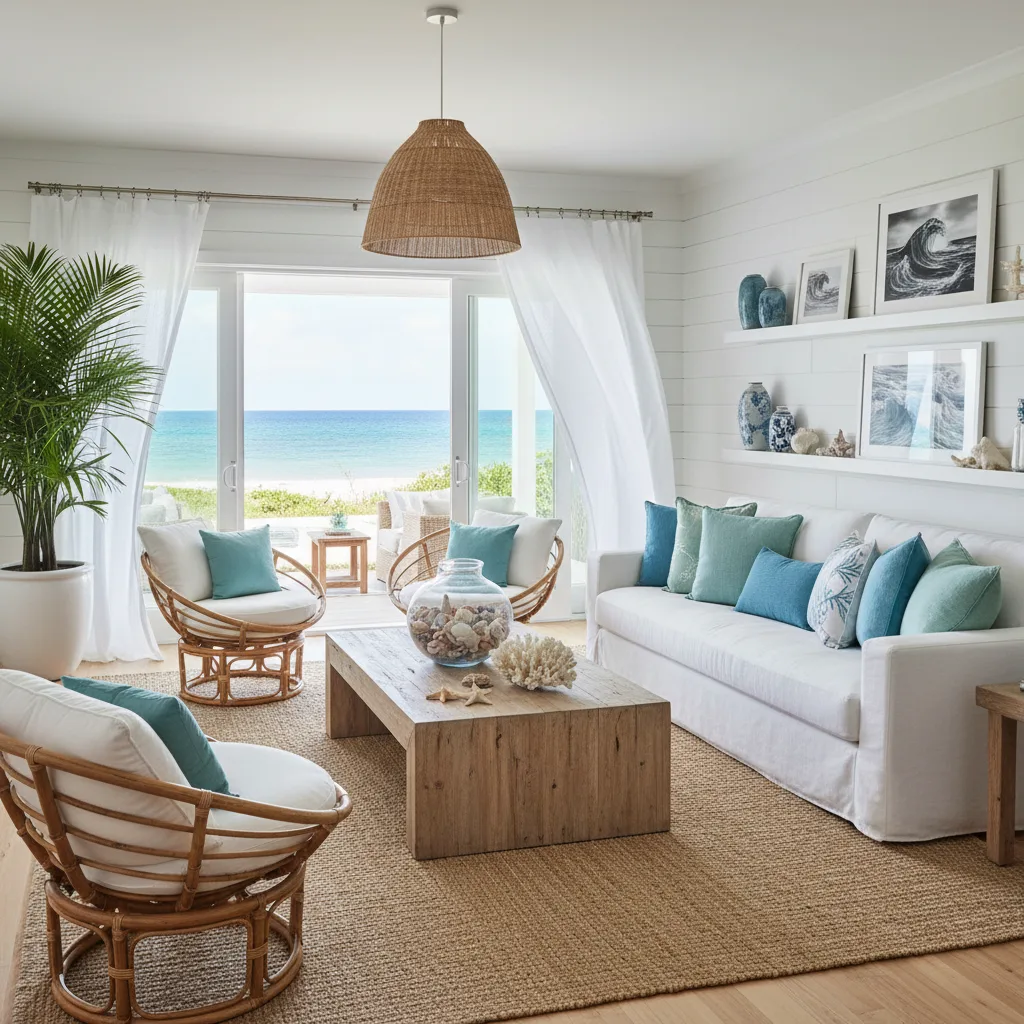
Get a photorealistic redesign in seconds. Save it, share it, or try another style.
ThenShop the lookCompare side by side
01
What's holding it back
The walls are giving up
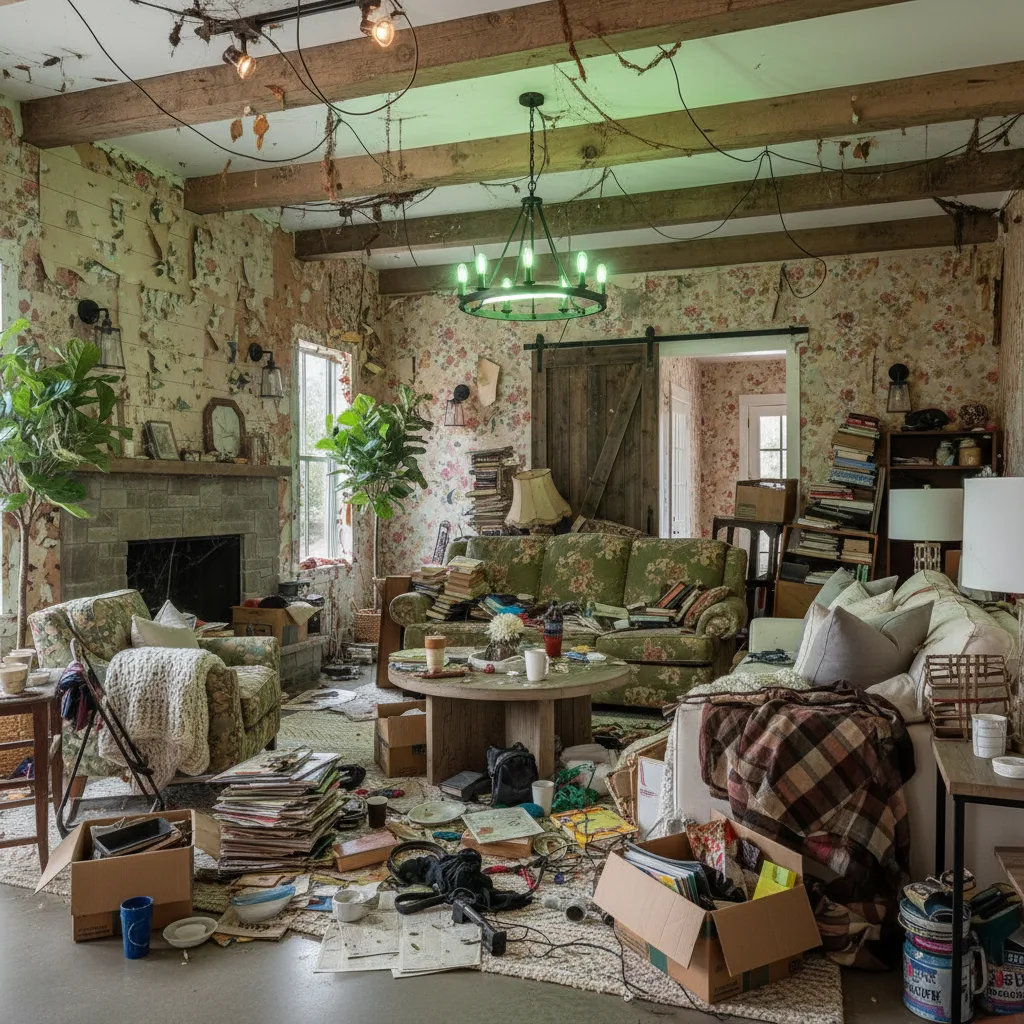
Peeling wallpaper by the fireplace makes the whole room read as neglected before anything else registers.
02
What's holding it back
The floor has disappeared
Boxes, papers and cables cover the rug, so the eye never finds a place to rest.
03
What's holding it back
Nowhere left to sit
Every seat is buried under books and blankets. The furniture is fine; it just cannot be seen.
The verdict
Needs work
OverwhelmedWhat's working
- Beams, a stone fireplace and two big windows: the bones are excellent.
- Two plants already soften the room; they are just lost in the clutter.
Do now
Free changes for tonight, with what you already own.
- Start here20 minBox up everything on the floor and carry it out of the room.
- 10 minClear every seat, then the coffee table down to one object.
- 5 minStrip the loose wallpaper by the fireplace.
35 minutes tonight
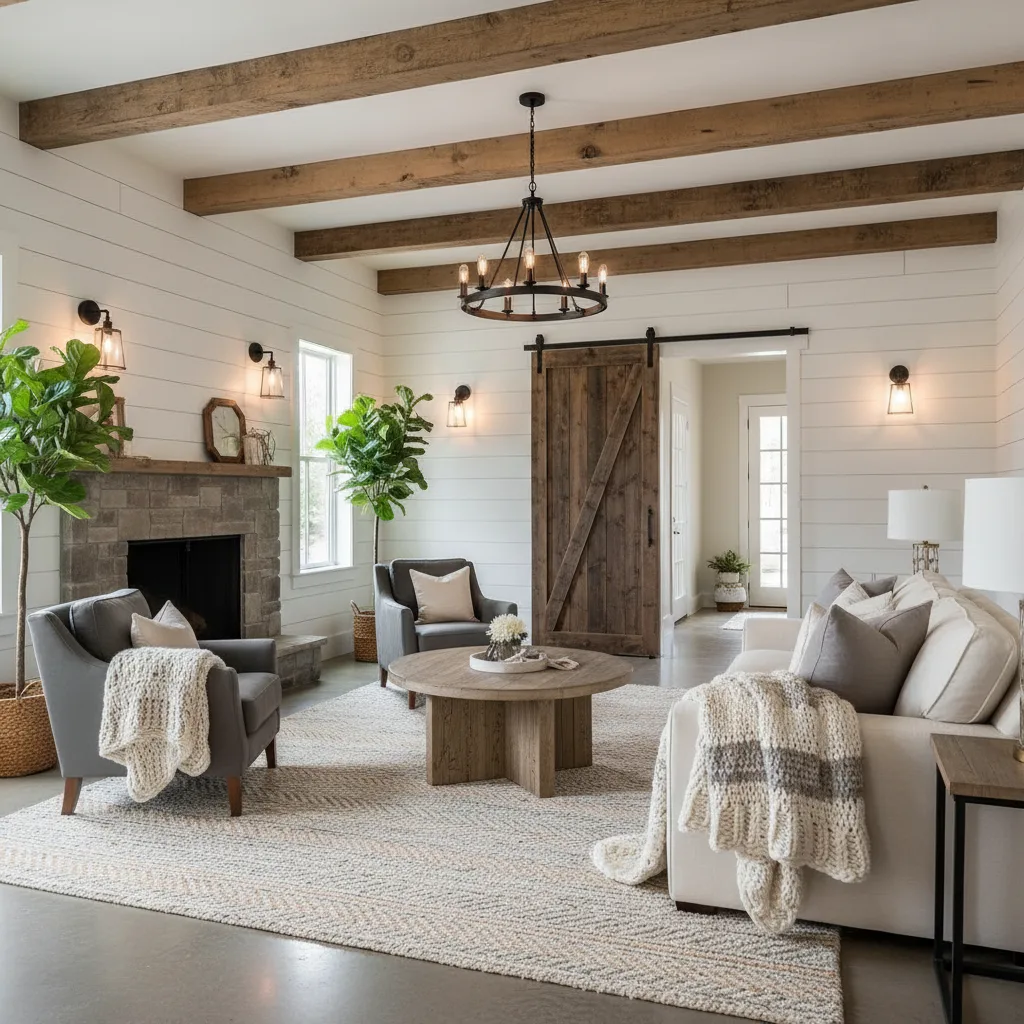
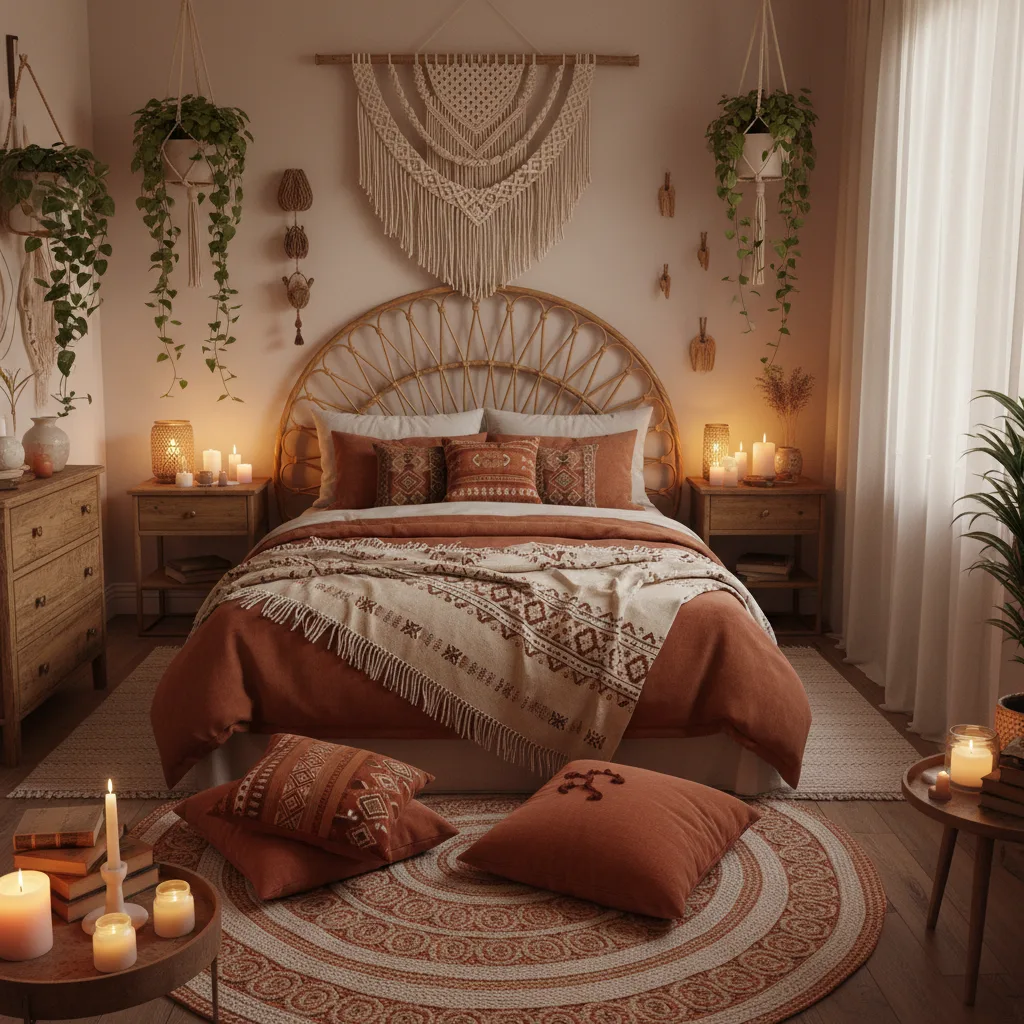
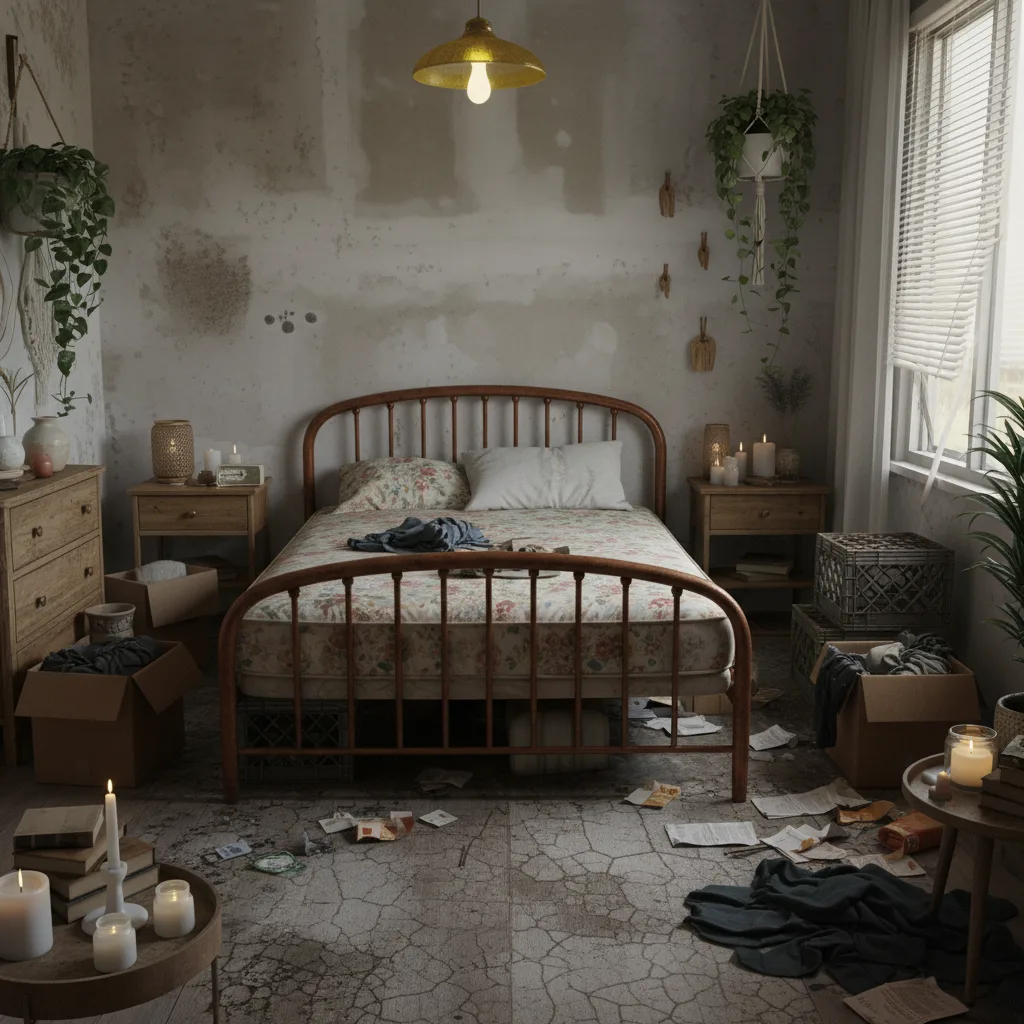
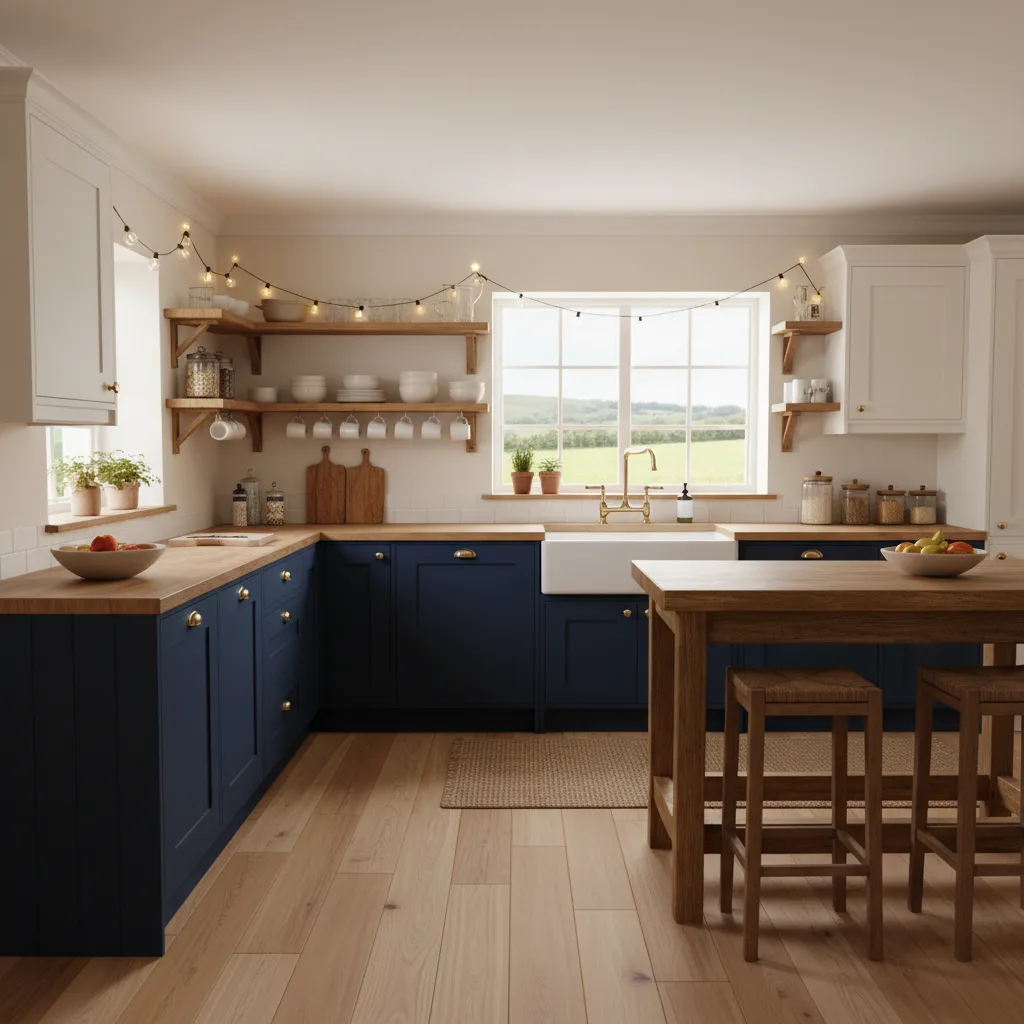
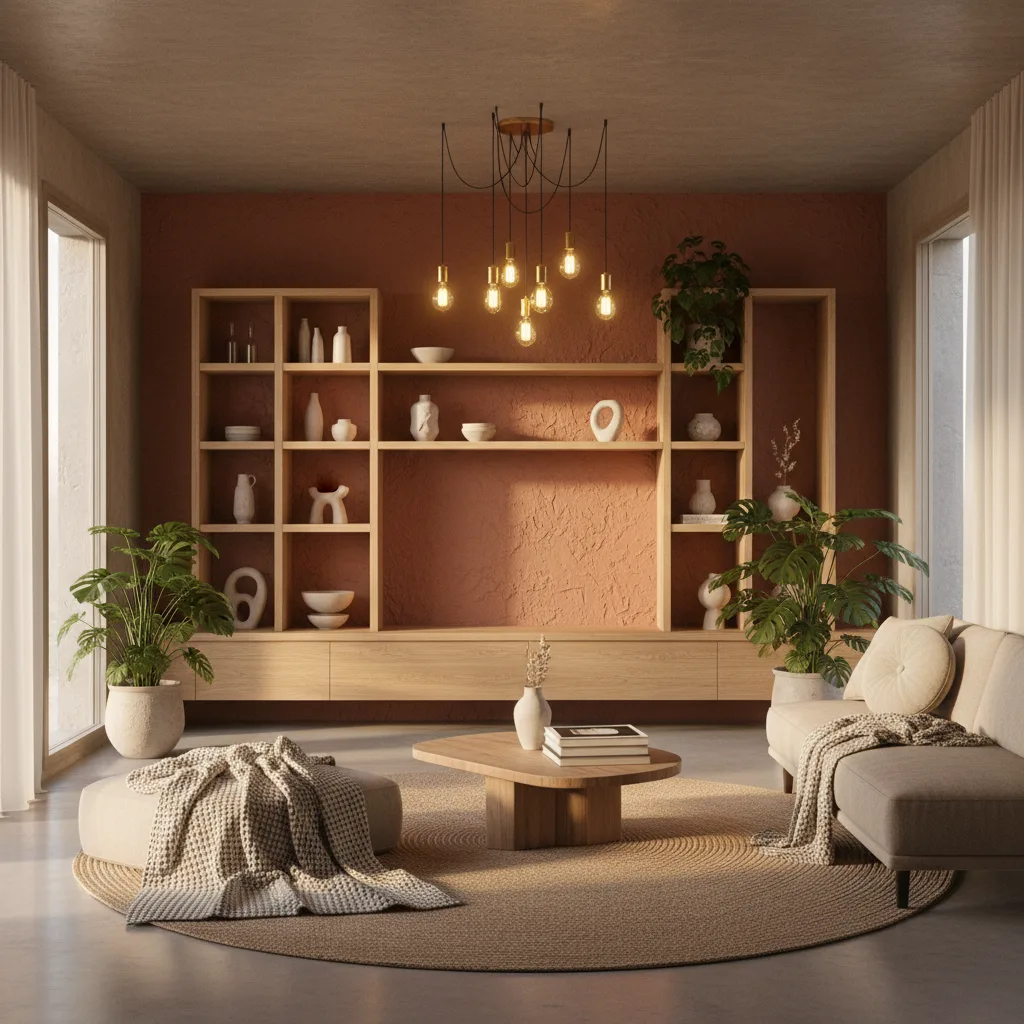
Before & After: AI Interior Design Results
Drag the slider to see what your space becomes in seconds.
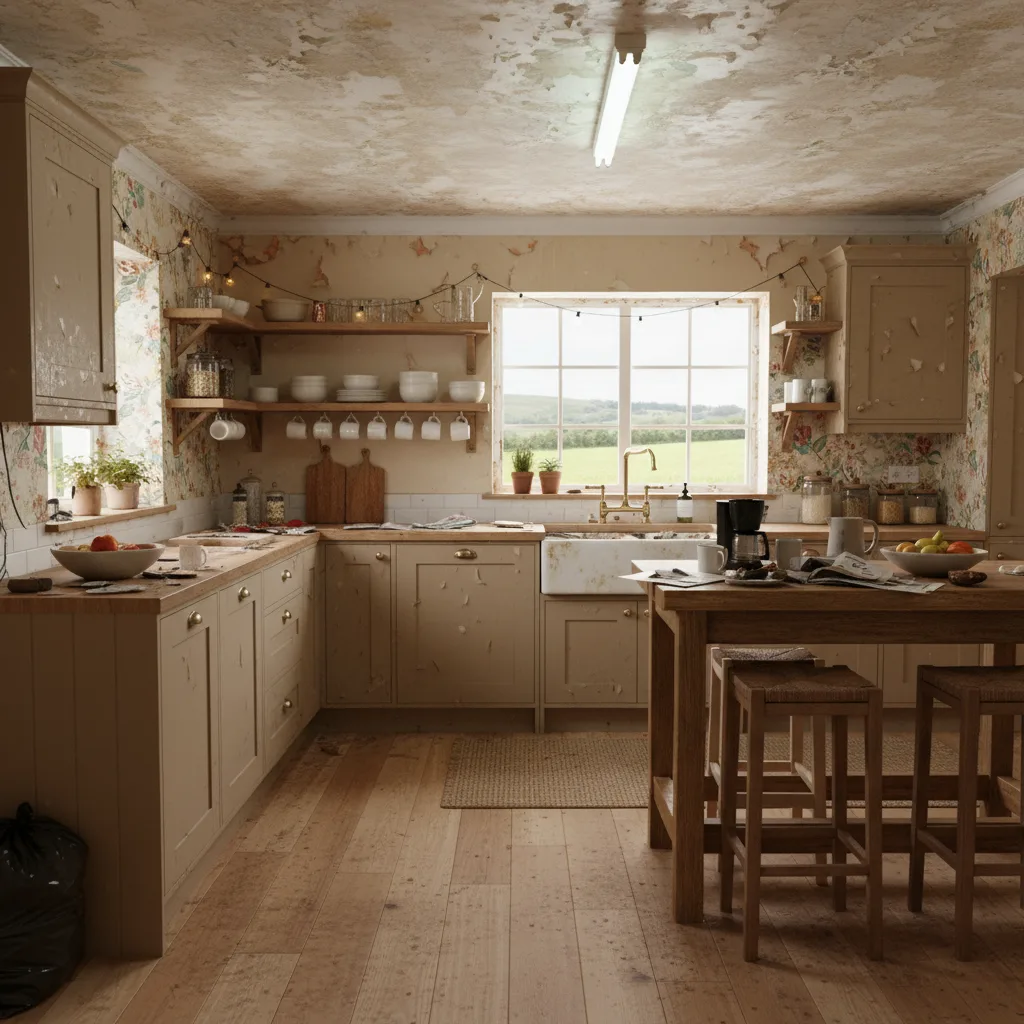
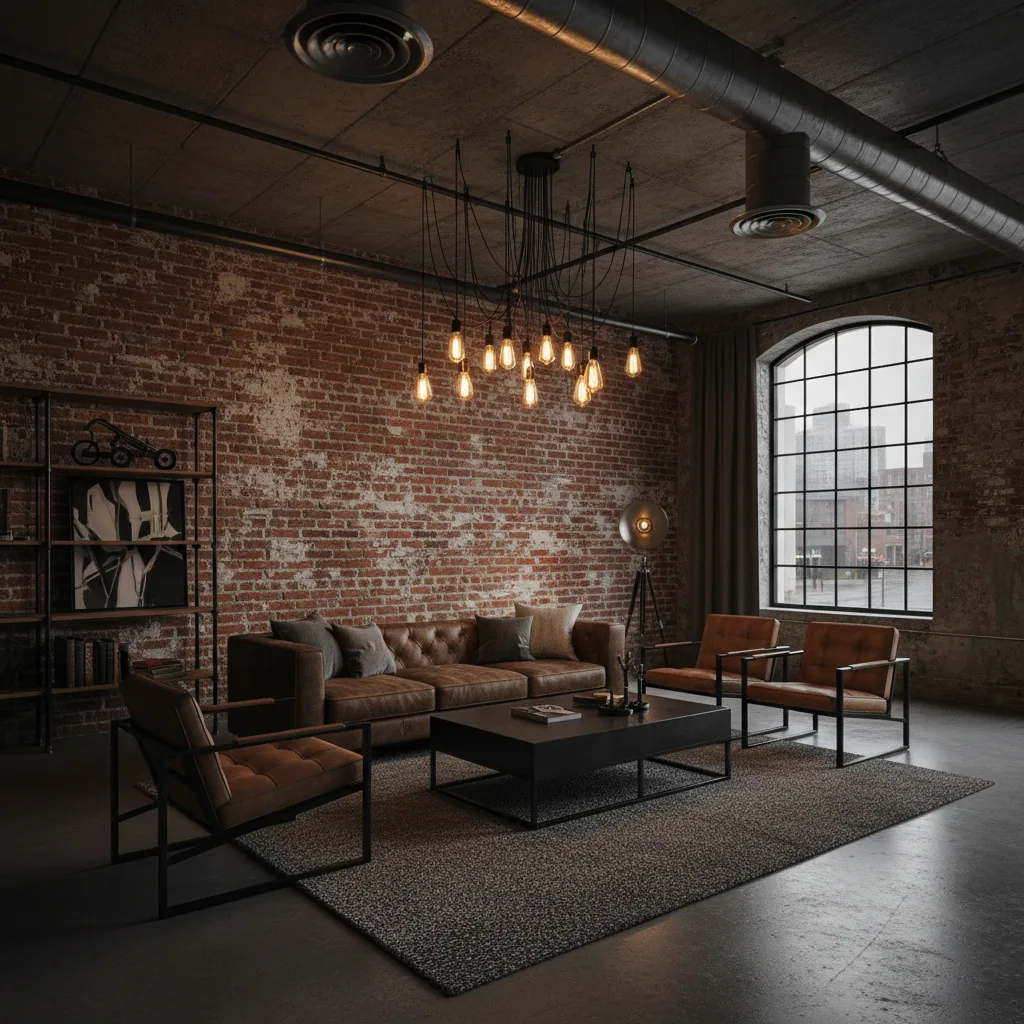
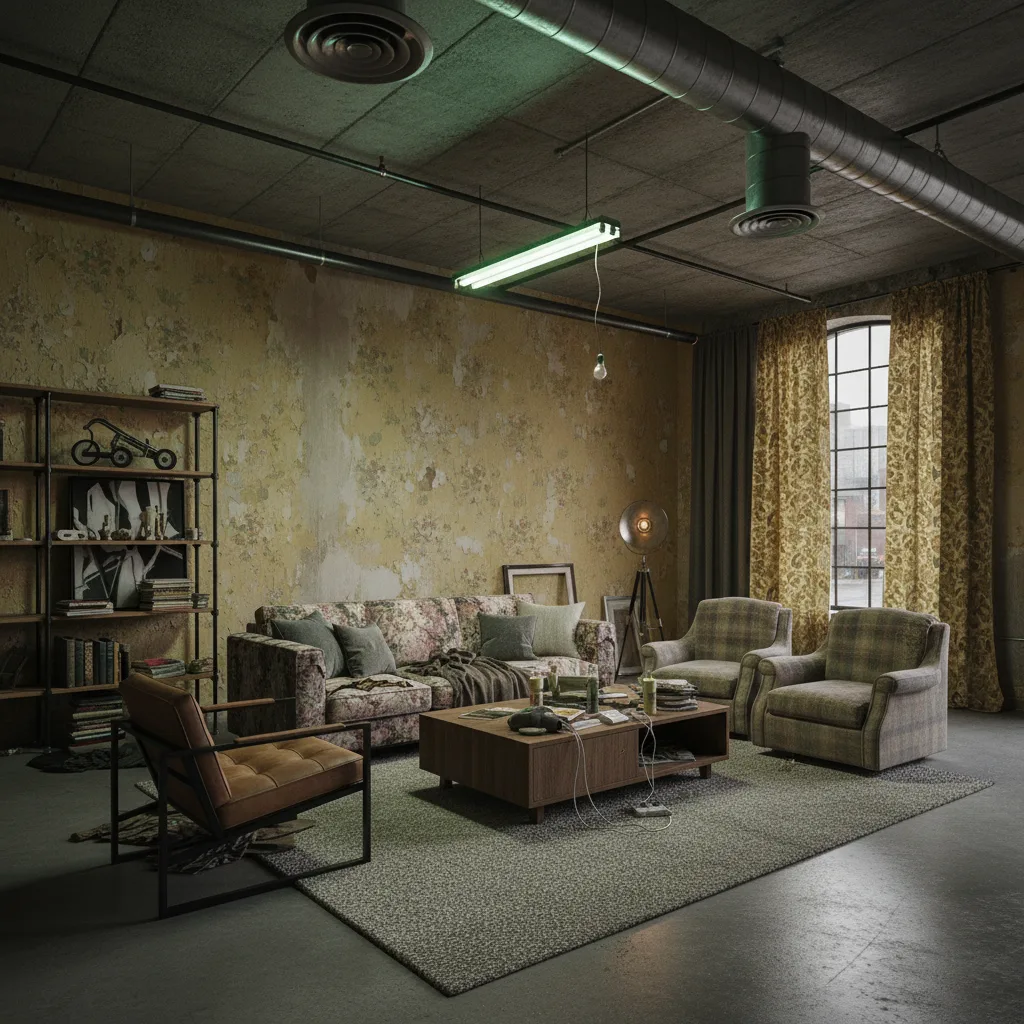
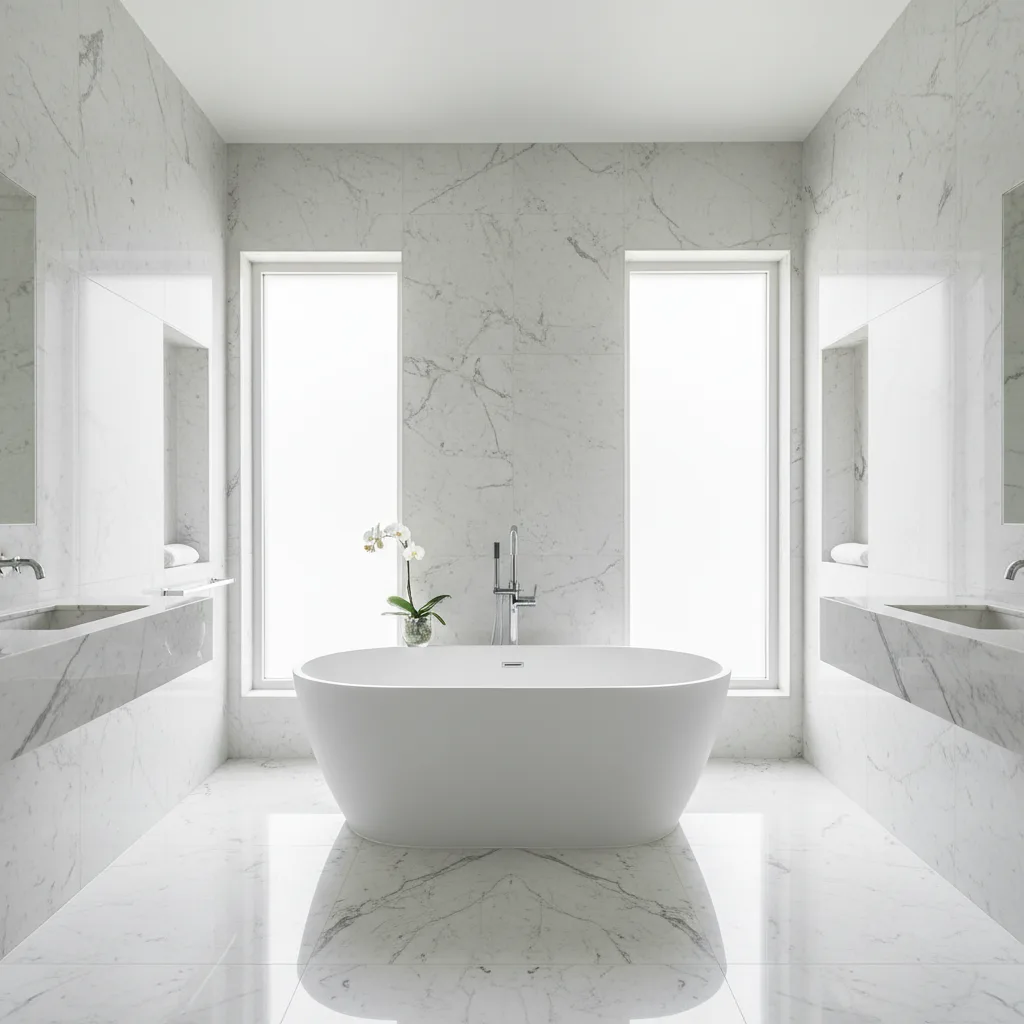
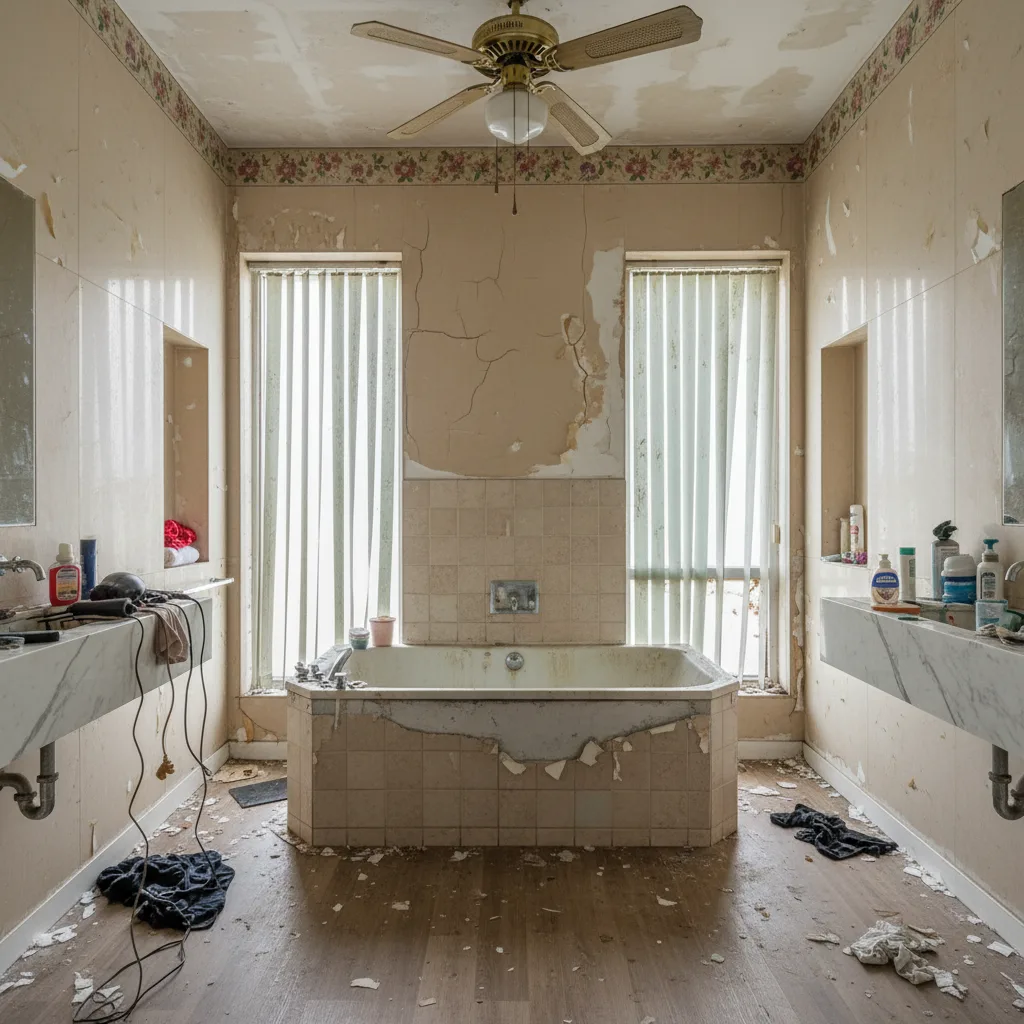
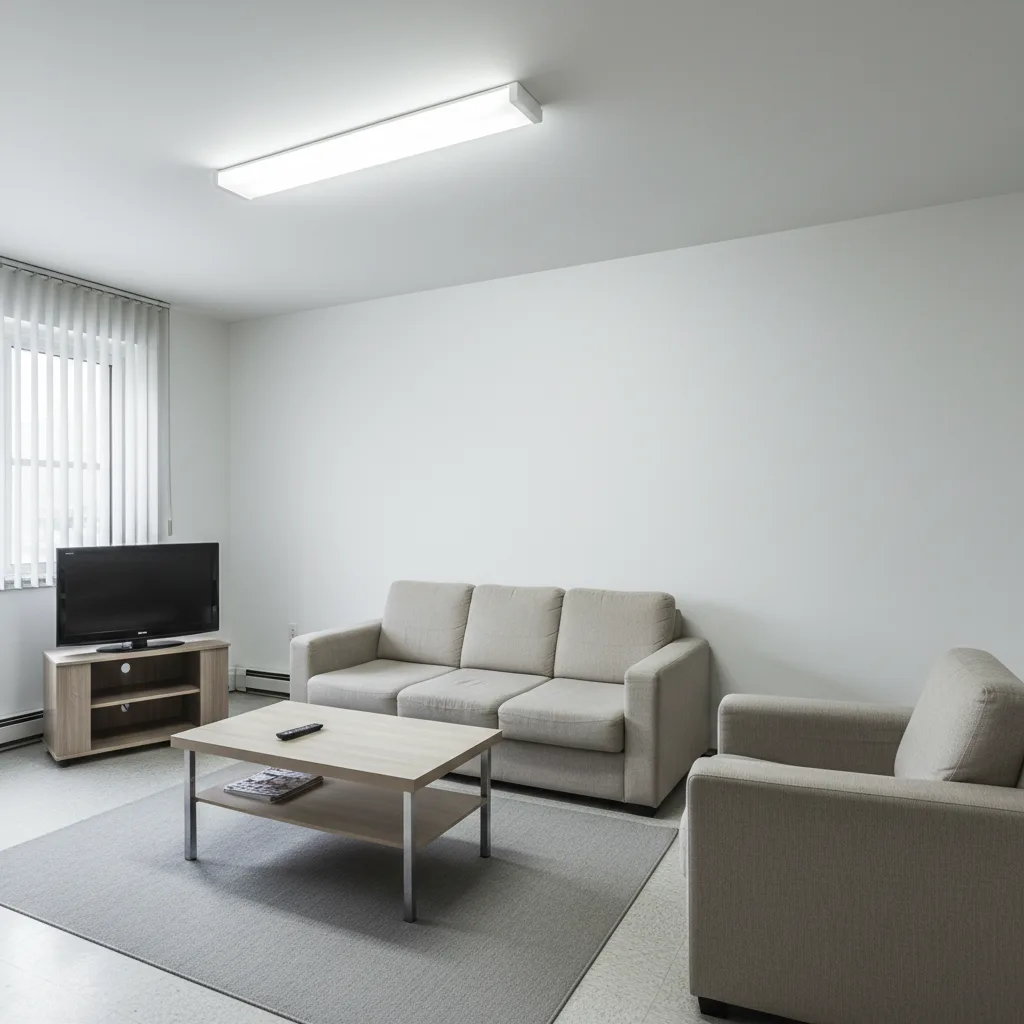
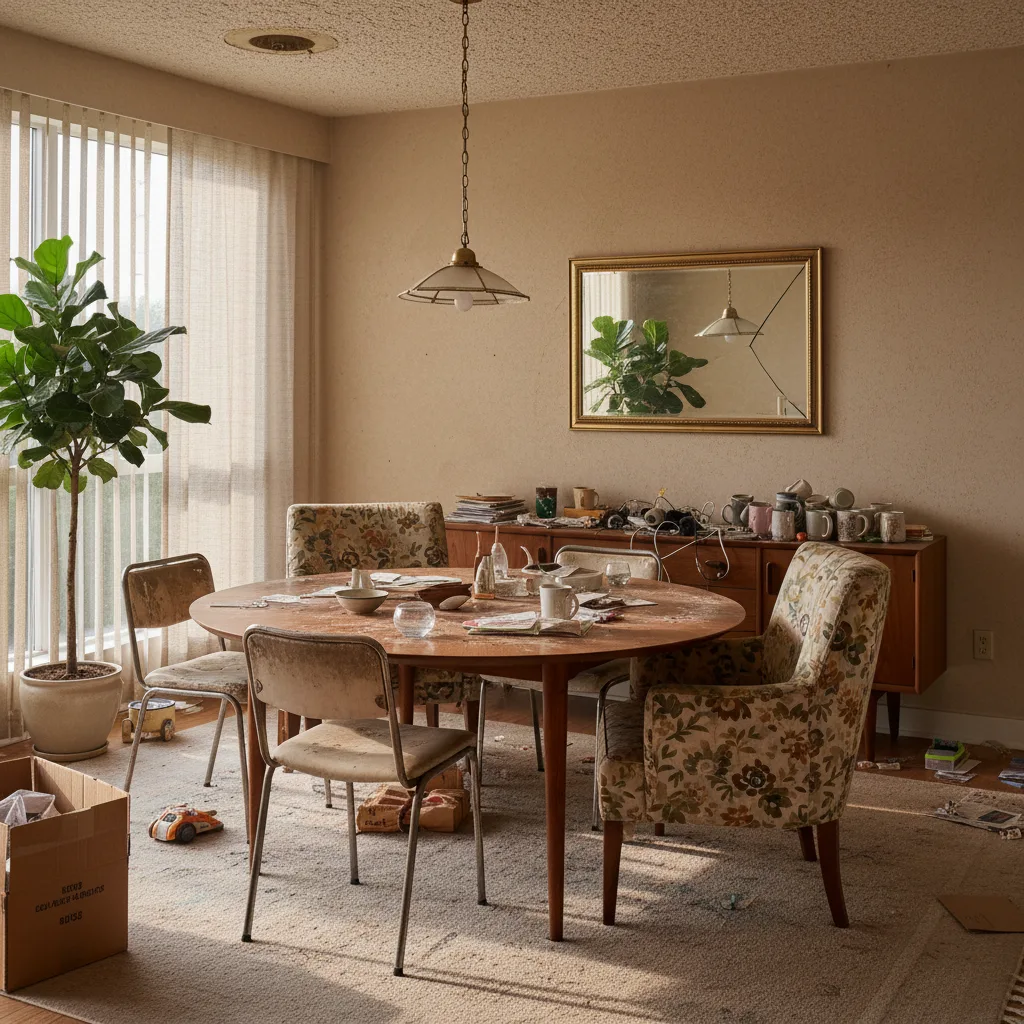
Whatever you are trying to decide, start with a photo
The same redesign answers a different question depending on why you are asking. Here is where most people start.
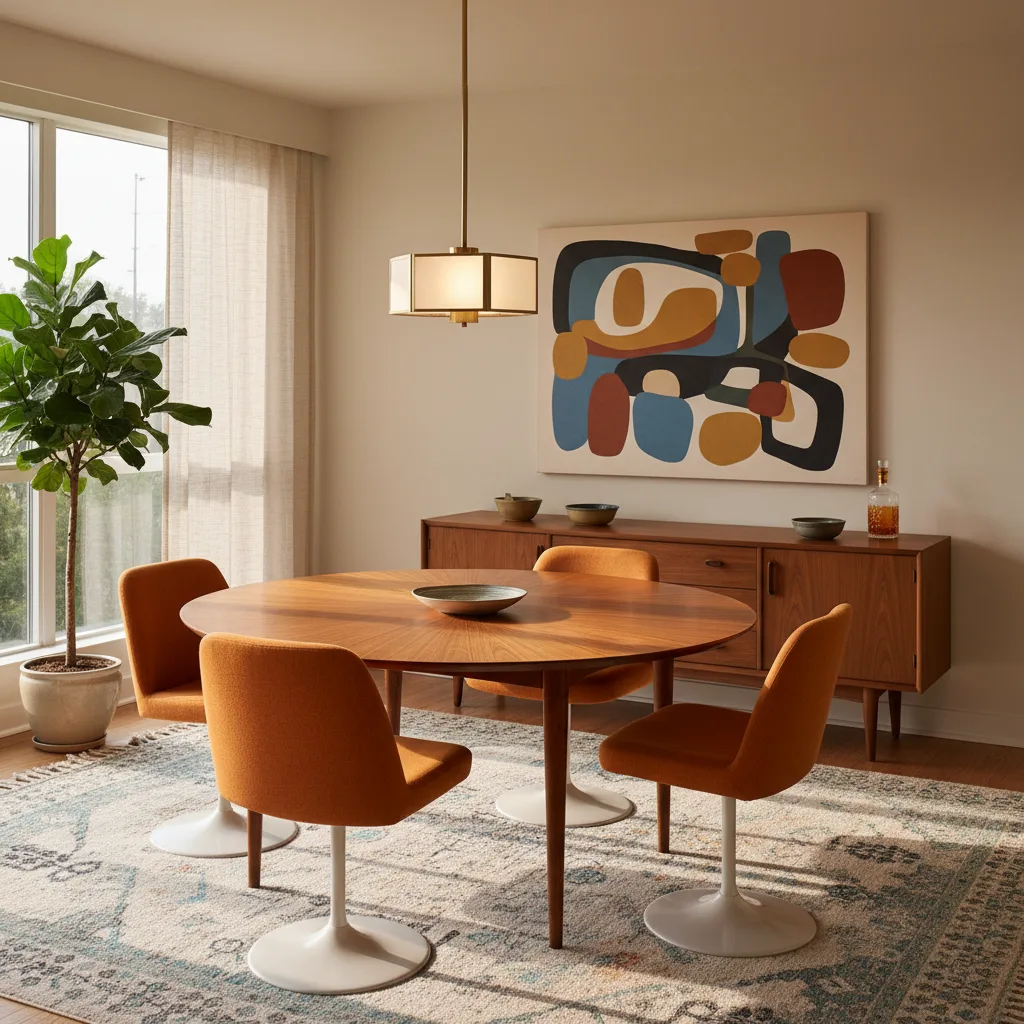
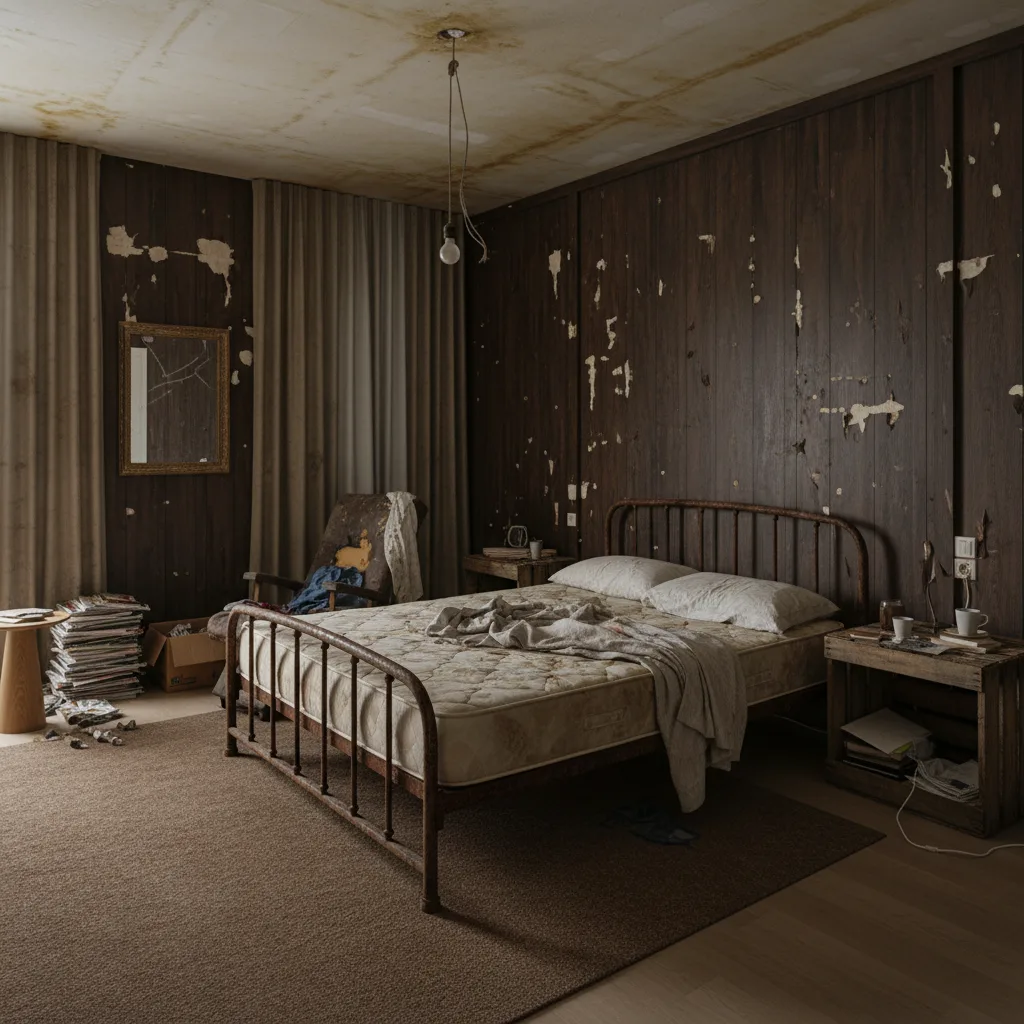
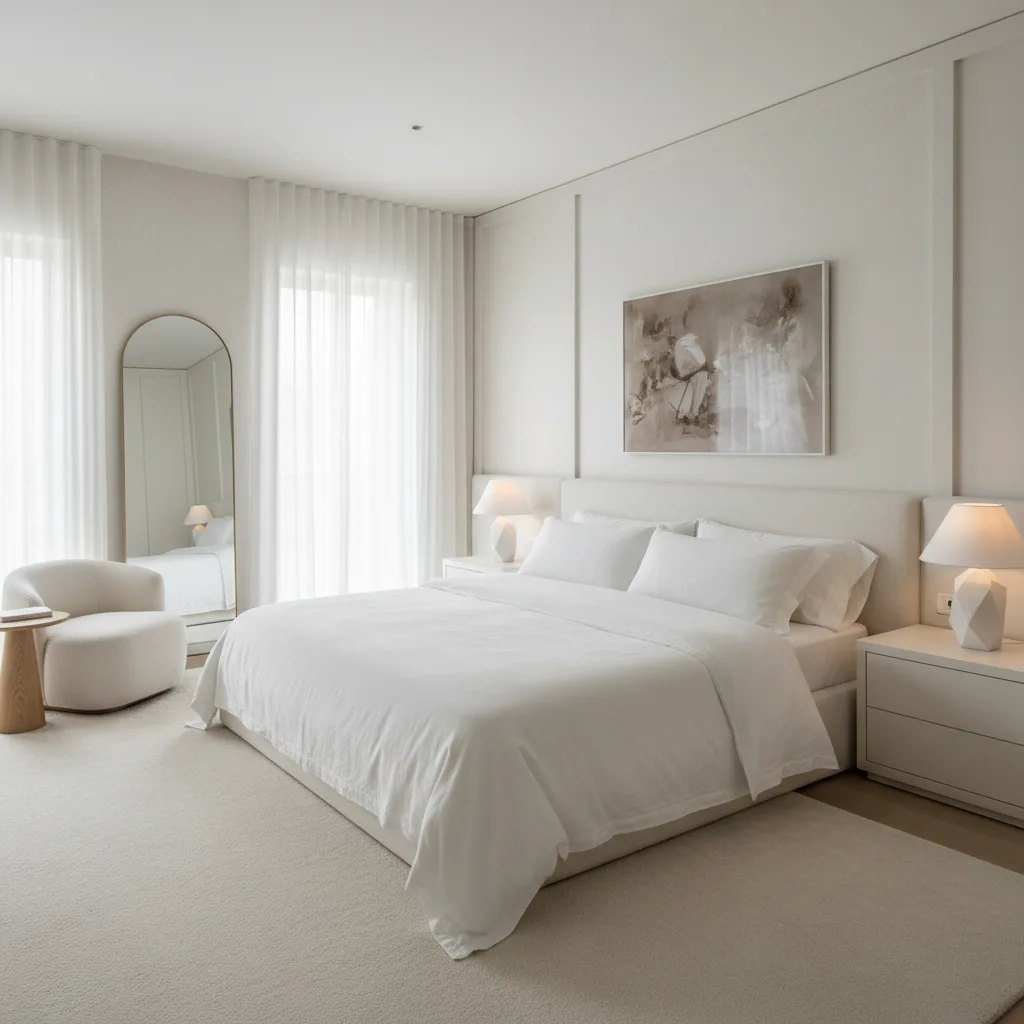
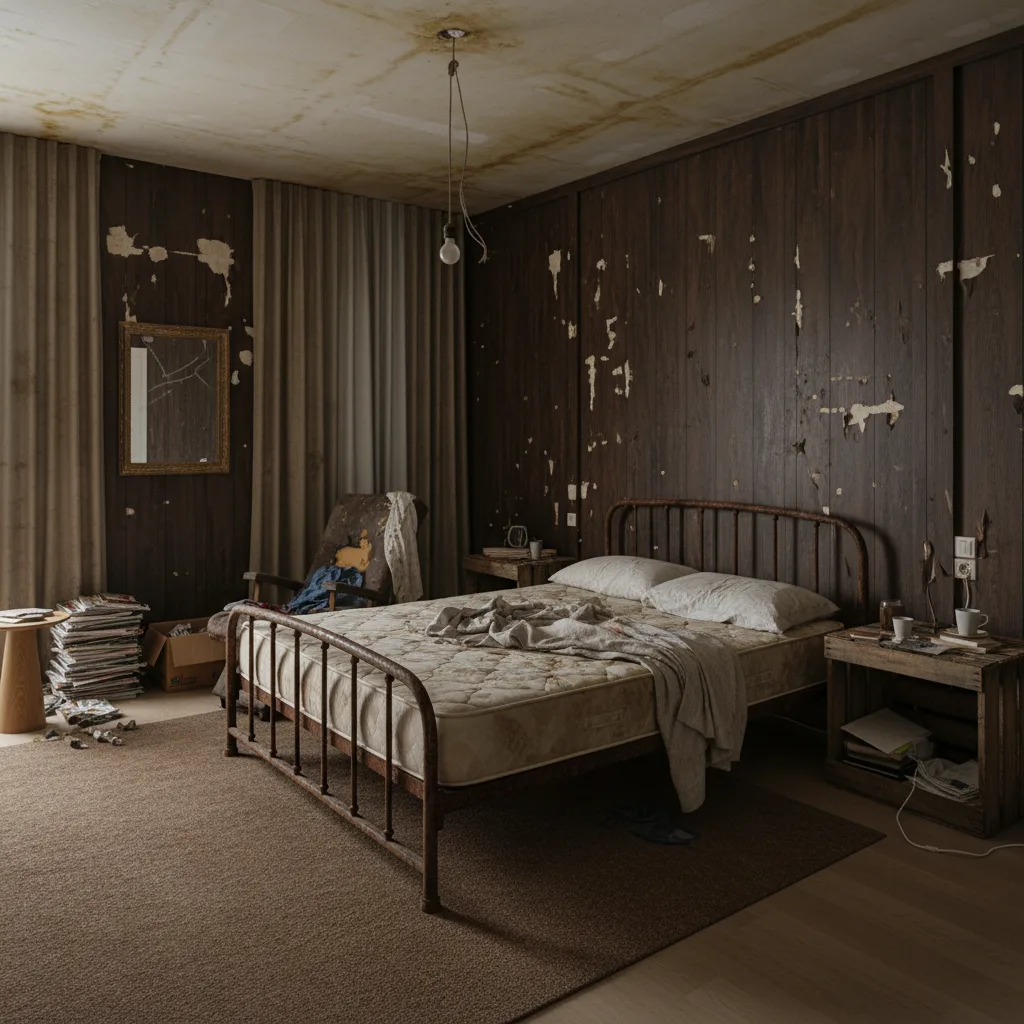
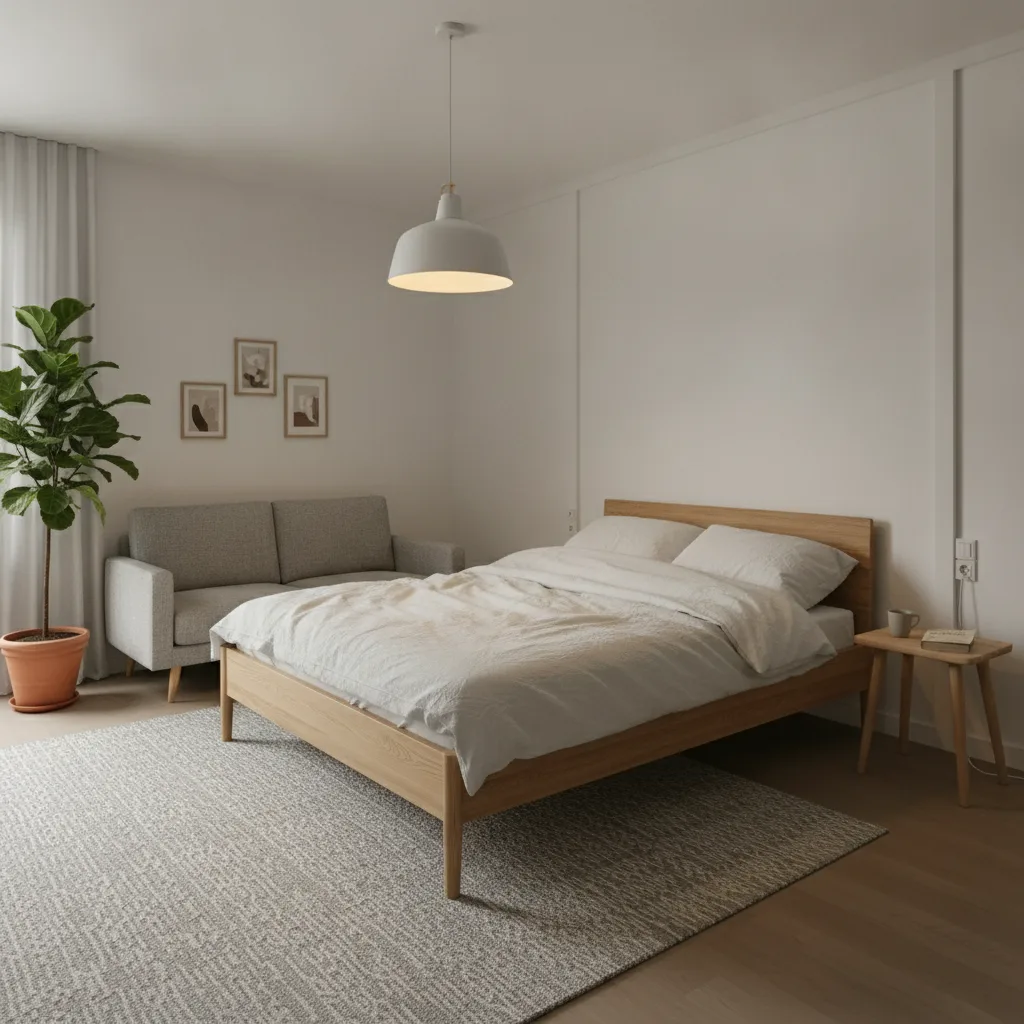
Frequently Asked Questions About AI Interior Design
The short version on free use and pricing, what the AI does to your actual room, and where your photos go.
Revamp AI is free to download, and every new user gets 3 free lifetime credits plus a free 3-day trial. The credits let you try an AI redesign on your own rooms before committing to anything, and the trial lets you use the full app for three days. What it costs after the trial is shown in the App Store, where the price stays accurate for your country.
It redesigns your actual room: walls, windows, flooring and ceiling height stay where they are, and the furniture, materials, colours and lighting change. The AI works from the structure of the space you photographed, which is the difference from a generic image generator that invents a room that does not exist and cannot be built. Because the geometry is kept, what you see is something you could recreate in the room you are standing in. Results are AI-generated design direction, not architectural plans — follow them as a direction, not a construction drawing.
Your photo is sent securely over HTTPS to Google Gemini for one purpose only — creating your redesign — and is never sold or shared with advertisers. It is processed in real time, and no permanent copy of the original is kept on our servers beyond what the active project needs. Inside the app, the original stays attached to its project as the “before” picture so you can compare it with the result; delete the project and that copy is deleted too. Full details are in our Privacy Policy.
No — photos you upload are never used to train AI models, ours or anyone else’s. Google Gemini processes your room photo solely to generate your redesign; it does not go into training pipelines, labelling queues or any machine-learning dataset. This is a firm commitment, not a default setting that could change quietly. We name our AI provider in the Privacy Policy because AI photo processing is central to the app, and if our data practices ever change materially we will update the policy and tell you.
No — you never have to write a prompt, and no design knowledge is needed: upload a photo, tap a style, and the AI does the rest. The whole process is visual, with no form to fill in and no mood board to build; typing a style of your own is there if you want it, not something you have to do. If you have never thought about interior design, the style gallery gives you enough to choose with confidence; if you have, the range from Japandi to Industrial to Coastal gives you precise control. The skill floor is low and the output quality is high.
Yes — every redesign comes with an itemized shopping list of what changed in the room, each item with a realistic price range. The list names the specifics — the sofa that was added, the walls that were repainted, the rug that was removed — and you can tap any item to identify it and find it in stores. Tick items off as you buy or DIY them, and filter to what is still left. Each variation of a room keeps its own list, so you can generate two versions of the same living room and compare their budgets before spending anything. It turns an inspiration image into a plan you can act on.
Every room works — living rooms, bedrooms, kitchens, bathrooms, home offices, dining rooms, hallways and outdoor spaces — and photo quality matters more than room type. Shoot in good light from a corner or doorway, so two or three walls, the floor and the main furniture are in frame; that gives the AI enough of the space to apply a style accurately. Avoid very dark rooms, heavy fisheye distortion, or a single piece of furniture filling the shot. In bathrooms, face the vanity or shower wall straight on; in bedrooms, shoot from the doorway to capture the whole layout.
Yes — whole-home collections carry one style through all 13 rooms of the house instead of styling each room on its own. There are ten complete collections: Modern Minimalist, Scandinavian, Japandi, Rustic Farmhouse, Coastal, Bohemian, Mid-Century Modern, Industrial, Organic Modern and French Country, each covering everything from the kitchen and living room to the basement, garage and patio. Start with the room you are standing in; the app tracks which rooms are done and suggests what to design next. Rooms designed one at a time tend to drift apart, and a collection keeps the palette, materials and furniture consistent from the entryway to the back patio.
Your photo is kept only as long as the project it belongs to: delete the project, or your account, and the photo is deleted. While the project exists, the original stays attached to it as the “before” picture, so you can compare it with your redesign whenever you open the app. Closing your Revamp AI account removes all project data, including every stored photo. We do not keep photos for marketing, analytics or training after a project or account is deleted. For specific deletion questions, contact [email protected].
Google Gemini generates every Revamp AI redesign from your room photo. We chose it for image-to-image generation that keeps the structure of your actual room — walls, windows, flooring, ceiling height — while applying the style you picked. We name the provider in our Privacy Policy because AI photo processing is central to the product and you should know where your data goes. We do not route your photos to other AI vendors, and if the provider ever changes, the Privacy Policy will be updated.
Revamp AI has a curated style library — Modern, Scandinavian, Japandi, Coastal, Industrial, Bohemian, Luxury, Mid-Century Modern, Rustic and Soft Minimal — with new styles added regularly. Each is distinct: Scandinavian is clean lines and light wood, Japandi blends Japanese minimalism with Scandinavian warmth, Coastal uses natural textures and ocean palettes, and Industrial leans on exposed materials and dark metals. The quickest way to see the difference is to run the same room photo through three styles and compare the results side by side — far more useful than reading style definitions.
No — camera access is optional; you can upload any photo from your library without granting camera permission at all. The camera is only needed if you want to take a new photo from inside the app. If you already have a good picture of the room, from any time and any camera, upload it straight away — a wide shot from a corner or doorway, with the whole room visible, usually gives the best results. You can grant or revoke camera permission any time in your device’s Settings.
Still have a question? Visit support
Start Your AI Room Redesign for Free
Free to download. Your transformation starts with one photo.
Free · iOS 15.5+ · Android 8+