Why is it hard to shop from an AI image?
An AI redesign is a picture, and a picture does not come with a price tag. You look at a sofa that is exactly right, and then you have to work out what it is called, what it is made of, and where anything like it is sold. For most people that is the point where a good idea stalls.
There is a second problem. In many redesigned images only some of the room is new. The walls, the windows and the fireplace are the same as your real room, and a few pieces of furniture or decoration have changed. A list of everything in the picture would bury the six things you actually need to buy under thirty things you already own.
A useful shopping tool therefore has two jobs. It has to find only what changed, and it has to turn what it finds into something you can search for.
How does the shop scan work?
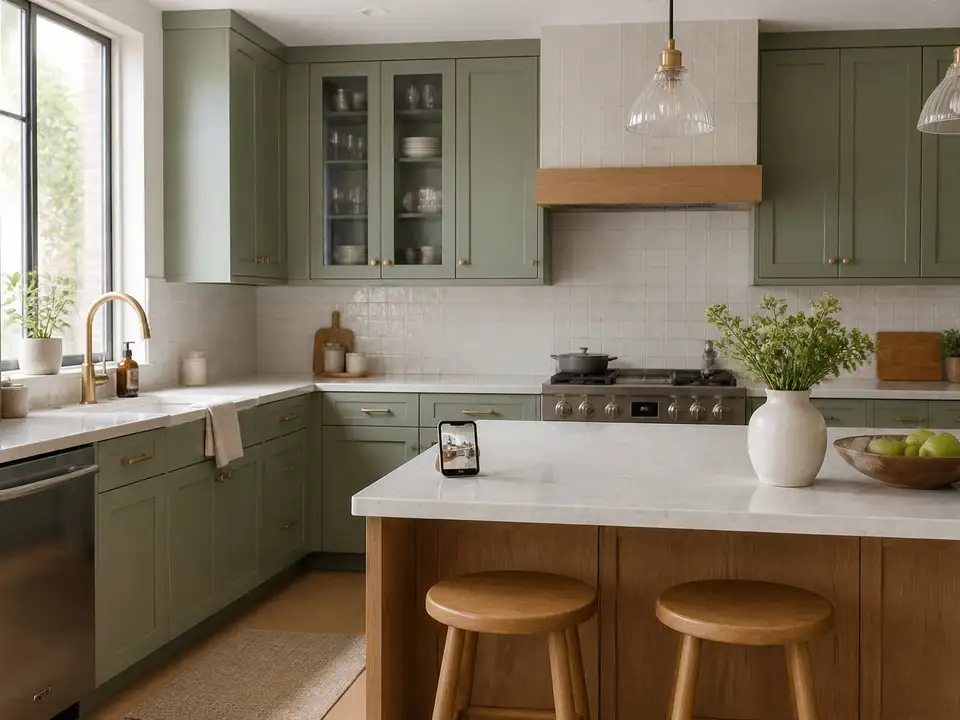
In Revamp AI, shopping is part of the same chat as your redesign. When you tap Shop on a result, the app compares the redesigned image with your original photo and works out which pieces are new or changed. Items that were already in your room are left off the list.
- It compares the redesign with your original photo, so the list covers what changed and not the whole room.
- It finds each new piece and outlines it on the image, so you can see exactly which object an entry means.
- It gives each piece a name and a search phrase written the way a shopper would type it, without prices or links inside it.
- It adds a rough price range, so you know whether a piece is a small purchase or a big one.
- You tap a piece to search for it, and you can compare options in the shop of your choice.
The scan is quick, because it runs on demand instead of building a long report in advance. It is also kept with the result, so reopening a design does not start from scratch.
Can I shop a room that I have not redesigned?
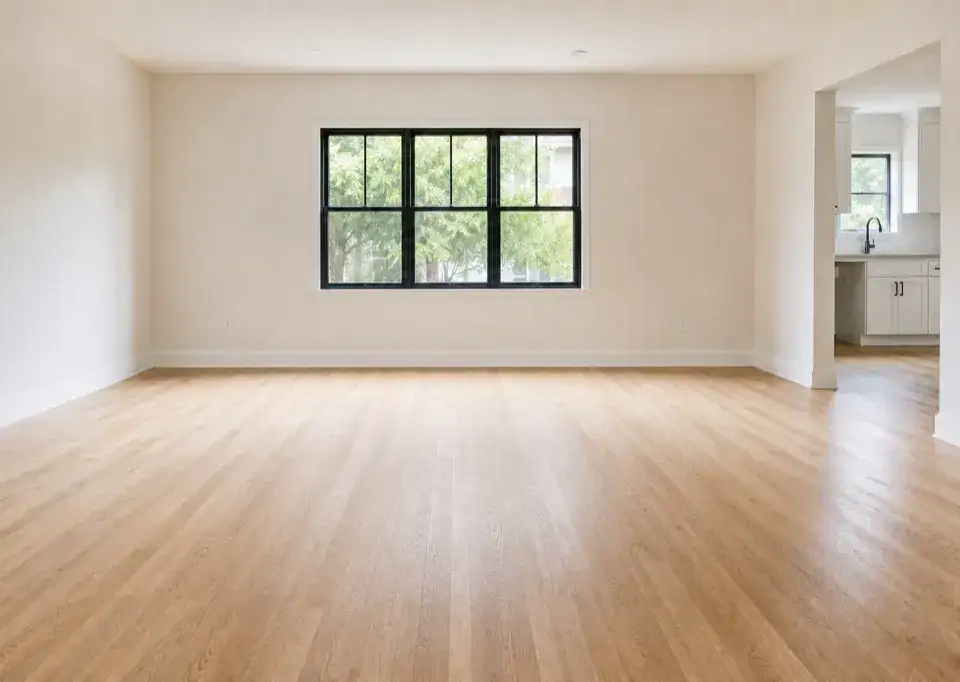
Yes. The same scan works on a plain photo of your room. This is useful when you like part of what you already have and want to replace it with something similar, or when you want to find a matching lamp, rug or side table for a piece you own.
Photograph the room, run the scan, and each visible item is outlined with a search phrase and a rough range. It is a fast way to find the right words for a piece of furniture when you do not know what it is called. Searching for "boucle swivel armchair" returns far better results than searching for "round white chair".
Good photos give better lists. Keep the room well lit and stand back far enough to show the whole piece. Our guide to photographing a room for AI redesign covers the angles and the light.
What should I check before I buy?
The scan gives you something to search for. It does not give you a product that is guaranteed to exist, and it cannot know your room's measurements. A few checks close that gap.
| The scan gives you | You still need to check |
|---|---|
| A name and search phrase for each new piece | That a real product matches the look, because the AI may draw a piece that is not sold exactly that way |
| An outline showing which object the entry means | The real size against your space: measure the wall, the doorway and the walkway |
| A rough price range | The actual price, the delivery cost and the return policy at the shop you choose |
| The idea of a colour and material | How the colour looks in your own daylight, and whether the fabric suits your use |
Measure first. A redesign image does not know that your alcove is 180 centimetres wide, and the best sofa in the world does not help if it does not fit through the door. If you are weighing a larger purchase, AI interior design vs interior designer explains where a professional's measurements and drawings still matter.
How do I turn the list into a budget?
Start by sorting the list into three groups: pieces you must replace, pieces that would improve the room, and pieces that are only nice to have. The rough ranges help here, because they let you see at a glance which items will take most of the money.
Spend first where the room changes the most. In many rooms that is the rug, the light, or the large seating, because they set the scale and the mood. Smaller items such as cushions, throws and accessories are cheap ways to repeat a colour or a texture from the redesign.
Then look at the real room before you commit. A quick Room Doctor reading, described in how the Room Doctor score works, can show whether the biggest problem is furniture at all. Sometimes moving a lamp or opening the curtains does more than a new sofa, and costs nothing.
What are the limits of AI shopping lists?
The honest answer is that an AI image is an idea. It can suggest a look, and the scan can describe the pieces in it, but a real product has dimensions, a finish and a price that the image does not carry.
- The AI may add or change details that do not exist as a real product, such as unusual proportions or a one-off artwork.
- Price ranges are rough guides, not quotes. Real prices vary by shop, season and material.
- Small items, plants and artwork are the hardest to identify from an image.
- The scan works from the picture, so it cannot tell you about quality, durability or how an item feels in use.
Use the list the way you would use a mood board: to know what to look for, and in what order, not as an order form. Compare a few real options for every piece, and keep your redesign open next to them to check the colour and the shape.