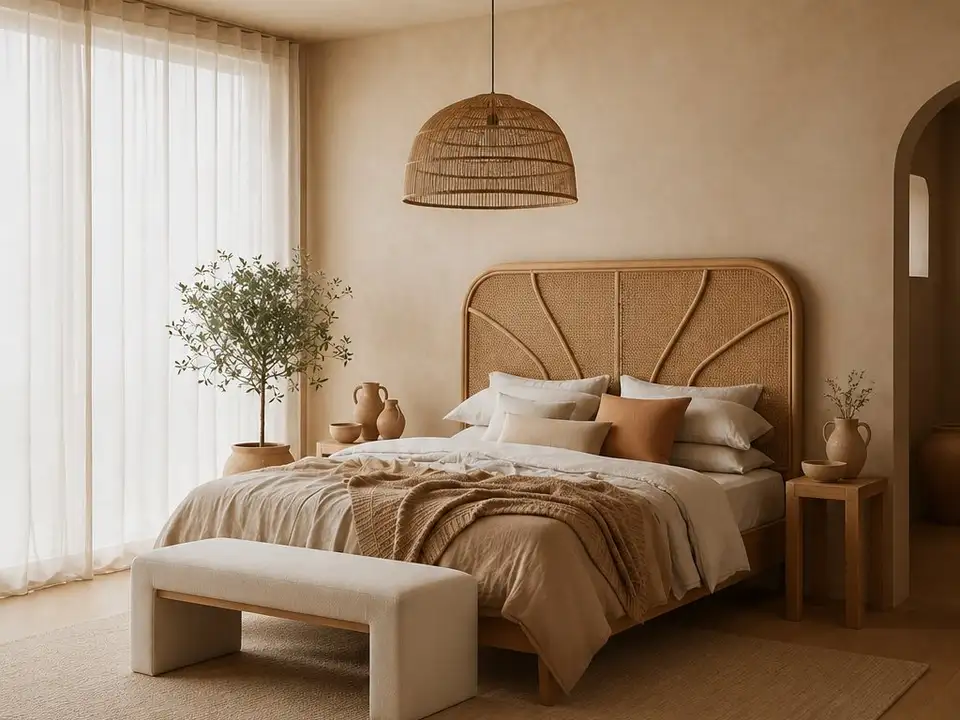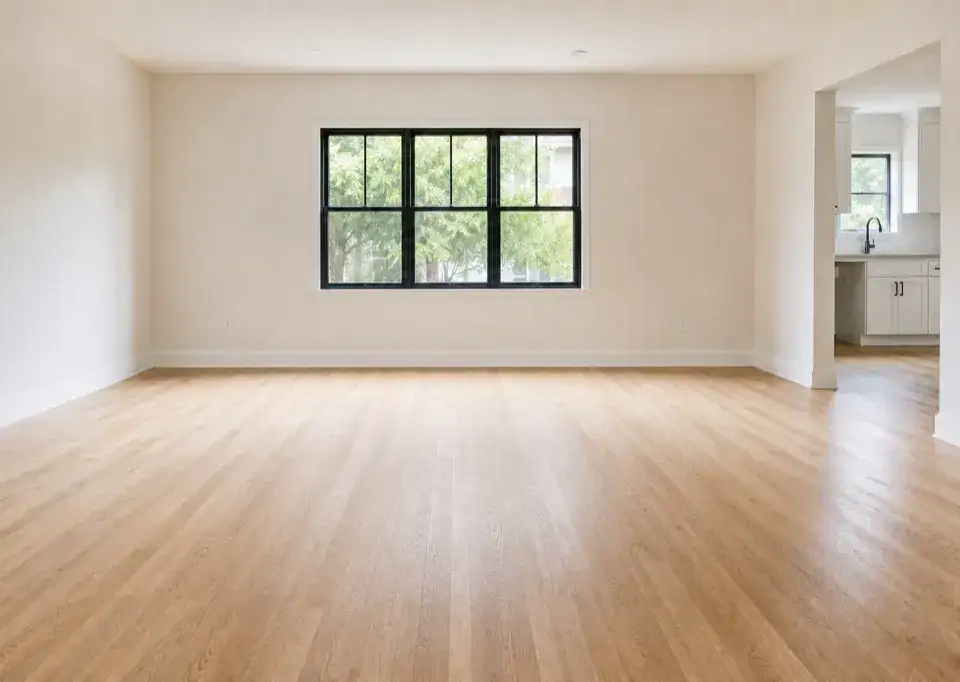
What is the real difference between an AI redesign and an interior designer?
An interior designer plans and delivers a physical space, while an AI redesign produces a picture of what that space could look like. They answer different questions. The designer asks "what should be built, bought and installed, and will it work?" The AI tool asks "what would this room look like in another style?"
The U.S. Bureau of Labor Statistics describes the designer's job as meeting clients, setting project goals, taking measurements, sketching plans, selecting materials and furnishings, and working with architects, engineers and contractors. It also says designers need to know building codes, inspection rules and accessibility standards.
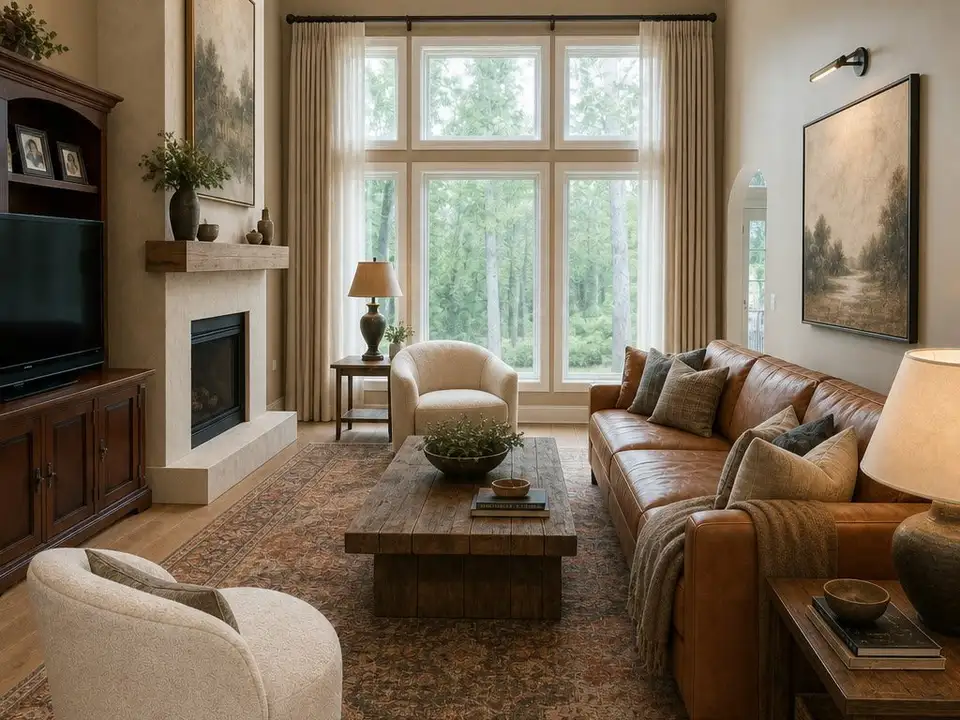
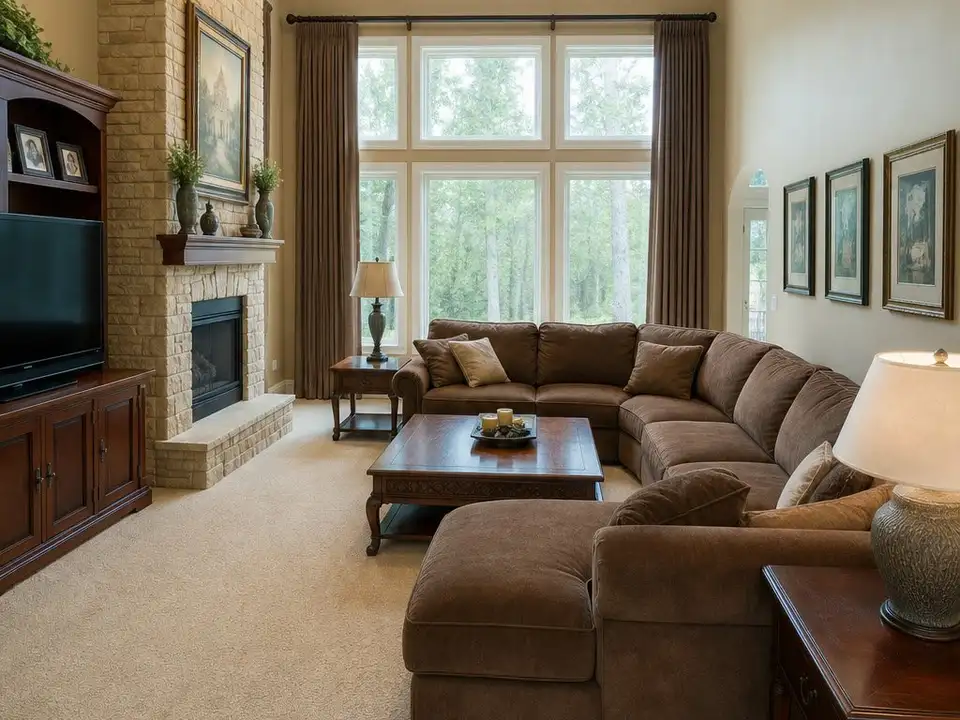
An AI redesign tool such as Revamp AI starts from a photo of your room. It is built to keep the room's structure (walls, windows, doors, layout) and change the style, furniture and finishes. It can still get details wrong, so you should always compare the result with the original photo. It is a visual option, not a plan.
How much does an interior designer cost?
It depends heavily on how the designer charges, and published ranges differ a lot between sources. Thumbtack's cost guide, last updated October 20, 2026, lists a national average of $614 to $2,791, with a low end of $211 and a high end of $8,451. Other cost sites publish higher averages, so treat any single number as a rough guide.
The table below shows the pricing models and the example ranges Thumbtack lists for each. These are US-based figures, they vary widely by city, designer experience and project scope, and they usually do not include the furniture and materials themselves.
| Pricing model | How it works | Example range |
|---|---|---|
| Hourly | You pay for time spent; some set a minimum such as five hours | $60 to $125 per hour |
| Flat fee | One agreed price for a defined scope, set before work starts | No range given; example of $10,000 for a larger project |
| Per square foot | Priced by room size, more common for large rooms and commercial work | $4 to $17 per sq. ft. |
| Percentage of project | A share of the total budget or amount spent | 15% to 25% of the budget |
| Cost-plus markup | A markup added to the price of items the designer buys for you | 15% to 35% of item cost |
| Consultation fee | A paid first meeting, sometimes credited toward the job | $350 to $500 |
Ranges differ by source. Thumbtack's hourly example is $60 to $125; other sites report higher hourly rates for experienced designers. Always ask for a written scope and fee structure before you commit.
Online "e-design" services, where a designer works from your photos and measurements remotely, are generally positioned as a cheaper, semi-DIY option, usually as flat-rate packages. The sources we could fetch did not give reliable e-design prices, so we do not quote any.
What can a designer do that AI cannot?
A designer can do everything that depends on the physical room, the law and other people, and AI cannot do any of it. The table compares the two honestly.
| Task | Interior designer | AI redesign |
|---|---|---|
| Visit the room | Yes, in person or by video | No, works from your photo only |
| Take measurements | Yes, and draws plans to scale | No, it cannot confirm that a sofa fits |
| Show style options of your room | Yes, through mood boards and renderings, usually over days or weeks | Yes, quickly and repeatedly, from one photo |
| Source real products | Yes, with trade access and specific items | No, the pictured furniture may not exist to buy |
| Building codes and structure | Expected to know codes and accessibility rules (per BLS) | No, it does not check codes, load-bearing walls or wiring |
| Coordinate contractors | Yes, including schedule and quality checks | No |
| Accountability | A contract and a professional responsible for the outcome | None, the image is an idea |
| Cost to explore a new look | Typically paid by time or scope | Included in a subscription |
Licensing also differs by place. According to the BLS, some states allow only licensed designers to do the work, while others restrict only the title "interior designer." Check your state's rules if the project is significant.
When is AI enough on its own?
AI alone is enough when the change is cosmetic, reversible and cheap enough that a mistake is not costly. Use it to decide, not to specify.
- Choosing a style direction before buying paint, textiles or a few pieces of furniture.
- Testing how a colour mood or layout feel could look in your actual room.
- Deciding between two or three overall looks, such as Japandi versus mid-century.
- Getting unstuck on a room that feels off. Room Doctor reads your photo, names what is holding the room back, shows where, and suggests fixes you can try with what you already own. Our guide on why your room feels off covers the common causes.
For this kind of decision, trying more than 80 looks on your own photo is far cheaper than guessing. Our post on how AI room redesign works explains what the tool does with your photo.
When should you hire a designer instead?
Hire a designer when the work involves structure, systems, money you cannot easily undo, or many decisions that must fit together. A picture cannot carry that responsibility.
- You are moving walls, changing windows or doors, or reworking plumbing or electrical.
- The project is a full kitchen, bathroom or whole-home renovation with multiple trades.
- Accessibility, egress or code compliance matters.
- You need custom millwork, lighting plans or exact specifications that a contractor will build from.
- You want someone accountable for the schedule, the budget and the final quality.
A designer's markup on furnishings and a percentage-of-project fee can add up on large jobs. Ask which fee model applies and whether you can buy items yourself.
How do you use AI and a designer together?
Use AI to work out what you like, then bring those images to the professional as a brief. This can shorten the discovery phase, which is often billed by time. Follow these steps:
- Photograph the room in good, even light. Our guide to photographing a room for AI redesign covers angles and lighting.
- Generate several looks and save the two or three you keep returning to.
- Note what you like in each: colours, materials, layout feel, lighting. Write it as a few plain sentences.
- Send the images and notes to your designer or contractor, and state clearly that they are mood references, not plans.
- Ask the designer to confirm what is buildable, measure the real space and price the items.
- Compare any final proposal with your original photo to make sure the structure is what you expect.
Because Revamp AI is built to keep walls, windows and doors in place, the results are easier to discuss with a professional than a render of a different room. See how to keep room structure in an AI redesign for what to check.
What are the limits of AI redesign, and what does it cost?
The main limit is that an AI image is not verified against the real room. It can alter proportions, invent furniture that does not exist and miss structural details. Always compare the result with the original photo.
On the cost side, Revamp AI starts with a free trial, and a subscription then keeps every design and tool available. The price is shown in the app before you subscribe.
On privacy, uploaded photos stay attached to their project as the "before" reference, and generated redesigns stay until you delete them or close your account. Photos are processed by a third-party AI provider (Google Gemini) and are not used to train AI models.