Is AI virtual staging legal, and do I have to disclose it?
Virtual staging is generally allowed, but a listing photo must not misrepresent the property, and in a growing number of places edited photos must be labeled. As of November 2026, California requires disclosure of AI-altered listing images under AB 723, and many MLSs have their own labeling rules. This is general information, not legal advice.
The core standard is older than AI. NAR's Code of Ethics Article 12 says Realtors must be honest and truthful in their real estate communications and present a true picture in advertising and marketing. Standard of Practice 12-10 extends that to internet content and images, and bars manipulating content in a way that produces a deceptive or misleading result (per the NAR Code of Ethics and Standards of Practice, accessed November 2026).
The practical rule: show potential, never misrepresent condition or fixtures. A sofa that a buyer can obviously remove is a different thing from a fireplace, a window or a view that the house does not have.
Why are buyers upset about AI-edited listing photos?
Buyers get upset when an edit changes something they cannot fix or remove, and they only find out at the showing. Recent reporting gives concrete cases.
HousingWire (April 16, 2026) described a seller who digitally added a fire to a photo, where the home's chimney and flue problem actually made a fire impossible, and a listing that showed exterior lighting with no switches or fixtures behind it. A Coldwell Banker Warburg agent quoted there says she avoids virtual staging because buyers resent feeling deceived.
FOX 13 Tampa Bay (May 2026) reported an agent testing AI tools that went beyond cosmetic changes: "it moved a wall, it changed the window." The Globe and Mail (April 2024) covered a Toronto garage listing where 15 of 21 photos were AI renderings of a loft, and a buyer filed a complaint with the Real Estate Council of Ontario.
AI image tools can alter outlets, window views and other real features without being asked. Compare every output with the original before it goes anywhere near a listing.
What counts as acceptable and what counts as misleading?
Edits that show how a room could be furnished are widely treated as acceptable when labeled. Edits that change the permanent features of the property are not. The table below summarizes how the sources we read treat each type, but your MLS and state rules decide.
| Edit | Usually acceptable? | What to do |
|---|---|---|
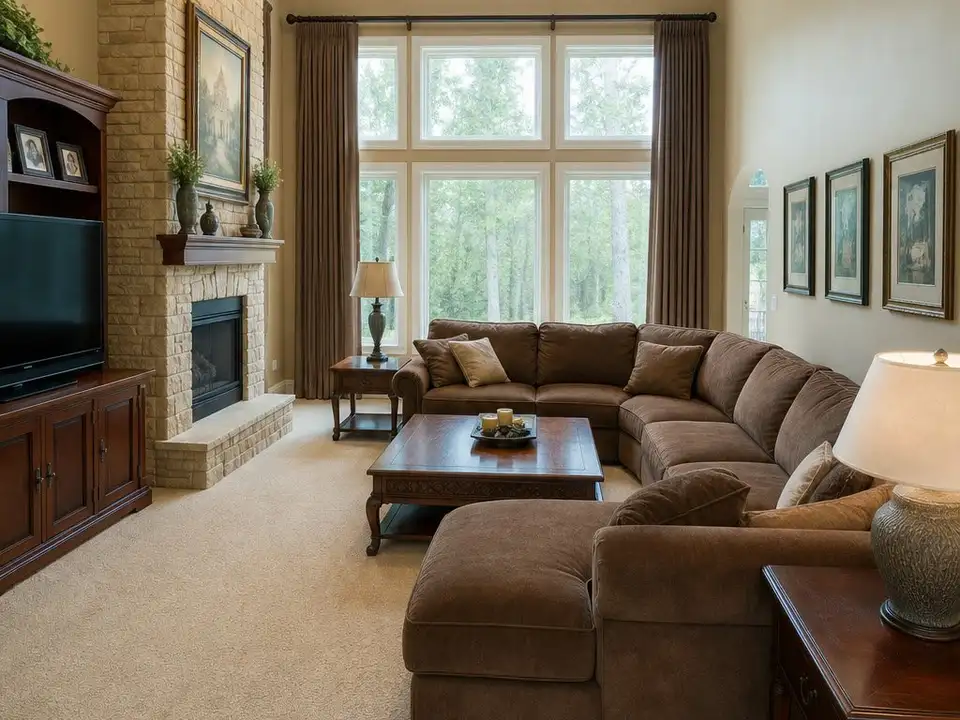
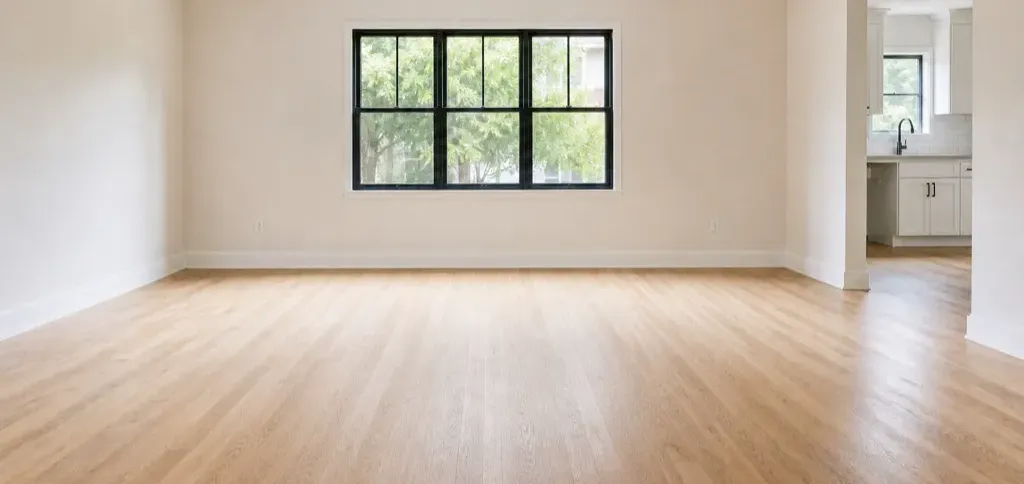
| Adding furniture and decor to an empty room | Yes, if labeled | Label as virtually staged and show the original photo. |
| Removing your own furniture or clutter | Often, but still an alteration | CRMLS treats removing furniture that will not convey as an alteration, so label it. |
| Changing wall colour | No, for a listing | CRMLS lists wall colour among real property features that must not be changed, even with a label. |
| Changing flooring or cabinets | No, for a listing | Same CRMLS list. Show the real surfaces, or show a clearly separate renovation concept. |
| Removing power lines, damage, or a neighbouring building | No | Removing what is really there misrepresents condition and surroundings. Fix the damage or photograph it honestly. |
| Adding windows, a view, a fireplace or lighting | No | These are fixtures and views. A label does not cure a feature that does not exist. |
| Brightness, white balance, crop, exposure | Yes | CRMLS exempts minor adjustments that do not change how the property is represented. |
The Pennsylvania Association of Realtors (June 2026) offers a useful test: would a reasonable consumer find the photo misleading, or does it fail to show the property's current condition? It also warns that a disclaimer alone may not cure a misleading image.
How do I disclose a virtually staged photo?
Label the photo itself, put the same label in the caption or description field, and show the unedited original next to it. This is the practice most MLS rules we found describe, and it is good practice even where nothing is required.
- Label every edited image. Use plain words such as "Virtually staged" or "Digitally altered". Check which labels your MLS accepts.
- Show the original. Place the unedited photo immediately before or after the edited one, which is what the CRMLS guidance requires in California.
- Say what changed. One short line is enough. Vague labels like "concept" can still mislead.
- Keep the originals. If anyone questions a photo, you can show exactly what the room looked like.
One-line disclosure examples you can adapt:
- "Virtually staged. Furniture and decor are digitally added and are not included in the sale."
- "Digitally altered: furniture removed. See the next photo for the original."
- "Concept image showing one possible furnishing style. Not the current condition of the room."
A watermark helps but is not a substitute: CRMLS notes that a tool's automatic watermark does not replace the description label.
What do the laws and rules actually say?
It varies by state, country and MLS, so check the rules where the property is listed. What follows is what we could read as of November 2026.
- California. The CRMLS page on digitally altered images says that as of January 1, 2026, new rules apply under AB 723 and CRMLS Rule 11.5.2. Altered images must be labeled in the description, and the original must appear immediately before or after. Minor lighting and crop adjustments are exempt. CRMLS states a warning first, then a $250 fine if the issue is not corrected. HousingWire and FOX 13 both describe AB 723 as requiring disclosure of AI or digital modification, with the original available. We could not open the statute text on the legislature's site, so read it there before relying on details.
- Other MLSs. Rules differ, and your MLS rulebook is the authority.
- Florida. FOX 13 reports no specific AI listing law, but misleading advertising is already prohibited.
- Ontario, Canada. The Globe and Mail reports no national rule on AI in listings, while the provincial Trust in Real Estate Services Act requires registrants to make best efforts to ensure representations are accurate.
- Everywhere. Existing truthful-advertising rules apply regardless of how a photo was edited. A CRMLS general counsel is quoted by HousingWire saying the true-picture standard applies however an image was altered.
This is not legal advice. Rules change quickly, so confirm with your broker, your MLS or a licensed attorney before publishing.
Where does a redesign app fit in a listing workflow?
Revamp AI lets you photograph a room, pick a style from more than 80 looks and see an AI-redesigned version, which is useful for deciding what to do before you list. It is built to keep the room's structure (walls, windows, doors, layout) and change style, furniture and finishes, but results depend on the photo and can still get details wrong. See how AI room redesign works and how to keep a room's structure.
Good uses before listing: testing which style suits a room and planning what to stage physically. If any redesigned image ends up in a listing, it falls under the disclosure rules above. Because the app changes finishes as well as furniture, an output can show flooring or wall colours the property does not have, which is exactly what several MLS rules prohibit presenting as the home. Treat the output as a labeled concept, never the only photo of a room.
A clear photo gives more reliable results: see how to photograph a room for an AI redesign.
What should I check before publishing edited listing photos?
Run this checklist on every edited image before it goes live.
- Does the edit change only removable items such as furniture and decor, not walls, floors, windows, fixtures, views or surroundings?
- Does every window, door, outlet, light and fireplace in the image exist in the real room?
- Is the image labeled in the photo description with plain words such as "Virtually staged"?
- Is the unedited original placed directly before or after it?
- Does your MLS rulebook allow this type of edit and this label wording?
- Would a buyer who visits tomorrow feel the photo matched the room, apart from the staged items?
If any answer is no, fix the image or leave it out. HousingWire notes that some buyers' agents now check listing photos against the property before sending clients, so mismatches get noticed.
How does virtual staging compare with physical staging on cost?
Virtual staging is generally described as cheaper and faster than moving in rented furniture, but we are not quoting prices because we did not find a neutral, reputable price source. Costs vary by market, room count and provider, so get quotes.
Cost is not the only trade-off. HousingWire cites the NAR 2025 staging report: 83% of buyers' agents said staging made it easier for buyers to picture the home as their future home. That figure is about staging in general, not virtual staging, and physical staging shows buyers a real space.