

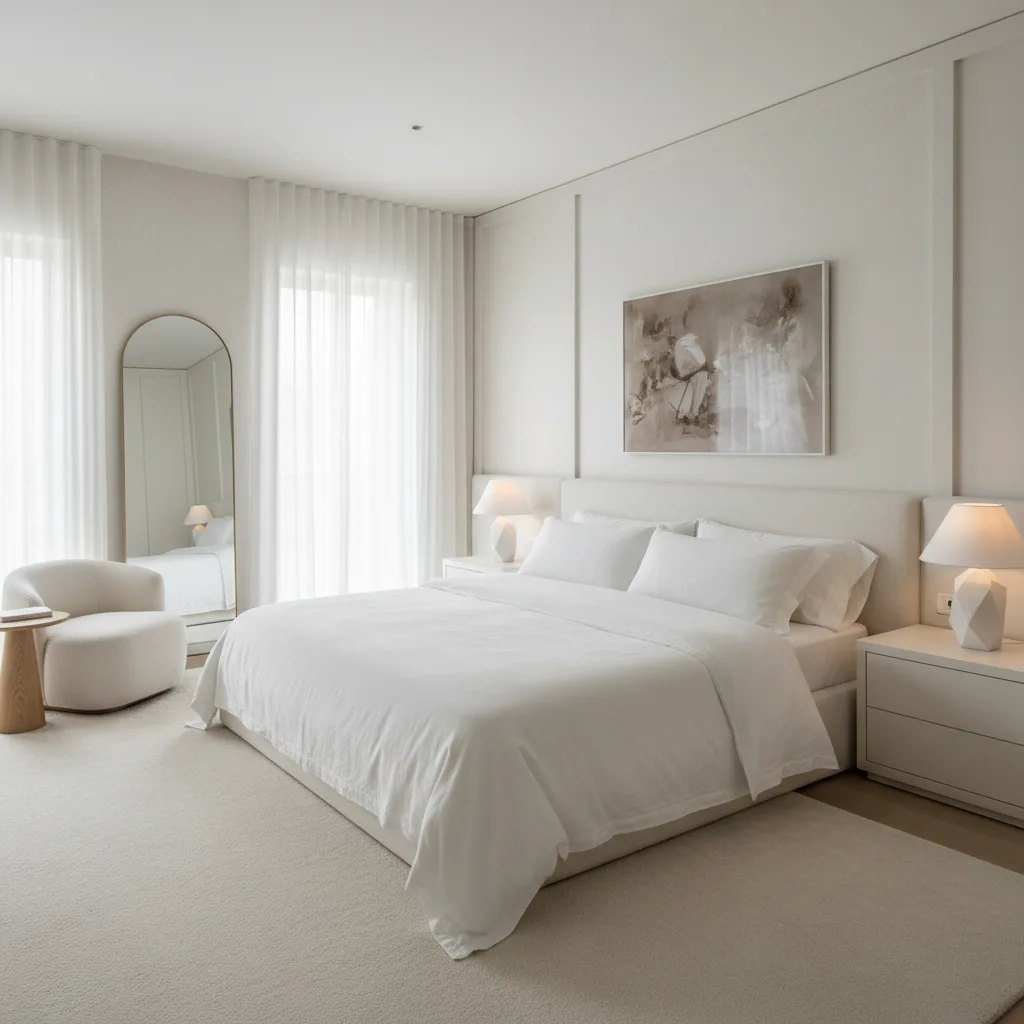
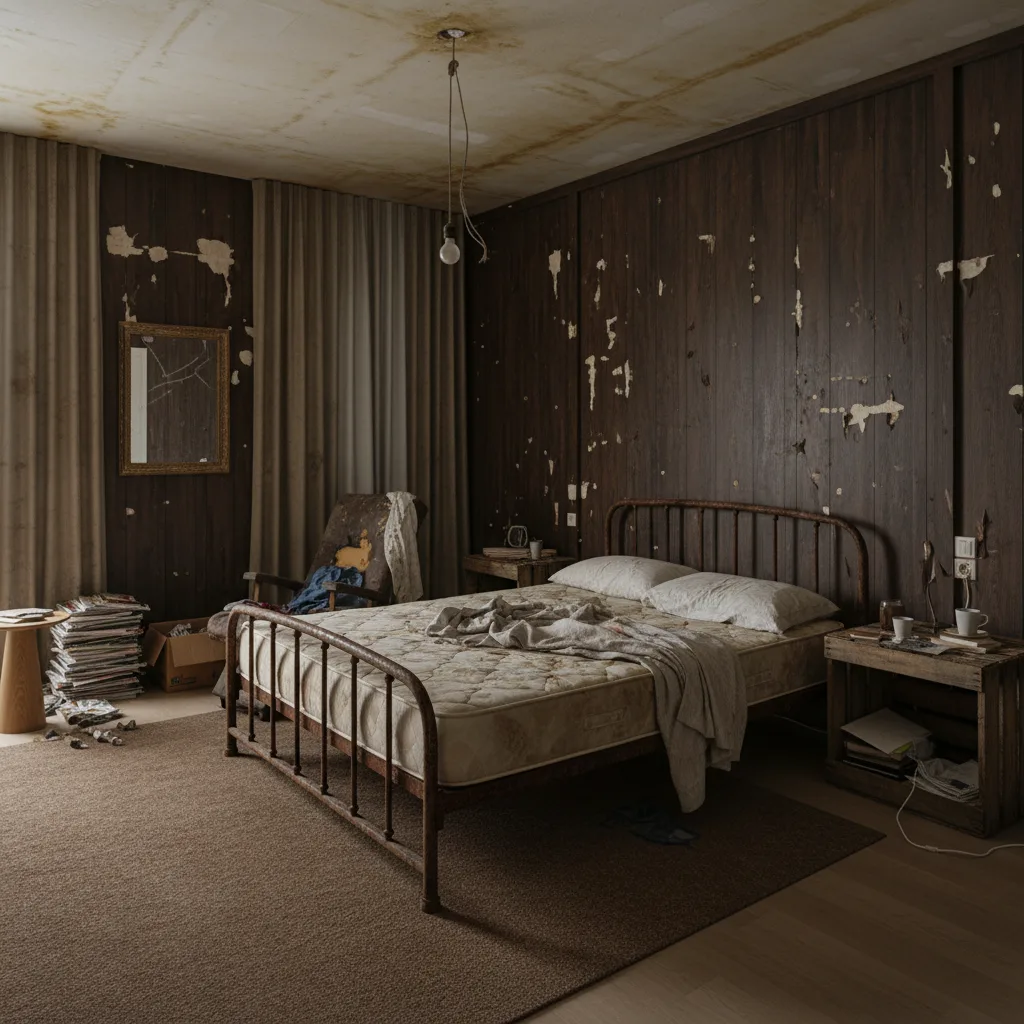

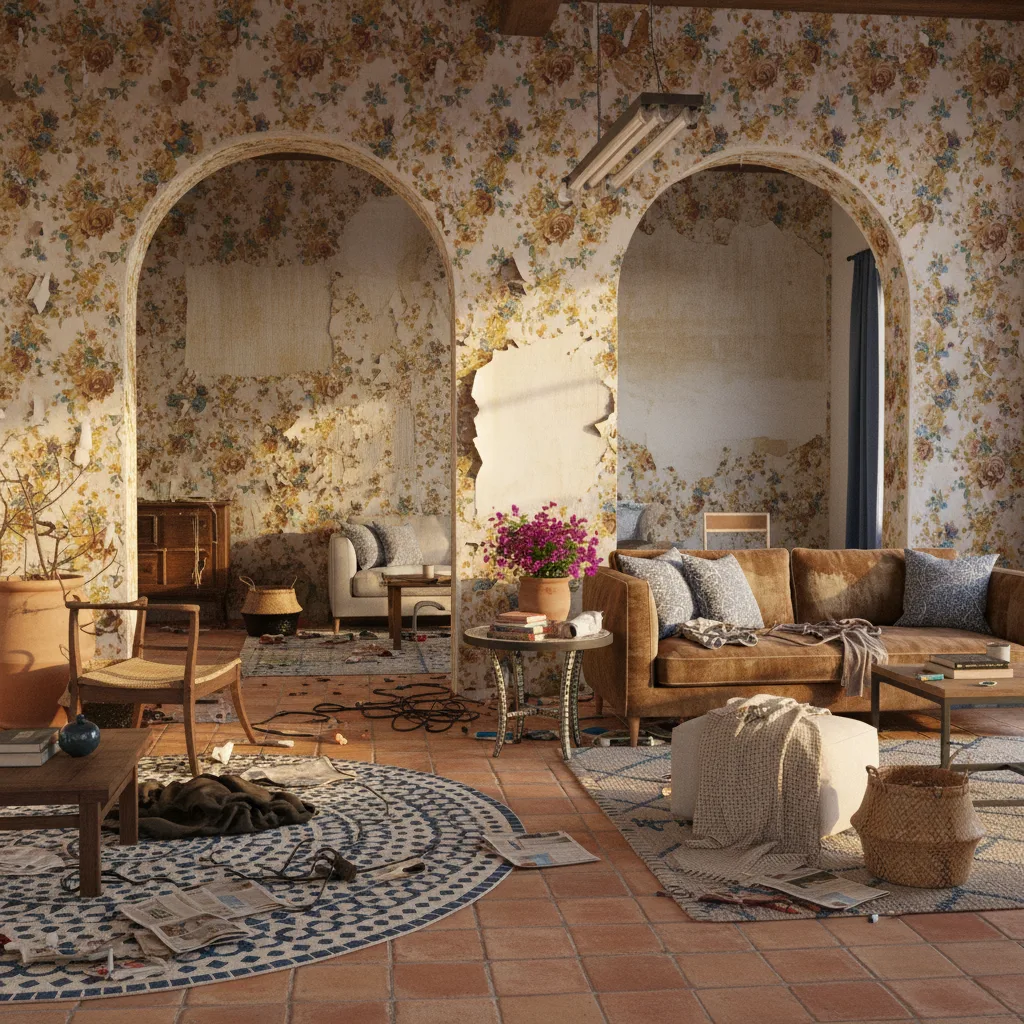
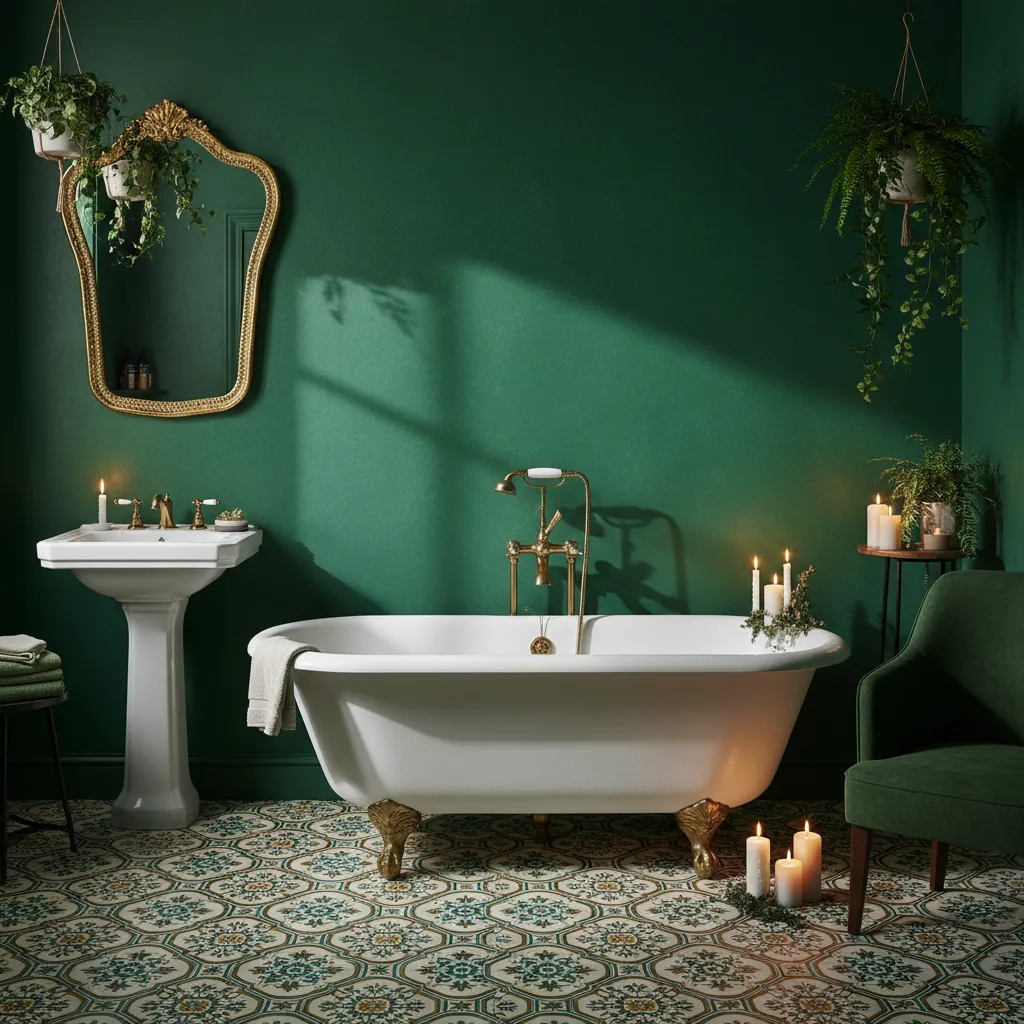
AI Interior Design Redesign Any Room in Seconds
Take a photo of your space. Pick a design style. Let AI transform it instantly.
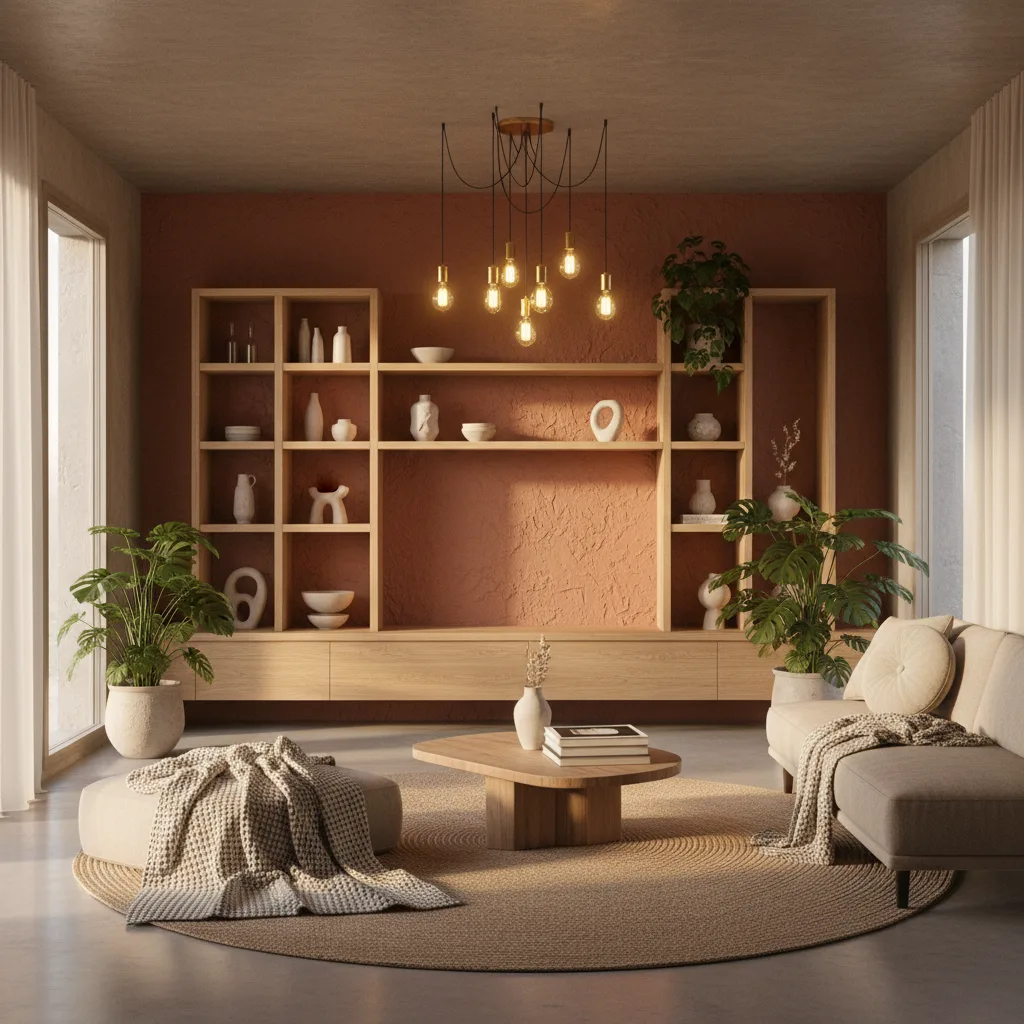
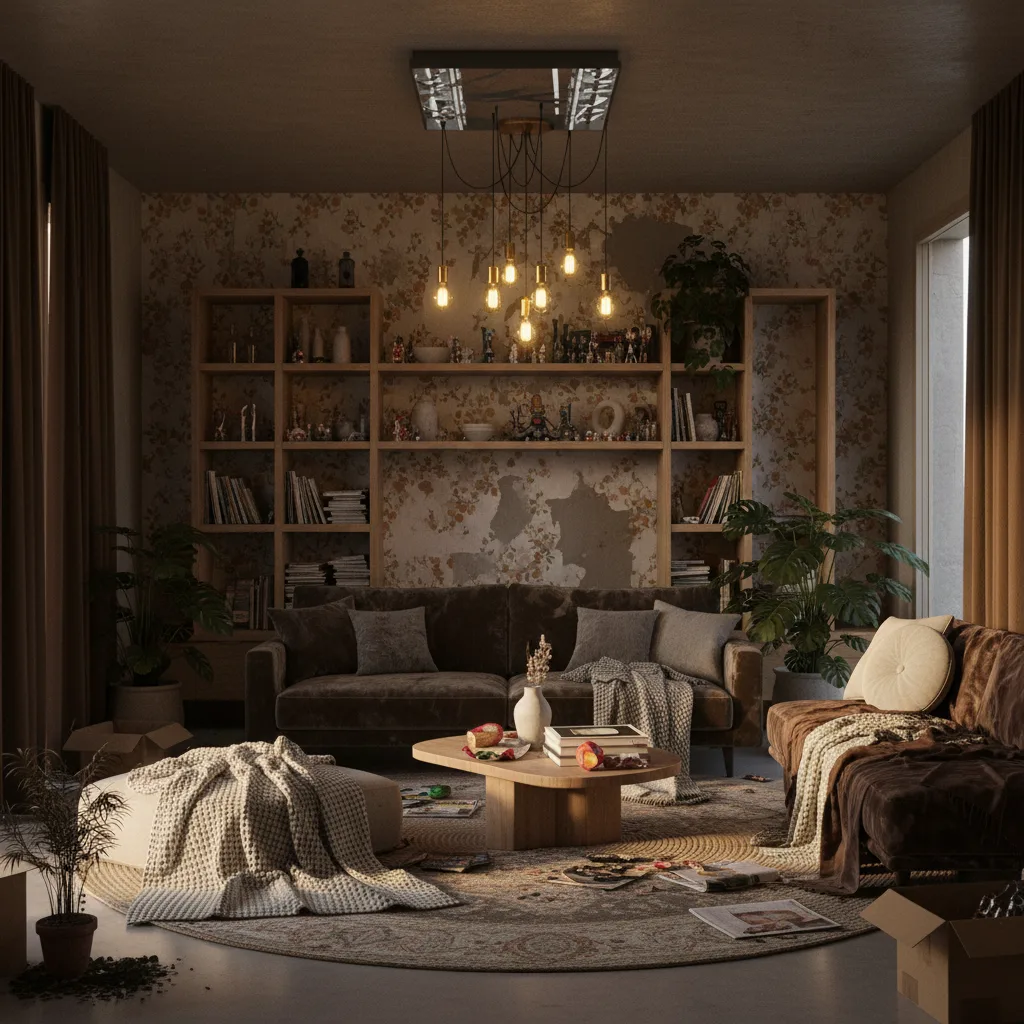
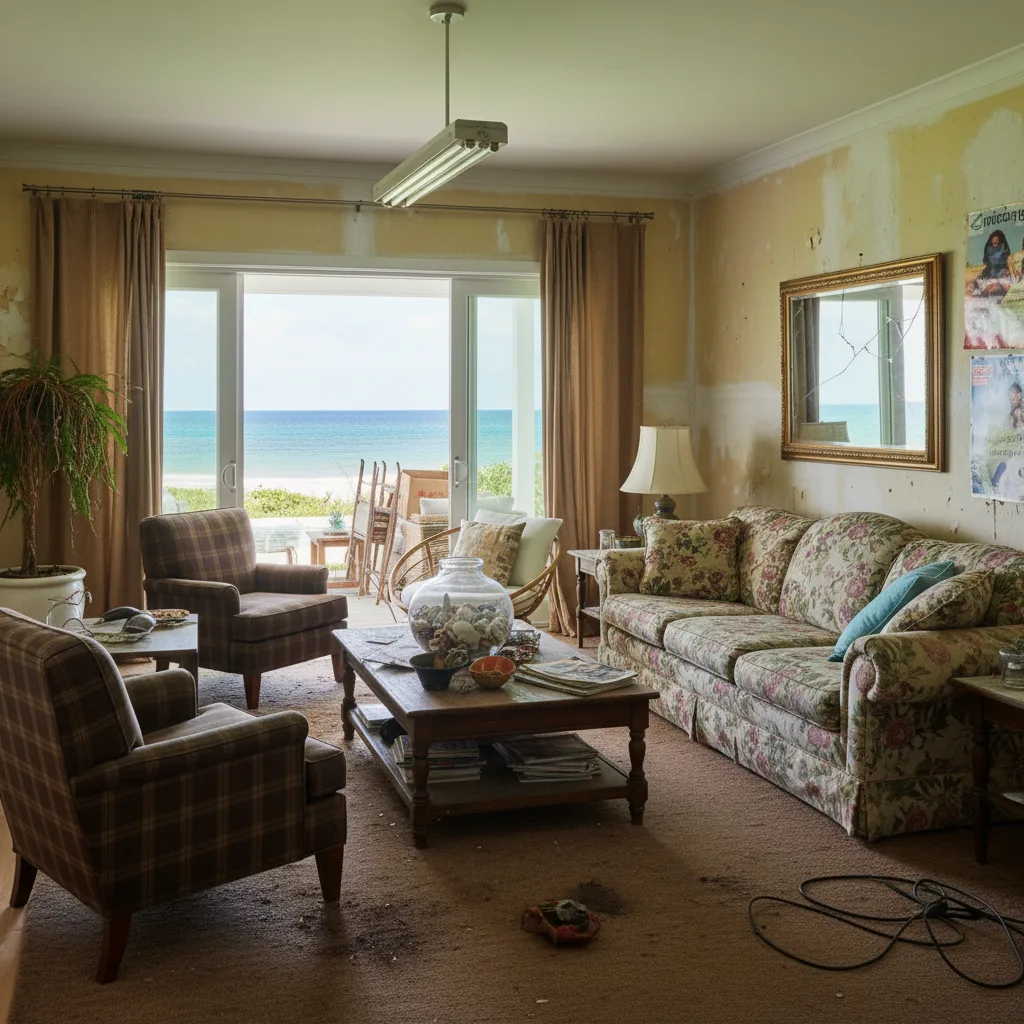
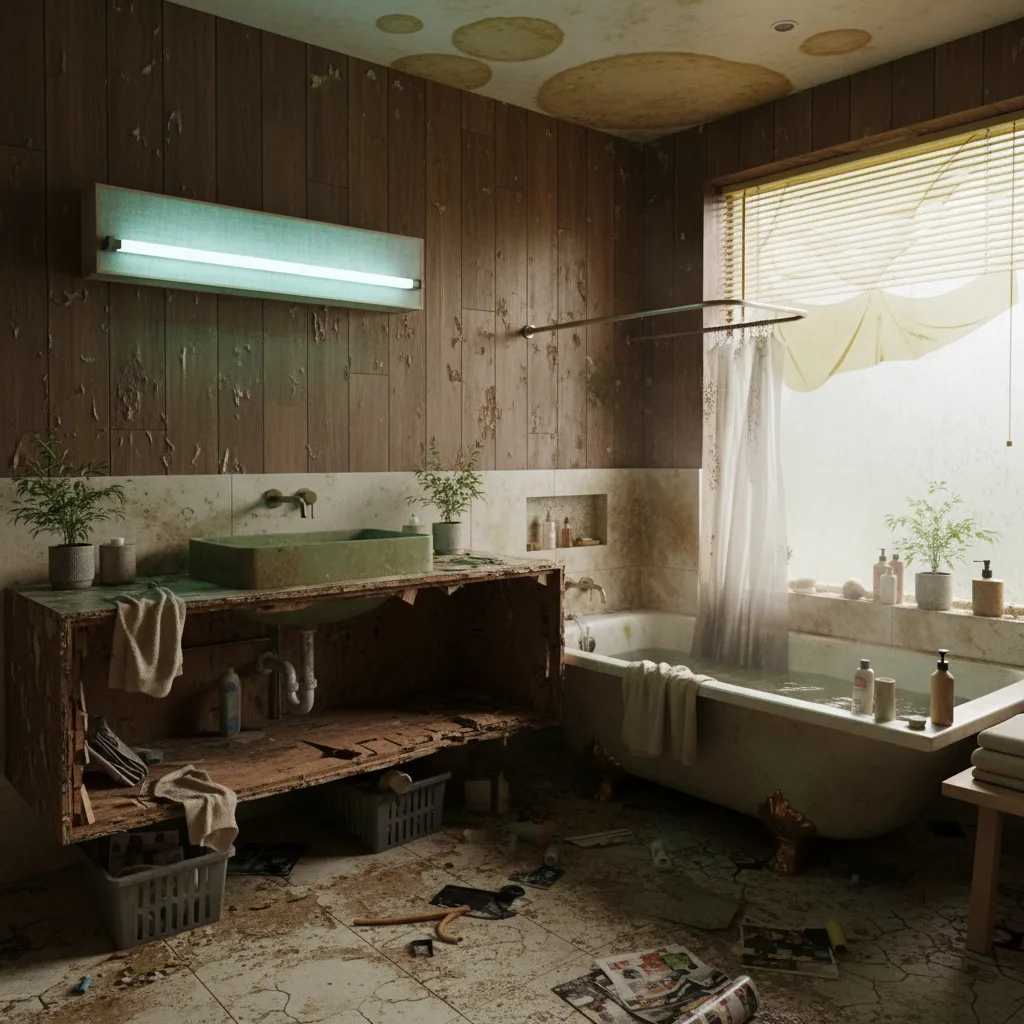
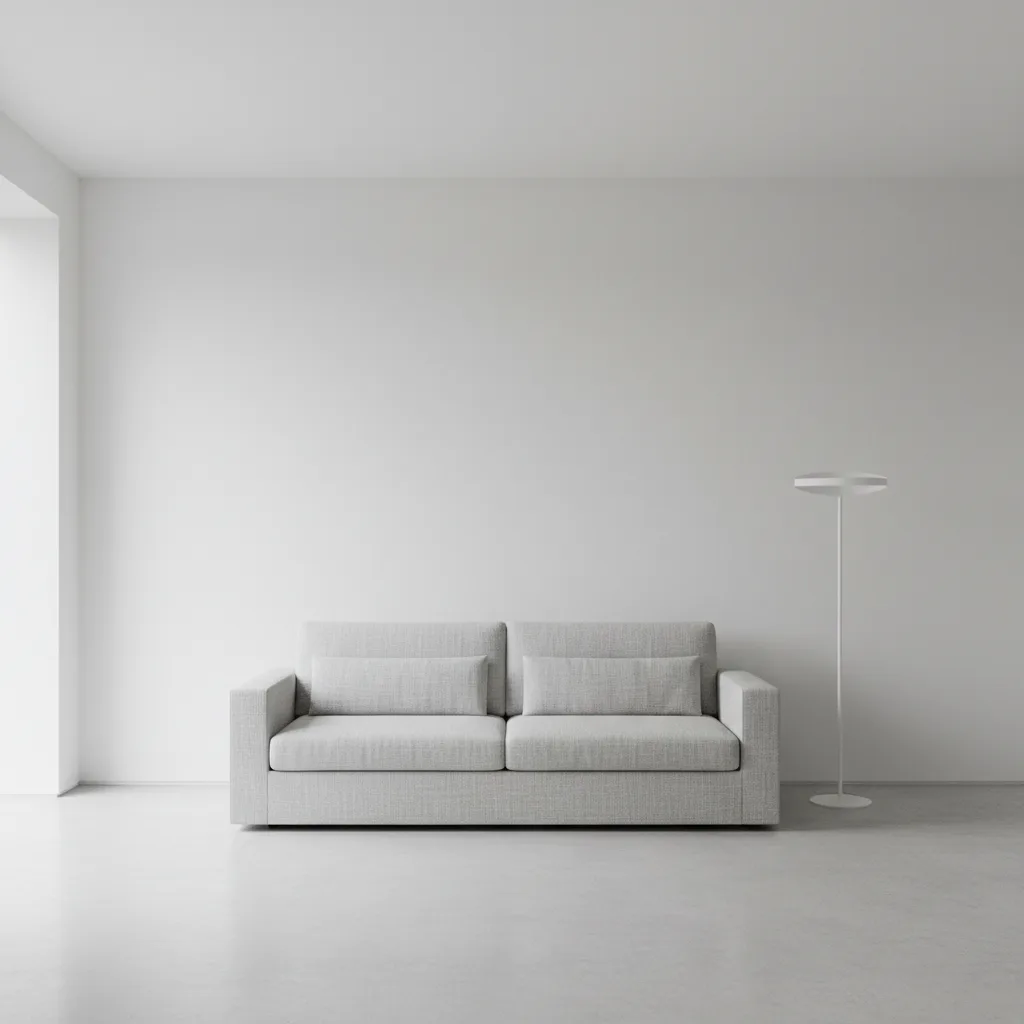
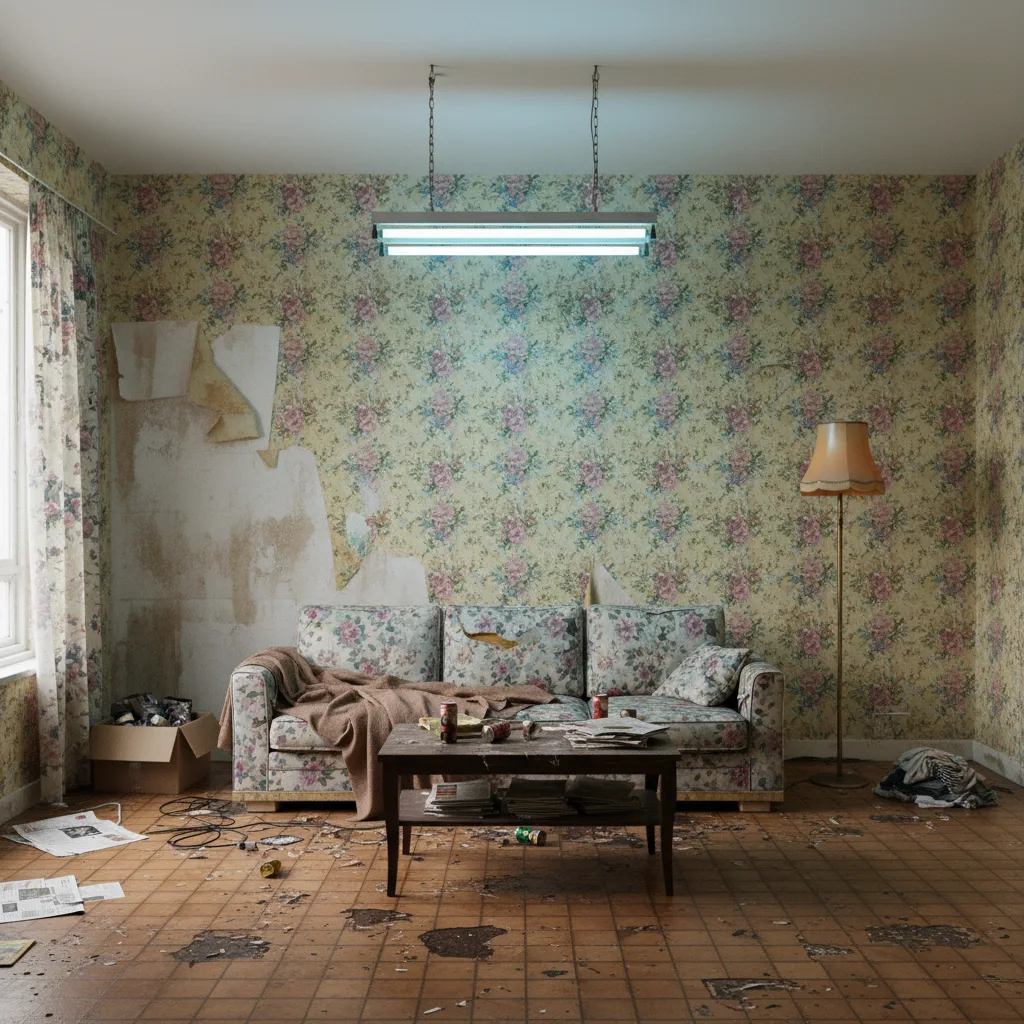
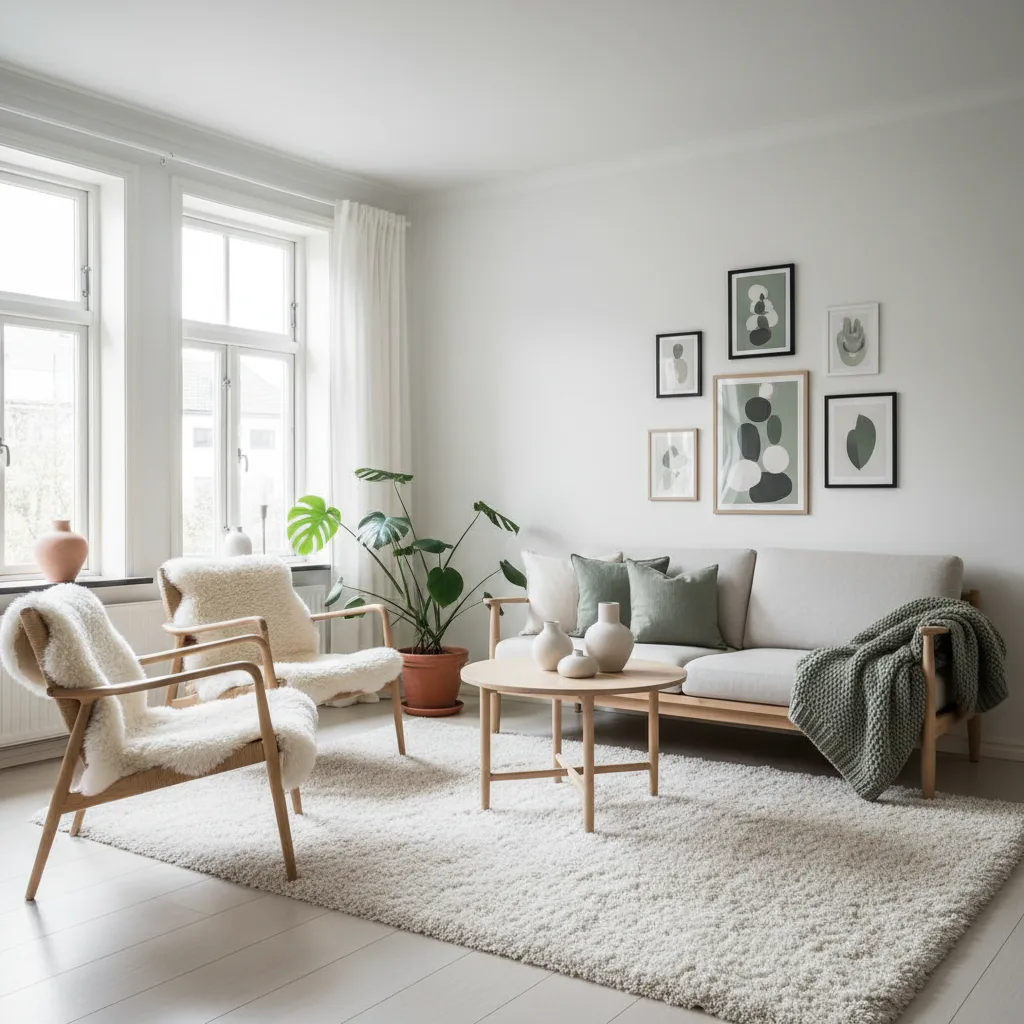
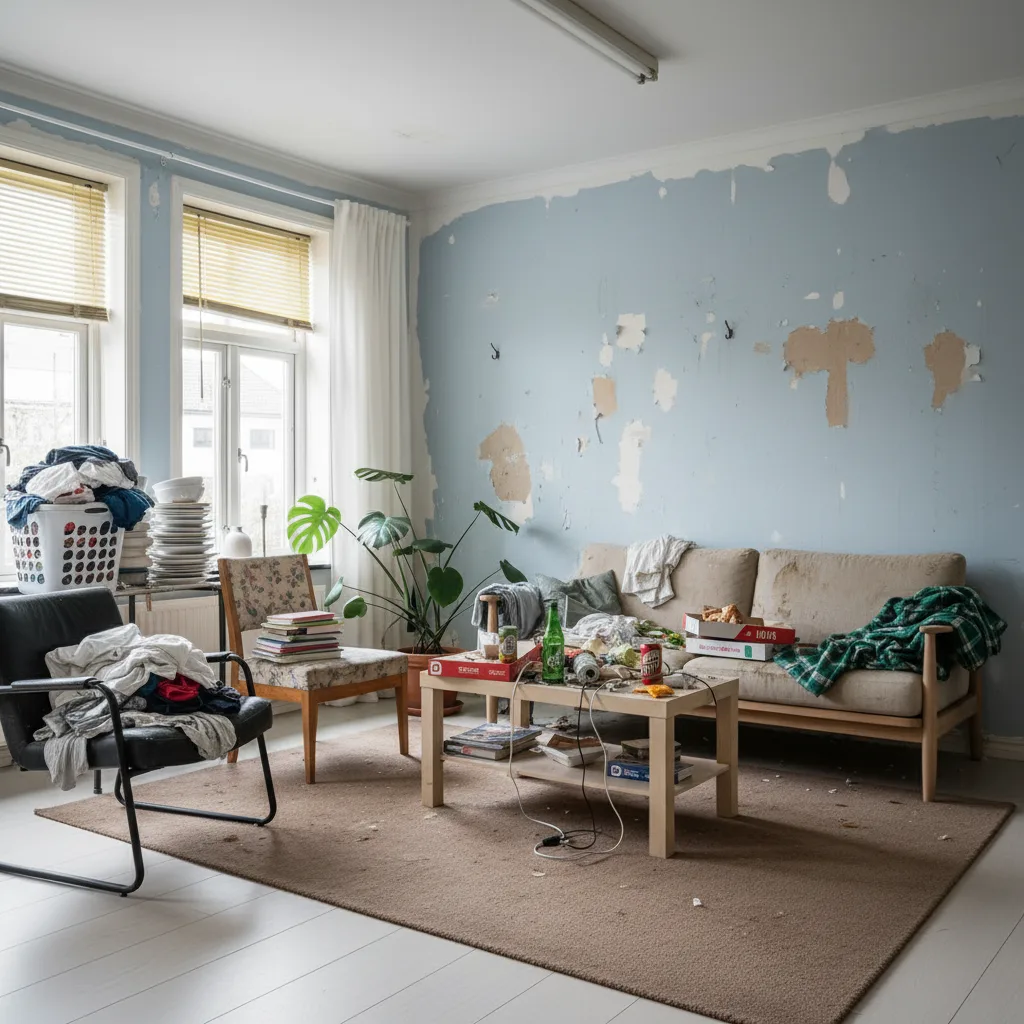
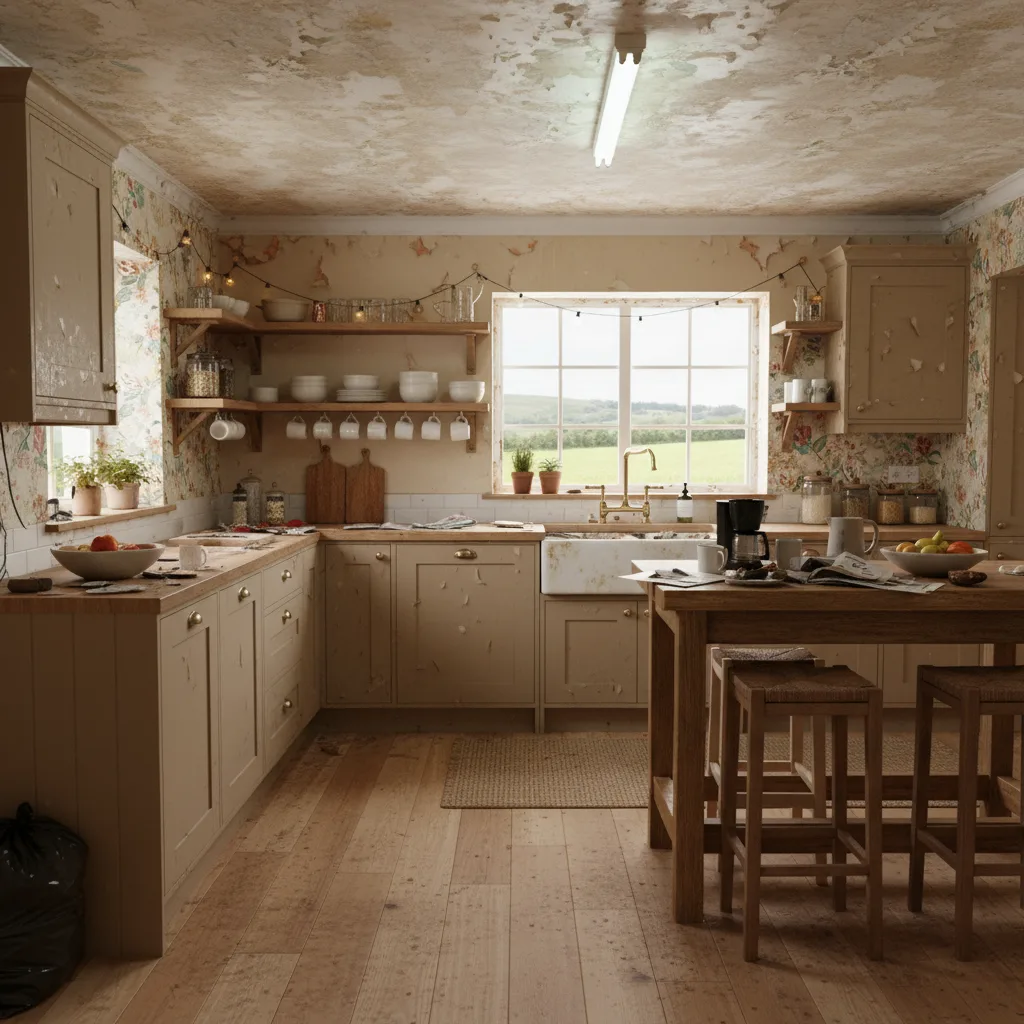
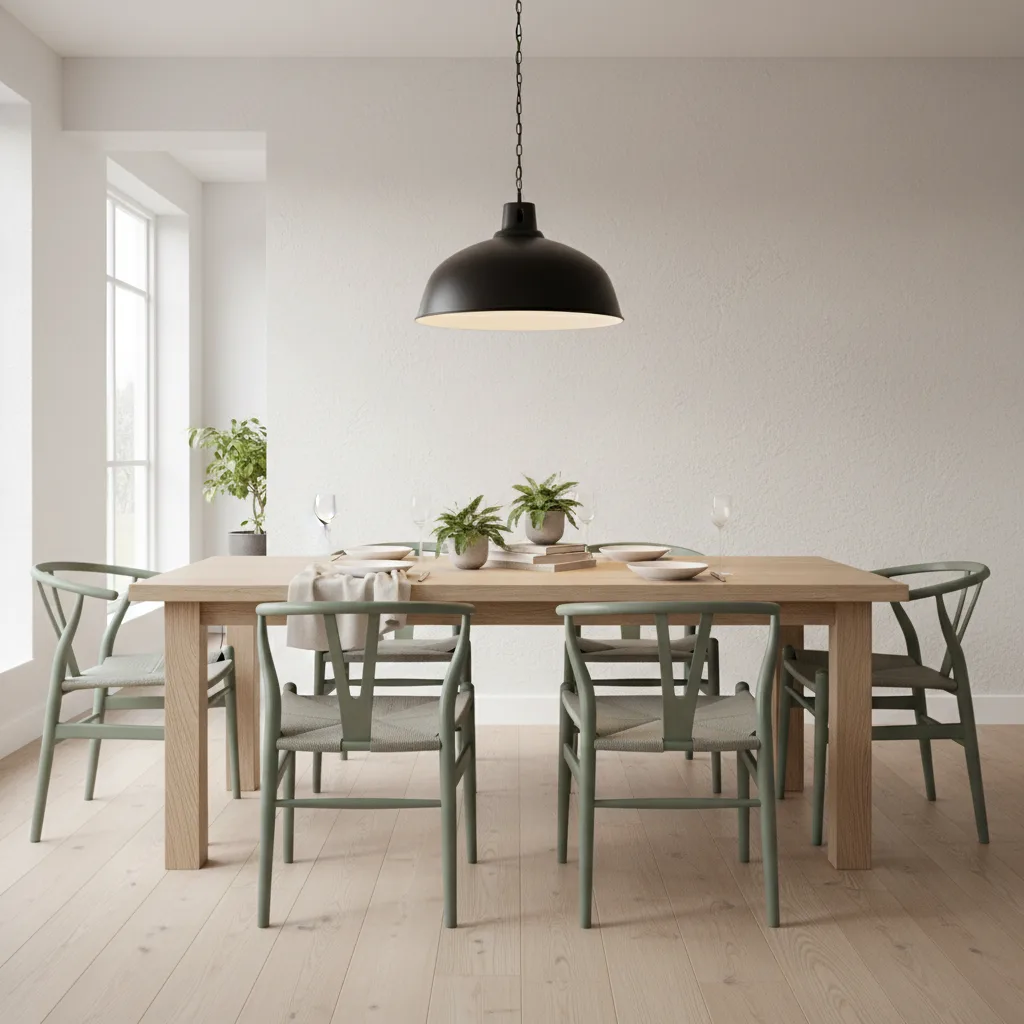
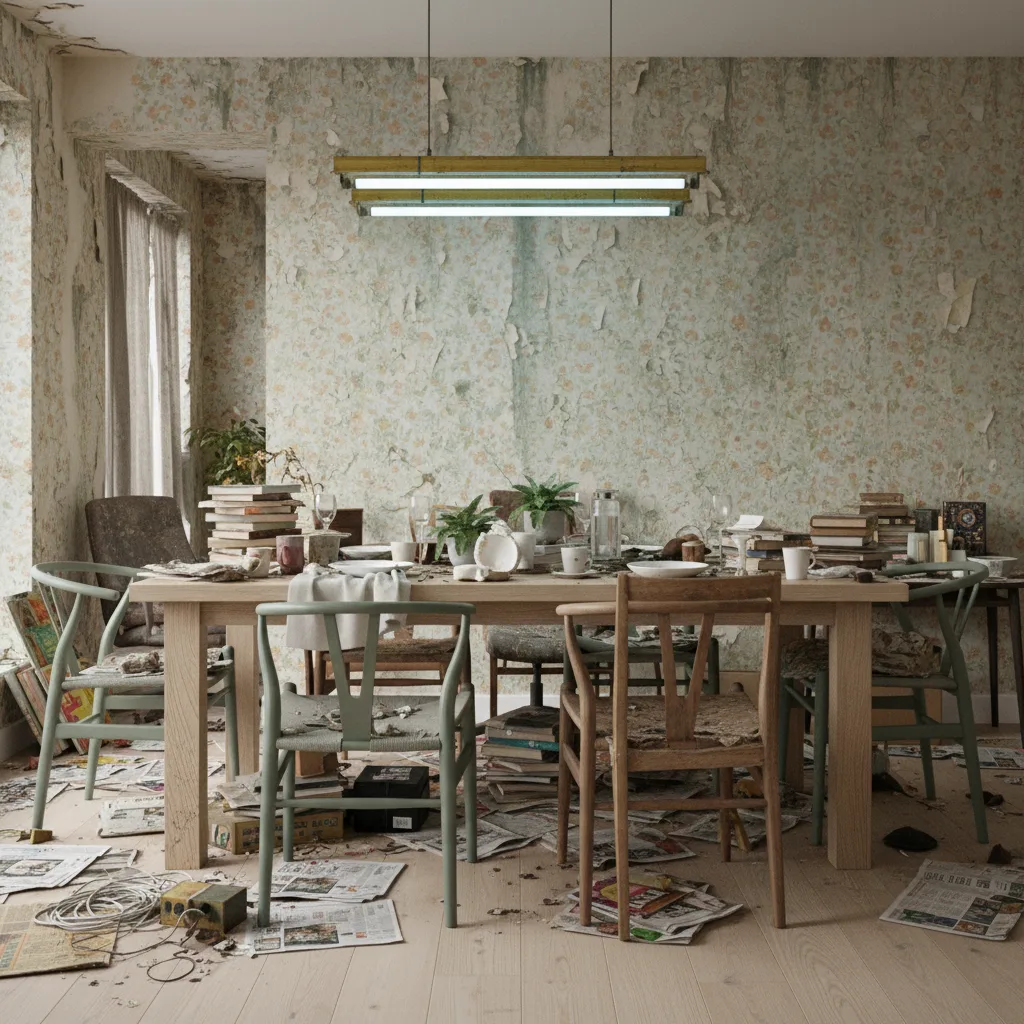
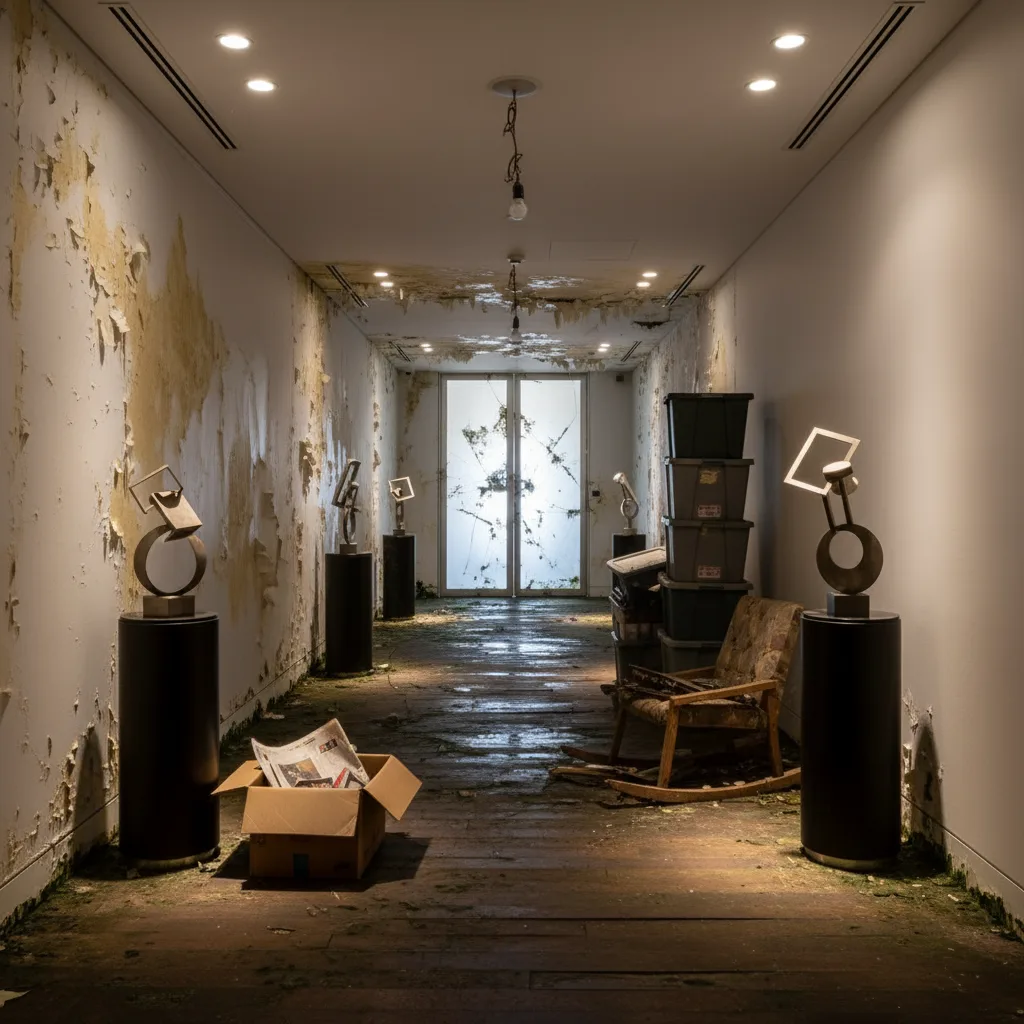
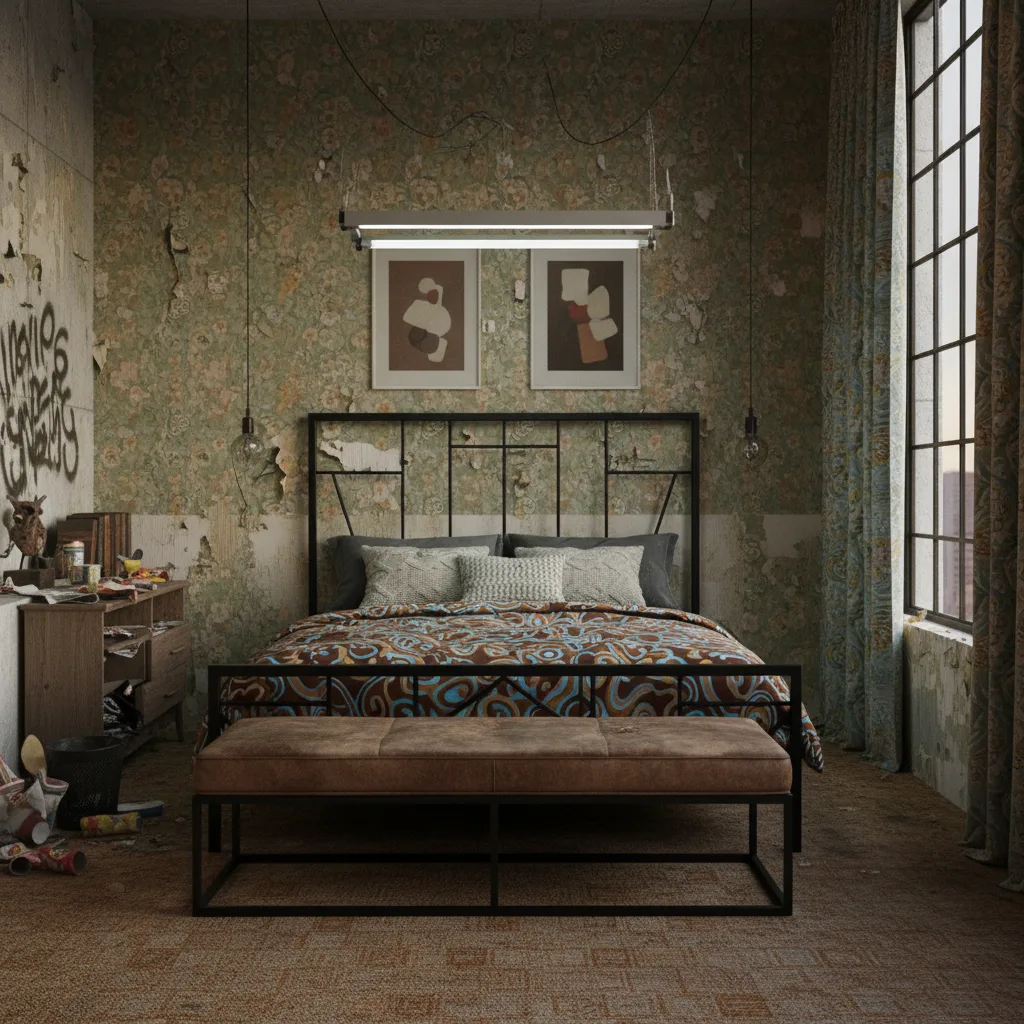
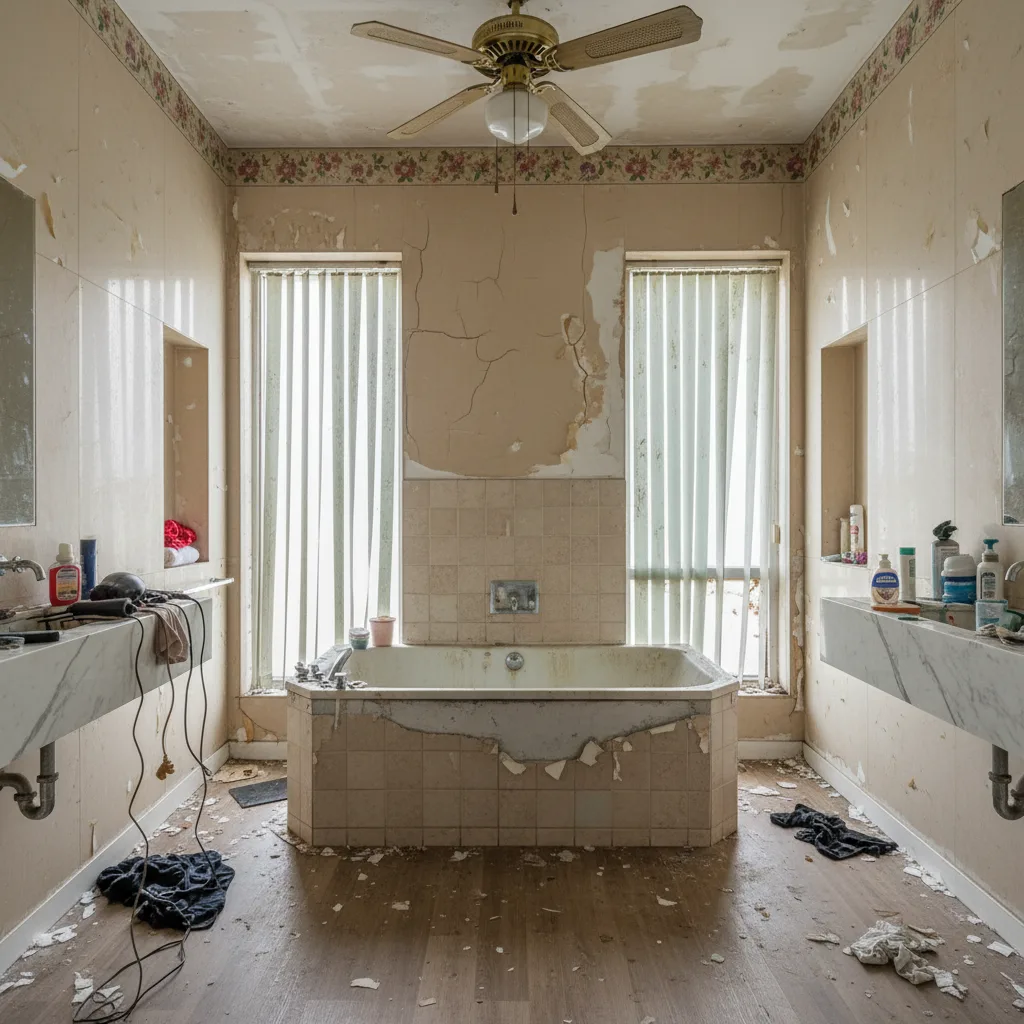
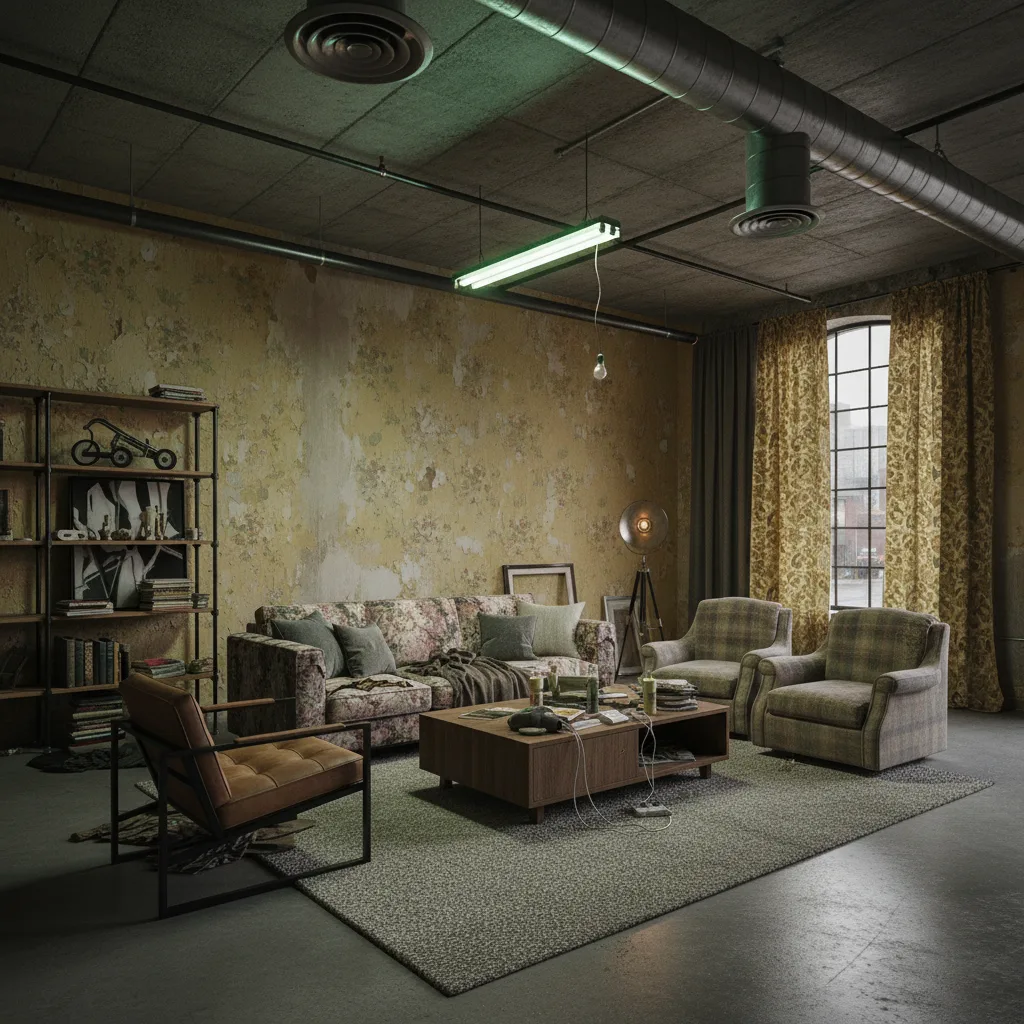
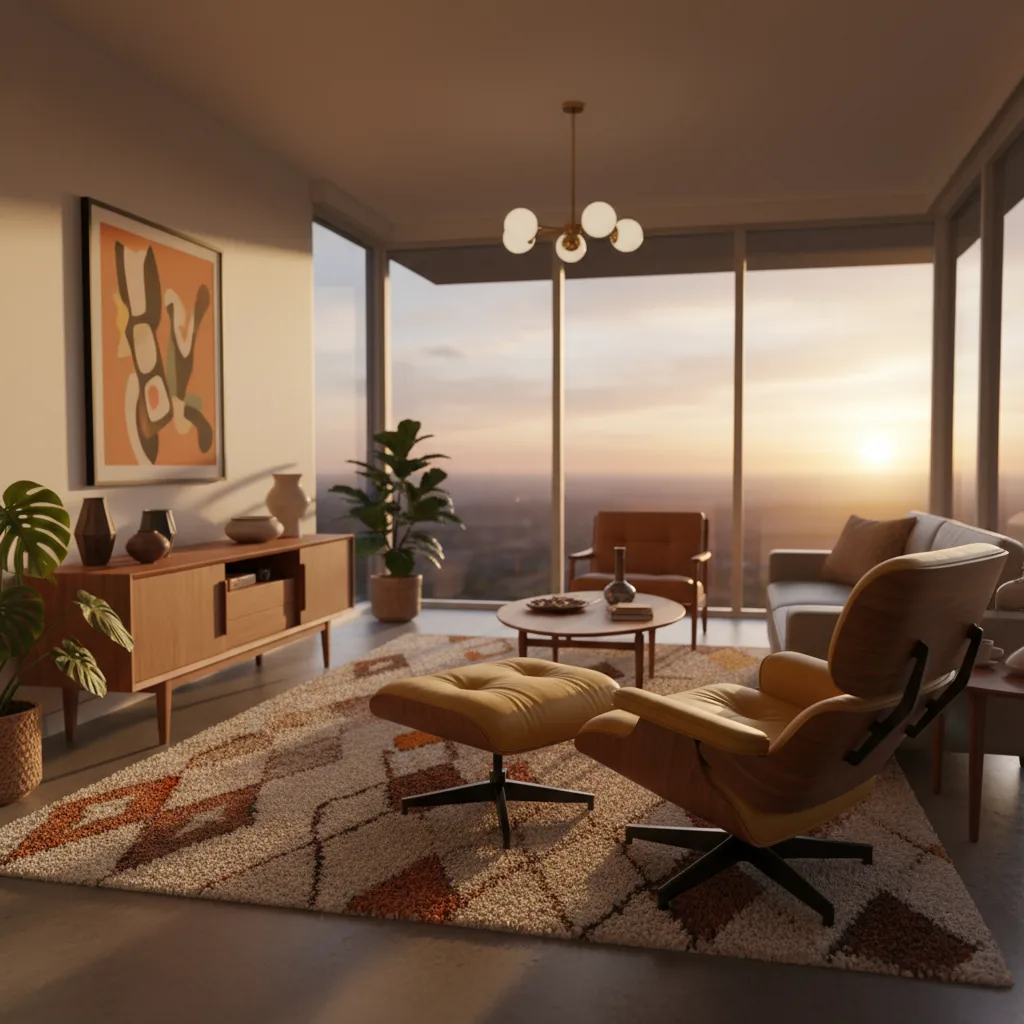
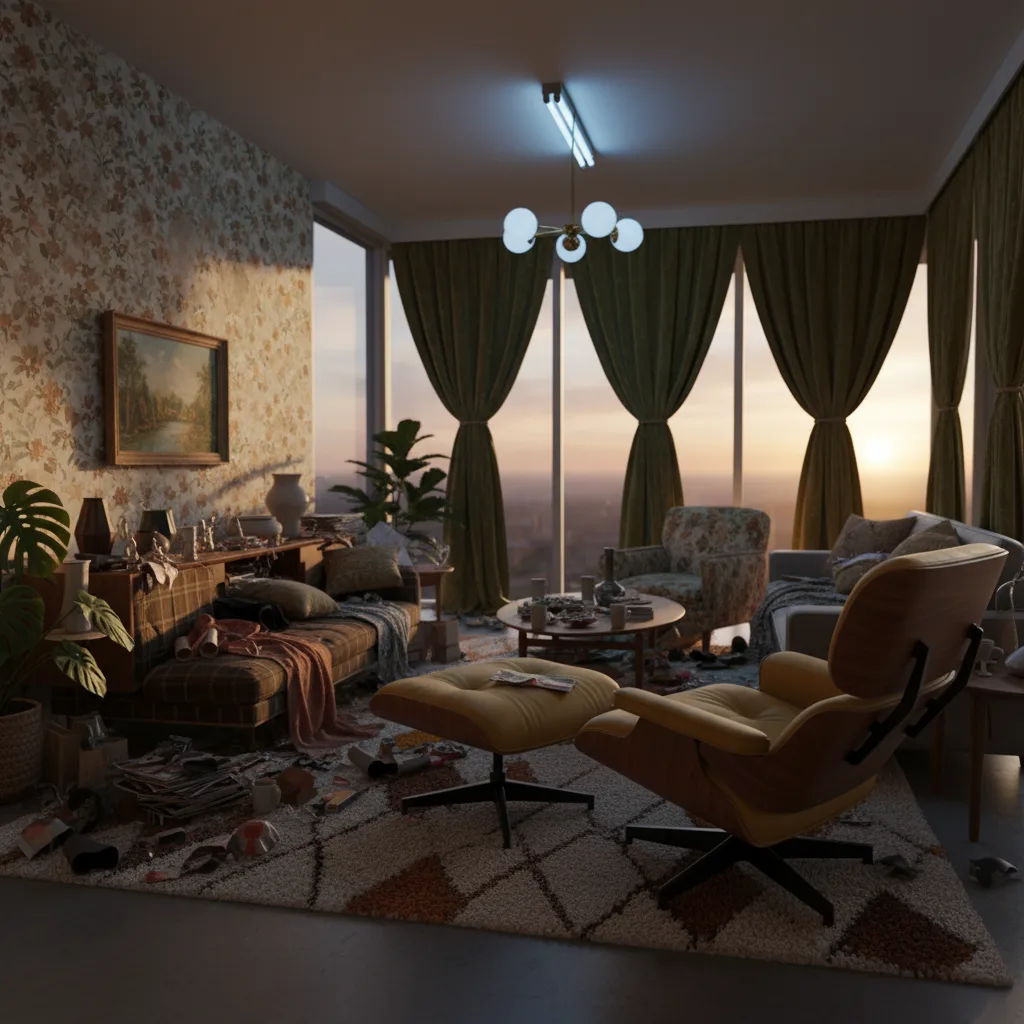
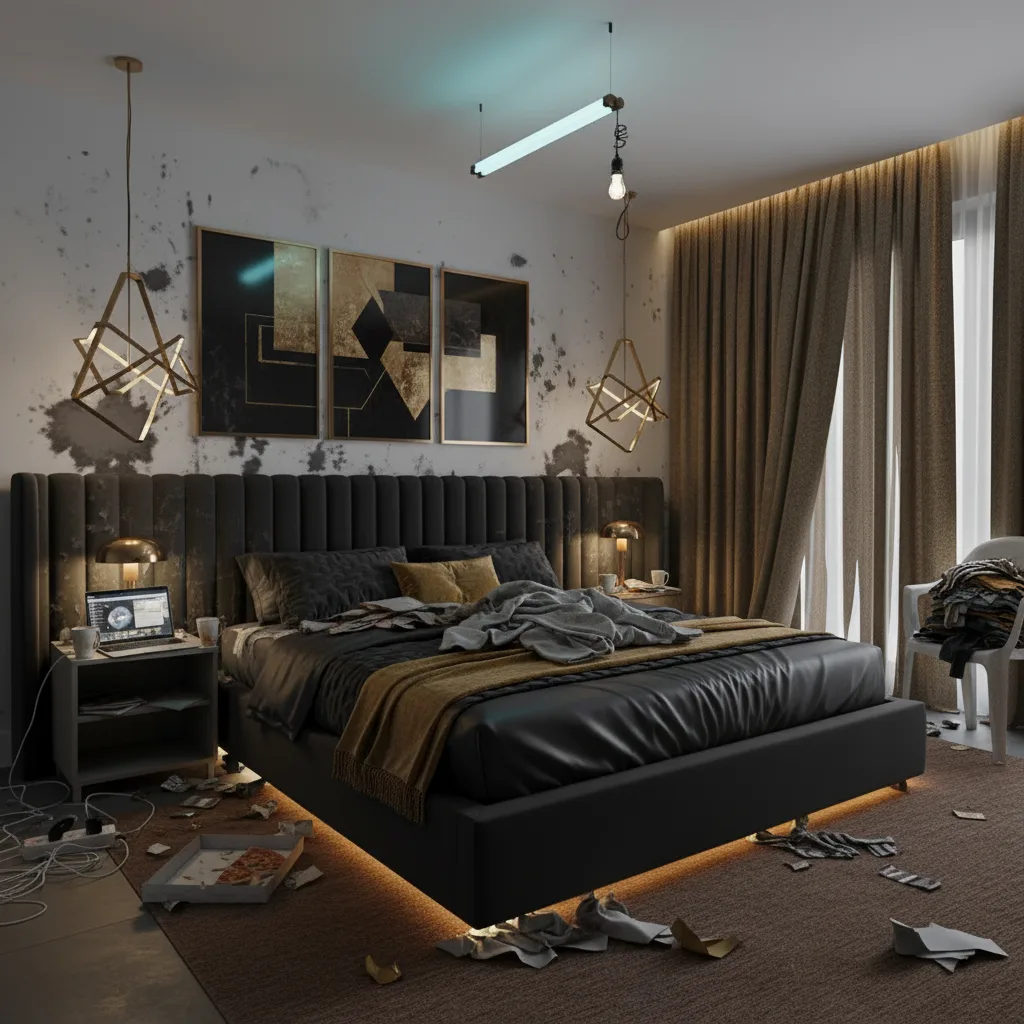
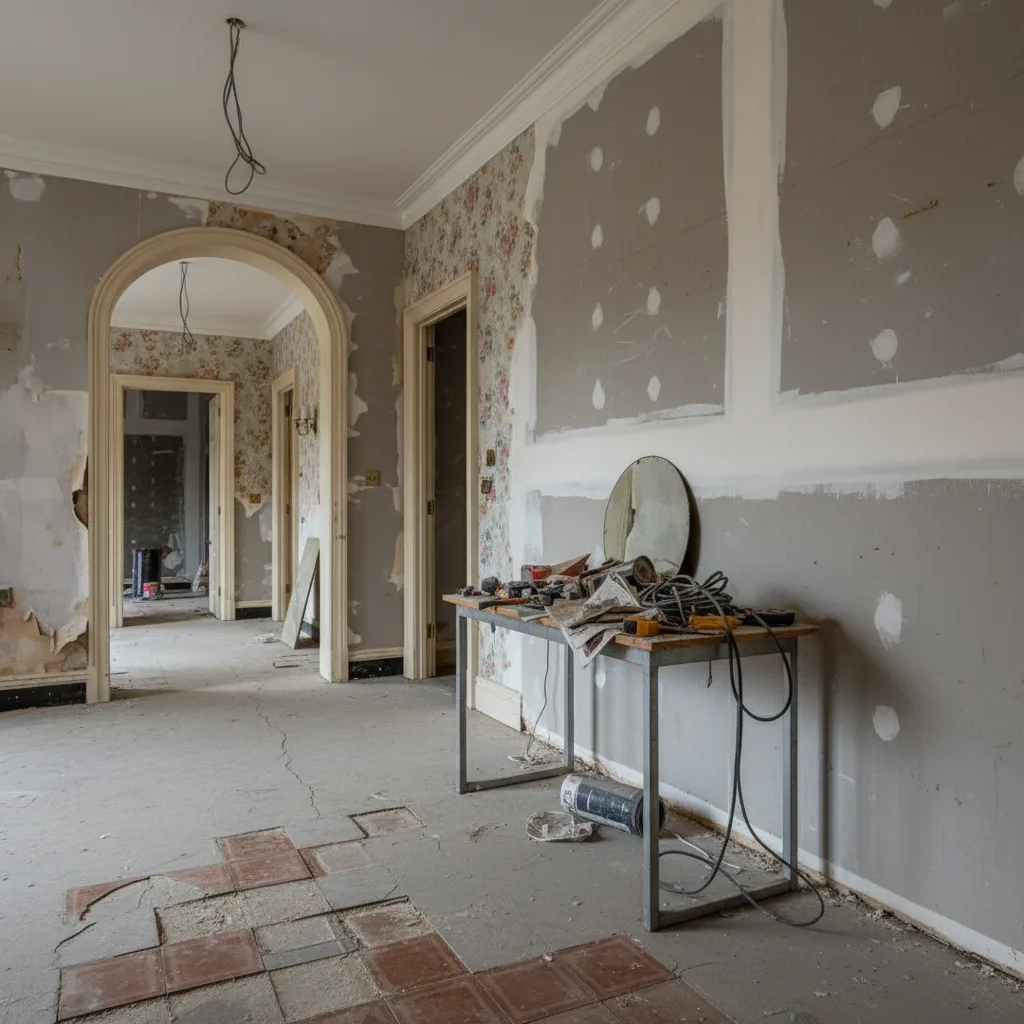
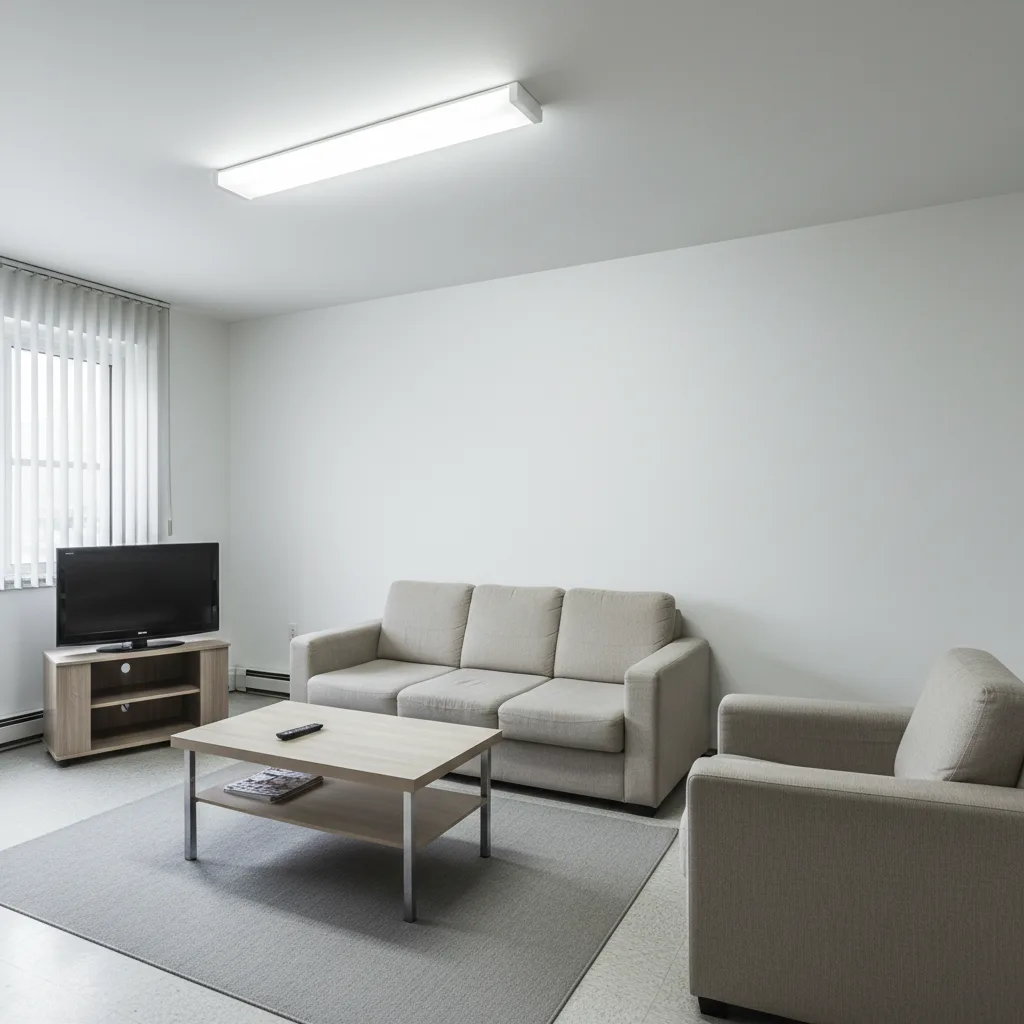
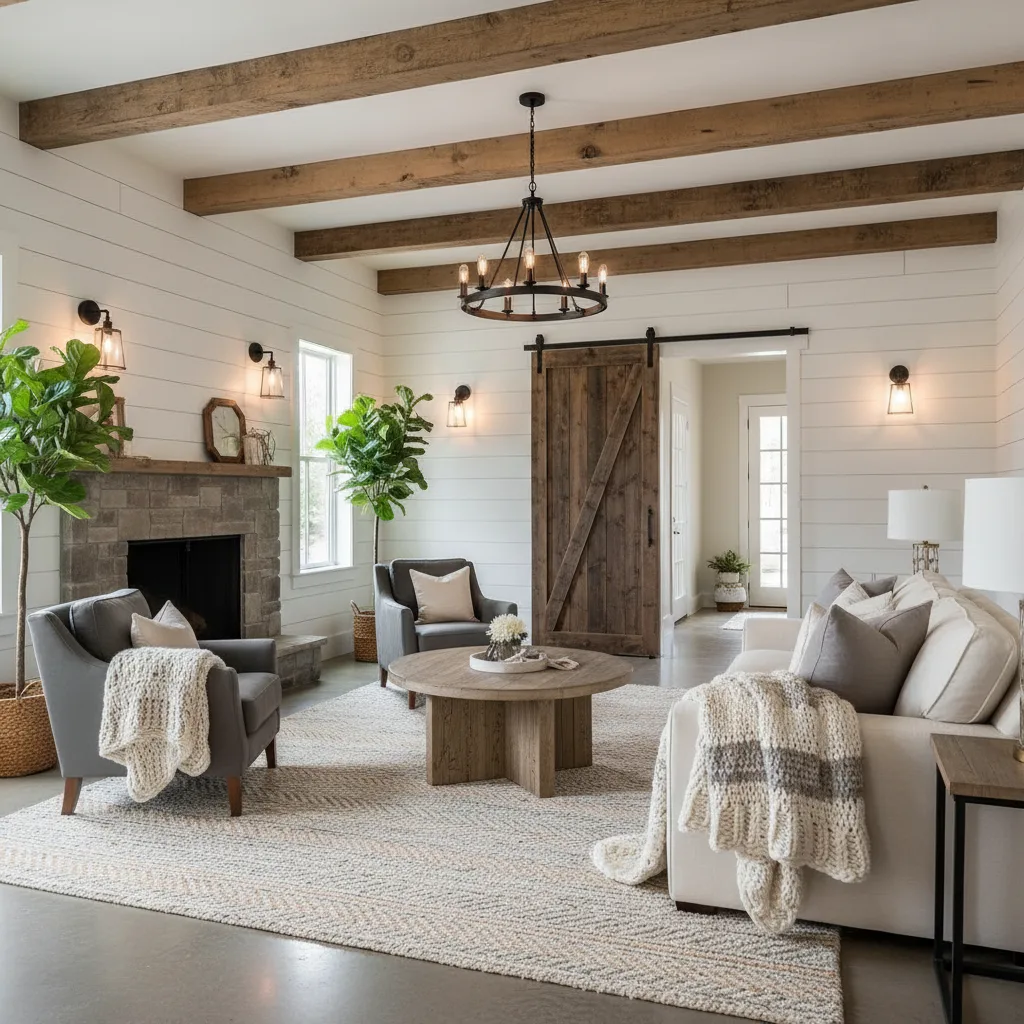
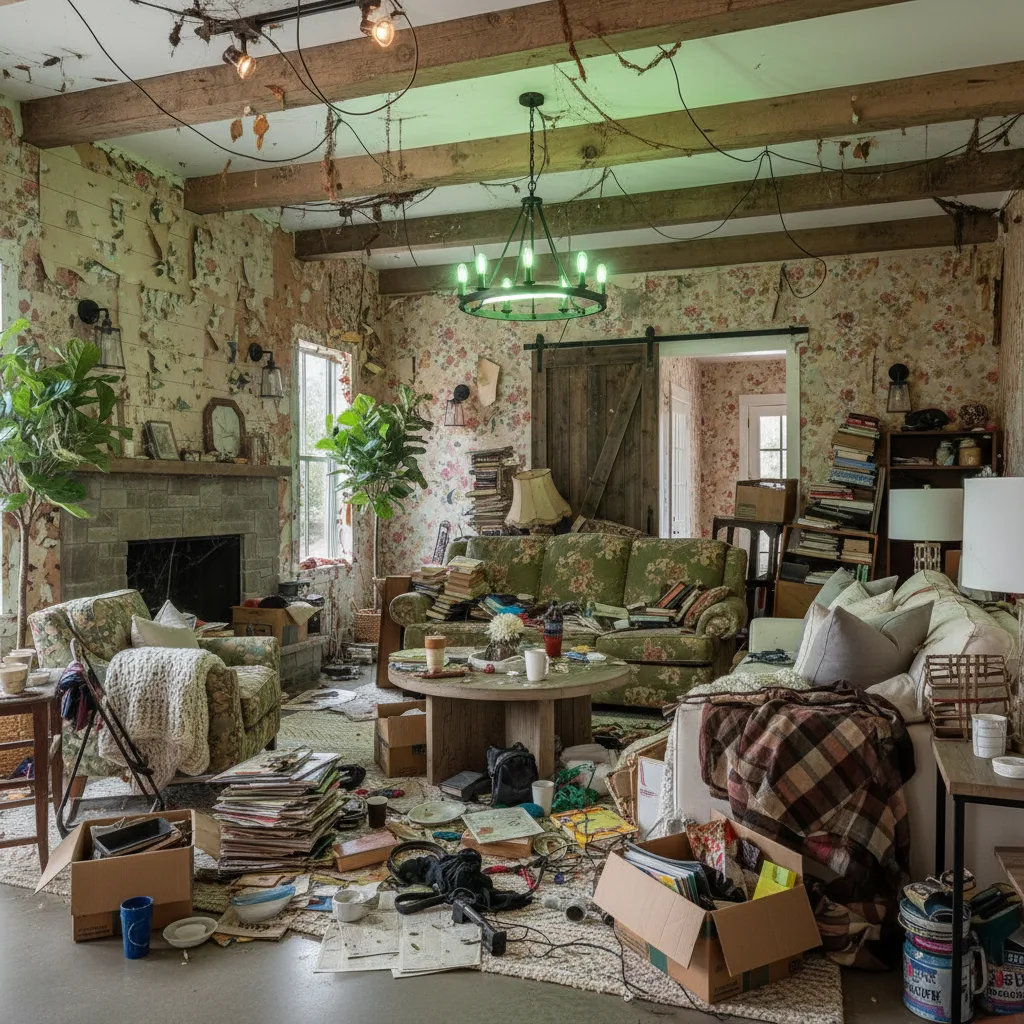
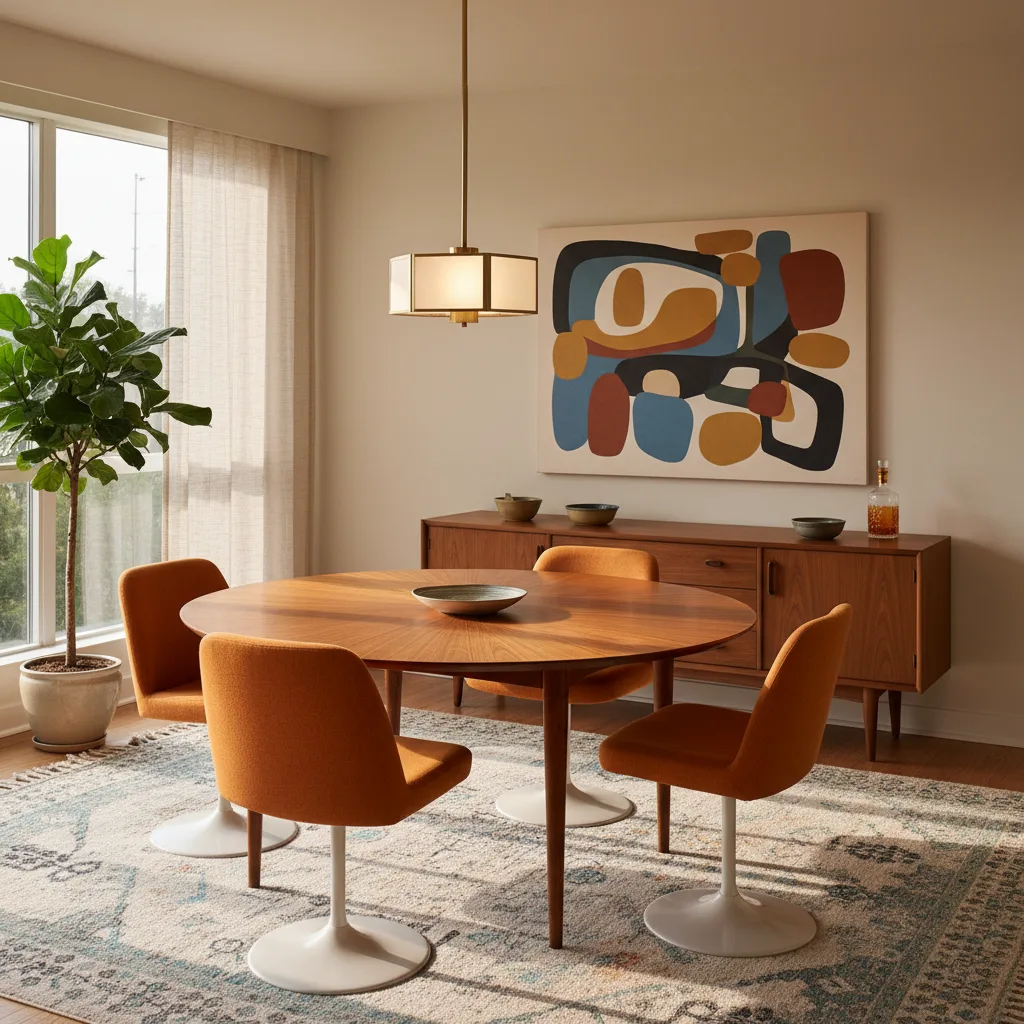
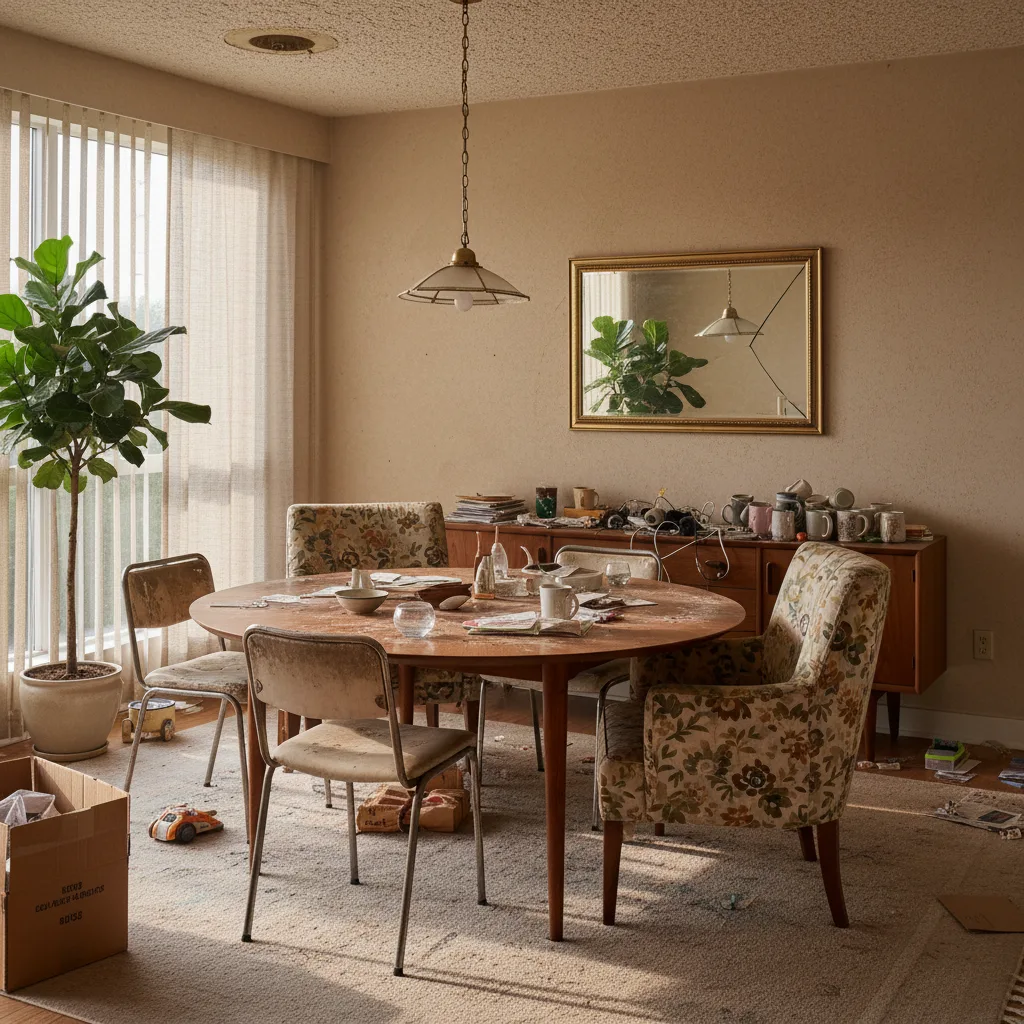
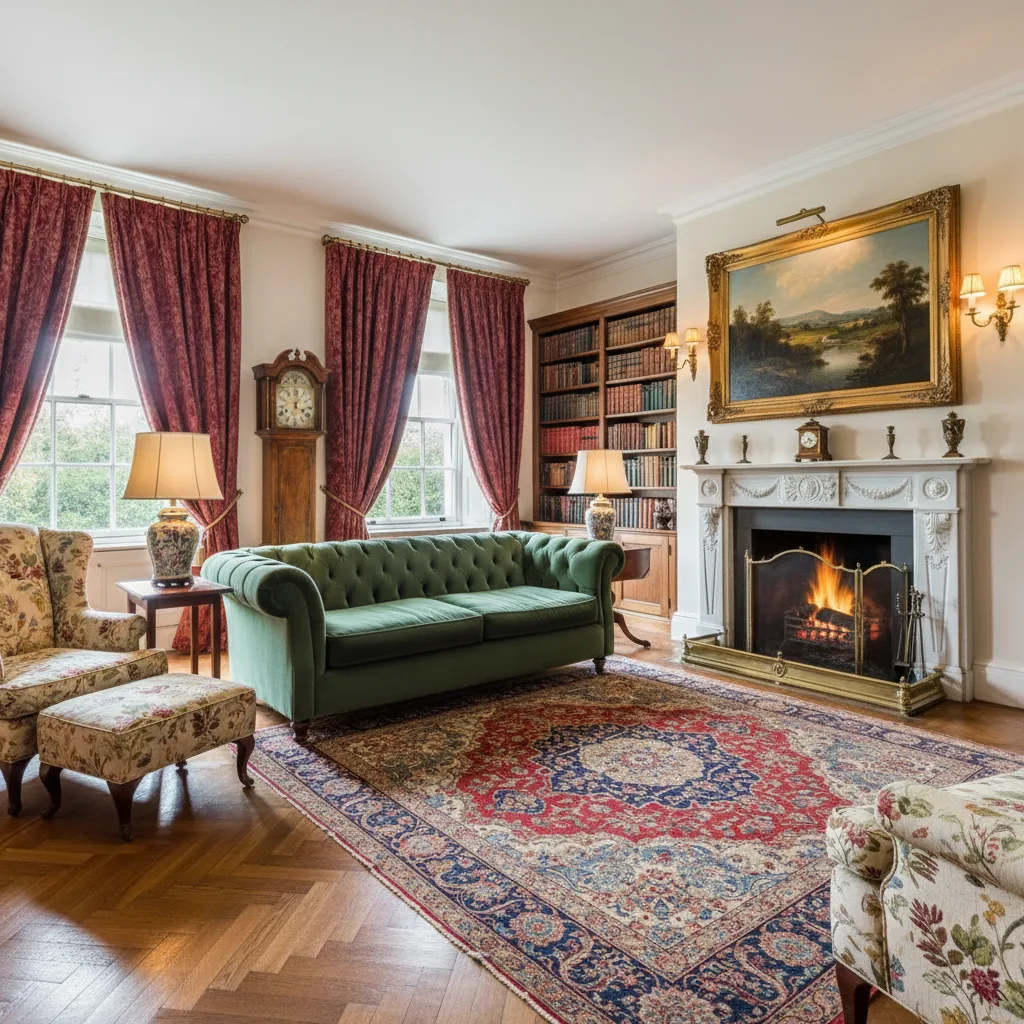
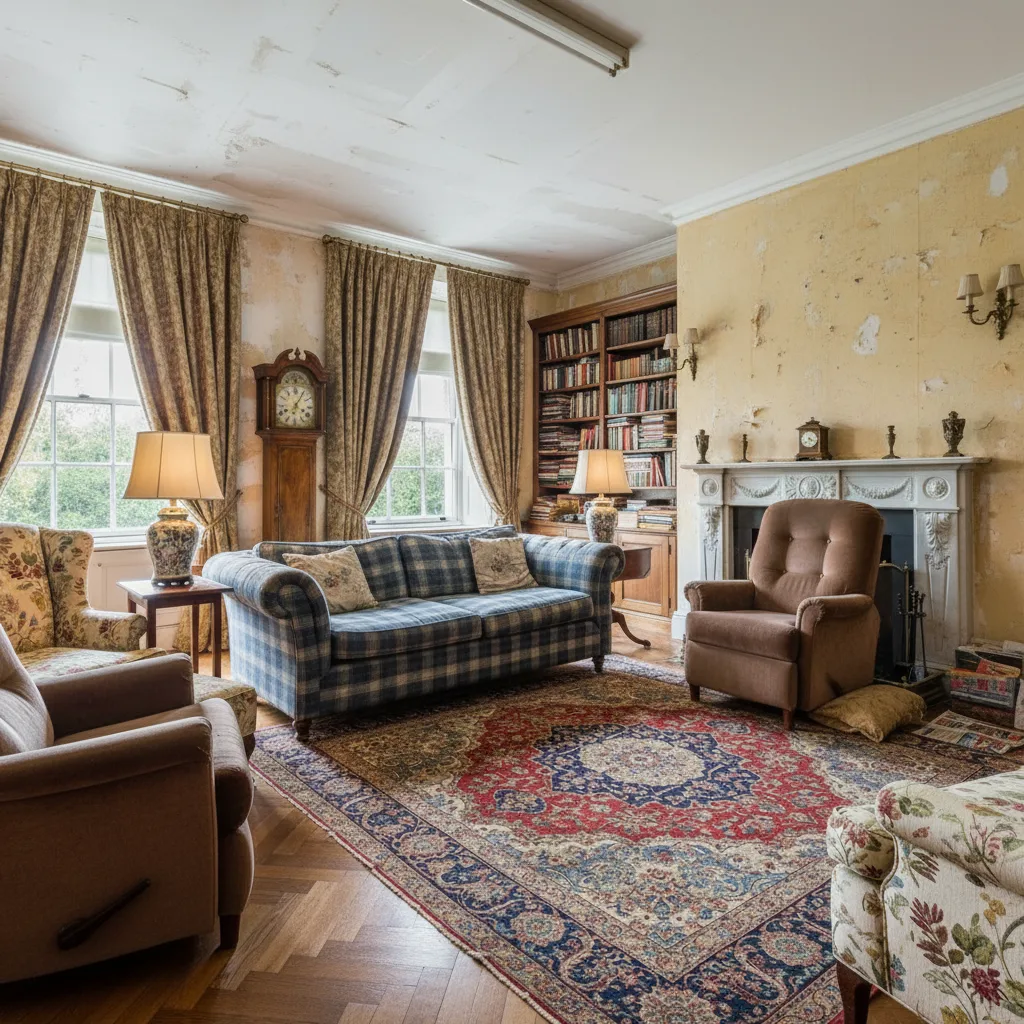
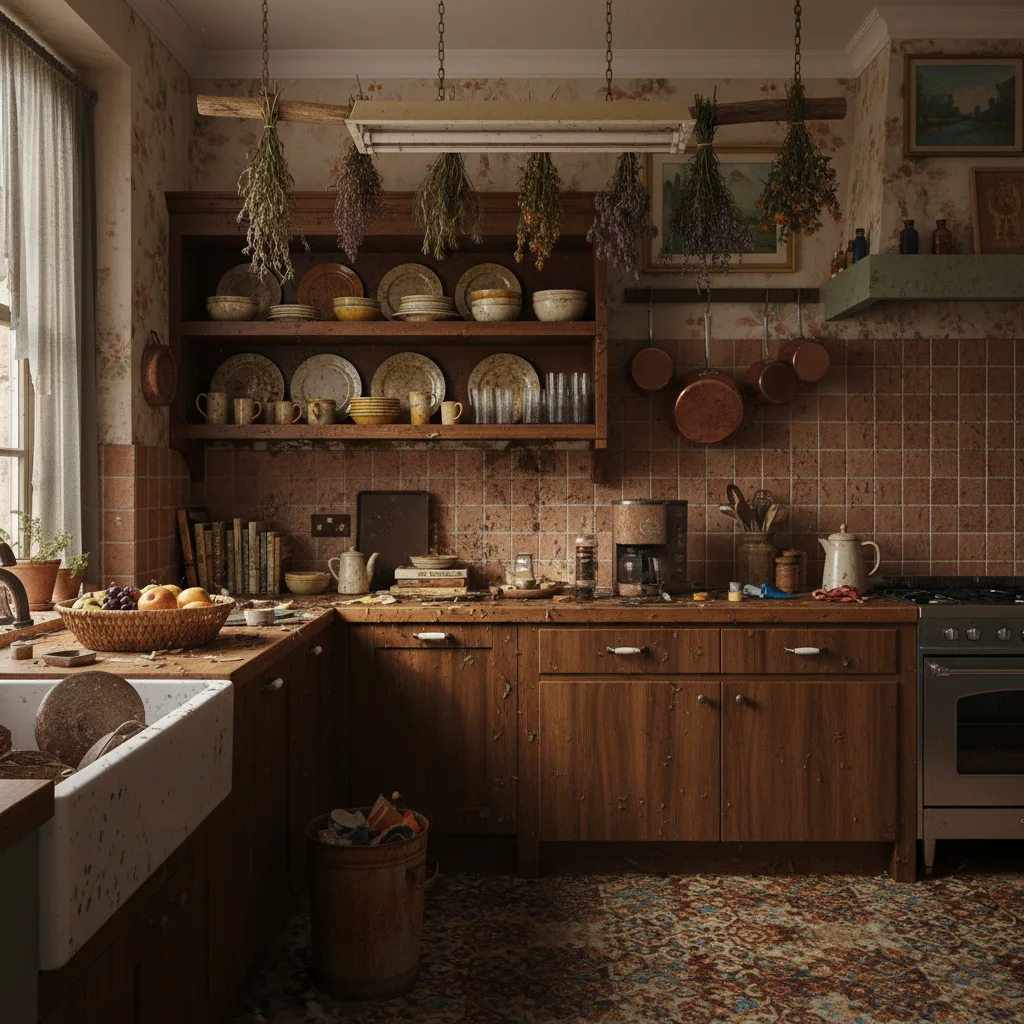
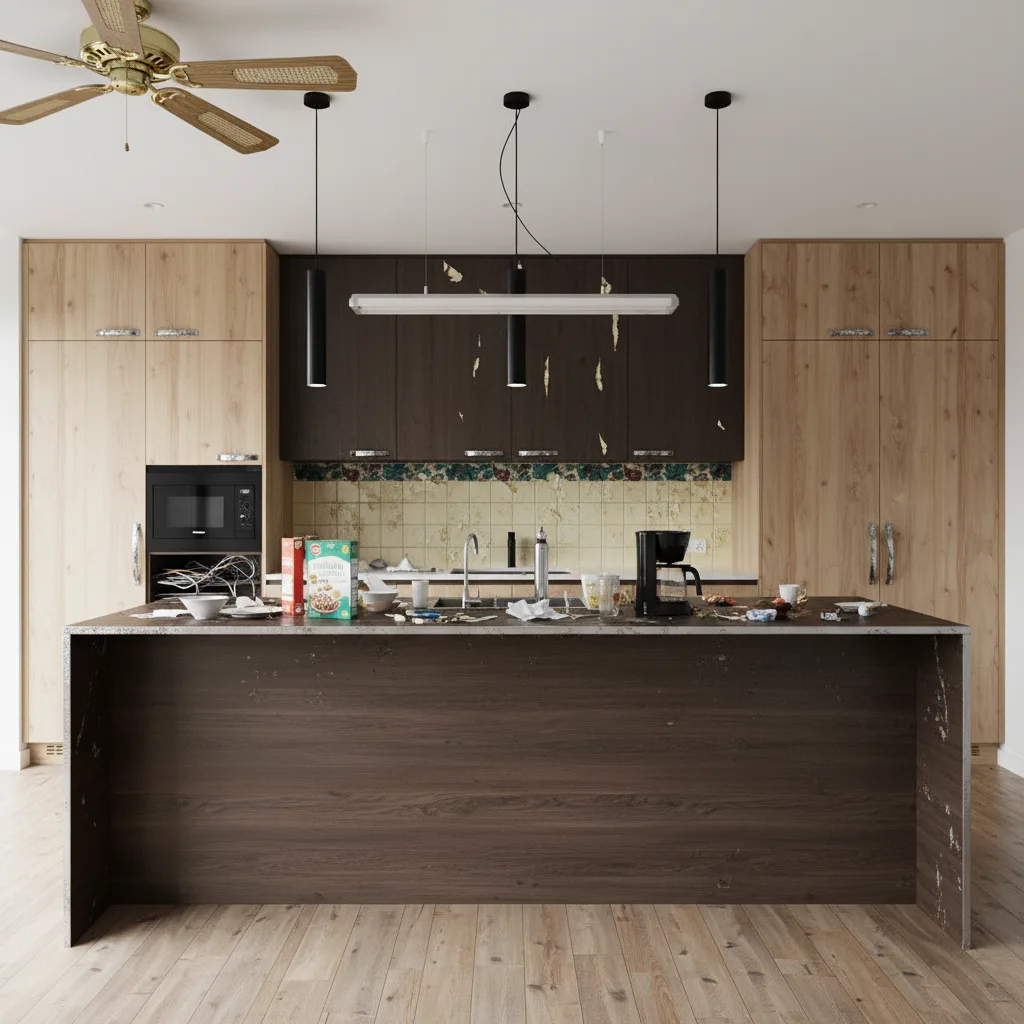
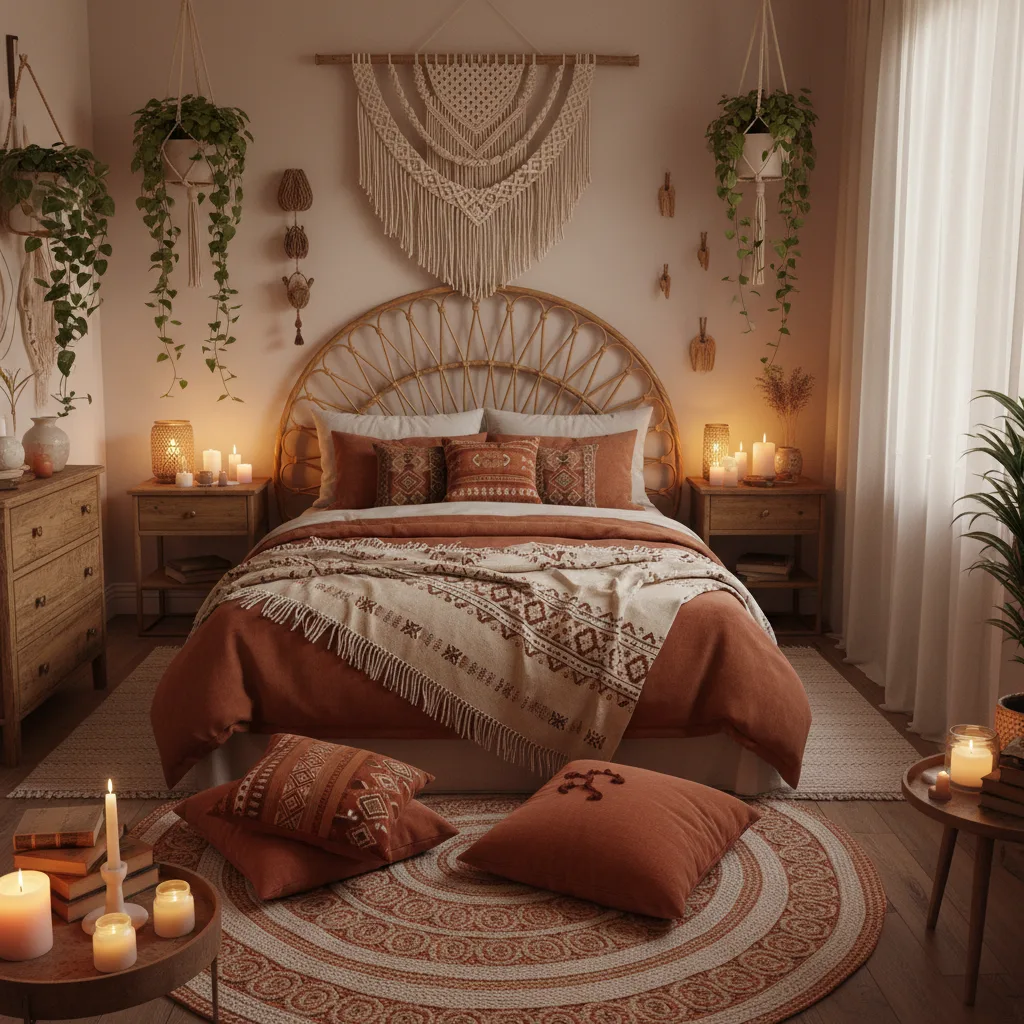
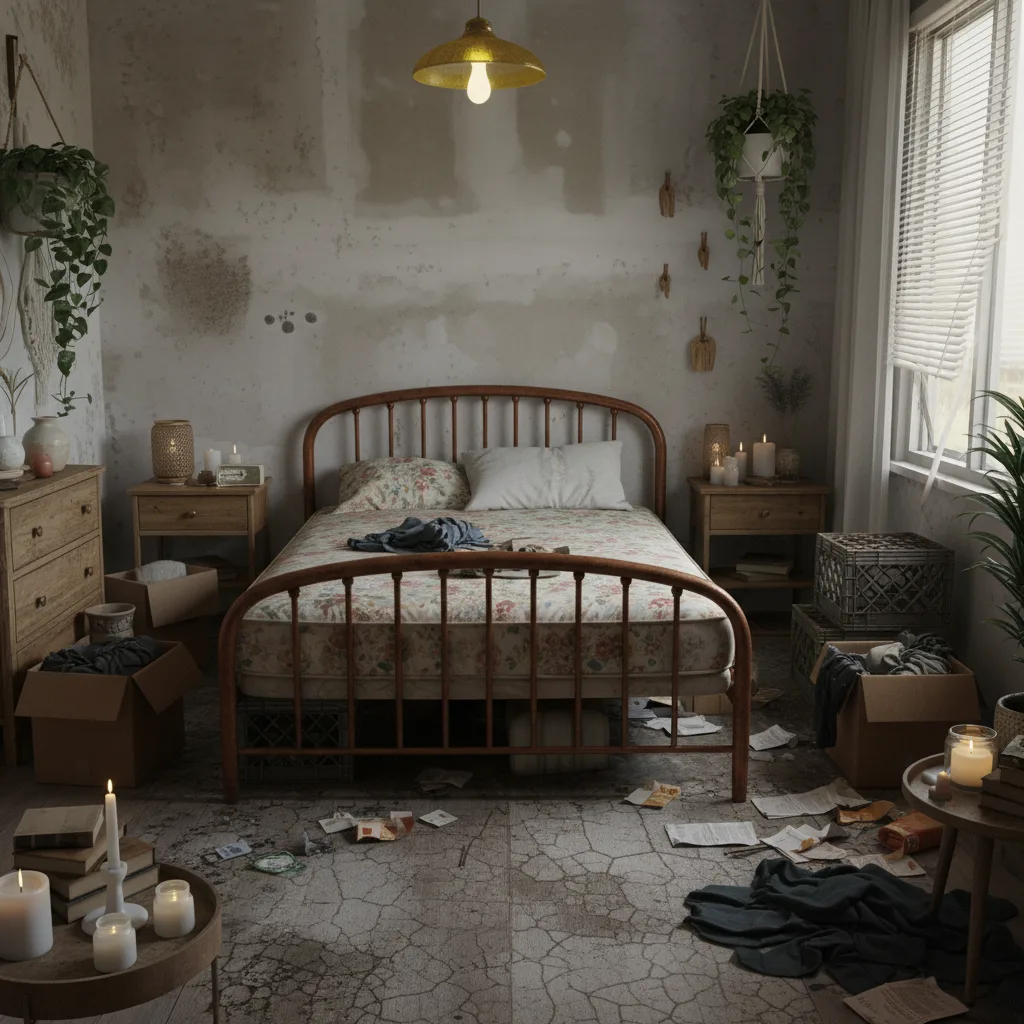
Before & After: AI Interior Design Results
Drag the slider to see what your space becomes in seconds.
How AI Room Redesign Works in 3 Simple Steps
Snap a Photo
Take a photo of any room you want to redesign: living room, bedroom, kitchen, or more.
Pick a Style
Choose from 10+ curated design styles. Modern, Scandinavian, Industrial, Bohemian, and more.
See Your Redesign
Get a photorealistic redesign in seconds. Save it, share it, or try another style.
Snap a Photo
Take a photo of any room you want to redesign: living room, bedroom, kitchen, or more.
Pick a Style
Choose from 10+ curated design styles. Modern, Scandinavian, Industrial, Bohemian, and more.
See Your Redesign
Get a photorealistic redesign in seconds. Save it, share it, or try another style.
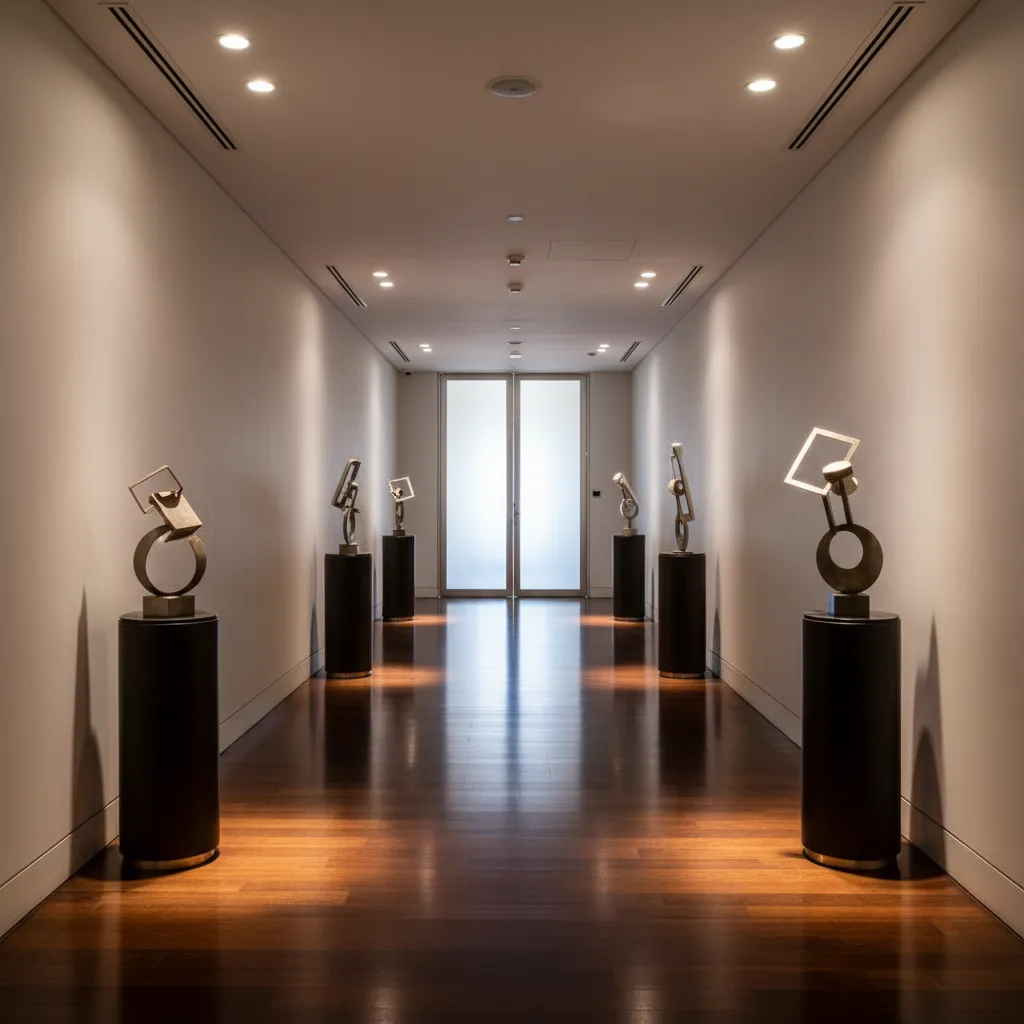
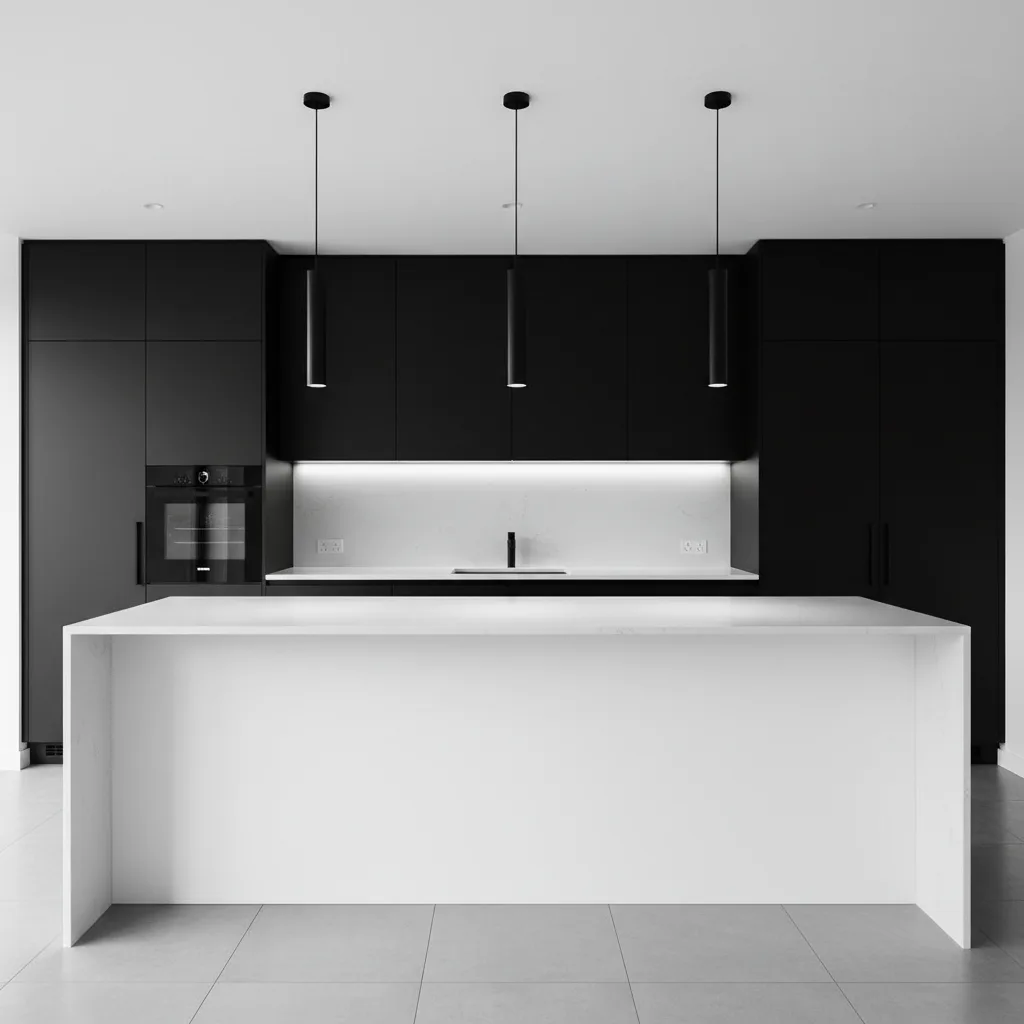
10+ AI Interior Design Styles
From soft minimal to full luxury, every aesthetic your home deserves.
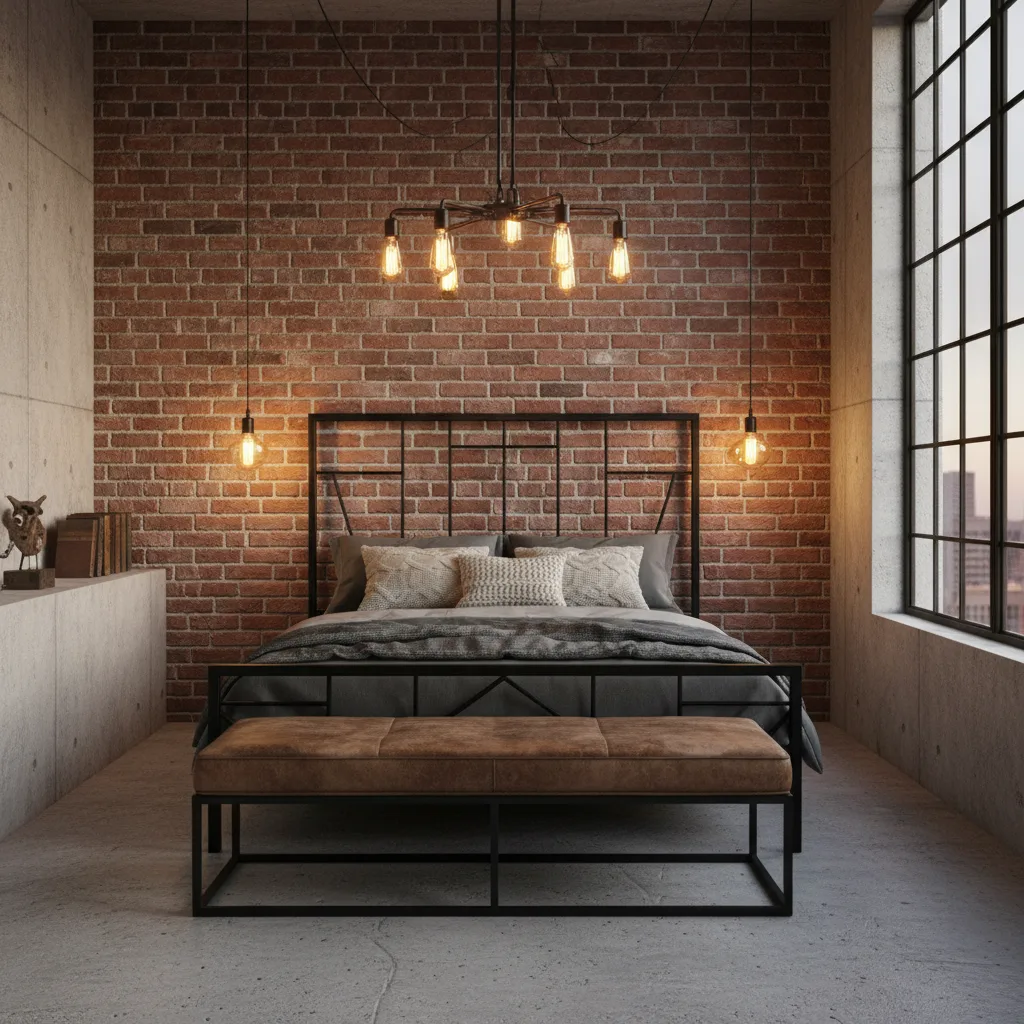
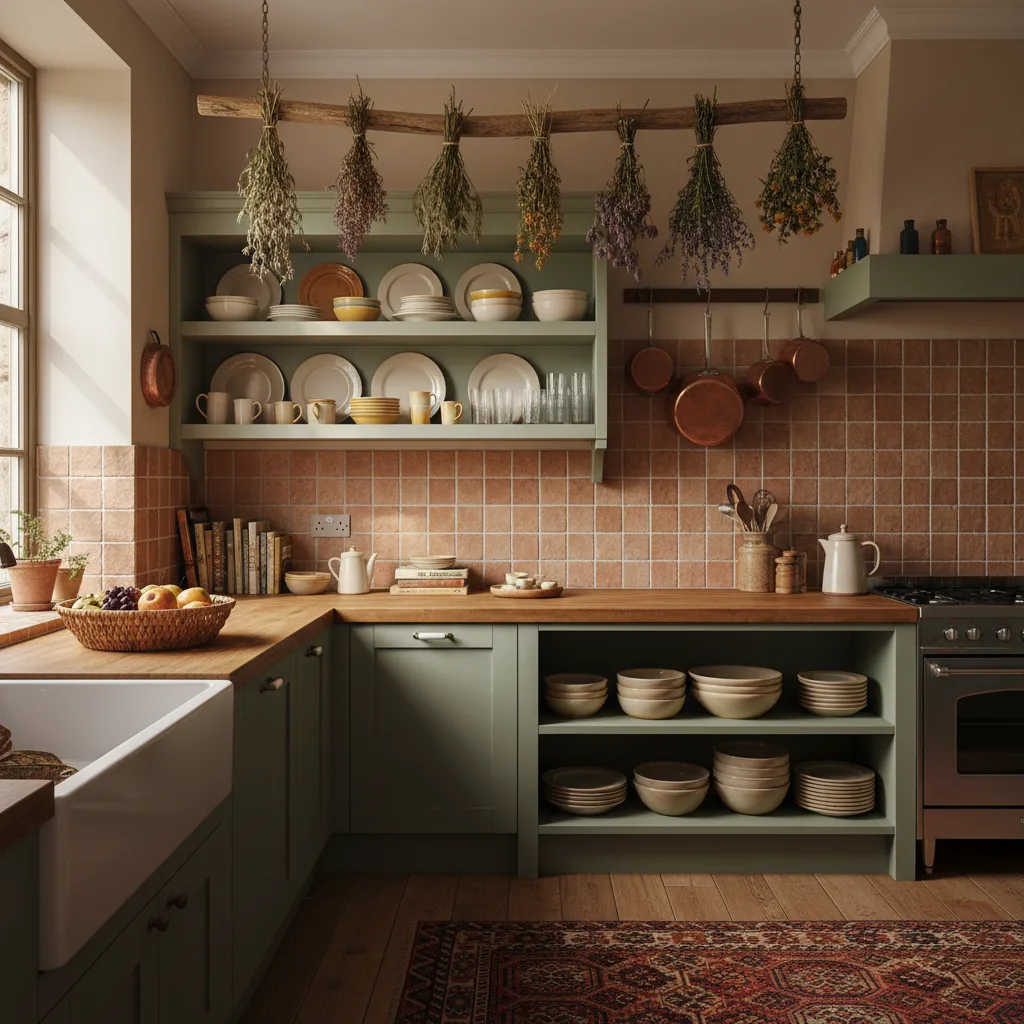
Same room, different palette. Tap the swatches to see the transformation.
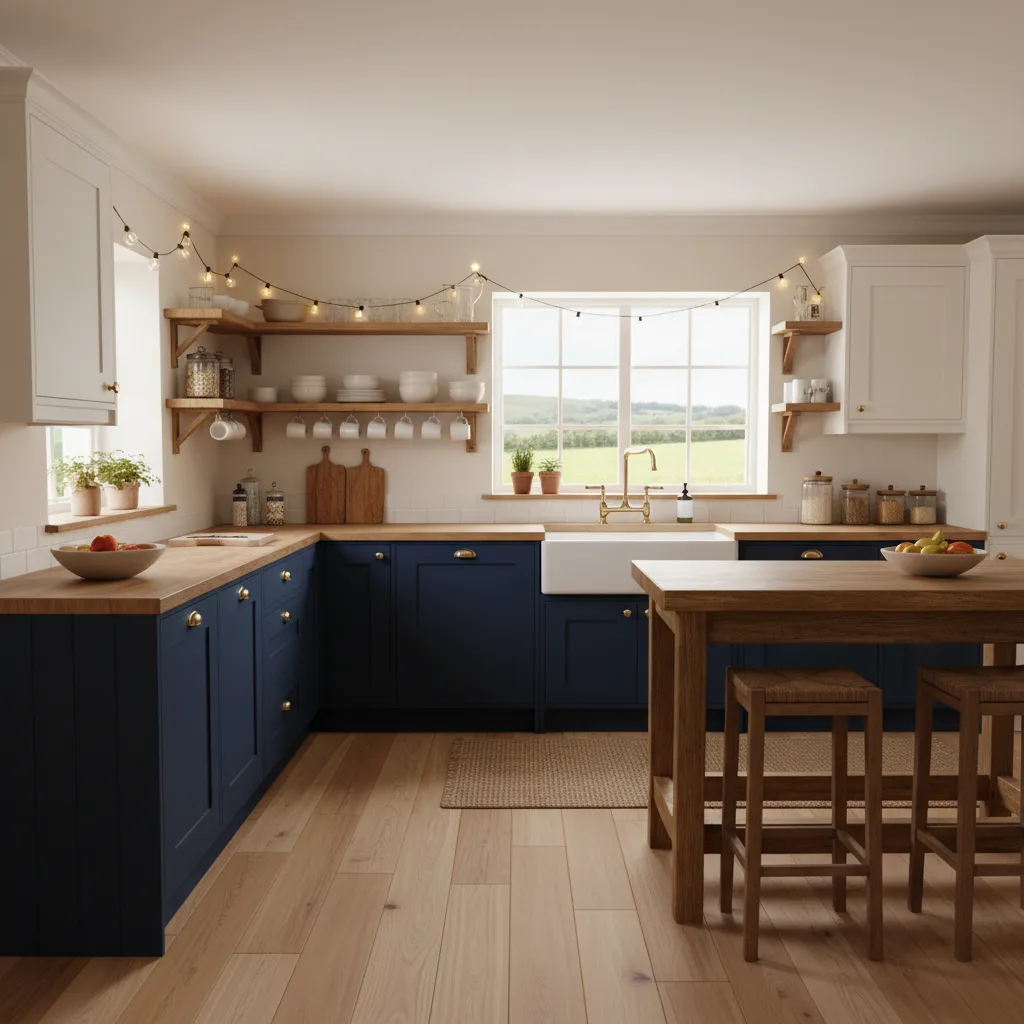
Kitchen
Farmhouse Grain

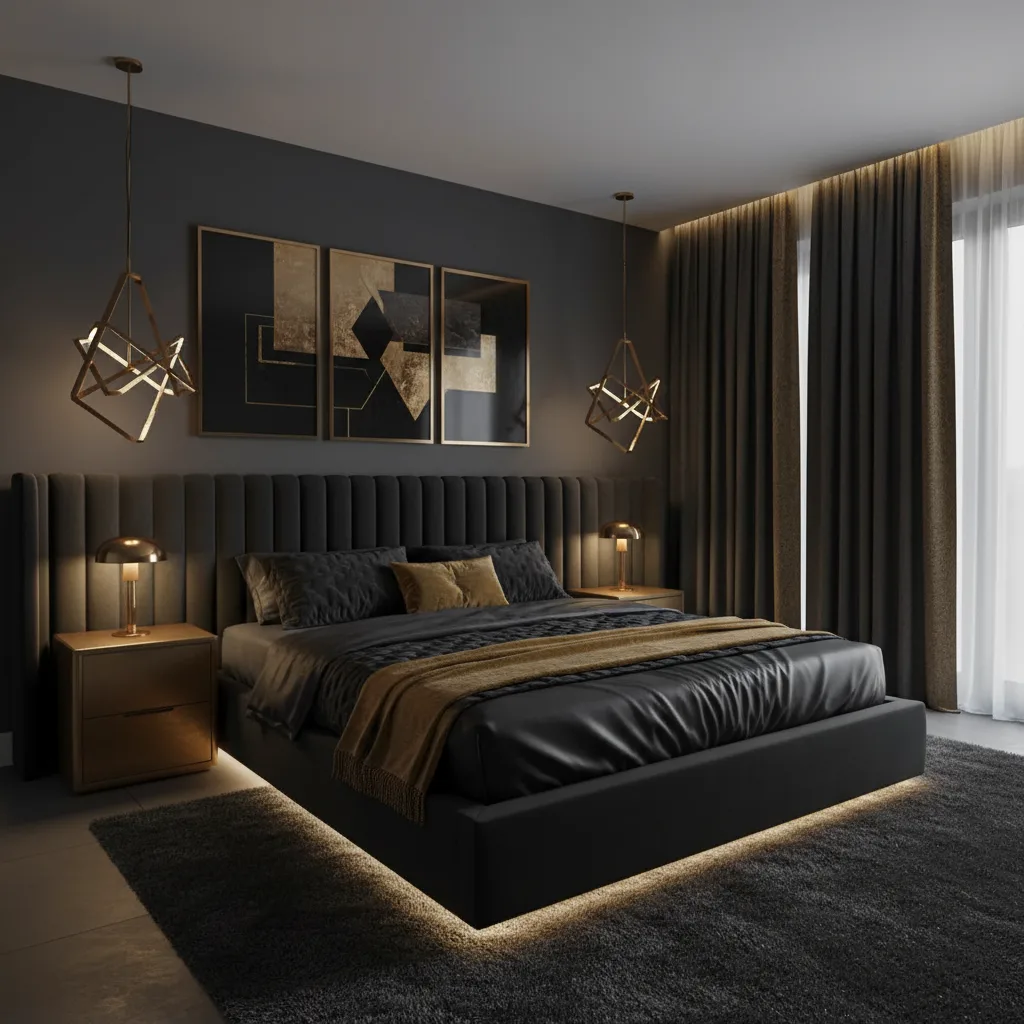
Bedroom
Coastal Drift
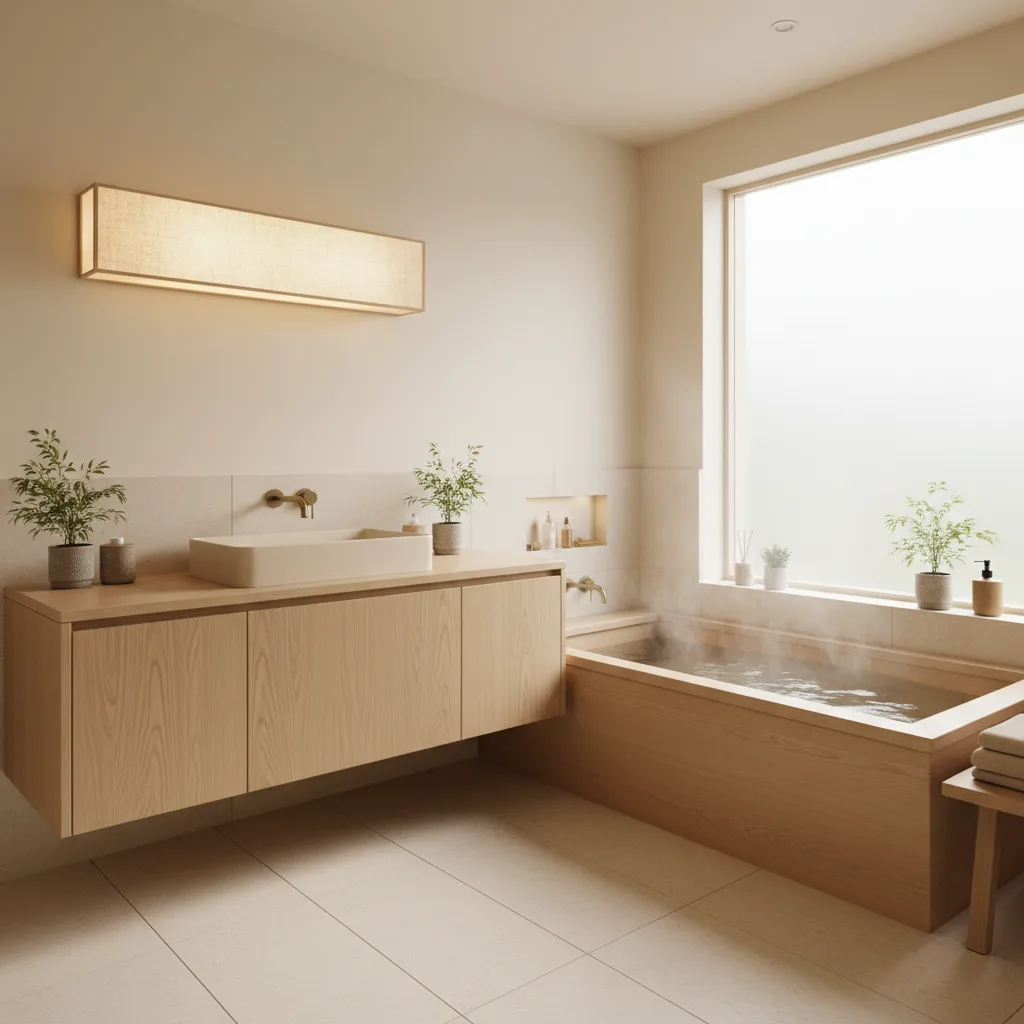
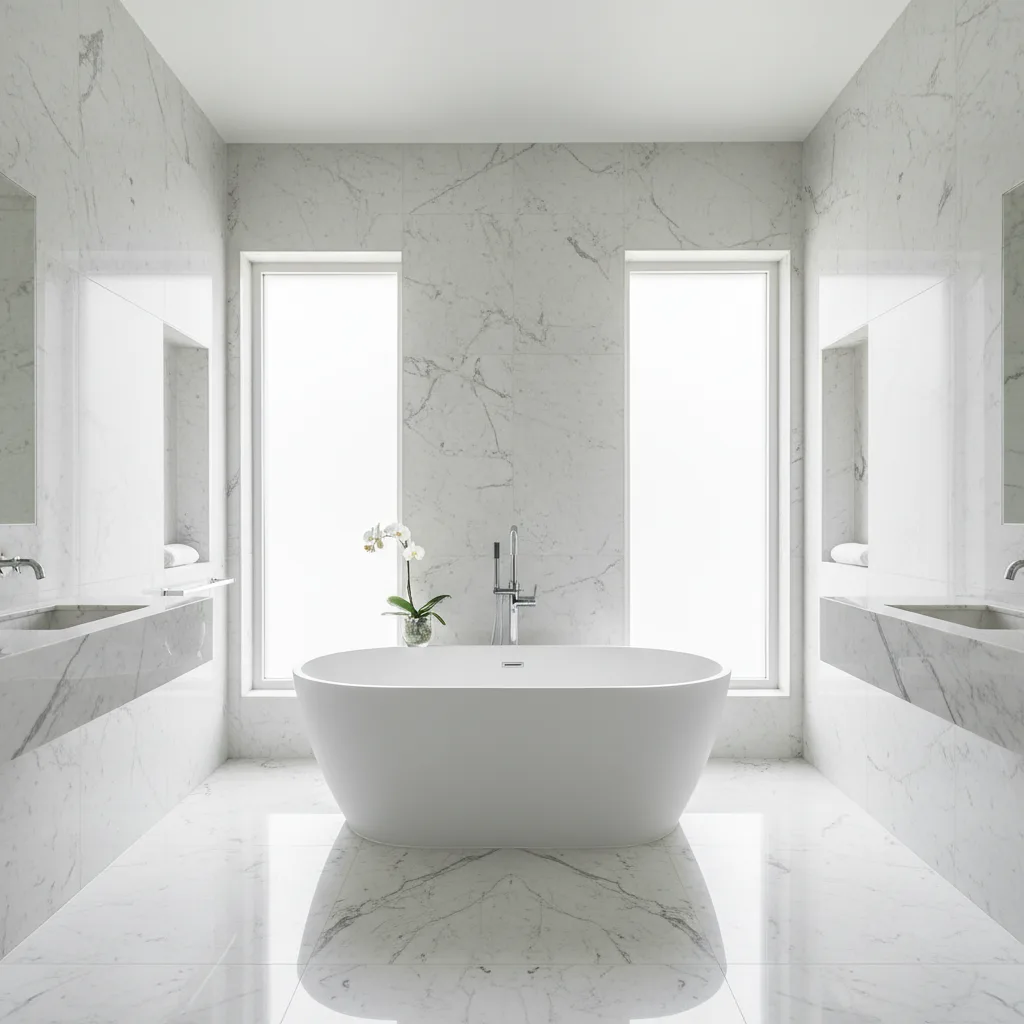
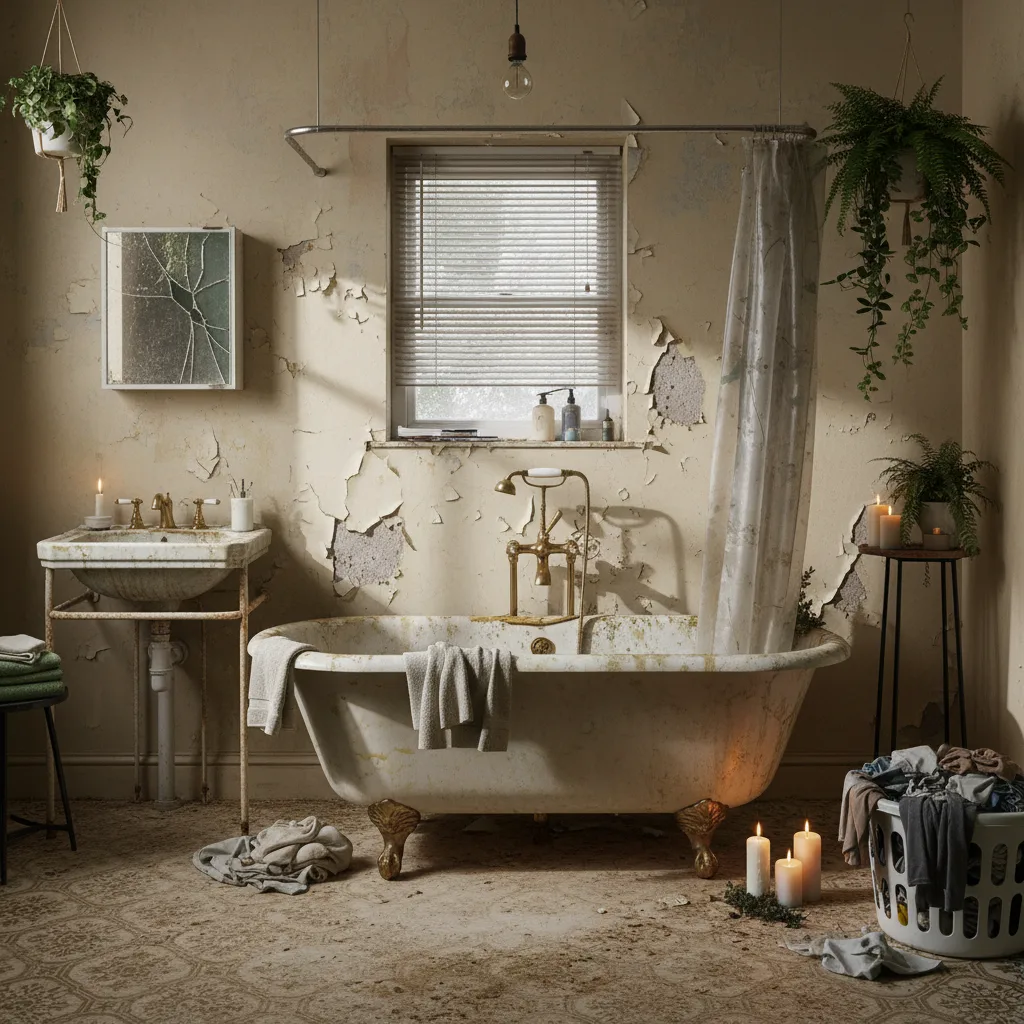
Bathroom
Wabi-Sabi
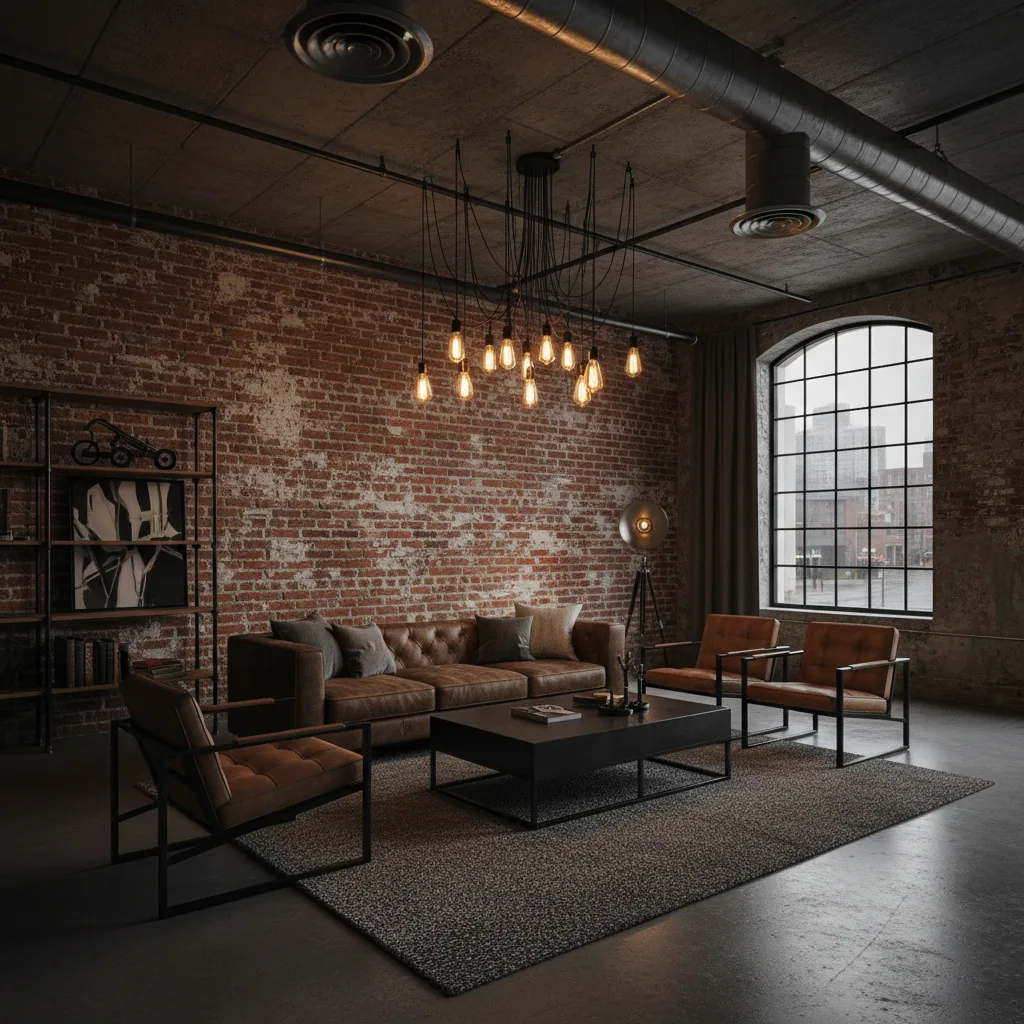
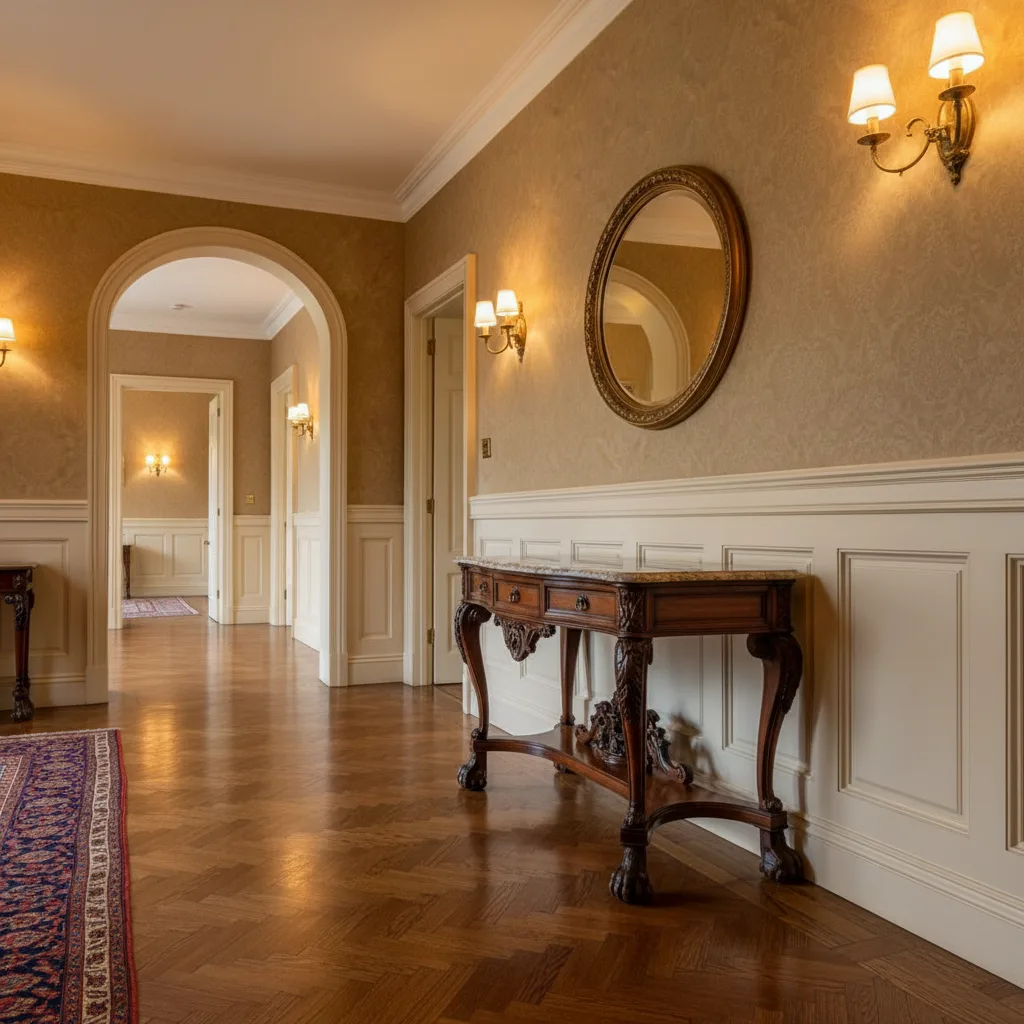
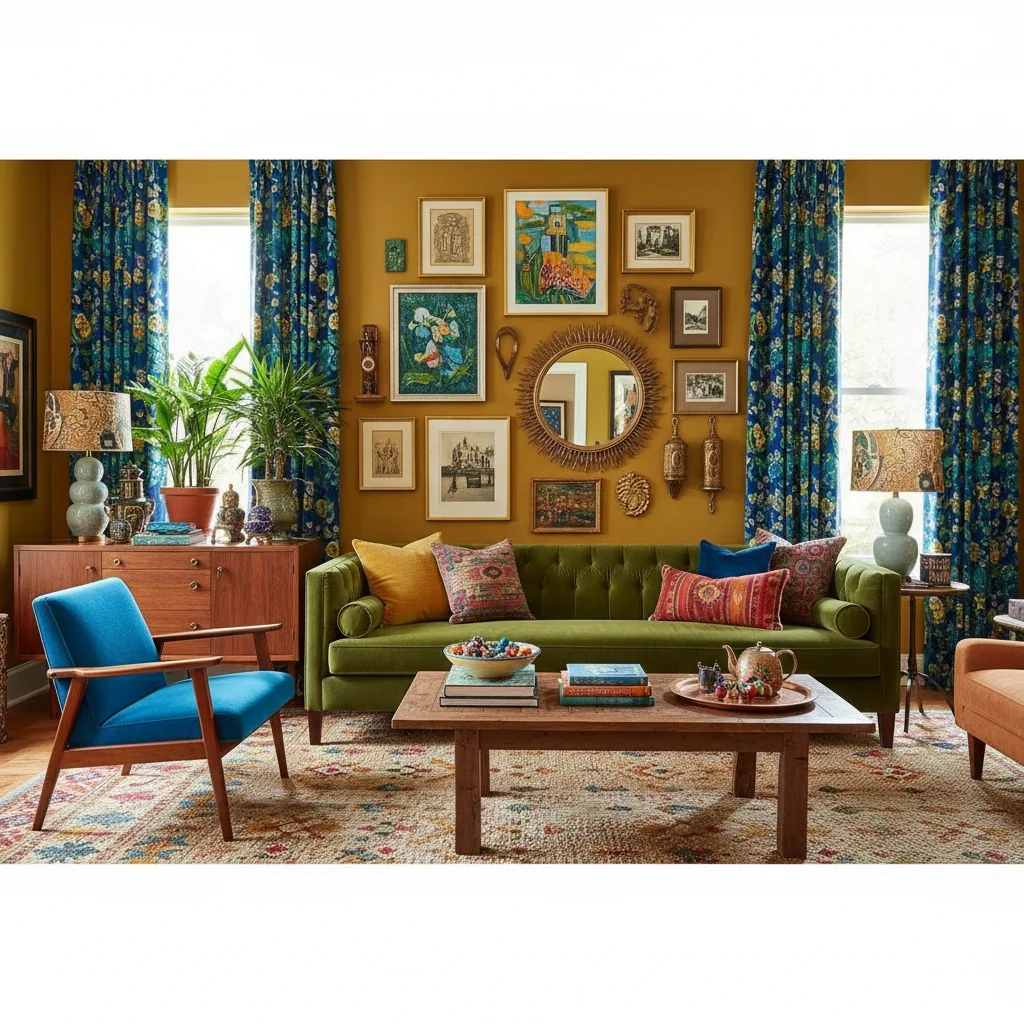
Living Room
Iron & Brick
Frequently Asked Questions About AI Interior Design
The short version on camera access, AI processing, privacy, and what to expect once you start.
No — camera access is completely optional. You can upload any photo directly from your phone's camera roll or photo library without granting the app camera permission at all. Camera access is only relevant if you want to take a new photo of your room from directly inside the app. If you already have a good photo of your space — taken at any time, with any camera — you can upload it straight away. Most people get their best results using an existing wide-angle shot taken from a corner or doorway, where the full room is visible. You can always grant or revoke camera permission later in your device's Settings app.
No design experience is needed, and Revamp AI does not use text prompts at all. The entire process is visual: you upload a photo of your room, browse through the style options on screen, tap the one you want, and the AI generates a redesign. There is no form to fill out, no Pinterest board to build, and no need to describe what you want in words. If you have never thought about interior design before, the style gallery gives you enough visual context to make a confident choice. If you are more experienced, the range of styles — from Japandi to Industrial to Coastal — gives you precise control. Either way, the skill ceiling is low and the output quality is high.
When you upload a photo, it is transmitted securely over HTTPS to our AI processing service (powered by Google Gemini) to generate your redesign. The photo is used only for this purpose — we do not sell it, share it with advertisers, or use it for any reason unrelated to your redesign request. We process your photo in real time and do not store a permanent copy of the original on our servers beyond what is necessary for the active project. Your original photo remains attached to your project as the “before” reference so you can compare it with the AI result inside the app. If you delete the project, the stored copy is deleted too. Full details are in our Privacy Policy.
No. We do not use photos you upload to Revamp AI to train AI models — ours or anyone else's. Your room photos are processed by Google Gemini solely to generate your redesign result. They are not fed into training pipelines, labeling queues, or any machine learning dataset. This is a firm commitment, not a default setting that could change silently. We disclose our AI provider (Google Gemini) clearly in our Privacy Policy precisely because AI photo processing is central to what Revamp AI does, and you deserve to know how your data is handled. If our data practices ever change in a material way, we will update the Privacy Policy and notify users.
Your original uploaded photo is stored as the “before” reference attached to your project, so you can compare it with your AI redesign result any time you open the app. It stays there for as long as the project exists. If you delete a specific project from within the app, the original photo associated with that project is deleted from our systems as part of that action. If you choose to close your Revamp AI account entirely, all project data — including every stored photo — is removed as part of the account deletion process. We do not retain photos for marketing, analytics, or training purposes after a project or account is deleted. If you have specific data deletion questions, contact us at [email protected].
Revamp AI uses Google Gemini as its AI processing provider to generate interior redesigns from your room photos. We chose Gemini for its strong performance on image-to-image generation tasks — specifically its ability to preserve the structural details of your actual room (your walls, windows, existing flooring, ceiling height) while applying a selected design style. We disclose our AI provider clearly in our Privacy Policy because AI photo processing is central to the product and you should know where your data goes. If our AI provider changes in the future, we will update the Privacy Policy accordingly. We do not use multiple AI vendors simultaneously or route your photos to different providers without notice.
Yes. Revamp AI is free to download from the App Store and includes free redesigns every week — no account required, no credit card needed. The free tier is designed to let you test AI redesign on your actual rooms before committing to anything. A Premium subscription at $9.99/month unlocks unlimited redesigns, HD-quality output, priority processing (faster generation), and access to the full style library. If you are exploring what AI interior design can do for your home, the free tier is genuinely enough to get meaningful results. If you are planning a renovation, staging a home for sale, or want to test multiple styles across multiple rooms without waiting, Premium pays for itself quickly. You can upgrade or cancel at any time through the App Store — no hidden fees.
Revamp AI includes a curated library of interior design styles that covers the most popular aesthetics people are searching for. Current styles include Modern, Scandinavian, Japandi, Coastal, Industrial, Bohemian, Luxury, Mid-Century Modern, Rustic, and Soft Minimal — with more added on a regular basis. Each style is distinct: Scandinavian emphasizes clean lines and light wood tones, Japandi merges Japanese minimalism with Scandinavian warmth, Coastal uses natural textures and ocean-inspired palettes, Industrial leans on exposed materials and dark metals. The best way to understand the difference between them is to run the same room photo through three different styles and compare the outputs side by side. That visual comparison is almost always more useful than reading style definitions.
Revamp AI works on any room in the home — living rooms, bedrooms, kitchens, bathrooms, home offices, dining rooms, hallways, and even outdoor spaces all produce strong results. The AI adapts to the structure and proportions of whatever room you photograph. The biggest factor in result quality is photo quality, not room type. A well-lit photo taken from a corner or doorway — where you can see two or three walls, the floor, and any major furniture — gives the AI enough spatial information to apply a style accurately. Avoid very dark rooms, extreme fisheye distortion, or shots where a single piece of furniture fills the entire frame. For bathrooms, a straight-on shot facing the vanity or shower wall works best. For bedrooms, shooting from the doorway captures the full layout.
Still have a question?
Visit supportStart Your AI Room Redesign for Free
Free to download. Your transformation starts with one photo.
Free · iOS 16+ · Android 8+