Best AI Interior Design Apps in 2026: What Each One Actually Does
Every week someone asks which AI interior design app to use. The honest answer is: it depends on what "redesign" means to you. Not every app does the same thing, and most people download the wrong category entirely. They want to see their actual bedroom in a new style and end up with a gorgeous fantasy room that tells them nothing useful. Before comparing apps, you need to understand the two fundamentally different types of tool on the market in 2026.
This is not a listicle padded with affiliate links. It is a straight comparison of what each app does, what it cannot do, and when each one is actually worth your time.
Two Types of AI Design Tool (and Why This Matters)
Category A: Style generators and mood board tools. This bucket includes Midjourney, Adobe Firefly, Stable Diffusion, and most general-purpose AI image generators. They are excellent at producing beautiful, photorealistic interiors — rooms you might pin on a mood board and stare at for twenty minutes. The problem: they generate fantasy rooms, not your room. There is no photo of your actual space involved. The light source is perfect, the proportions are ideal, and the furniture exists only in a model's latent space. They tell you what you might like. They cannot tell you what your living room would actually look like in Japandi.
Category B: Room-specific visualizers. Apps like Revamp AI, RoomGPT, and Interior AI take a photo of your actual space as input and apply a design style to it. Your awkward corner, your existing window light, your non-standard wall angle — those stay in the image. You see what your room looks like redesigned, not what a perfect version of a room looks like. If you are trying to make a real decision about a real room, only Category B helps.
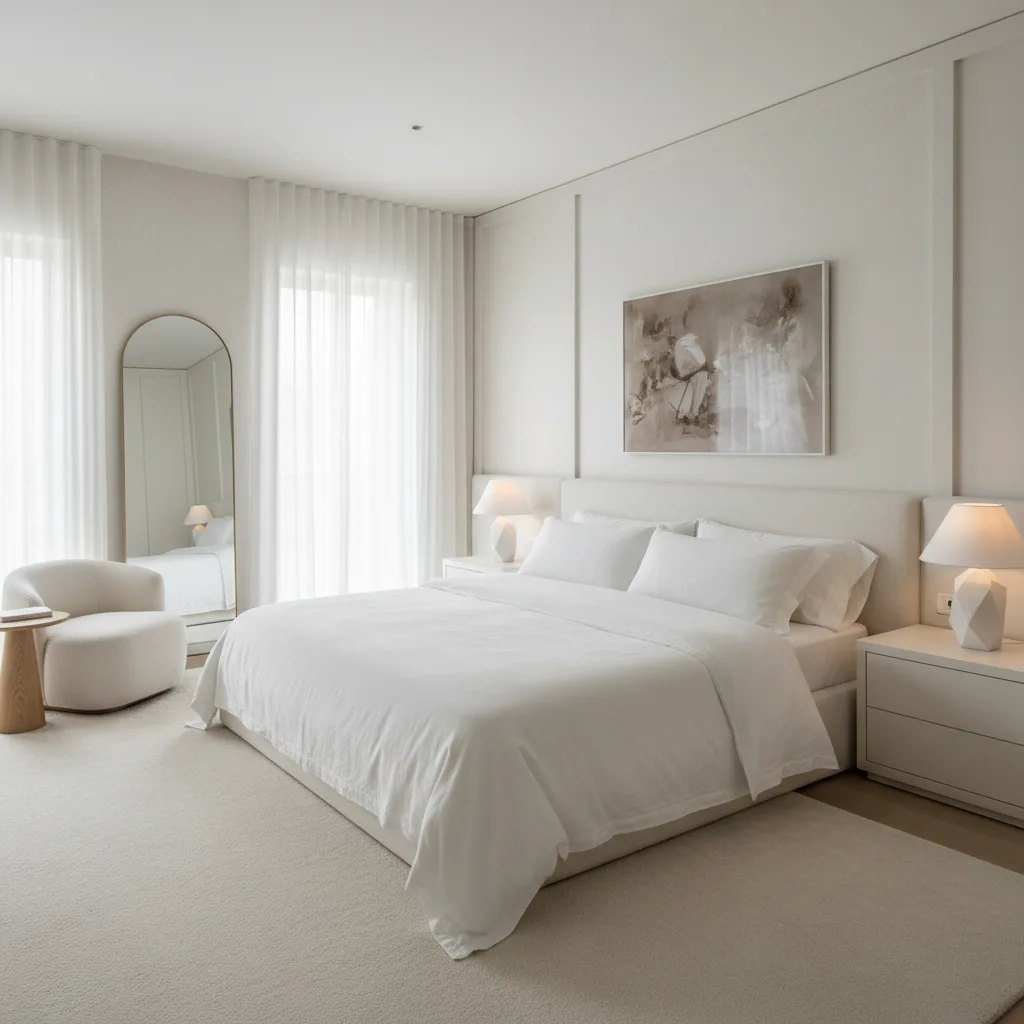
The most expensive design mistake is not picking the wrong sofa. It is spending three hours on mood boards of rooms that are not yours.
Most people searching for the best AI room design app want Category B and end up evaluating Category A tools. The rest of this guide focuses on apps that actually take your room as input.
The Apps Worth Knowing in 2026
Revamp AI (iOS and Android, free)
You take a photo, choose a design style, and get a photorealistic render of your actual space within seconds. Revamp AI supports a wide range of room types — living rooms, bedrooms, kitchens, offices, bathrooms — and covers more than a dozen styles from Scandinavian and Japandi to Industrial and Coastal. The free tier is generous enough to cover a genuine usage session, not just one teaser render.
Best for: Anyone who wants to see their actual room redesigned before buying or painting anything. The turnaround is the fastest in the category, and the results hold up on rooms with difficult geometry — odd angles, mixed light sources, cluttered starting conditions.
RoomGPT (web)
RoomGPT was an early pioneer in the photo-in, styled-render-out workflow and deserves credit for proving the concept. The interface is simple and the barrier to entry is low. The results can occasionally read as generic — the style gets applied, but the output sometimes looks like a room that resembles yours rather than your room at a new angle. It works best as a quick sanity check when you need a rough idea in under a minute.
Best for: Quick inspiration and web-only users. Not a substitute for a higher-quality visualizer when you are making real renovation decisions.
Interior AI (web)
Interior AI produces clean, solid renders with good spatial coherence. The style library is narrower than Revamp AI's and the free tier is limited — you hit the ceiling quickly if you are testing multiple rooms or iterating on styles. Paid tiers are more expensive relative to the output volume you get.
Best for: Professional staging workflows where you need a small number of high-quality renders and do not mind paying per output. Less suited to exploratory use or mobile-first users.
Houzz (iOS, Android, web)
Houzz is not an AI room redesigner — it is a product catalog and AR visualization tool. You can place specific furniture items in your space using augmented reality and see roughly how they fit. That is a genuinely different and useful capability. But you have to already know what style you want and be in shopping mode. It does not generate a redesign for you; it helps you validate a decision you have mostly already made.
Best for: Sourcing furniture and decor once your style direction is locked. Run Revamp AI first to find your style, then use Houzz to shop for the actual pieces.
Canva and general AI design tools
Canva's AI features and tools like Adobe Express are excellent for creating mood boards, presentations, and client-facing documents. They are not room visualizers. If you want to assemble inspiration images and color palettes into a cohesive brief, these tools earn their place. If you want to know what your room looks like redesigned, they do not help.
Best for: Organizing and presenting design ideas — the step before or after using a room visualizer, not a substitute for one.
For a deeper look at how the photo-processing pipeline behind these tools actually works, see our guide on how AI room redesign works.
How to Actually Use an AI Design App (Most People Skip This Step)
The most common reason people are disappointed with AI room design results has nothing to do with the app. It is the input photo. The AI applies styles to exactly what it sees. A dark, cluttered photo shot at an awkward angle produces a dark, cluttered redesign with the same awkward proportions. Garbage in, garbage out.
Before you take the photo:
- Shoot from the doorway or a far corner to capture as much of the room as possible — a tight shot of one wall tells the AI almost nothing about the space.
- Hold the phone in landscape orientation and keep it level. Tilted shots produce skewed renders that look wrong regardless of the style applied.
- Shoot during daylight and open the blinds or curtains. Natural light gives the model the clearest read on surfaces, colors, and proportions.
- Clear the obvious surface clutter — dishes, cables, laundry. The AI will try to work around anything in the frame, and clutter competes with the style it is trying to apply.
- Leave the large permanent features in place. Furniture, rugs, and fixtures the AI can see are what let it understand the scale and layout of the room.
Two minutes of photo setup makes a larger difference to your results than any setting inside the app. The users who get the most out of these tools are the ones who treat the photo as seriously as they treat the style choice.
Free vs. Paid — What You Actually Get
Every free AI interior design app in this category operates on credits or a render limit. The question is whether the free tier is enough to make a real decision, or whether it is a tease designed to push you toward a subscription before you have seen anything useful.
Most apps give you one to five free renders, once. Revamp AI gives you 3 every week, with no account — a recurring allowance rather than a one-time trial, so you can keep testing as your plans change. That is the benchmark worth holding other apps to.
A paid tier is worth it when:
- You are renovating, not browsing. If real money is going into the room, testing ten or fifteen style variations before committing is a genuinely good investment — the cost of a subscription is far lower than one wrong paint job.
- You are working across multiple rooms. A single-room test on the free tier may satisfy curiosity; a whole-apartment redesign project needs volume.
- You are preparing for contractor or furniture conversations. A paid session gives you the output quality and render count to build a proper visual brief — something a contractor can actually reference.
If you are exploring with no specific project in mind, the free tier of a good visualizer is all you need. Start there and upgrade only when the project is real.
For a broader look at how AI tools compare to working with a professional, see our breakdown of AI interior design vs. hiring a designer — including the real costs on both sides.
Try It Free with Revamp AI
Further reading: How AI Room Redesign Works · AI Interior Design vs. Hiring a Designer
Common Questions
Frequently Asked Questions
Revamp AI is the strongest free option for seeing your actual room redesigned — the free tier covers a real session rather than a single teaser render. RoomGPT is a good web-based alternative for quick inspiration. If you want fantasy room images rather than a render of your own space, Midjourney produces higher-quality results, but it cannot use a photo of your room as input.
Yes, within limits. Category B apps like Revamp AI take a photo of your room as input and apply a design style to it, so the output reflects your actual space — your walls, your light, your proportions. The AI cannot see what is outside the frame, cannot account for structural constraints, and does not know your room's dimensions. What it produces is a photorealistic visualization, not an architectural plan. For decisions about color, furniture style, and layout direction, it is genuinely useful. For decisions about moving walls or rerouting plumbing, it is not.
You can start generating redesigns without an account. Sign-up is required to save your renders and access your design history, but the core workflow — photo in, styled render out — is available immediately.
Midjourney generates original rooms from a text prompt. It produces beautiful images but they are not your room — they are AI-generated spaces that have never existed. Revamp AI takes a photo of your actual room and applies a design style to it, so the output shows your specific walls, your window placement, your floor. If you want inspiration, Midjourney is excellent. If you want to make a real decision about your real space, Revamp AI is what you need.
For style and color direction, yes. AI renders are accurate enough to tell you whether you prefer a Japandi or Industrial treatment in your specific room, which is the decision most people are trying to make before they spend money. For structural decisions — wall placement, furniture dimensions, sightlines the camera could not capture — you still need to measure and verify independently. Use the AI render to decide what you want, then use real-world measurements to confirm it will work.