AI Interior Design Prompts That Actually Work: A Room-by-Room Guide
Most people who get bad AI design results make the same mistake: they tell the AI what style they want and nothing else. "Modern." "Minimalist." "Bohemian." These are not prompts — they are keywords, and the AI fills in all the missing context with generic assumptions about a generic room.
The AI does not know your floors are dark walnut and cannot be changed. It does not know your ceiling is 8 feet and already makes the room feel lower than it is. It does not know the north-facing window means the room stays dim all day, no matter how light you paint the walls. When you leave that out, you get a beautiful render of a room that happens to look nothing like yours.
The prompt is not about style. It is about constraint. What can you not change? What do you already own that you are keeping? What specific problem does the room have that a redesign needs to solve? When you answer those questions first, the AI has something real to work with — and the results go from generic to genuinely useful.
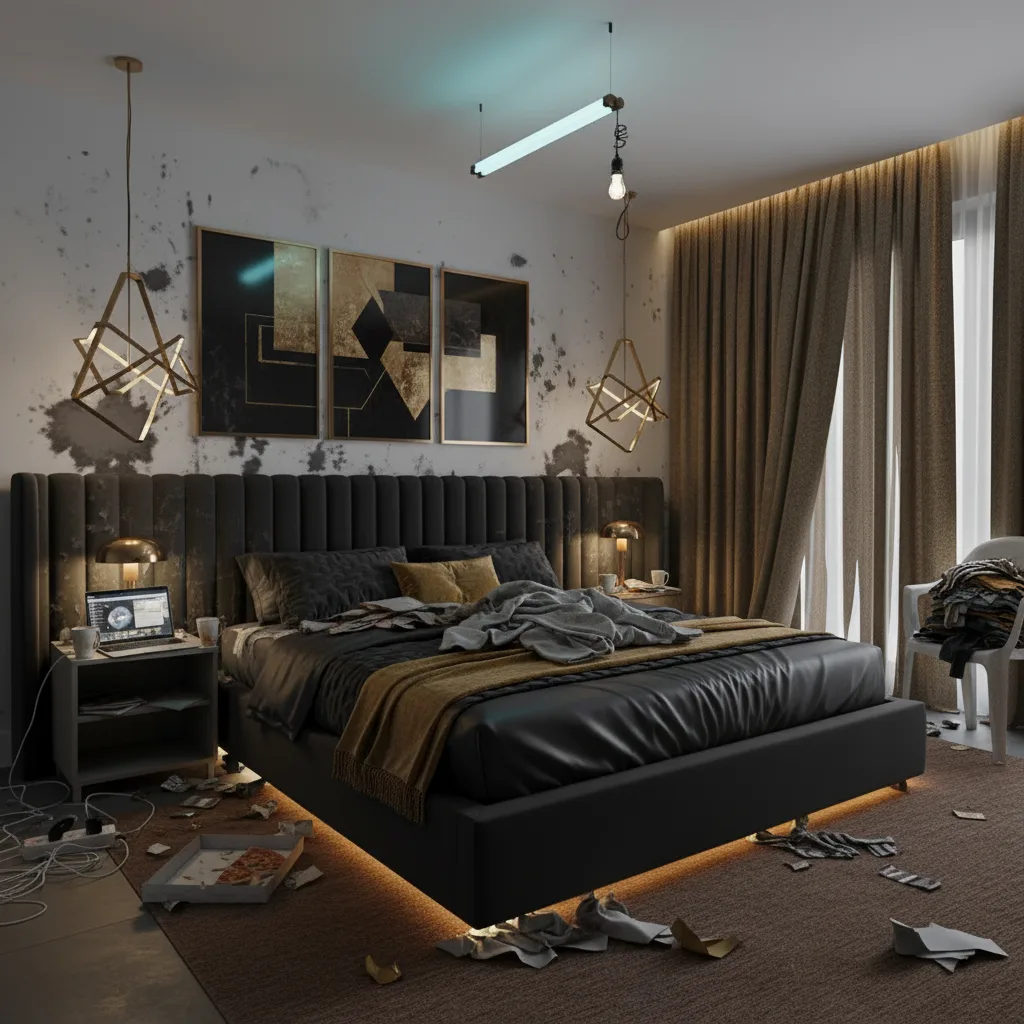
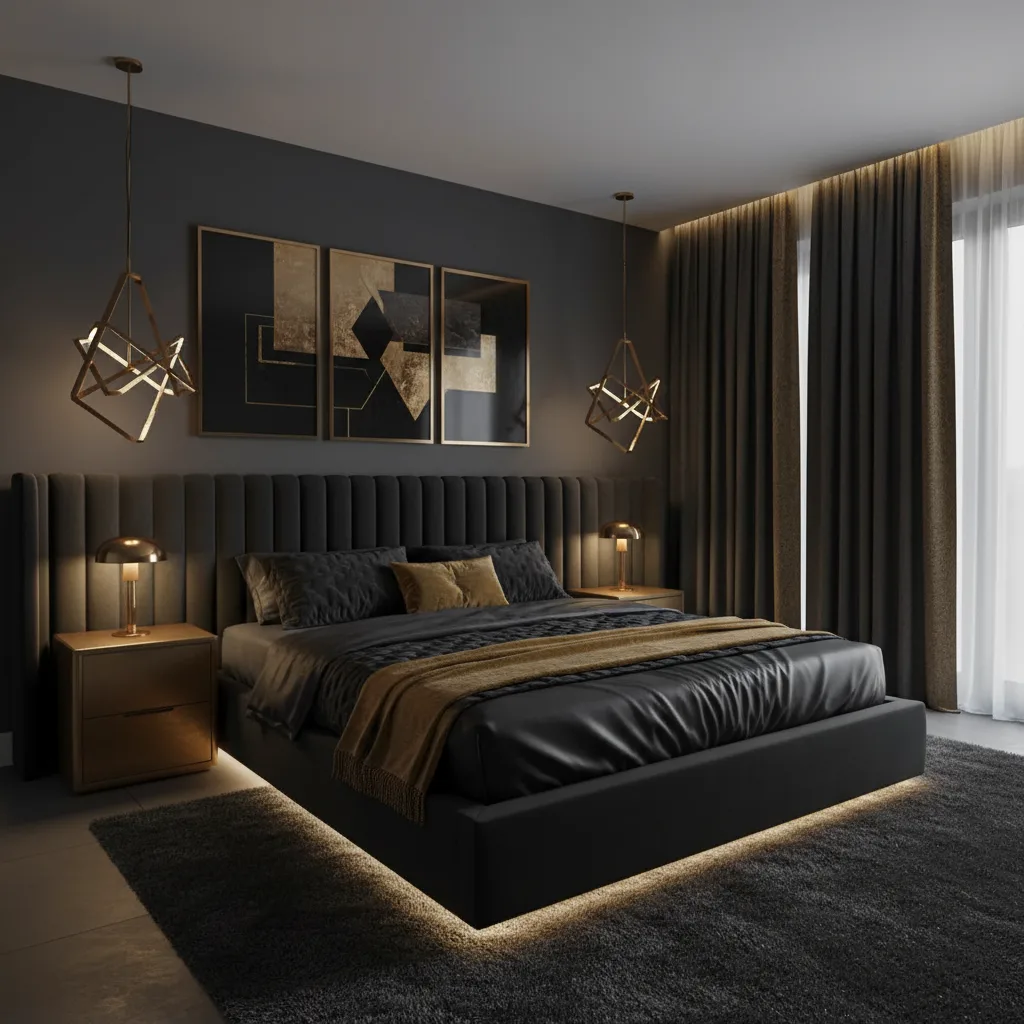
The Anatomy of a Good AI Interior Design Prompt
A good AI interior design prompt has four components. Room type — what kind of room it is. Fixed elements — what you cannot or will not change: existing flooring, ceiling height, built-ins, windows, a sofa or piece of furniture you are keeping. Target style — the direction you want to move in, with specific color or material notes if you have them. Mood or feel — what it should feel like to be in the room, not just how it should look in a photo.
Think of it as filling in a template: [Room type] with [fixed elements you cannot change]. [Target style] with [specific color or material notes]. [The mood you want to achieve].
Example: "Living room with dark hardwood floors, low 8-ft ceiling, and a brick fireplace I am keeping. Scandinavian style with warm cream and oak tones. Cozy, not cold — this room runs dark and I want it to feel warm rather than trying to fake brightness."
Notice what that prompt does: it tells the AI what is fixed before it tells the AI what style to aim for. The AI now has a problem to solve, not just a label to apply. That is the difference between a render you can use and one you delete.
Living Room Prompts
The living room is the highest-stakes room in most homes — most visited, most photographed, most expensive to get wrong. Here are five copy-paste prompts for the most common living room challenges.
Small room that needs to feel larger
Small living room with dark brown carpet I cannot replace, one south-facing window, and low 8-ft ceilings. Minimalist style with light warm whites and natural wood furniture kept low to the ground. Bright and airy — the goal is to make the room feel twice as big, not to add more things to it.
Why it works: specifying the carpet color tells the AI it cannot go dark on the floor. Mentioning the ceiling height steers toward low-profile furniture. "Minimalist" paired with "bright and airy" is a constraint on clutter, not just an aesthetic preference.
Open-plan living and dining combo
Open-plan living and dining space with polished concrete floors and 10-ft ceilings. Contemporary style with a clear visual separation between the lounge and dining zones — use a large rug in the lounge area and a statement light above the dining table. Dark olive green as the anchor color for soft furnishings. Modern but warm, not cold.
Open-plan spaces are harder because the AI has to solve two zones at once. Giving it an explicit zoning instruction — rug for lounge, pendant for dining — keeps the result coherent instead of treating the whole space as one undifferentiated room.
Rental apartment with walls I cannot paint
Rental living room with standard white walls I cannot paint, beige carpet I cannot change, and a bay window with north-facing light that stays dim all day. Bohemian style using warm textiles, rattan, and layered rugs to add warmth and personality. All color must come through furniture, soft furnishings, and plants — not the walls.
Rental constraints are the most commonly ignored fixed element. When you tell the AI "no painted walls," it stops proposing the easiest fix (a new wall color) and finds solutions that work within the constraint — which is exactly the problem most renters are actually trying to solve.
Working around a sofa I already own
Living room that needs to work around an existing dark navy velvet sofa I am keeping — it cost too much to replace. Light oak herringbone floors. Mid-century modern style with warm amber, burnt orange, and camel tones in the accessories and rugs. I want the whole room to feel cohesive with the sofa as the anchor piece, not an afterthought.
This is one of the most common real-world scenarios and the one AI handles especially well when you are explicit about it. Name the piece, describe it precisely, and say it is staying. The results shift from "replace everything" to "build around what you have."
Period architecture with contemporary taste
Victorian terraced house living room with original cornicing, a period fireplace, and 12-ft ceilings I want to keep as-is. I want a contemporary look that respects the bones of the room rather than fighting them. Neutral palette with one deep jewel tone — forest green or navy — on a single wall or built-in shelving unit. Elevated and calm, not themed or staged.
Period rooms are where most AI tools default to either full-on "traditional" or a jarring contrast. The phrase "respects the bones rather than fighting them" is doing real work here — it steers the AI toward a blend rather than a replacement.
Bedroom Prompts
The bedroom is where style choices most affect daily mood — which makes getting it right more important than people realize. These four prompts cover the bedroom scenarios that come up most often.
Master bedroom — rich and enveloping
Master bedroom with light oak floors and neutral grey walls I can change. Maximalist style with rich jewel tones — deep teal, burgundy, and gold. Layered textures: a velvet bedhead, silk cushions, heavy linen curtains that pool on the floor. I want it to feel luxurious and enveloping when I walk in, not sparse or hotel-like.
Maximalist prompts need texture language, not just color language. Specifying "velvet bedhead, silk cushions, heavy linen curtains" gives the AI material detail to work with — otherwise "maximalist" defaults to pattern-heavy, which is a different aesthetic entirely.
Small bedroom that feels cluttered
Small 10x10 bedroom with a fitted wardrobe along one wall and a double bed that takes up most of the floor space. Minimalist Japandi style with pale wood furniture, linen bedding in warm white and soft sage green. I want the room to feel serene — every element should earn its place. No decorative clutter, strong storage.
Giving the room dimensions ("10x10") and describing the spatial challenge ("bed takes up most of the floor space") stops the AI from proposing a king-sized statement bed or a large dresser that would not fit. Real constraints produce results that are actually achievable in your room.
Teen bedroom that does not look like a child's room
Teen bedroom with neutral white walls and pale grey carpet. The current setup is too juvenile — I want something they will not outgrow for the next five years. Modern style with bold teal as the primary accent color, dark anthracite furniture, and a proper desk setup built into one wall. Functional first — good lighting, good storage — but it should still feel like a bedroom they are proud of.
"Will not outgrow for five years" is exactly the kind of brief a human designer would ask about and most AI prompts never mention. It changes the output from something fashionable but transient to something built to last.
Guest room that works as a home office
Small spare room that needs to function as both a guest bedroom and a daily home office. Neutral linen tones with warm timber furniture. The desk setup should feel like a deliberate design feature, not an afterthought pushed into a corner. Transitional style — comfortable when a guest stays, professional enough to look good on a video call. A wall-mounted murphy bed or day-bed sofa would work.
Dual-purpose rooms are where AI tends to produce the most generic results — because most rooms are not dual-purpose. Naming both uses explicitly, and giving equal weight to both, is what produces a result you can actually live in.
Kitchen Prompts
Kitchen renovations are the most expensive and least reversible decisions in the home. AI is most valuable here as a sanity check — "does this direction actually work in my kitchen's specific light and layout?" — before you commit to anything.
Rental kitchen with cabinets I cannot change
Rental kitchen with cream upper cabinets and dark laminate lower cabinets I cannot paint or change. White subway tile backsplash already in place. I want to add warmth and personality through hardware, lighting, and decor only — no structural changes, no painting. Eclectic warm style with unlacquered brass hardware, terracotta accessories, and hanging plants where possible.
Hardware swaps are one of the highest-return, lowest-cost kitchen updates available to renters. Asking the AI to work within that constraint forces it to surface results that are actually achievable without a contractor.
Dark galley kitchen that feels like a corridor
Narrow galley kitchen, approximately 7 feet wide, with dark cherry wood cabinets and dark granite countertops I cannot replace. One small window at the far end — very little natural light. I want to make it feel lighter and more open without replacing the cabinets. Introduce pale paint on any wall surfaces, open shelving replacing upper cabinets on one side, and a light-reflective tile backsplash. Clean, functional, and less cave-like.
"Less cave-like" is a problem statement, not a style label. Problem statements work better than style labels in constrained kitchens because they give the AI a clear outcome to optimize for.
White kitchen that feels clinical
All-white kitchen with white gloss cabinets, white quartz countertops, and white subway tile backsplash. It looks clean but feels sterile and cold. I want to introduce warmth without losing the clean base. Natural wood open shelving on one wall, warm brass hardware throughout, and an earthy stone or zellige tile as a backsplash accent. Modern organic style. Warm but still edited.
The phrase "warm but still edited" is important — it prevents the AI from overcorrecting and adding so much warm texture that it loses the clean quality that was the kitchen's strength. Specifying what to keep as well as what to change produces more useful results.
Making the island the focal point
Open-plan kitchen with existing white shaker cabinets and light quartz countertops I am happy with. I want to redesign only the kitchen island as the primary change — a contrasting dark color, possibly forest green or charcoal, with a waterfall quartz edge in a veined stone and two or three statement pendant lights above. Classic meets contemporary. The island should look intentional, not like a different kitchen landed in the middle of this one.
Single-element updates are hard to visualize from a paint sample or a catalog photo. This is exactly the scenario where AI earns its place — seeing whether a dark island reads as "designer statement" or "design mistake" in your specific kitchen before you order anything.
Bathroom Prompts
Bathrooms have the highest cost-per-square-foot of any room in the house. The biggest regret in bathroom renovations is almost always tile — it covers the most surface area, costs the most to change later, and is the hardest thing to visualize from a 4×4 inch sample. These three prompts cover the scenarios where AI visualization is most useful.
Small bathroom that needs to feel like a retreat
Small 5x8 bathroom with an existing white bathtub I am keeping and old beige tiles I plan to replace. I want it to feel like a spa retreat — natural stone-effect large format tiles, warm white plaster-look walls, warm dim lighting from sconces rather than overhead, and lots of plants. Japanese minimalist influence. Calm and indulgent rather than cramped and functional.
Lighting direction ("sconces rather than overhead") is a detail most people forget to include but it significantly changes the mood of the output. Bathroom lighting is one of the design decisions that is nearly impossible to evaluate from a render alone — specifying it gives you something accurate to react to.
Updating just the vanity area
Family bathroom with white walls, light grey floor tiles, and a standard white panel bathtub — all staying as-is. I only want to update the vanity area. Modern farmhouse style: a freestanding dark charcoal cabinet vanity with an inset white ceramic sink, warm brushed brass taps, a round mirror with a warm-toned backlit frame, and a small open shelf for plants and toiletries. Keep the rest of the bathroom completely unchanged.
"Keep the rest of the bathroom completely unchanged" is doing the critical work in this prompt. Without that instruction, the AI will redesign the whole room — which makes the render useless for evaluating a single-zone update.
Guest bathroom where you can take a risk
Small guest bathroom with no natural light and white builder-grade everything. This is the room I barely use, which means I can afford to take a risk. I want something dramatic and memorable: deep charcoal or inky navy walls, brushed gold fixtures throughout, a large round mirror, and warm candlelight-level lighting. Moody boutique hotel. Bold enough to make guests comment on it.
The guest bathroom is often the best room to experiment with in AI because it has low stakes and high visual impact. "Bold enough to make guests comment on it" is a vivid outcome brief — the kind of language that pushes the AI past safe defaults.
Home Office Prompts
The home office is a hybrid challenge — you are optimizing for focus, ergonomics, and video call appearance at the same time as aesthetics. These three prompts address the most common home office scenarios.
Bland corporate setup that needs personality
Home office with plain white walls, a black IKEA desk, and grey carpet. It looks like a corporate cubicle transplanted into a spare bedroom. I want it to feel warm, creative, and like a space I actually want to spend time in. Warm terracotta or dusty sage green on the wall behind the desk, warm wood shelving with books, plants, and a few objects, and a comfortable reading chair in the corner for thinking time. Warm eclectic study.
"A space I actually want to spend time in" sounds obvious but most home office prompts optimize for appearance rather than feeling. That one phrase shifts the AI toward comfort and livability rather than a styled-for-photo setup.
Creative studio with an industrial edge
Home office for a creative professional — graphic designer or photographer. I want it to feel like a proper studio rather than a bedroom with a desk in it. Industrial style with an exposed brick effect or raw concrete wall behind the main desk, open raw timber shelving for equipment and reference books, and a neutral grey and warm amber palette with pops of color from artwork only. Productive and inspiring. South-facing window for good natural light.
Mentioning your profession changes the output. A designer or photographer's studio has different spatial and visual requirements than a writer's study or an accountant's office. The AI infers those requirements when you name the use case explicitly.
Background that looks good on video calls
Home office with a plain white wall directly behind my desk chair that looks flat, bright, and uninspiring on video calls. I want a background that reads as professional and put-together without looking staged. Built-in shelving behind the desk with an organized arrangement of books and a few objects, warm lighting from a floor lamp to the side, and a deep forest green or navy accent wall. Clean, credible, and distinctive without being distracting.
"Without being distracting" is important for video call backgrounds — and it is a constraint you will only include in the prompt if you have thought about it explicitly. Side lighting from a floor lamp also shifts the feel of a render dramatically compared to overhead lighting. Include it.
The Mistakes That Ruin AI Design Results
- Describing only the style, not the constraints. "Modern" tells the AI what to aim for. Your dark walnut floors, your 8-ft ceiling, your north-facing window — those tell the AI what it has to work with. Without constraints, you get a modern room. With constraints, you get a modern room that could actually be yours.
- Using one-word prompts. "Cozy." "Minimal." "Eclectic." These produce the exact generic results you are trying to avoid. Every one of these words means something different to every person who uses it. Give the AI specifics.
- Not specifying what stays. If you have a sofa you love, floors you cannot change, or a built-in you are keeping, say so explicitly. Otherwise the AI will redesign around them as if they do not exist — and the render will be useless because it assumes changes you cannot make.
- Submitting a poorly lit photo taken at night. The AI reads color from your photo. A photo taken under warm yellow artificial light will shift every color in the output — your white walls read as cream, your grey carpet reads as beige. Always shoot in natural daylight with overhead lights off.
- Stopping at the first result. The first render reflects the AI's default interpretation. It is rarely the best one. Run three to five variations, adjust the prompt based on what you see, and compare the results before you decide on a direction.
How to Use These Prompts in Revamp AI
Revamp AI uses a style selector rather than a freeform text input — you choose from a curated set of styles rather than typing a prompt directly. The prompts in this guide serve a different purpose: they help you understand what to look for in the results and what to try next.
- Download Revamp AI (free on iOS and Android) and open the room you want to redesign.
- Take or upload a photo from the doorway or a corner of the room — capture as much of the space as possible in one frame, in natural daylight.
- Choose a base style from the style selector as your starting point. Use the prompt formula above to decide which style matches your actual constraints, not just what sounds appealing.
- Look at the first result critically. What did the AI change that you wanted to keep? What constraint did it ignore? That tells you what to look for in the next variation.
- Test at least three styles before forming an opinion. Your gut reaction to the first result is almost always wrong — the surprise of "that's unexpected" fades on the second look, and you see the actual merit (or lack of it) more clearly.
- Screenshot everything you might want to compare. Renders do not auto-save. Capture any result you want to revisit before you move on.
Try It Free with Revamp AI
Iteration Is the Skill
The designers who get the best AI results are not the ones who write the most elegant prompts. They are the ones who iterate the most. The first render shows you what the AI assumes your room could be. The second and third show you whether the direction actually works. The fourth or fifth is usually where you find the result you want to act on.
Treat it like a conversation, not a search query. The prompt gets better as you see what the AI misunderstood. The result gets better as you correct it. And the final version — specific to your room, your constraints, and your actual taste — is something no generic AI render could have produced from a one-word style label.
Further reading: The Complete AI Interior Design Guide · How AI Room Redesign Works · Interior Design Styles Guide · AI Living Room Redesign · AI Bedroom Design · AI Kitchen Redesign
Common Questions
Frequently Asked Questions
No. Revamp AI uses a style selector — you choose a design style from a curated menu rather than typing freeform text. The prompts in this guide help you in a different way: they give you a framework for understanding which style fits your room's specific constraints, and they help you read the results critically so you know what to adjust in the next variation. The thinking behind a good prompt makes you a better user of any AI design tool, even one with no text input.
Specificity about what you cannot change. A good prompt tells the AI what is fixed — your existing floors, ceiling height, a piece of furniture you are keeping, walls you cannot paint — before it tells the AI what style to aim for. Generic style labels ("modern," "cozy") produce generic results because the AI fills in all the missing context with assumptions. Constraints force the AI to solve your actual problem rather than imagining an idealized version of your room.
At least three, ideally five. The first result reflects the AI's default interpretation of the style in your room. The second and third refine that interpretation — you start to see what actually works versus what just surprised you. By the fourth and fifth, you are making real comparisons between meaningfully different directions. Designers who use AI professionally typically generate ten to twenty variations per room before committing to a direction. The tool is fast enough that there is no reason to stop at one.