AI Home Office Design: How to Build a Workspace That Actually Helps You Focus
Remote work changed what "office design" means. It used to be chairs and cubicles decided by facilities. Now it is your call — and most people have made it badly. The average home office is either a corner of the bedroom or a kitchen table with a monitor. Neither is designed. Neither was chosen for how you think, how you sound on calls, or how your back feels at 4 PM. AI home office design gives you a way to see what a real workspace could look like in the space you actually have — before you move a single piece of furniture.
Why Home Office Design Is Harder Than Any Other Room
A living room is optimized for one thing: comfort. A bedroom is optimized for sleep. A home office is trying to do three things at once, and they pull against each other. You are optimizing for function — focus, deep work, call quality, posture. You are optimizing for appearance — how the background looks on video, how professional it reads to clients. And you are optimizing for comfort over eight-plus hours, which is different from comfort for an evening on the sofa.
The space itself rarely helps. Most home offices are a compromise: a spare bedroom with leftover furniture, a corner carved out of the living room, or a basement nook with one ceiling light. You are designing around constraints that a facilities manager would never accept. That makes getting the fundamentals right more important, not less.
The 4 Variables That Actually Determine How Well You Work From Home
Most home office advice is about aesthetics. This section is not. These four variables determine whether your space makes you more productive or quietly drains you.
- Lighting direction. Front-facing light (from a window or lamp in front of you) keeps your face visible and your eyes unstrained on calls. Light from behind you blows out the background and puts you in silhouette. Natural light from the side gives you the most energy over the course of a day. If you have one window, it should be to your side or in front of you — never behind the screen.
- Desk placement. Facing a wall compresses your sightlines and, over hours, creates a low-grade claustrophobic feeling most people attribute to "just being tired." Positioning your desk at an angle to a door or with a view of the room — or even a window — gives your eyes somewhere to rest and signals to your nervous system that the space is open. Small rooms especially benefit from this.
- Storage visibility. Every visible object on your desk or shelves is a small cognitive load. Open shelves full of files, cables, and random objects keep your brain partly occupied even when you are trying to focus. Closed storage — drawers, cabinet doors, anything that puts visual noise behind a surface — measurably calms the workspace. You do not have to be a minimalist. You just have to put things away.
- Acoustic signals. Hard surfaces everywhere create echo and harshness on calls. A single soft element — one thick rug, one upholstered chair, one bookshelf filled with books — is enough to absorb enough frequency to sound professional. Clients and colleagues will not know why your calls sound cleaner. They will just feel it.
Home Office Styles That Work (and the Focus Trap to Avoid)
Style in a home office is not decorative — it directly affects how you feel at work. Here are the four styles that suit office use, with honest notes on who each one is for.
- Minimal Modern. White or grey palette, a floating shelf or two, a single monitor arm, nothing on the desk that does not need to be there. This style removes distractions structurally — there is nothing to look at except the work. Best for: deep work, coding, writing, anything that requires sustained single-task focus. If you struggle with getting pulled away from what you are working on, this is the environment that fights back the least.
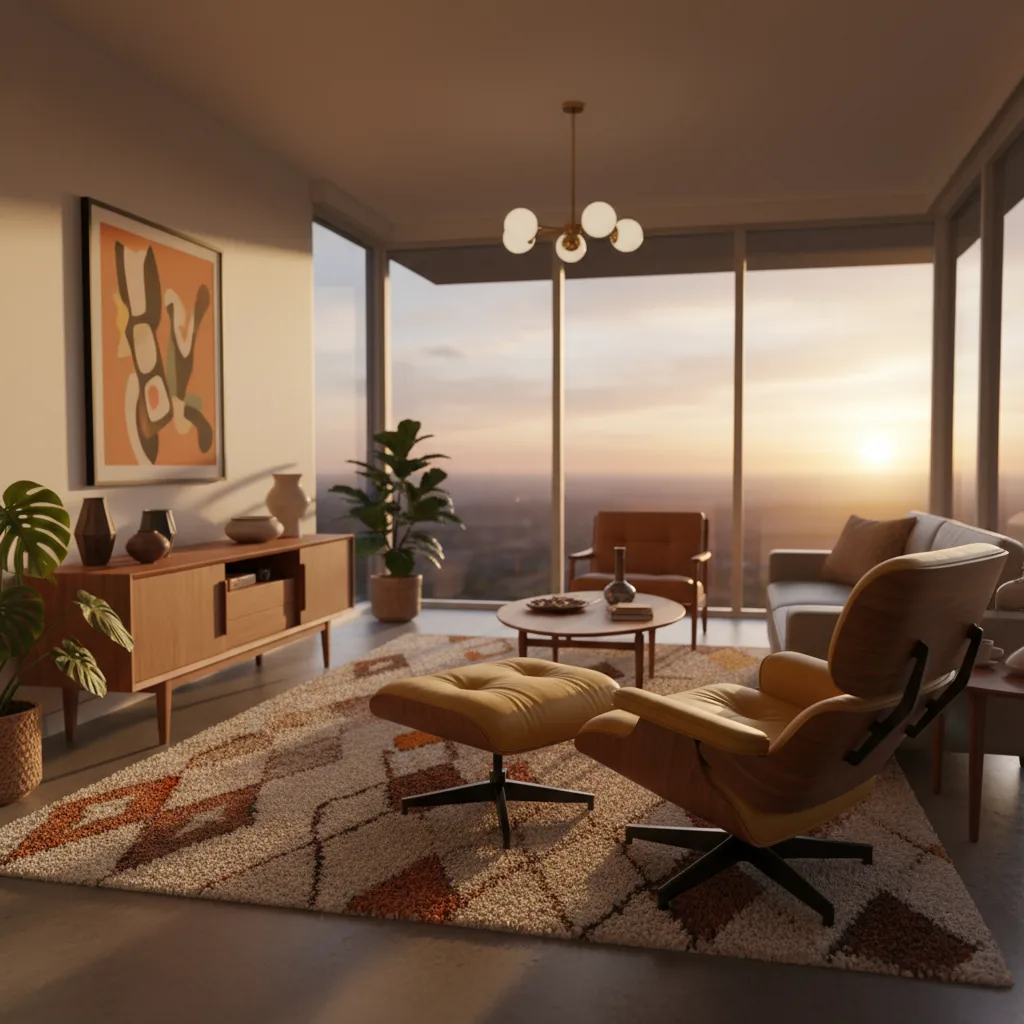
- Warm Mid-Century. Walnut desk, warm-toned lamp, a leather or fabric chair with tapered legs, a bookshelf that functions as a professional video background. The warmth signals competence without feeling corporate. Best for: client-facing work, creative work, anyone who needs the space to feel legitimizing. It photographs well on video calls and ages well as a style.
- Scandinavian. Natural wood desk, a couple of well-chosen plants, soft neutrals, good light. This style is less about performance and more about sustainability — it is easy to be in for long hours without feeling fatigued by the room itself. Best for: people who work long days, people sensitive to harsh environments, anyone who notices their mood being affected by where they sit.
- Industrial. Dark tones, metal shelving, concrete or dark wood surfaces, black metal fixtures. Where minimalism can read cold, industrial reads grounded and serious. Best for: people who find all-white spaces sterile, people who want a distinct workspace identity, or anyone whose work involves a technical or creative field where a polished-but-edgy aesthetic fits.
The style to avoid is the maximalist "inspiration board" office — cork boards covering a wall, dozens of prints, open shelving stacked with objects. The intent is to feel motivated. The result is that every time your eyes leave the screen, they land on something else your brain has to process. Cognitive load is cumulative. A visually quiet room returns attention to your work. A visually busy one fragments it.
How to Use AI to Redesign Your Home Office
The workflow is simple and — critically — it costs nothing before you buy anything.
- Take a wide-angle photo from the doorway so the whole room is in frame — desk, walls, floor, and any windows. This is the photo AI works from, so the more of the room it shows, the more accurate the redesign.
- Upload to Revamp AI and select the "office" context, or start with a style preset like Modern or Scandinavian. The app generates a photorealistic version of your room in that style.
- Test 3 to 5 styles on the same photo before forming any preferences. It is common to think you want a Minimal Modern office and then see the Warm Mid-Century render and realize that is actually more you. The comparison only costs you a few seconds per style.
- Pay particular attention to the dark accent wall test. One of the highest-impact and lowest-cost changes in any office is painting one wall a deep color — dark green, navy, charcoal. In a small room it can feel dramatic and focused, or it can make the space feel smaller than it is. AI shows you which outcome applies to your specific room before you buy a single can of paint.
The 3 Upgrades With the Highest ROI (That AI Helps You Choose)
Not every change is equal. These three have the highest impact on how your office feels and functions — and all three benefit from seeing a preview before committing.
- Desk position. This is free to change and has immediate impact on how the room feels. The problem is that until you move everything, you are guessing. An AI render of your room with the desk repositioned — facing the room instead of the wall, or angled toward the window — shows you exactly what you will gain before you do the work of moving it.
- Lighting layer. A ring light plus a desk lamp covers most of what people need: one source for call quality, one for ambient warmth. The combination runs under $200. But the style of light — warm filament versus cool LED versus a sculptural arc lamp — changes the entire aesthetic of the room. Previewing the effect on your actual space means you buy the right one the first time.
- Color. A gallon of paint is around $80 and has a larger effect on a room than almost any furniture change. The fear is buying the wrong color — especially a dark one — and having to repaint. Testing dark green versus warm white versus greige on your actual walls in your actual light, using a photo of your real room, removes that fear entirely. You see it before you open the can.
The best home office is not the most expensive one. It is the one designed around how you specifically work — and the only way to find that is to see it first.
If you want to understand how the technology produces these renders, the plain-English guide on how AI room redesign works explains exactly what the model is doing when it processes your photo — and where it is honest about its limits. And if you are redesigning more than one room, AI living room redesign walks through how the same approach applies to shared spaces with different priorities.
Experimente grátis com a Revamp AI
Further reading: How AI Room Redesign Works · AI Living Room Redesign
Perguntas comuns
Perguntas frequentes
Yes — in some cases better than it handles large rooms. Small office nooks have defined constraints (one wall, one corner, fixed dimensions) that give the AI clear boundaries to work within. Upload a photo that shows the full nook including the walls and ceiling, and the render will reflect your actual proportions. The biggest value for small spaces is testing whether a dark accent color makes the nook feel focused or cramped before you paint.
Warm Mid-Century is the strongest performer for video calls. The walnut tones, warm lighting, and bookshelf backdrop read as professional and human without looking corporate or generic. Scandinavian is a close second — clean and bright without being stark. Avoid all-white backgrounds (they blow out on camera) and heavily patterned walls (they distract from your face).
Three things matter more than style: light source in front of you (not behind), a tidy mid-depth background (something visible but not distracting — a bookshelf, a plant, a clean wall), and one warm light to prevent the flat-lit look. An AI render shows you how a proposed layout reads on camera before you rearrange anything. Test the background first — it is what the other person sees for the entire call.
Revamp AI works across room types including home offices, spare rooms, and open-plan work corners. Upload any photo of your workspace, select a style, and the app generates a redesign of that specific space. The style presets like Modern, Scandinavian, and Mid-Century all translate directly to office contexts.